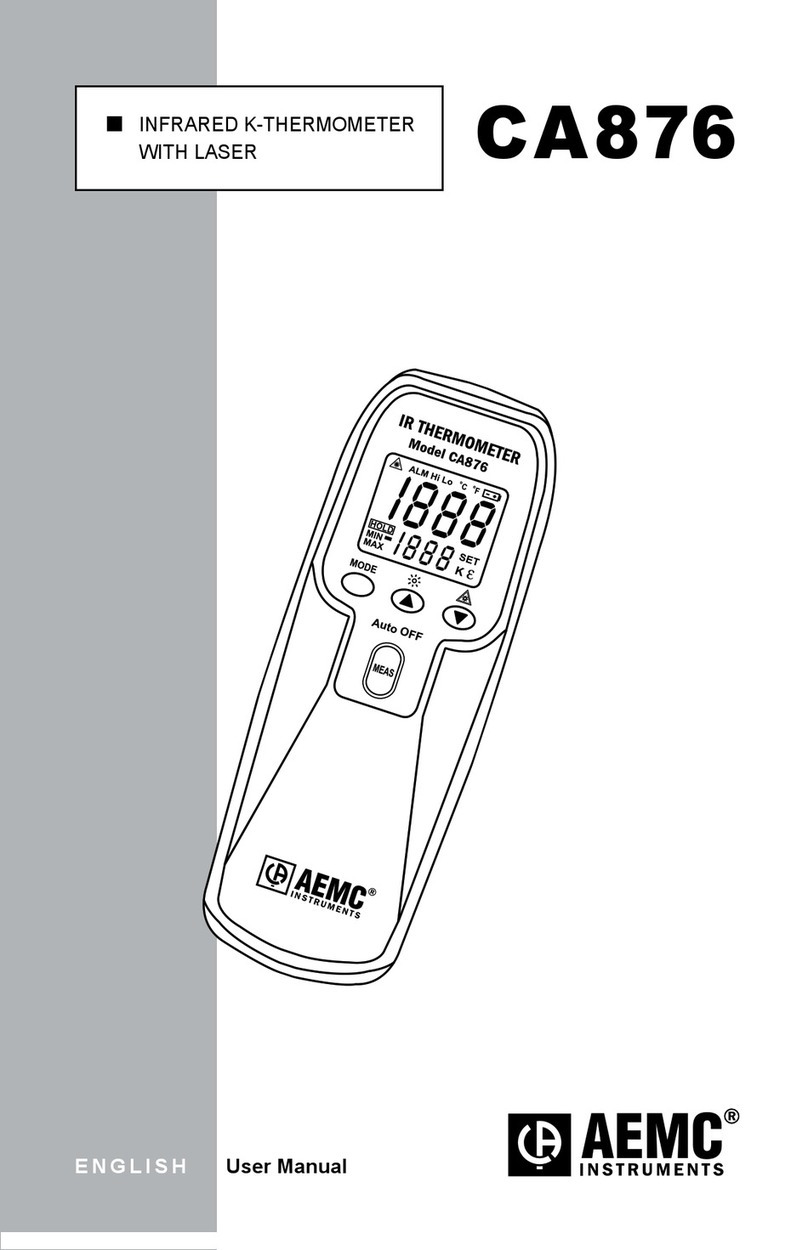
AEMC CA865 Bedienungsanleitung

n RTD
THERMOMETER
n TERMÓMETRO RTD
ENGLISH User Manual
ESPAÑOL Manual de Instrucciones
CA865

RTD Thermometer Model CA865
1
Table of Contents
ENGLISH ................................................................................................... 1
ESPAÑOL................................................................................................. 13
1. INTRODUCTION..............................................................2
1.1 Receiving Your Shipment..........................................................3
1.2 Ordering Information.................................................................3
2. PRODUCT FEATURES .....................................................4
2.1 Description................................................................................4
2.2 Push Buttons ............................................................................5
2.2.1 Center (Yellow) Function Switch ...................................5
2.2.2 Back-Light and °C/°F Button.........................................5
2.2.3 MAX Button...................................................................5
2.2.4 HOLD Button ................................................................5
3. SPECIFICATIONS ............................................................6
3.1 Environmental Specications....................................................6
3.2 Mechanical Specications ........................................................7
3.3 Safety Specications ................................................................7
4. OPERATION ....................................................................8
4.1 Operating the Model CA865 .....................................................8
5. MAINTENANCE ...............................................................9
5.1 Replacing the Batter .................................................................9
5.2 Cleaning....................................................................................9
Repair and Calibration...........................................................................10
Technical and Sales Assistance ............................................................10
Limited Warranty ...................................................................................11
Warranty Repairs...................................................................................11

2
RTD Thermometer Model CA865
CHAPTER 1
INTRODUCTION
Warning
• Thermometers are not designed to work on live electrical
samples.
• Do not use this instrument when voltages at the sample point
exceed 24VDC or 24Vrms.
• Do not make temperature measurement in microwave ovens.
Leaking microwaves may result in burns and serious injuries.
• Repeated sharp exing can cause the RTD sensor to break.
To prolong sensor life, avoid sharp bends in the thermocouple,
especially near the connector.
International Electrical Symbols
This symbol on an instrument indicates a WARNING and that
the operator must refer to the user manual for instructions before
operating the instrument. In a manual, the symbol preceding
instructions indicates that if the instructions are not followed, bodily
injury, installation/sample and product damage may result.
Risk of electric shock. The voltage at the parts marked with this
symbol may be dangerous.

RTD Thermometer Model CA865
3
1.1 Receiving Your Shipment
Upon receiving your shipment, make sure that the contents are consis-
tent with the packing list. Notify your distributor of any missing items. If
the equipment appears to be damaged, le a claim immediately with the
carrier and notify your distributor at once, giving a detailed description of
any damage. Save the damaged packing container to substantiate your
claim.
1.2 Ordering Information
RTD Thermometer Model CA865......................................Cat. #2121.28
Includes meter, shockproof holster, 9V battery and user manual.

4
RTD Thermometer Model CA865
CHAPTER 2
PRODUCT FEATURES
2.1 Description
The RTD Thermometer Model CA865 is a portable, compact digital meter
designed to use an RTD Pt385/100Ω as the temperature sensor for pre-
cise temperature measurements in a variety of environments.
The RTD probe provides fast response time, accurate measurements, and
good repeatability. Features include a 3 digit LCD with readings to 1999.
The meter is supplied with one RTD probe and a shockproof protective
holster.
1. RTD sensor
2. 3 digit display
3. MAX button
4. °C/°F selector & backlight
5. HOLD button
6. Power ON/OFF

RTD Thermometer Model CA865
5
2.2 Push Buttons
2.2.1 Center (Yellow) Function Switch
Turns the Thermometer ON or OFF. Slide the button to OFF after use.
2.2.2 Back-Light and °C/°F Button
• Press the button to turn the Back-Light ON.
• Press the button again to turn the Back-Light OFF.
• Press the button for 2 seconds to change the temperature scale to
°C or °F. The temperature scale °C or °F is displayed in the lower right
hand side corner of the display.
NOTE: At power-up the thermometer displays °C or °F, based on the last
measurement.
2.2.3 MAX Button
• Press the MAX button to enter the MAX mode. The “MAX” annunciator
appears in the upper right hand corner of the display.
• The thermometer then records and updates the maximum absolute
temperature values.
• Press the MAX button again to exit the MAX-recording mode (“MAX”
goes out).
• The HOLD button may be used in the MAX mode to “Freeze” (no
longer updates) the MAX measurement on the display.
• Press HOLD again to resume the MAX mode recording.
2.2.4 HOLD Button
The Hold button “freezes” the reading on the display. Press the “HOLD”
button to toggle (activate/release) HOLD. In the HOLD mode, the “HOLD”
annunciator is displayed in the upper part of the LCD display and the last
reading is displayed until released.

6
RTD Thermometer Model CA865
CHAPTER 3
SPECIFICATIONS
3.1 Environmental Specications
Temperature Scale:
Celsius (°C) or Fahrenheit (°F) user-selectable
Measurement Range:
-58° to 199.9°F, -50° to 199.9°C
Resolution: 0.1°F/°C
Accuracy (meter):
Meter: ± 1°F / ± 0.5°C not including probe accuracy
RTD Probe Accuracy: -50° to 100°C ±1°C
100° to 199.9°C: ±1.5°C
-58° to 199.9°F: ±2°F
(Accuracy is specied for operating temperatures over the range of 64° to 82°F (18° to 28°C),
for 1 year, not including RTD probe error)
Temperature Coefcient:
0.1 times the applicable accuracy specication per °C from 0° to 18°C and
28° to 50°C.
Input Protection:
24VDC or 24Vrms maximum input voltage on any combination of inputs.
Input Connector:
Accepts standard miniature 3-prong RTD connectors.
Sample Rate: 2.5 times per second, nominal
Operating Temperature:
32° to 122°F (0° to 50°C) at < 80% RH
Storage Temperature:
-4° to 140°F (-20° to 60°C), 0 to 80% RH with battery removed
Altitude: 2000m max

RTD Thermometer Model CA865
7
3.2 Mechanical Specications
Display:
3 digit liquid crystal display (LCD) with maximum reading of 1999
Over-Range: “OL” is displayed
Low Battery Indication:
The is displayed when the battery voltage drops below the required
level
Power Supply:
Standard 9V battery (NEDA 1604, IEC 6F22 006P, or equivalent)
Battery Life: 200 hours typical with carbon zinc battery
Dimensions: 6.81 x 2.38 x 1.5" (173 x 60.5 x 38mm)
Weight: Approx 6.2 oz (175g) including battery
Probe: 135 x 4mm Ø RTD probe (Teon tube insulation)
Maximum insulation temperature 220°C
3.3 Safety Specications
EN 61010-1 (1995-A2), Protection Class III
Overvoltage Category (CAT III, 24V), Pollution Degree 2
Indoor Use

8
RTD Thermometer Model CA865
CHAPTER 4
OPERATION
4.1 Operating the Model CA865
1. Connect the RTD to the instrument input.
2. Put the RTD near or on the sample tested.
3. Press the ON/OFF button. The Model CA865 will display degrees Cel-
sius (°C) at power-up. Press the back-light button for more than 2
seconds to switch to degrees Fahrenheit (°F), if desired.
4. The RTD needs a certain time to respond. Take the reading when the
measurement has stabilized.
5. The HOLD button will freeze the measurement in the display, and will
not update until released.
6. When nished, remove the RTD from the sample, unplug the RTD
from the meter and slide the switch to OFF.
RTD PROBE CONNECTION
Ω

RTD Thermometer Model CA865
9
CHAPTER 5
MAINTENANCE
Use only factory specied replacement parts. AEMC® will not be held
responsible for any accident, incident, or malfunction following a repair
done other than by its service center or by an approved repair center.
To avoid possible electrical shock, disconnect the sensor
connectors from the thermometer before opening the back
cover.
5.1 Replacing the Battery
The symbol appears on the LCD display when replacement is
needed. Replace with a standard 9-volt battery (NEDA 1604, IEC 6F22).
To replace the battery:
• Turn the Thermometer OFF.
• Remove the sensor.
• Remove the rubber holster.
• Remove the screw from the back of the meter and lift off the
battery cover.
• Replace the battery, then put the rear cover and holster back
on.
5.2 Cleaning
• Use a soft cloth lightly dampened with soapy water.
• Rinse with a damp cloth and then dry with a dry cloth.
• Do not use any abrasives or solvents.
• Do not let any liquid enter the case or sensor area.
Inhaltsverzeichnis
Sprachen:
Andere AEMC Thermometer Handbücher

AEMC
AEMC K2000F Bedienungsanleitung

AEMC
AEMC CA876 Bedienungsanleitung

AEMC
AEMC CA872 Bedienungsanleitung

AEMC
AEMC K-THERMOMETER CA863 Bedienungsanleitung

AEMC
AEMC CA870 Bedienungsanleitung

AEMC
AEMC CA863 Bedienungsanleitung

AEMC
AEMC 1822 Bedienungsanleitung

AEMC
AEMC CA876 Bedienungsanleitung

AEMC
AEMC CA879 Bedienungsanleitung

AEMC
AEMC CA879 Bedienungsanleitung