AV E-Book AV-E701 Bedienungsanleitung

AV-E701 E-book Reader
User’s Manual v02

Introduction
Thank you for purchasing this EBook Reader.
This manual contains important safety information and operation instructions, so please read all these
instructions carefully before using the EBook Reader and keeps it for future reference.
This manual will help you use all of the exiting features to make your EBook Reading more enjoyable.
We have done our best to produce a complete and accurate manual; however, we cannot ensure
there are no errors or omissions. We also have no responsibility for damages or loss of data caused
by improper operation.
The instruction manual is subject to change for improvement without notice.
Their respective companies or organizations own trademarks and trade names used in this user’s
manual.

1
CONTENT
Regulatory Information: FCC Part 15 / Copyright 3
Important Safety Precautions 3-4
Main Features 6
Overview 7
Getting Started 8
Turn on the E-Book reader 8
Connect to the PC & Download files from PC 8
Information about e-Books, epub, DRM, Adobe Digital Edition 9
Inserting SD/MMC card 10
Charging the battery 11
Using home menu 12
Item introduction 12
Tips for your using 13
Reading E-Book 14
Now reading 15
Reading a book from history 15
EBook function menu 16
Reading EBook with background music 17

2
Listening to Music 18
Playing music 19
Music function menu 19
Repeat / Equalizer 20
Lyric Displaying 20
Viewing Photos 21
Playing a slide show 21
Calendar 22
Applications 22
Settings 22
Brightness /Backlight time / G Sensor / Erase Activation Record 23
Media Lib Update / Language / Time/ Date 24
System Information 24
Explorer 25
Troubleshooting 26
Specifications 27

3
Regulatory Information: FCC Part 15
This device complies with part 15 of the FCC rules. Operation is subject to the following two conditions:
(1) this device may not cause harmful interference, and
(2) this device must accept any interference received, including interference that may cause undesired operation.
Note: This equipment has been tested and found to comply with the limits for a Class B digital device, pursuant to part 15 of
the FCC Rules. These limits are designed to provide reasonable protection against harmful interference in a residential
installation. This equipment generates, uses and can radiate radio frequency energy and, if not installed and used in
accordance with the instructions, may cause harmful interference to radio communications. However, there is no guarantee
that interference will not occur in a particular installation. If this equipment does cause harmful interference to radio or
television reception, which can be determined by turning the equipment off and on, the user is encouraged to try to correct
the interference by one or more of the following measures:
yReorient or relocate the receiving antenna.
yIncrease the separation between the equipment and receiver.
yConnect the equipment into an outlet on a circuit different from that to which the receiver is connected.
yConsult the dealer or an experienced radio/TV technician for help.
WARNING: THE MANUFACTURER IS NOT RESPONSIBLE FOR ANY RADIO OR TV INTERFERENCE CAUSED BY
UNAUTHORIZED MODIFICATIONS TO THE DEVICE. ANY SUCH MODIFICATIONS COULD VOID THE USER'S
AUTHORITY TO OPERATE THE EQUIPMENT.

4
Copyright
Contains Reader®Mobile technology by Adobe Systems Incorporated
Important Safety Precautions
Always follow these basic safety precautions when using your device. This will reduce the risk of product
damage and personal injury.
yDo not disassemble, repair or modify the device by yourself. Refer servicing to qualified personnel.
yDo not dispose of the device in fire to avoid explosion because the device has built-in battery.
yDo not touch the device with bare hands if the built-in battery is leaking. In this case, contact service
center for help since the liquid may remain in the device. If your body or clothes has contacted with the
battery liquid, wash it off thoroughly with water. Also, if some of liquid gets into your eyes, do not rub
your eyes but immediately wash them with clean water, and consult a doctor.
yKeep the device away from direct sunlight and heat source.
yDo not expose the unit to rain or moisture to avoid any malfunction.
yDo not use the device in rather dry environment to avoid static.
yNever apply heavy impact on the device like dropping it or placing it on the magnet.
yRoute USB cable so that people and pets are not likely to trip over or accidentally pull on them as they
move around or walk through the area.
yDisconnect the USB cable from the computer when you do not use the device for a long time.
yClean only with dry cloth. Make sure the device is turned off before cleaning. Do not use liquid
cleanser.

5
yBe sure to back up your files. We will not be liable for the loss of data due to improper operation, repair
or other causes.
yAt full power, the prolonged listening of the walkman can damage the ear of the use.
Precautions in using the headphone
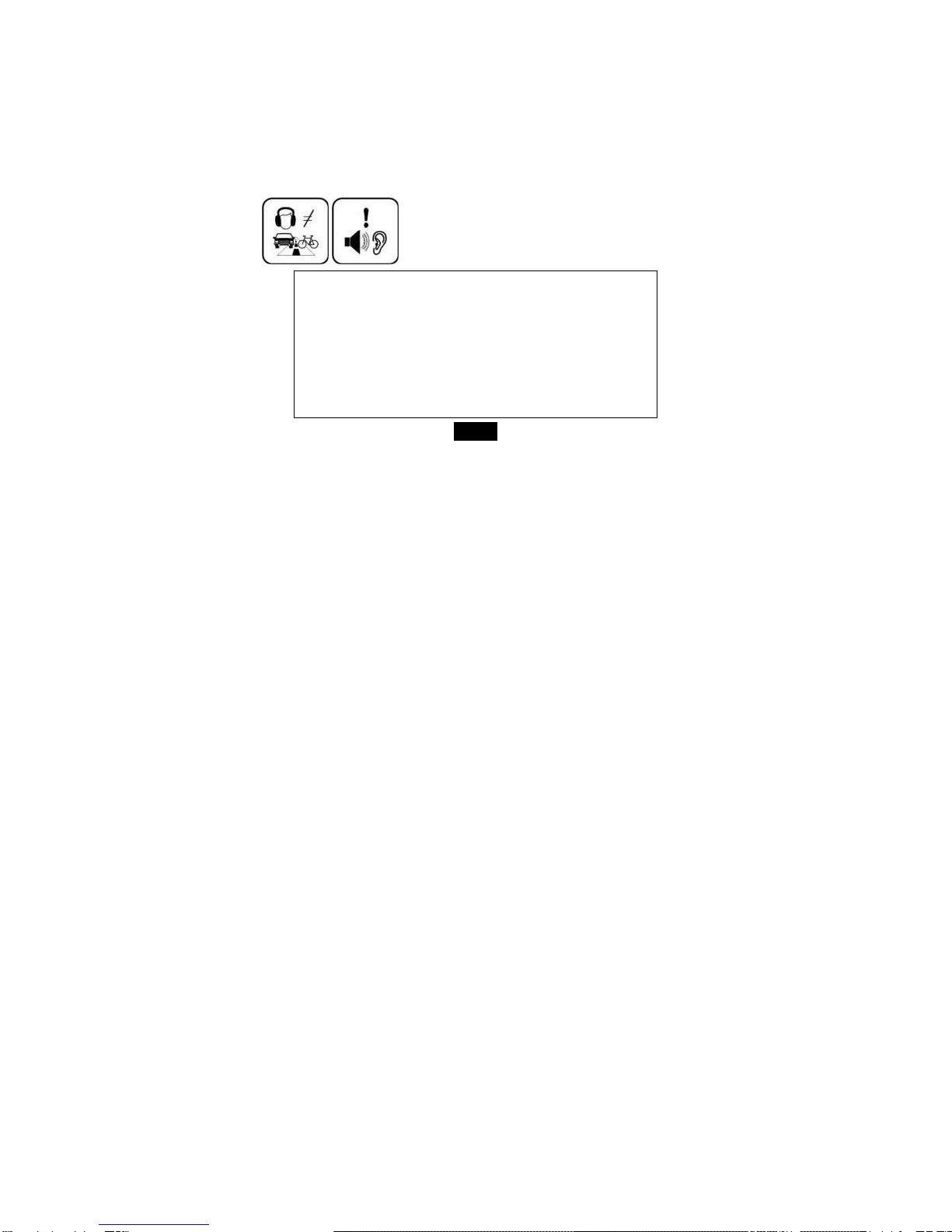
yDo not use the headphone while driving an automobile or riding a bicycle. It is not only dangerous, but
also against the law. To avoid an accident, do not turn up the volume of the headphones too high while
walking.
yIt’s not recommended that you use the headphones at a high volume for an extended time as this may
cause hearing damage.
BOX CONTENT:
e-Reader
Soft protective pouch
Earphone
USB cable
100-240 Volt adapter
User Manual

6
Main Features
y7” TFT color display 800*480
yBuilt-in rechargeable lithium battery
yReading EBook in PDF/e-PUB/TXT format
yQuick reading EBook in browse history
yRotate the screen to toggle between vertical and horizontal display while reading EBook
yPlayback of WAV, APE, FLAC, OGG, MP3, WMA, and AAC audio files
yMultiple equalizers (EQ) and 3D sound effects
yDisplay titles, artists and albums of music files (ID3 tag)
yLyrics synchronization while music is playing
ySupports JPEG/GIF/PNG photo formats
yFolder navigation
yCompatible with SD/MMC card (up to 16G)
yUSB 2.0 high speed transmission

7
Overview 1. Display screen
2. [OK] Confirm the selection
3. [MENU] Open the function menu for each mode
4. [ ] Open Zoom-in option window
5. [ ] Previous option; Fast backward search;
Move cursor left
6. [ ] Decrease the volume; Move cursor down
7. Mini USB connector
8. 5V 2A DC Input socket
9. SD/MMC-card slot
10. [PREV PAGE] Go to previous page
11. [NEXT PAGE] Go to next page
12. [ ] Increases the volume; Move cursor up
13. [ ] Exit button
14. [ ] Starts/Pause/Resume playback;
15. [ ] Next option; Fast forward search; Move
cursor right
16. [ ] Power on/off
17. Earphone jack
18. Loud speaker
19. RESET hole

8
Getting Started
Turn on the E-Book reader
Press and hold the [ ] button to turn on the E-Book reader, if the device with low battery, plug one end of the
power adaptor into the DC socket in the E-Book reader, and the other into a wall outlet.
Note: To turn off the E-Book reader, please press and hold the [ ] button again.
Connect to the PC & Download files from PC
Connect the device to computer for downloading files or charging the device.
1. Make sure that your computer has been started before you start.
2. Connect the mini plug of the USB cable to the mini USB port on the device, and push the other end into a
free USB port on your computer.
3. When the device is connected to your computer, a “Removable Disk” will be created in “My computer”.
4. Open the Windows Explorer or My computer. “Removable Disk” is displayed.
5. Drag and drop the files on your computer to the “Removable Disk”. .
6. If you authorized the device by using EBook website tools, there will be a hidden folder such like
“adobe-digital-editions” generate in your device. Please do not delete this hide “adobe-digital-editions”
folder or format the device unless you want to re-authorize the device.
Note: The battery of the device is charging automatically when the device is connected to the computer.
Don’t disconnect the USB cable during file transferring. It may cause malfunction of the device and files.
Inhaltsverzeichnis
Andere AV E-Book E-Book-Reader Handbücher
Beliebte E-Book-Reader Handbücher anderer Marken

Denver
Denver EBO-500 Bedienungsanleitung

Orbit Research
Orbit Research Reader 20 Bedienungsanleitung

Amazon
Amazon Kindle Kindle 1 Bedienungsanleitung

Franklin
Franklin DFC-3015 Bedienungsanleitung

IEI Technology
IEI Technology AFL2-EM-RFID-KIT Bedienungsanleitung

Pocketbook
Pocketbook РВ 903 Bedienungsanleitung