
CATHEXIS SAM-3204 Bedienungsanleitung

002-20170626-20 Rev 1.2 01 November 2017 I Macintosh; R Solomon
SAM-3204 Installation
and User Manual

002-20170626-20 Rev 1.2 01 November 2017 Page 2
Contents
1 Introduction..................................................................................................... 4
a. Software Compatibility ................................................................................ 4
2 Product Warranty............................................................................................ 6
3 Warnings.......................................................................................................... 8
4 Product Information........................................................................................ 9
5 Features......................................................................................................... 10
6 Performance.................................................................................................. 11
7 Housing.......................................................................................................... 13
a. Front View.................................................................................................. 13
b. Rear View................................................................................................... 13
8 Encoder dimensions ...................................................................................... 14
9 Connectors..................................................................................................... 15
a. Connections Sticker ................................................................................... 15
b. I/O relays.................................................................................................... 15
c. RS-422 Serial port ...................................................................................... 15
d. Audio In/Out* ............................................................................................ 16
e. Ethernet ..................................................................................................... 16
10 Change IP Address ......................................................................................... 17
a. Run IP Utility .............................................................................................. 17
b. Set IP .......................................................................................................... 18
11 Software Installation ..................................................................................... 19
a. Navigate to the Cameras Section in Setup ................................................ 19
b. Add Encoder............................................................................................... 19
c. Situational Settings .................................................................................... 20

002-20170626-20 Rev 1.2 01 November 2017 Page 4
1Introduction
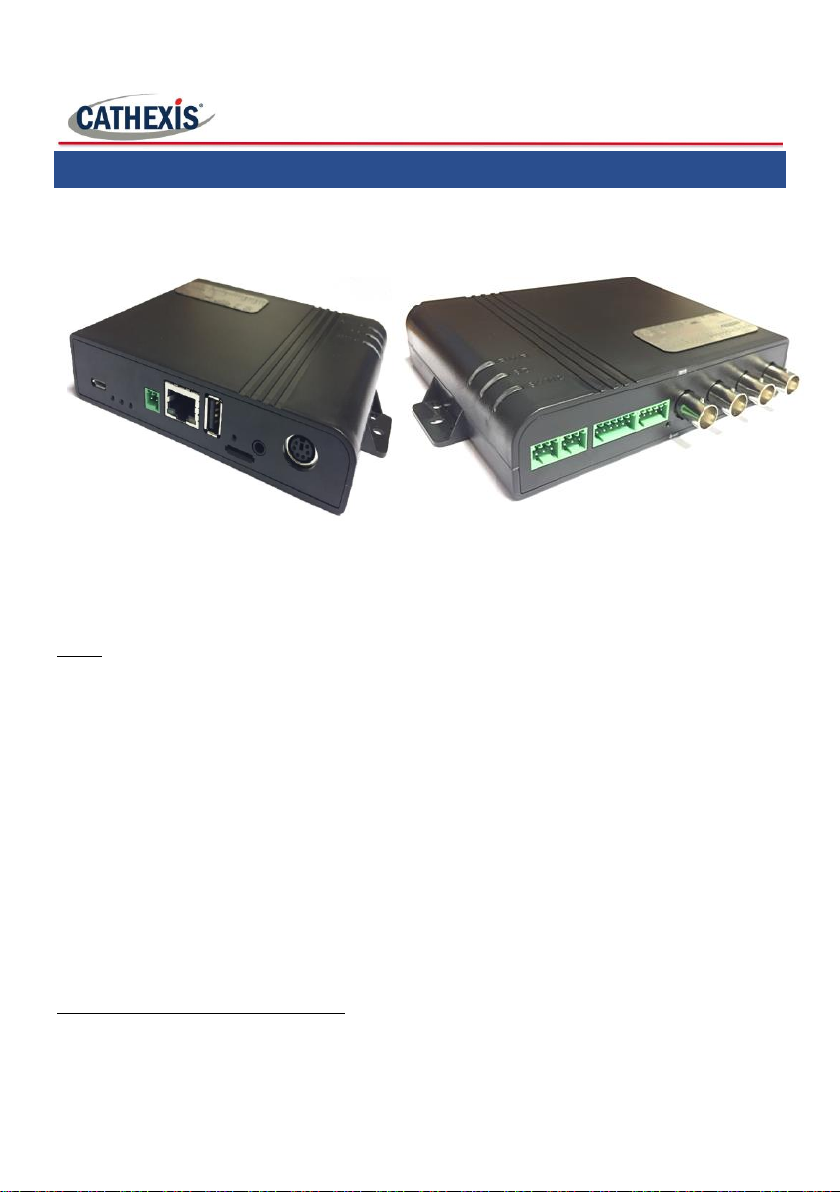
Thank you for purchasing the SAM-3204 encoder. This manual will detail the
installation, configuration, and operation of the SAM-3204.
1
a. Software Compatibility
The SAM-3204 is compatible with Cathexis 2016.4, and 2017.2 and later.
Note:
1. Audio supported only in CathexisVision 2018.2.
2. SAM-3204 driver required in CathexisVision.
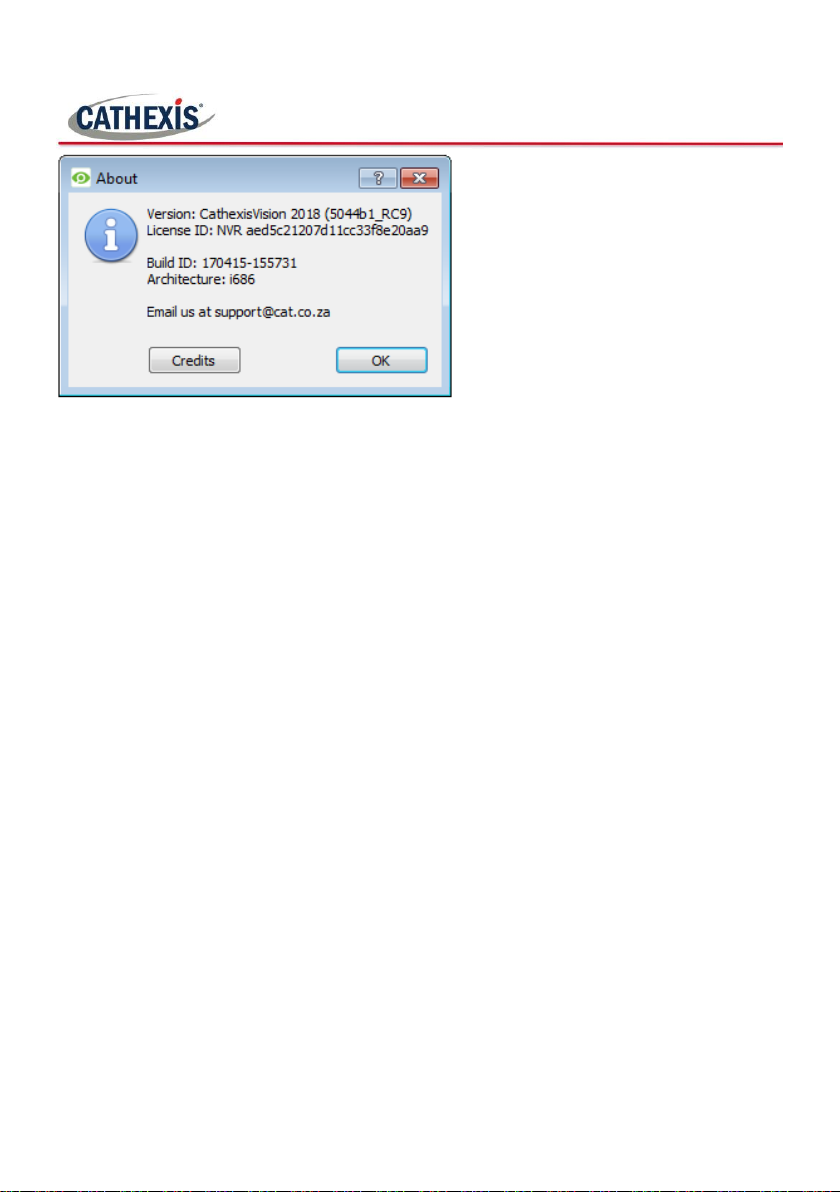
Open the CathexisVision About window to check your software version.
In CathexisVision click on Help About.
1
While Cathexis has made every effort to ensure the accuracy of this document, there is
no guarantee of accuracy, neither explicit, nor implied. Specifications are subject to
change without notice.
002-20170626-20 Rev 1.2 01 November 2017 Page 5

002-20170626-20 Rev 1.2 01 November 2017 Page 6
2Product Warranty
(a) The Supplier warrants to the Customer that the Equipment marketed by
the Supplier is believed to be free from defects of workmanship and materials
and the Supplier undertakes, subject to paragraphs (c) and (d) below, replace or,
at its option, to repair the Equipment purchased hereunder and detailed in the a
foregoing Schedule (other than consumable items) found to be defective within
twelve (12) months in respect of keyboards and twenty-four (24) months in
respect of all other equipment, of the date of original delivery in accordance
with Clause 4 above, where such defects are a result of faulty materials or
workmanship.
(b) Each claim of the Customer under this warranty shall be sent in writing
to the Supplier specifying the type of Equipment and nature of the defect. Upon
receipt of such written notice, the Supplier or its agent or representative shall
have the option of testing or inspecting the Equipment at its location or of
having the Equipment returned to the Supplier or such other address as may be
notified to the Customer at the Customer’s expense. Replacement parts, items
or Equipment shall be sent by the Supplier to the Customer ordinary freight pre-
paid, subject always to (c) and (d) below.
(c) In the event of any claim presented under warranty being found on
investigation by the Supplier either to be outside the scope or duration of this
warranty or the fault being unconfirmed, then the costs of such investigation
and repair shall be borne by the Customer.
(d) The Supplier shall not be liable at any time for damage or defects in the
Equipment or parts caused by improper use, abuse, mismanagement or by using
the Equipment outside the specifications detailed in the manuals and
documentation relating to the Equipment or outside the specific application of
the Equipment.
(e) This warranty shall not be assigned without the prior written consent of
the Supplier.
(f) Except as otherwise provided in this Clause, the Supplier makes no other
representations or warranties and expressly excludes the same whether implied,
statutory or otherwise especially as to quality or fitness of the Equipment for any
particular purpose.

002-20170626-20 Rev 1.2 01 November 2017 Page 7

002-20170626-20 Rev 1.2 01 November 2017 Page 8
3Warnings
Don’t install the encoder in direct sunlight
Do not install the product in a damp area, or where it may be
exposed to flammable liquids and/or gas
Do not install the product in a location where it may be
exposed to extreme heat or cold
Do not install the product where it may be exposed to rain,
water and/or radioactivity

002-20170626-20 Rev 1.2 01 November 2017 Page 9
4Product Information
The SAM-3xxx products integrate analogue video cameras into security systems
by means of an Ethernet network. In applications where an Ethernet network
already exists, this is a significant cost-saver as it does away with the requirement
for cabling. With the Power over Ethernet option there is also no need for external
power feeds to the encoders.
Conveniently, there is no hardware installation or additional IP camera licenses
required on the CathexisVision VMS NVR (Network Video Recorder) –each of the
SAM-3 inputs encode an analogue camera feed, converting it to a high quality
digital format, which is transmitted as a digital feed to the CathexisVision VMS
NVR over the network.
The encoders integrate seamlessly into the CathexisVision user interface so that
each appears as simply another IP camera on the site.
The compression ratio and resolution can be scaled independently for each
encoder, providing optimum image quality under all conditions. This also enables
flexible customisation of encoders to optimise the network bandwidth.

002-20170626-20 Rev 1.2 01 November 2017 Page 10
5Features
•POE Class 3 Power Supply.
•4x Video Inputs.
•Optimized H.264 video compression algorithm to facilitate
transmission of High Quality video over low network bandwidth.
•Built in monitoring function.
•Supports PAL/NTSC.
•Provides RS485 serial port.
•4x Audio input (Line In/MIC In).*
•1x Audio Output.*
•Dual streaming.
•Fully integrated within the CathexisVision VMS (Encoder software
included with all CathexisVision software installations).
•Hardware watchdog and Built-in-tests.
•Isolated inputs and relay output.
* Note: Audio supported only in CathexisVision 2018.2.
Inhaltsverzeichnis
Andere CATHEXIS Aufnahmegeräte Handbücher


Beliebte Aufnahmegeräte Handbücher anderer Marken


Strymon
Strymon NIGHTSKY Bedienungsanleitung

Mitsubishi Electric
Mitsubishi Electric 16CH DIGITAL RECORDER DX-TL5000U Bedienungsanleitung

Tews Technologies
Tews Technologies TPMC465 Bedienungsanleitung

Honeywell
Honeywell Excel 50 Bedienungsanleitung

SeaLevel
SeaLevel COMM+8.LPCI Bedienungsanleitung

Arturia
Arturia AUDIOFUSE STUDIO Bedienungsanleitung


