5 / 14
c. Access the Roaming Menu. Select a Roaming menu selection for each pack.
• r1 (Auto) – Allows the pack to automatically log in to the Master or Submaster depending
on the environment and the pack’s proximity to either.
• r2 (Manual) – Allows the user to manually select whether the pack is logged in to the
Master or Submaster. Press the MODE button to select Master or Submaster.
• r3 (Master) – When selected, the pack is locked into only logging into the Master.
• r4 (Submaster) – When selected, the pack is locked into only logging into the Submaster.
d. Confirm pack’s Security Code. Packs must use the same security code to work together as a
system.
IF OPERATING THE PACK IN STANDARD MODE
b. Select an ID. Select a unique ID number.
• Standard Mode ID options: 00 (Master), 01–09 (Full Duplex), S (Shared), L (Listen).
• One pack
must
always
use the “00” ID and serve as the Master for proper system function.
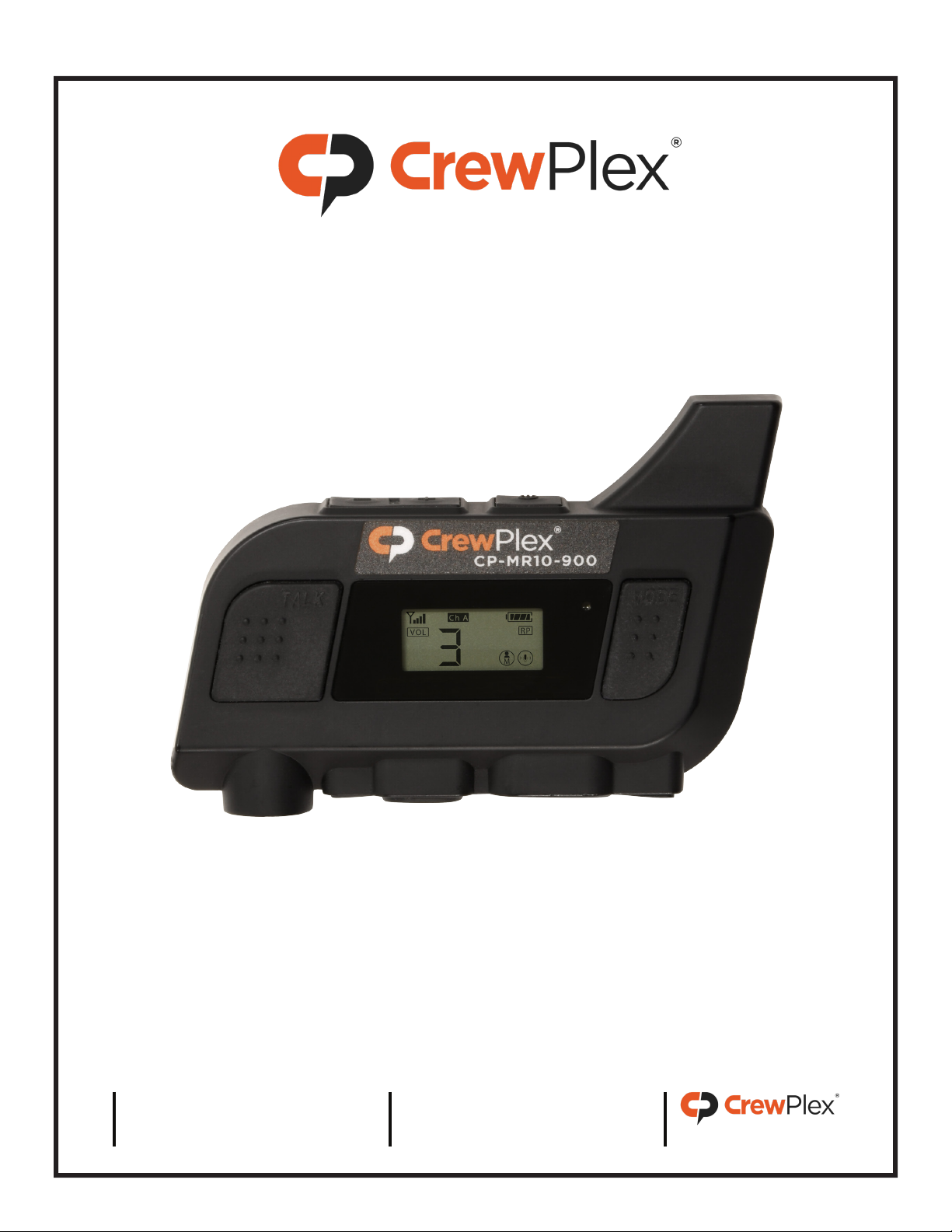
An “M” indicator designates the Master pack on its LCD.
• Listen-only packs must use the “L” ID. You may duplicate ID “L” on multiple packs.
• Shared packs must use the “S” ID. You may duplicate ID “S” on multiple packs, but only one
shared pack may talk at a time.
• When using “S” IDs, the last full-duplex ID (“09”) cannot be used in the Standard mode.
c. Confirm pack’s Security Code. Packs must use the same security code to work together as a
system.
CONNECTING A TWO-WAY RADIO
1. Ensure that two-way radios and CrewPlex packs are powered o.
2. Connect the CrewPlex two-way radio adapter (CRC-2WAY-IO) to the Master pack’s dual-mini
headset port. (The adapter connector prong marked with “R” should be inserted into the pack’s
“RPT” port.)
3. Use the appropriate two-way radio cable to connect the adapter to the two-way radio.
4. If desired, connect a secondary CrewPlex two-way radio adapter to each additional pack needing
remote push-to-talk ability. (Users with a secondary adapter may push to talk from the adapter
instead of the pack.)
5. Power on the two-way radios and packs.
6. Set the volume of the two-way radio connected to the Master pack to 50%. (You may adjust its
volume further if desired once setup is complete.)
7. Enable TALK on the Master pack. This ensures that audio from the two-way radio will be heard in
the CrewPlex system when the Master pack does not have its two-way push-to-talk (PTT) button
engaged.
8. Press and hold a pack’s two-way push-to-talk button to talk to all packs (on the active channel)
and to all connected two-way radios.