
datamax-o'neli H-4212 Bedienungsanleitung
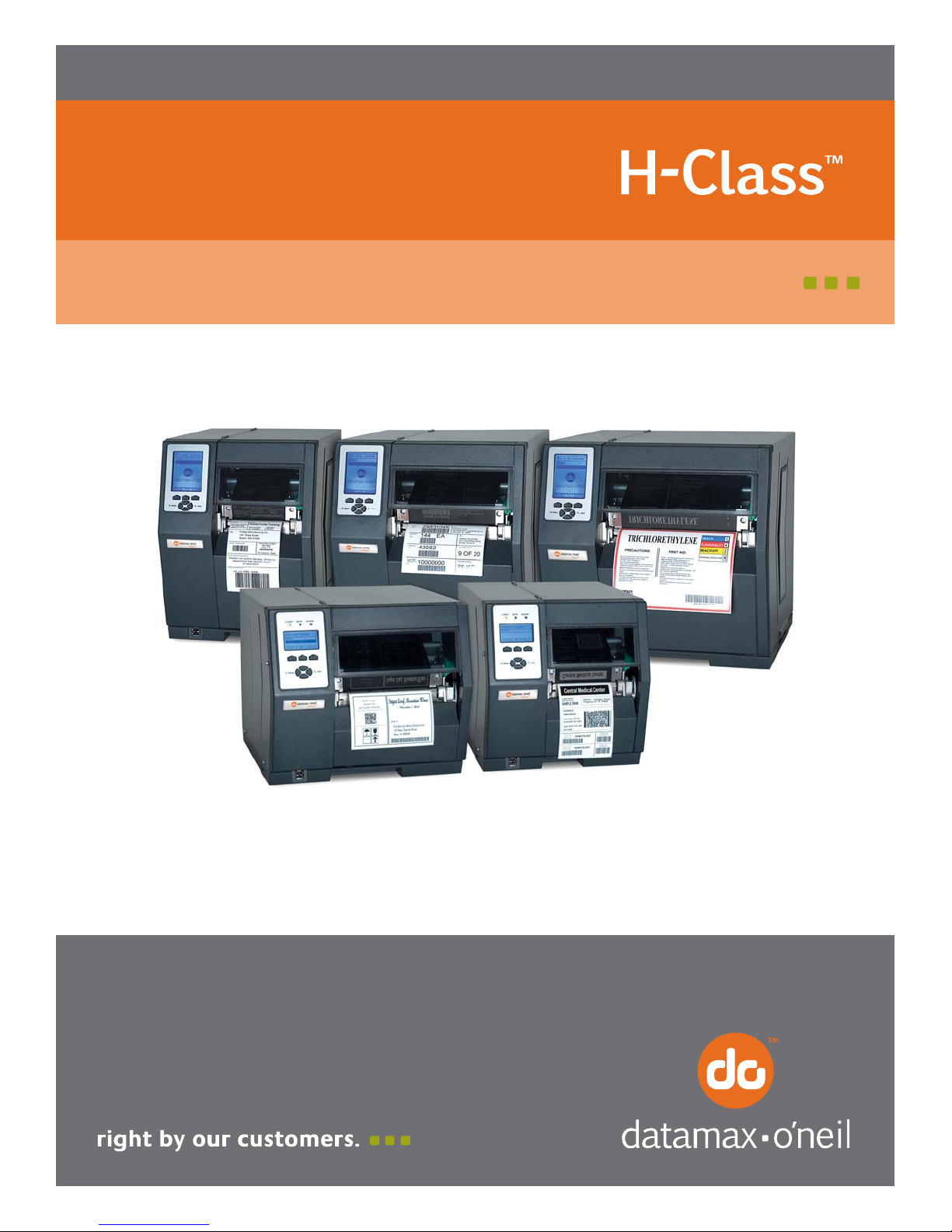
Operator’s Manual


Copyright Information
CG Triumvirate is a trademark of Agfa Corporation.
CG Times based upon Times New Roman under license from the Monotype Corporation.
Windows is a registered trademark of the Microsoft Corporation.
Ethernet is a registered trademark of Xerox Corporation.
All other brand and product names are trademarks, service marks, registered trademarks,
or registered service marks of their respective companies.
Limitation of Liability
In no event shall Datamax-O’Neil be liable to the purchaser for any indirect, special or
consequential damages or lost profits arising out of or relating to Datamax-O’Neil’s
products, or the performance or a breach thereof, even if Datamax-O’Neil has been advised
of the possibility thereof. Datamax-O’Neil’s liability, if any, to the purchaser or to the
customer of the purchaser hereunder shall in no event exceed the total amounts paid to
Datamax-O’Neil hereunder by the purchaser for a defective product.
In no event shall Datamax-O’Neil be liable to the purchaser for any damages resulting from
or related to any failure or delay of Datamax-O’Neil in the delivery or installation of the
computer hardware, supplies or software or in the performance of any services.
Some states do not permit the exclusion of incidental or consequential damages, and in
those states the foregoing limitations may not apply. The warranties here give you specific
legal rights, and you may have other legal rights which vary from state to state.
Firmware (Software) Agreement
The enclosed Firmware (Software) resident in the Printer is owned by Licensor or its
suppliers and is licensed for used only on a single printer in the user’s Trade or Business.
The User agrees not to, and not to authorize or permit any other person or party to
duplicate, or copy the Firmware or the information contained in the non-volatile or
programmable memory. The firmware (Software) is protected by applicable copyright
laws and Licensor retains all rights not expressly granted. In no event will Licensor or its
suppliers be liable for any damages or loss, including direct, incidental, economic, special, or
consequential damages arising out of the use or inability to use the Firmware (Software).
Information in this document is subject to change without notice and does not represent a
commitment on the part of Datamax-O’Neil Corporation. No part of this manual may be
reproduced or transmitted in any form or by any means, for any purpose other than the
purchaser’s personal use, without the expressed written permission of Datamax-O’Neil
Corporation.
All rights reserved
Copyright © 2012, Datamax-O’Neil
Part Number 88-2329-01, Revision P

Agency Compliance and Approvals
C US
Listed
UL60950-1: 2003 2nd Edition Information Technology Equipment
CSA C22.2 No. 60950-1-07 2nd Edition
The manufacturer declares under sole responsibility that this product conforms to the
following standards or other normative documents:
EMC: EN 55022 (2006, A1 :2007) Class B
EN 50024 (1998, A1:2001, A2:2003)
Safety: This product complies with IEC 60950-1, 2nd Edition, 2005-12
ROHS: 2002/95/EC
LVD: 2006/95/EC
Gost-R
GB4943-2001, GB9254-2008, and GB17625.1-2003
H-4212 and H-6308 models:
The foregoing equipment has been registered under the Clause 3, Article 58-2 of Radio
Waves Act
FCC: This device complies with FCC CFR 47 Part 15 Class A.
Note: This equipment has been tested and found to comply with the limits for a Class A digital
device, pursuant to Part 15 of the FCC Rules. These limits are designed to provide reasonable
protection against harmful interference when the equipment is operated in a commercial
environment. This equipment generates, uses, and can radiate radio frequency energy, and if
not installed and used in accordance with the instructions in this manual, it may cause harmful
interference to radio communications. Operation of this equipment in a residential area is likely
to cause harmful interference in which case the user will be required to correct the interference
at their own expense.

Important Safety Instructions
The exclamation point within an equilateral triangle is intended to alert you to
the presence of important operating and maintenance instructions.
This unit has been carefully designed to provide years of safe, reliable performance. As with
all electrical equipment, however, there are some basic precautions that you should follow
to avoid personal injury or printer damage:
Before using the printer, carefully read all the installation and operating instructions.
Observe all warning instruction labels on the printer.
Install the printer on a flat, firm surface.
Do not place the printer upon or near a heat source.
Never insert anything into the ventilation slots and openings of the printer.
Do not use the printer near water or spill liquid into it.
Ensure that the AC power source matches the ratings listed for the printer. (If
unsure, check with your dealer or local utility provider.)
Do not step on the AC power cord. If the AC power cord becomes damaged or
frayed, replace it immediately.
If the printer needs repair, consult only qualified, trained service personnel. No user-
serviceable parts are inside; do not remove the cover.
Special Instructions
The green check box is intended to alert you to notable details regarding
printer operation or to conventions used within this manual.
Applicability
The procedures, functions, and parameters described in this document are written according
to an Application Version of printer firmware. To identify the Application Version that
corresponds to this text, see Print Configuration in Section 4.3.5. To update the Application
Version of your printer, visit our website at www.datamax-oneil.com to download firmware.


i
Contents
Overview.....................................................................................................1
1.1 About the Printer ............................................................................... 1
1.1.1 Standard Features .................................................................... 1
1.1.2 Optional Features ..................................................................... 3
Getting Started ...........................................................................................7
2.1 Unpacking ........................................................................................ 7
2.1.1 Additional Requirements ........................................................... 8
2.2 Installation ....................................................................................... 8
2.2.1 Connecting the Power Cord ........................................................ 8
2.2.2 Connecting an Interface Cable.................................................... 9
2.2.3 Connecting to the SDIO Slot and USB Host Ports......................... 10
Setting up the Printer ...............................................................................13
3.1 Media Loading................................................................................. 13
3.1.1 Internal Media Sources........................................................... 15
3.1.2 External Media Sources .......................................................... 17
3.1.3 Rewinding Media ................................................................... 19
3.2 Media Sensor Adjustment ................................................................. 25
3.3 Ribbon Loading ............................................................................... 26
3.4 Quick Calibration ............................................................................. 29
3.5 Print Quality Controls ....................................................................... 29
Using the Control Panel.............................................................................31
4.1 Layout ........................................................................................... 31

ii
4.1.1 The Display ........................................................................... 32
4.1.2 Keypad Functions ................................................................... 33
4.2 The System Menu............................................................................ 34
4.2.1 Media Settings ....................................................................... 35
4.2.2 Print Control .......................................................................... 38
4.2.3 Printer Options....................................................................... 40
4.2.4 System Settings ..................................................................... 51
4.2.5 Communications..................................................................... 61
4.2.6 Diagnostics............................................................................ 69
4.2.7 MCL Options .......................................................................... 72
4.3 The Test Menu ................................................................................ 73
4.3.1 Print Quality Label .................................................................. 73
4.3.2 Ribbon Test Label ................................................................... 74
4.3.3 Test Label ............................................................................. 74
4.3.4 Validation Label...................................................................... 74
4.3.5 Print Configuration.................................................................. 75
4.3.6 Print Last Label ...................................................................... 75
4.3.7 User-Defined Label ................................................................. 75
Operating, Adjusting and Maintaining the Printer.....................................77
5.1 Displayed Messages ......................................................................... 77
5.1.1 Prompts and Condition Messages .............................................. 77
5.2 Calibration...................................................................................... 80
5.2.1 Standard Calibration ............................................................... 80
5.2.2 Advanced Entry Calibration ...................................................... 82

iii
5.3 Reset Methods ................................................................................ 89
5.3.1 Soft Reset ............................................................................. 89
5.3.2 Level One Reset ..................................................................... 90
5.3.3 Level Two Reset ..................................................................... 90
5.4 Printhead Assembly Adjustments ....................................................... 90
5.4.1 Leveling Cam Adjustment ........................................................ 90
5.4.2 Printhead Pressure Adjustment................................................. 92
5.5 Maintenance ................................................................................... 92
5.5.1 Cleaning the Printhead ............................................................ 94
5.5.2 Cleaning the Fan Filter ............................................................ 96
5.5.3 Cleaning the Interior Compartment ........................................... 96
5.5.4 Cleaning the Media Sensing Components ................................... 97
5.5.5 Cleaning the Platen and Assist Rollers........................................ 97
5.5.6 Cleaning the Ribbon Path Components....................................... 98
5.5.7 Cleaning the Exterior Surfaces.................................................100
5.6 Updating the Firmware ....................................................................100
5.7 Updating the Boot Loader ................................................................101
5.8 Downloading Fonts .........................................................................102
5.9 Replacing the Printhead...................................................................105
Troubleshooting......................................................................................107
6.1 Problem Resolution .........................................................................107
6.1.1 General Resolutions ...............................................................107
6.1.2 Warning and Fault Messages ...................................................111
6.2 Hex Dump Mode.............................................................................117

iv
Specifications..........................................................................................119
7.1 General.........................................................................................119
7.2 Model-Specific Specifications............................................................120
7.3 Approved Media and Ribbon .............................................................130
Appendix A..............................................................................................133
Module Assignments, and File Handling Definitions and Messages ................133
Appendix B..............................................................................................137
Resolutions, Widths, Speeds, Emulations, & Custom Adjustments ................137
Appendix C..............................................................................................141
RS-422/485 Port Configuration ...............................................................141
Appendix D .............................................................................................143
Changing the Menu Language .................................................................143
Appendix E..............................................................................................147
Saving a Configuration File .....................................................................147
Appendix F..............................................................................................149
Ethernet Setup .....................................................................................149
Appendix G..............................................................................................153
Printer Driver and Port Setup ..................................................................153
Glossary..................................................................................................167
Dieses Handbuch passt für folgende Modelle
11
Inhaltsverzeichnis


