Diamond Multimedia WR300NSI Bedienungsanleitung

WR300NSI
Portable Wireless-N Repeater

Diamond Multimedia
| WR300NSI User Manual
Page 2
of 31

User Manual
Page 3
of 31
Table of Contents
About the Device ........................................................................................................ 4
Minimum System Requirements ................................................................. 5
Package Contents ........................................................................................ 5
Device Overview ..........................................................................................
Front Panel ................................................................................................................ 6
Top Panel ................................................................................................................... 7
Bottom Panel ............................................................................................................ 8
Accessing the User Interface ...................................................................................... 9
Quick Connect .............................................................................................. 9
Setup ......................................................................................................... 10
Wireless ..................................................................................................... 11
Wireless Basi Settings ........................................................................................... 11
Wireless Se urity Settings ...................................................................................... 12
MAC Filter Settings .................................................................................................. 13
System ....................................................................................................... 15
Devi e Information ................................................................................................. 15
LAN Configuration ................................................................................................... 16
Configuration Settings ............................................................................................ 16
Firmware Upgrade .................................................................................................. 17
System Password
System PasswordSystem Password
System Password .................................................................................................... 17
Configuring the Device ............................................................................................. 19
Wireless Repeater ..................................................................................... 20
Wireless Access Point ................................................................................ 21
Wireless Bridge.......................................................................................... 22
Configure WR300NSI to Wireless Router via WPS ................................................. 24
FCC Notice ................................................................................................................. 29


Diamond Multimedia
| WR300NSI User Manual
Page 4
of 31
About the Device
Diamond Multimedia WR300NSI is a Wall-plugged 300Mbps Wireless-N Repeater,
whi h supports wireless 802.11b/g/n, and one 10/100 Base-T Ethernet port.
R
RR
Re
ee
ep
pp
pe
ee
ea
aa
at
tt
t
a
aa
an
nn
nd E
d Ed E
d Ex
xx
xt
tt
te
ee
en
nn
nd
dd
d
t
tt
the
hehe
he
W
WW
Wi
ii
iF
FF
Fi
ii
i
N
NN
Ne
ee
et
tt
tw
ww
work
orkork
ork
WR300NSI supports robust 802.11n te hnology with up to 300Mbps data transfer
rate. The extender an take an existing 802.11n wireless signal, repeat and extend it
to a longer range where it is too far away for the router or a ess point to
rea h. It eliminates the able wires while providing the same reliable network
onne tion. It an repeat and extend the wireless signal from virtually any 802.11n
wireless router or a ess point that is laun hed on the market. It is ba kwards
ompatible with the
802.11b/g router or a ess point.
M
MM
Ma
aa
ak
kk
ke
ee
e
W
WW
Wi
ii
ired
red red
red N
NN
Ne
ee
et
tt
tw
ww
work
orkork
ork
W
WW
Wi
ii
iFi
FiFi
Fi
R
RR
Re
ee
ea
aa
ad
dd
dy
yy
y
The extender is equipped with 1 x 10/100M Auto MDI/MDIX LAN port that an be
used to onne t to an existing wired network to serve as a wireless interfa e. It an
also be used to onfigure the extender via its web-based GUI, or upgrade the firmware.
M
MM
MI
II
IM
MM
MO
O O
O T
TT
Te
ee
e
h
hh
hn
nn
nology
ologyology
ology
The devi e is designed with MIMO te hnology, whi h su essfully redu es
“
dead spot
”
,
and extends network overage within a home or in the building.
Advanced Security
WR300NSI features with 64/128-bit WEP en ryption and WIFI Prote ted A ess (WPA),
WPA2 to ensure the network se urity and prevent unauthorized a ess to you network.
P
PP
Por
oror
ort
tt
ta
aa
ab
bb
bl
ll
le
ee
e
w
ww
wi
ii
it
tt
th
hh
ho
oo
ou
uu
ut
t t
t t
tt
the
he he
he N
NN
Ne
ee
ee
ee
ed of
d of d of
d of E
EE
Extern
xternxtern
xterna
aa
al
ll
l
P
PP
Po
oo
ow
ww
wer
erer
er
S
SS
Su
uu
up
pp
pp
pp
pl
ll
ly
yy
y
The devi e is easy to setup. It is portable with no need of any external power adaptor.
It omes with the embedded power supply and power plug, so that users an just
plug the devi e into a power so ket.

User Manual
Page 5
of 31
Minimum System Requirements
Your omputer must meet the following minimum requirements.
Any operating system an be used
Web Browser
233MHz pro essor
Ethernet network adapter
Or Wireless network adapter
Package Contents
Pa kage ontents are listed below. For any missing items, please onta t your dealer
immediately. Produ t ontents may vary for different models.
WR300NSI
Ethernet able
Easy Start Guide
Resour e CD

Diamond Multimedia
| WR300NSI User Manual
Page 6
of 31
Device Overview
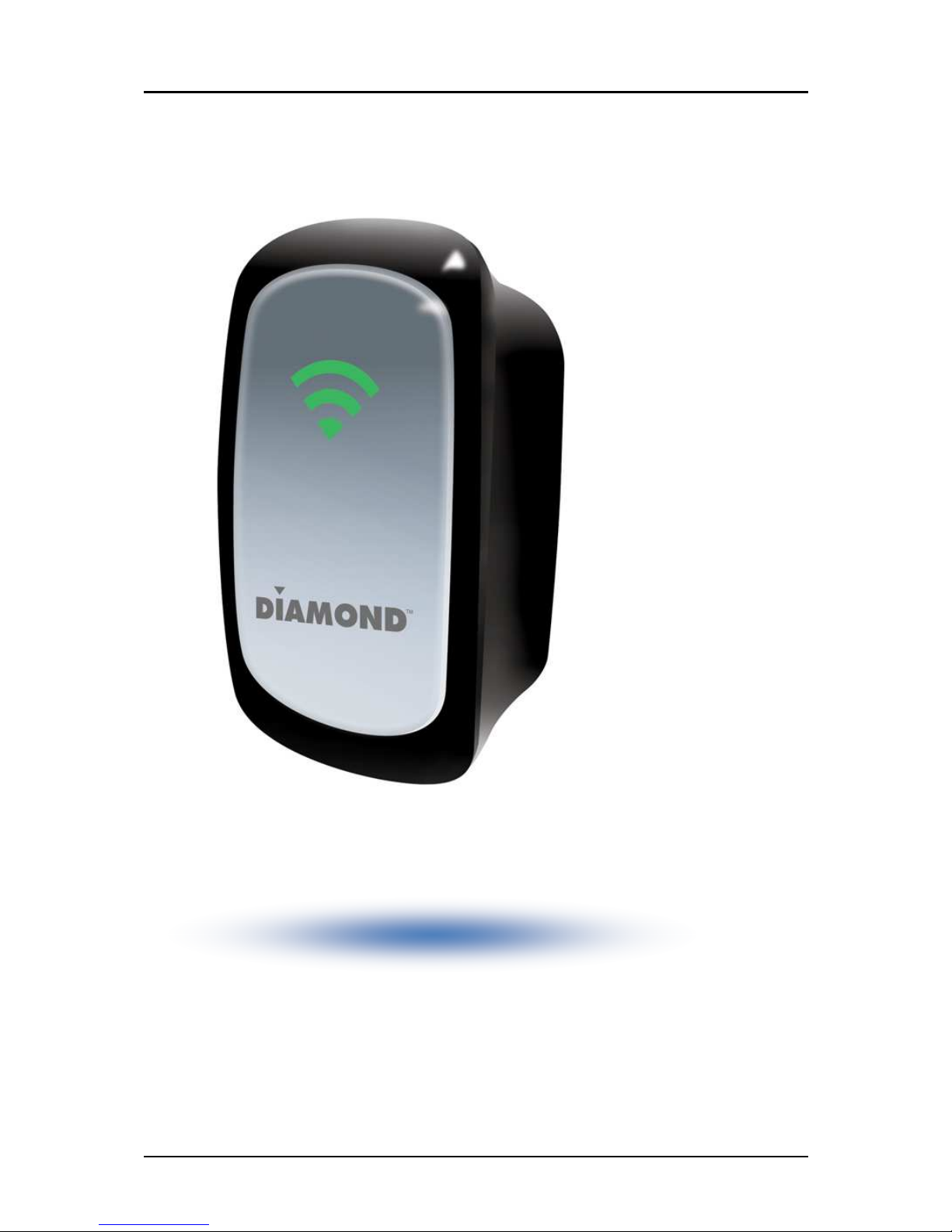
Front Panel

User Manual
Page 7
of 31
Top Panel
LABEL
STATE
DESCRIPTION
LED RRSI
3 BARS Conne ted 95% and above RSSI (Ex ellent)
2 BARS Conne ted 55-94% RSSI (Re ommended)
1 BAR Conne ted 10-54% RSSI (Weak)
LABEL DESCRIPTION
WPS BUTTON Conne t WR300NSI to any WPS apable devi es

Diamond Multimedia
| WR300NSI User Manual
Page 8
of 31
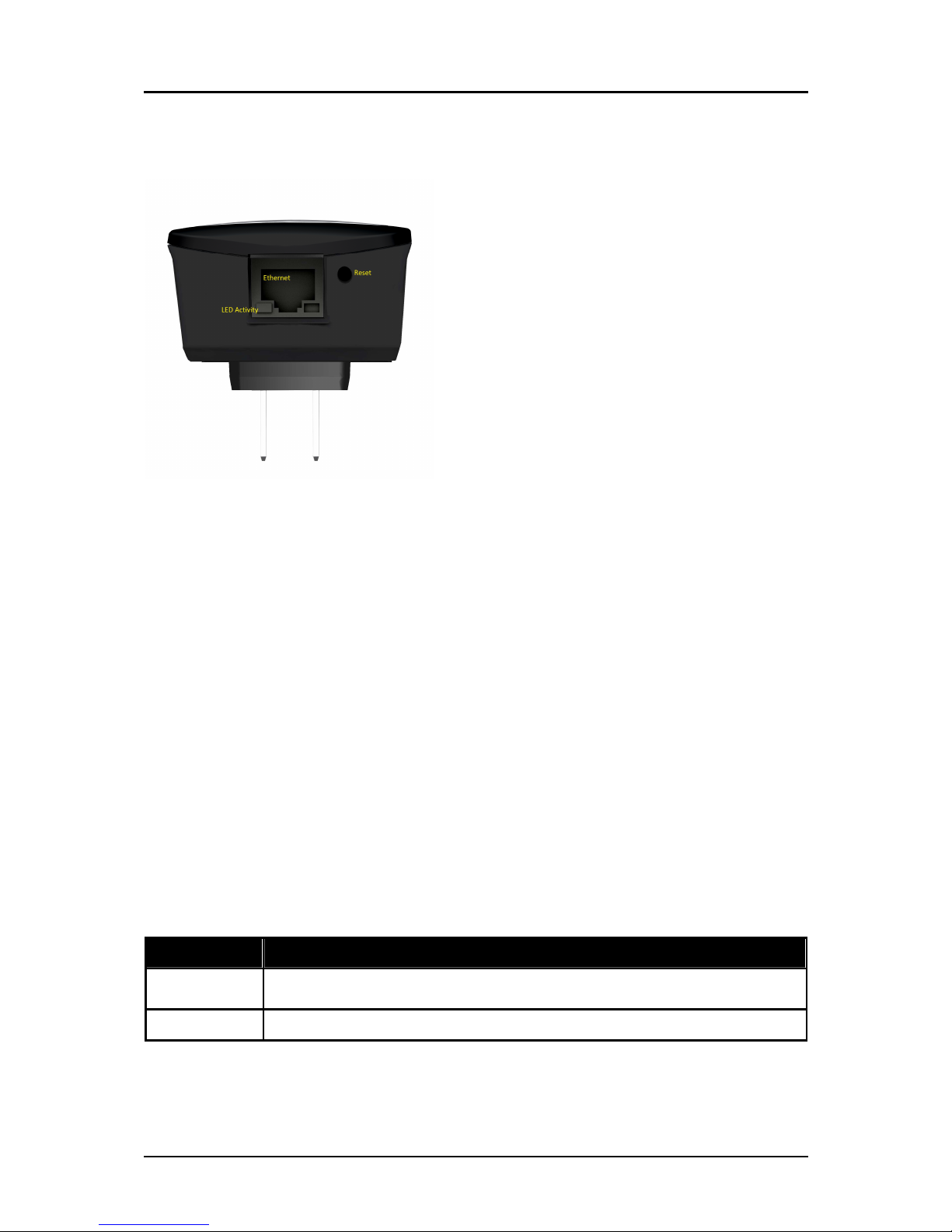
Bottom Panel
LABEL DESCRIPTION
RESET Press the Reset button for 5 se onds to restore the devi e to default fa tory settings
ETHERNET PORT Conne t to omputers/Ethernet devi es

User Manual
Page 9
of 31
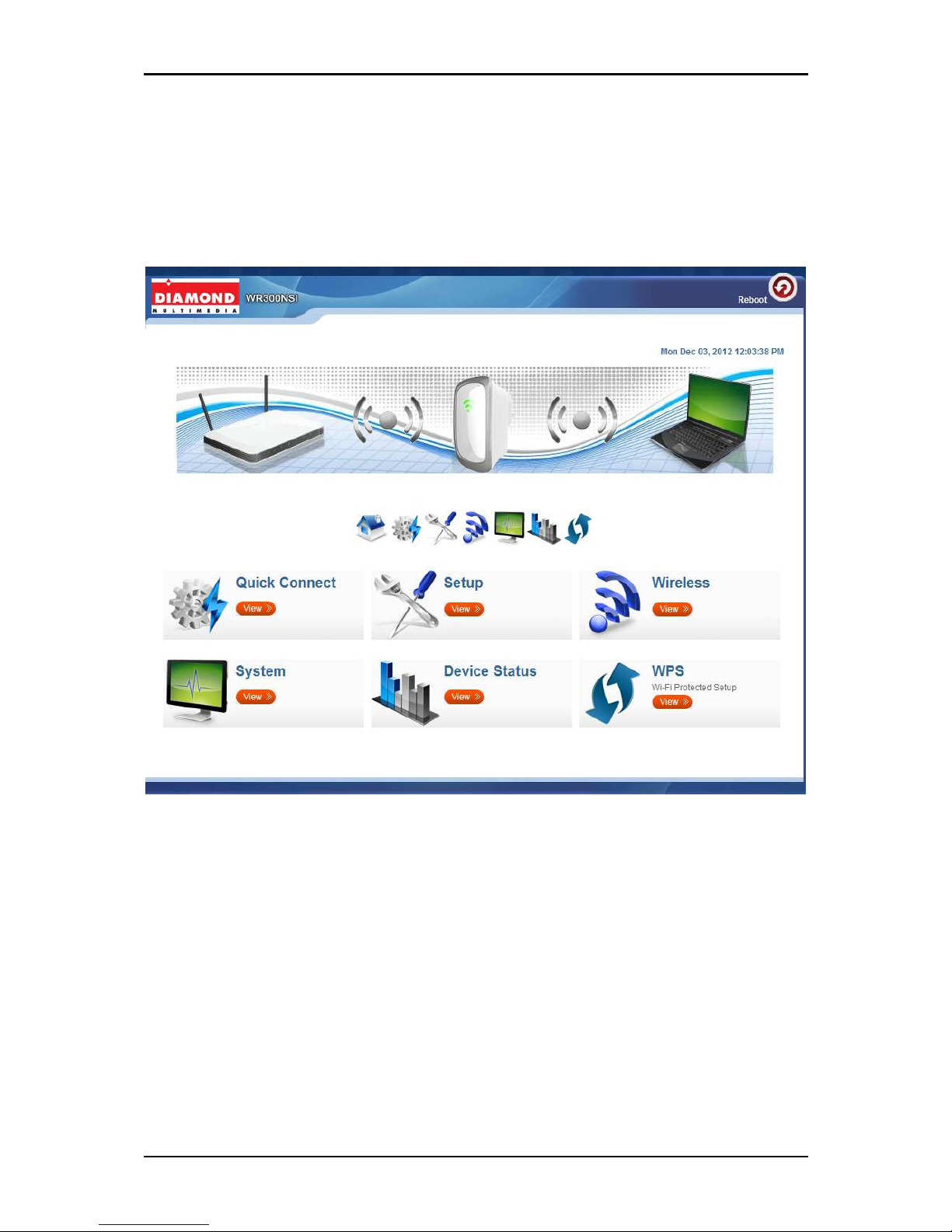
Accessing the User Interface
To a ess the User Interfa e open a Web browser (Ex: Internet Explorer, Firefox or
G. hrome) and type
http://10.0.10.254
in the address bar and press enter.
Quick Connect
Press
Qui k Conne t
i on to s an for available wireless within the area.

Diamond Multimedia
| WR300NSI User Manual
Page 10
of 31
Setup
Mode of Operation
Mode of OperationMode of Operation
Mode of Operation
Repeater
RepeaterRepeater
Repeater
Configure your devi e as a wireless repeater to extend the wireless overage of your
wireless router.
A ess Point
A ess PointA ess Point
A ess Point
Configure your devi e as an a ess point to provide wireless network a essibility to a
non wireless network
Bridge
BridgeBridge
Bridge
Configure your devi e as a Bridge to a t as wireless lient to your network devi e. In this
mode you an onvert wireless signal to wired Ethernet for devi es not supporting
wireless onne tions.
SSID
SSIDSSID
SSID
Here you an set the name of your wireless network. Sele t the option Disable on
Broad ast SSID allow you to hide the wireless network name.
Se urity Mode
Se urity ModeSe urity Mode
Se urity Mode
Sele t from different en ryption type on the list to be used to provide se urity to your
wireless network from unauthorized users. Sele t
WEP
WEPWEP
WEP
HEX
64bit – uses 10 hara ters length of password from A-F and numbers from 0-9
128bit- uses 26 hara ters length of password from A-F and numbers from 0-9
Andere Handbücher für WR300NSI
1
Inhaltsverzeichnis
Andere Diamond Multimedia Repeater Handbücher