Groeneveld EcoPlus Montageanleitung

YOUR EFFICIENCY IS OUR CHALLENGE
F604055R00
EcoPlus
EN User’s Instruction
NL Gebruiksaanwijzing
DE Bedienungsanleitung
FR Mode d’emploi

Copyright © Groeneveld

F604055R00
USER’S INSTRUCTIONS
EN
Automatic EcoPlus Greasing System
This vehicle is equipped with a Groeneveld Automatic EcoPlus Greasing Sys-
tem.
Featuring
The EcoPlus Greasing System will automatically and thoroughly grease all
connected grease points at a set time interval (cycle) with the correct amount
of grease.
The system consists of
• a grease pump with intergrated control unit
• progressive divider blocks
• a signal lamp (optional)
• one or two block switch(es) (optional)
System performance
The system performs automatically. When the power is switched on, the pump
will at predened intervals, supply predened quantities of grease to all con-
nected points.
User interface
The EcoPlus uses a display, with three function keys to operate the user inter-
face, in which the status of the pump can be seen, parameters can be changed
and faults can be diagnosed.
Function keys
The three function keys can have different functions depending on the menu
screen, some possible commands are : up, down, select and save.

F604055R00
USER’S INSTRUCTIONS
EN
Commands
Abbreviation Meaning
Up current value setting goes up.
Down current value setting goes down.
Select to conrm what is currently highlighted.
Save to store current setting.
Cancel stops the current action, reverts to old setting
Clear to reset the counter.
Prev to the previous screen
Next to the next screen
List to the current menu
Display Menu
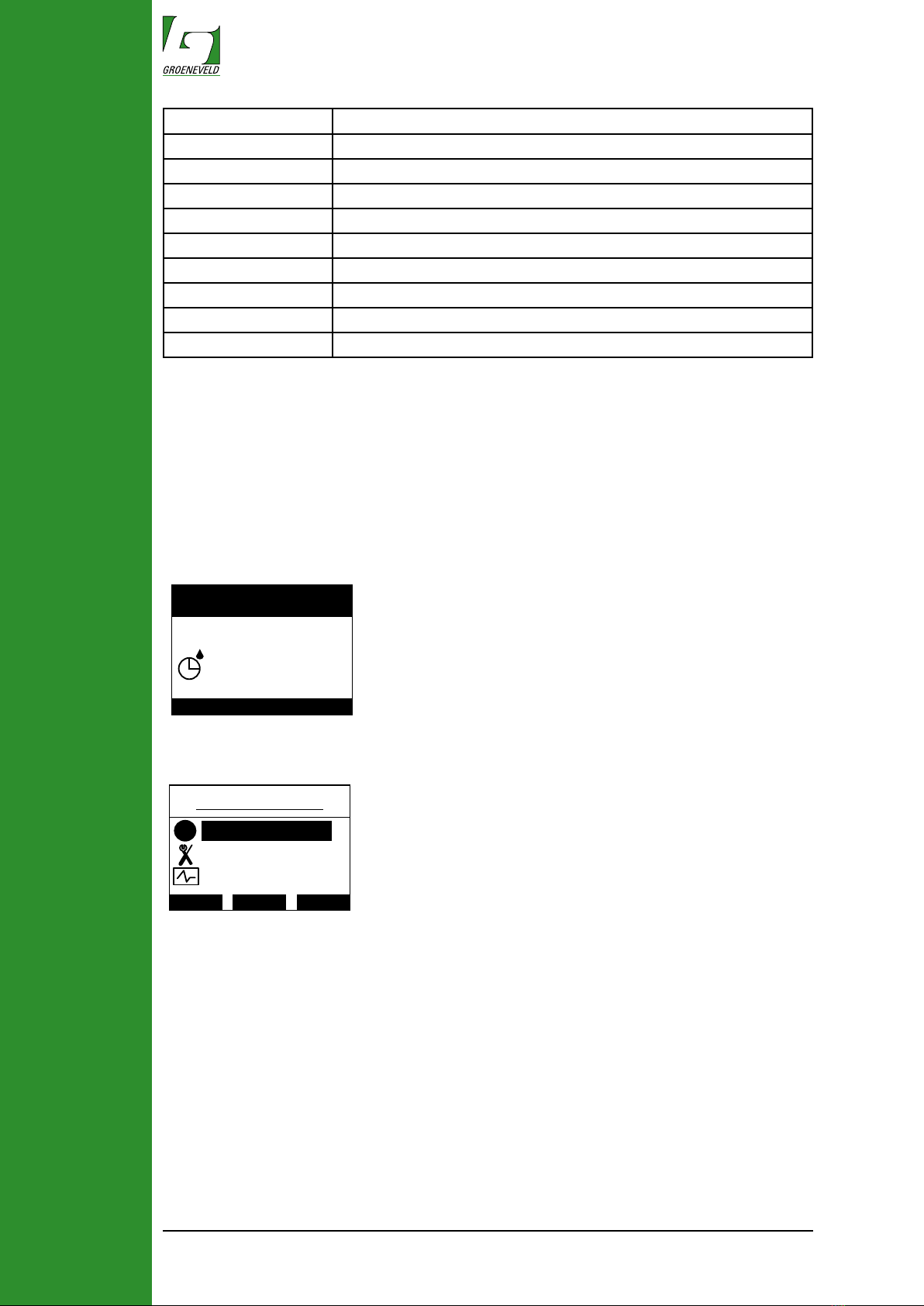
When the system is active it will show the current status of the pump in the
display. Example, the pumping or interval time left for next cycle, also faults will
be shown here if present.
EcoPlus
.--- Menu ---.
Interval 9
min
Main Menu
Up Down Select
Parameters
Diagnostics
iInformation
By pressing any of the three function keys you gain access to the main menu.
By pressing up or down you can navigate through the menu, and pressing the
select key will access the sub-menu.
Information sub menu
In the information sub menu the following information can be accessed:
• On-time hours (total hours the greasing system has been operating)
• Pump cycles (total performed pump cycles)
• Total rev (total pump motor revolutions)
• Total test (total number of performed test cycles)
• Nº Pwr-on (total number of times the pump was powered)
• SW version (software version)
• Serial Nº (serial number of the control unit)

F604055R00
USER’S INSTRUCTIONS
EN
Parameters sub menu
In the parameters sub menu some adjustments can be made to the function-
ing of the system, only do this if you are experienced and familiar with the
EcoPlus system.
The following adjustments can be made::
• Interval (the time between grease cycles in minutes)
• Delivery (the amount of rotations of the pump during a greasing cycle)*
• Display (this enters a sub menu where the display settings can be adjust
ed)
• Light on (the percentage of back-light when the display is active)
• Light dim (the percentage of back-light when the display is inactive)
• Contrast (sets the contrast value)
Parameters
Up Down Select
Delivery
Display
iInterval
Diagnostics
Up Down Select
Multi test
Errors
iSingle test
X
*the amount of grease depends on type of outlet used in the pump.
Diagnostics sub menu
In the Diagnostics sub menu errors can be read out and test cycles for the
system can be started:
• Single test (starts a single greasing cycle)
• Multi test (starts ten greasing cycles)
• Errors (enters the errors sub menu)
• Inputs (enters the inputs sub menu)
More information about the information,setting and diagnostics menus can be
found in the EcoPlus general manual.

F604055R00
USER’S INSTRUCTIONS
EN
Regular checks of the greasing system
Check the following points of the EcoPlus greasing system:
• The grease level in the cartridge (replace when very low).
• The pump unit and display for damage and leakage at the outlet.
• The operation of the whole greasing system, perform a test cycle, check the
display for any fault codes.
• The primary and secondary grease lines for damage and leakage.
• The grease points, collar for fresh grease should be present at all grease
points.
Replacing the grease cartridge
CAUTION
When replacing the cartridge, prevent dirt from entering the pump.
Before removing the cover and cartridge, rst clean the pump and its immediate
surroundings.
When removing a cartridge that is not completely empty, be aware that grease
can drip out of the cartridge. Protect the environment and prevent grease spills.
Empty cartridges and grease residues must be disposed of in accordance with
local regulations.
1. Turn the cover with bayonet catch anticlockwise and lift it off the pump
(Figure 1);
2. Turn the empty cartridge anticlockwise (Figure 2) and lift it straight up;
Follow step 3 if a low level switch is provided on the EcoPlus pump:
3. Reuse the low level magnet ring and slide it over the rst rim of the cartridge
Make sure the ring is positioned in the correct position.
4. Put a lm of grease onto the ring (Figure 3/C);
5. Remove the cap from the new grease cartridge;
6. Screw the cartridge provided with rubber gasket (Figure 4) clockwise onto
the pump.
7. Clean the cover, place it on the pump (Figure 6) and turn it clockwise.
6
5
C
B
A
4
A
B
321
Order number cartridge F130827
8. After replacing the cartridge perform a multi test.
The system has been bled correctly when a fresh collar of grease is present at
all greasing points.

F604055R00
USER’S INSTRUCTIONS
EN
The signal lamp
GROENEVELD
976.01
Problem Cause Solution
Signal lamp does
not light up after
ignition is switched
on
1. No suppy voltage (+15) on
pin Nº 1 or at signal lamp
2. No ground potential on pin
Nº 2
3. Signal lamp defect
4. Wiring to the pump unit or
signal lamp defect
Check the fuse and, if re-
quired replace fuse.
Check the ground connection
and repair if needed
Replace the signal lamp
Check the wiring and repair if
needed
Signal lamp ashes Low grease level in the car-
tridge
Replace the cartridge.
order number F130827
Signal lamp
alsways on
An system error occured or
cartridge is empty
Use the user interface to de-
termine the root cause.
Faults codes by user interface
When an error or warning occurs this will be shown on the status screen of the
user interface.
Message Cause Solution
Low level Grease in the cartridge reached
the level where it activates the low
level switch. replaceing the car-
tridge will soon be necessary.
Replace the cartridge. Lamp
resets automaticly when cartridge
is replaced.
Empty Pump disabled and theoretical-
ly declared empty because the
maximum allowed grease quantity
during active low level has nished
Replace the cartridge. Lamp
resets automaticly when cartridge
is replaced.
Low volt Power drop detected by the control
unit.
Check that power connection.
Use a relay if needed.
Timing The total amount of revolution of
the motor to complete a greasing
cycle takes longer then the set
interval time causing overlap
Check the interval and delivery
settings currently made in the
pump.
The signal lamp is mounted in the eld of vision of the driver
and out of direct sunlight, because of the visibility of signals.
When the control unit detects an error the signal lamp will
be lit continuously. (root cause of the error can be read out
on the display).
The signal lamp resets automaticly when a correct cycle
has been performed with out errors.
The signal lamp blinks at low level (when low level switch is installed)

F604055R00
USER’S INSTRUCTIONS
EN
Message Cause Solution
No Flow A
or B
Block switch A or B did not change
state at least once (either from
opened to closed or vice-versa)
during a number of pump cycles
in succession, making it uncertain
whether grease still reached this
distribution block, possibly caused
by:
1: Grease leakage in the primary
line
2: Pump does not deliver grease
3: Defective divider block switch
1: Check for leakage
2: Check pump output
3: Check switch
Pump OC Control unit detected a too high
current draw to pump motor and
aborted the attempted cycle,
caused by:
Drive shaft blocked Check pump or pistons for dam-
age or blockage and repair or
renew pump section.
Pump SC Control unit detected a short circuit
and aborted the attempted pump
cycle,possibly caused by:
1: Short circuit in the wiring pump
motor
2: Short circuit in pump motor
3: Short circuit in control unit
1: Check wiring harness between
pump and circuit board.
2: Check the resistance of the
motor
3: Replace control unit
Pump OL Control unit detect a unusual re-
sistance in the pump motor circuit.
1: interrupted wiring
2: Defective motor
3: Corroded contact
4: Defective control unit
1: Check wiring harness
2: Check the resistance of the
motor.
3: Check wiring harness
4: Replace control unit
Parameter
CS
Control unit encounterd corrupted
parameters during power up and
restored to default settings.
Replace the control unit
Slow motor The motor runs more slowly than
normal:
1: Grease temperature is very low
and the pump has difculty greas-
ing;
2: A piston is mounted wrong in
one of the pump outlets and is
blocking the motor.
1: No action needed.
2: Check pump outlet for internal
damage and reinstall correctly
Timing fault The set interval time has passed
before the end of the current pump
cycle, causing the pump to be
continuously pumping
Check the parameter interval time
and pump revolutions.

F604055R00
GEBRUIKSAANWIJZING
NL
Automatisch EcoPlus Smeersysteem
Dit voertuig is uitgerust met een Groeneveld automatisch EcoPlus smeersys-
teem.
Kenmerken
Het EcoPlus smeersysteem zal automatisch en onvoorwaardelijk alle aan-ge-
sloten smeerpunten smeren, op een ingesteld tijdsinterval (cyclus) en met de
juiste hoeveelheid vet.
Het systeem bestaat uit:
• Een pomp met een geïntegreerde control unit
• Progressieve verdeelblokken
• Een signaallamp (optie)
• Een block switch (optie)
Systeemprestatie
Nadat het contact is aangezet of in bedrijf is, zal de signaallamp drie seconden
oplichten Hierna zal pomp op vooraf gedenieerde intervallen de afgemeten
hoeveelheden vet vanuit de verdeelblokken aan alle smeerpunten leveren.Het
Systeem voert alle activiteiten automatasch uit.
User interface
De EcoPlus maakt gebruik van een display met drie functie toetsen voor het
bedienen van de user interface. Hiermee kan de status van de pump getoond
worden. Parameters kunnen gewijzigd en fouten uitgelezen worden.
Functionele toetsen
De drie functionele toetsen kunnen verschillende functies hebben, afhankelijk
van het menu scherm, enkele mogelijke opdrachten zijn: omhoog, omlaag,
selecteren en opslaan.

F604055R00
GEBRUIKSAANWIJZING
NL
Opdrachten
Afkorting Betekenis
Up Huidige waarde verhogen
Down Huidige waarde verlagen
Select Bevestigen wat momenteel actief staat
Save Opslaan van de huidige instelling
Cancel Stop de huidige actie, keer terug naar de oude instelling
Clear Reset de counter
Prev Naar het vorige scherm
Next Naar het volgende scherm
List Terug naar het betreffende menu
‘S’ indicatie op display
In deze gebruikersinstructie staan diverse schermen met een ‘S’ in de rechter
bovenhoek van het display. Dit betekent dat de “supervisor” modus actief is.
Display menu
Als het systeem actief is, wordt de actuele status van de pomp in het display
getoond. Bijvoorbeeld, pomp status en intervaltijd tot de volgende cyclus, ook
worden actuele foutmeldingen getoond.
Door op één van de drie functie toetsen te drukken, verkrijgt u toegang tot het
hoofdmenu.
Door op ‘up’ of ‘down’ te drukken kunt u door het menu navigeren. De Select
toets is voor toegang tot het sub-menu.
EcoPlus
.--- Menu ---.
Interval 9
min
Main Menu
Up Down Select
Parameters
Diagnostics
iInformation
Inhaltsverzeichnis
Sprachen:
Andere Groeneveld Schmiersystem Handbücher

Groeneveld
Groeneveld CompAlube Konfigurationshandbuch

Groeneveld
Groeneveld MultiLine SFi Handbuch

Groeneveld
Groeneveld Multiline AC Series Bedienungsanleitung

Groeneveld
Groeneveld TriPlus Trailer Konfigurationshandbuch

Groeneveld
Groeneveld Multiline AC F219157R03 Bedienungsanleitung

Groeneveld
Groeneveld BreakAlube-3 Konfigurationshandbuch

Groeneveld
Groeneveld CompAlube Montageanleitung

Groeneveld
Groeneveld MultiLine SFi 110 Bedienungsanleitung

Groeneveld
Groeneveld Twin-3 Konfigurationshandbuch

Groeneveld
Groeneveld OnePlus Konfigurationshandbuch