OPERATOR’S INSTRUCTIONS
Key description
Tare (On/Off) - Set the display to zero by storing the current weight in
the tare memory, holding down the key turns the scale off
Kg / Lb - Select kilograms, pounds and ounces
Hold - Causes the scale to hold the weight on the display.
To weigh on the scale turn the scale on using the Tare (On/Off) key. After the display is at
zero, place an item to be weighed on the platform. The display will show the weight. The
unit will be shown in either kilograms or pounds and ounces.
If an empty container is used the weight can be ignored by zeroing the display. To zero
the display, press the Tare key. Then when material is placed in the container only the
weight of the material will be shown.
To switch between showing the weight in kilograms or pounds and ounces press the Kg/Lb
key.
Press the Hold key to lock a stable weight reading on the display. The display will show
"hold" until the weight is determined then the value will be shown and the arrow next to the
Hold legend will be on. The display will hold the weight on the display until it is cleared by
pressing the Hold key again or Tare(On/Off) is pressed. There may be a slight delay
while the scale is computing the best average weight so that movement of the baby does
not affect the weighing.
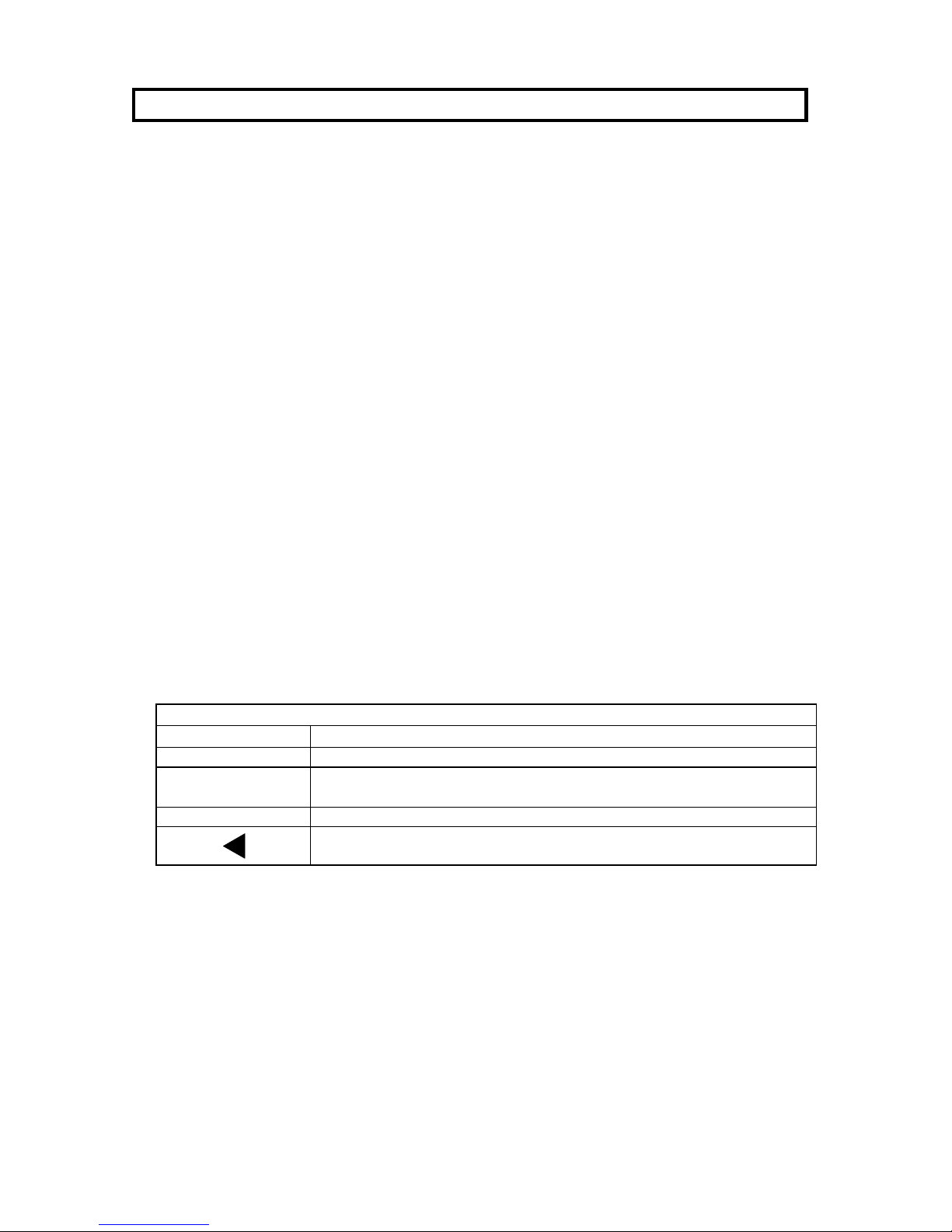
D I S P L A Y S Y M B O L S
Symbol Description
The scale in auto zero range (indication = accurate zero)
The result is stable
Lo-bAt Battery is weak, after 5 minutes the scale will turn off
Arrows will appear next to the Kg, Lb or Hold legends to indicate the
function currently being used.