
NEUTRIK NA2-IO-DPRO Bedienungsanleitung
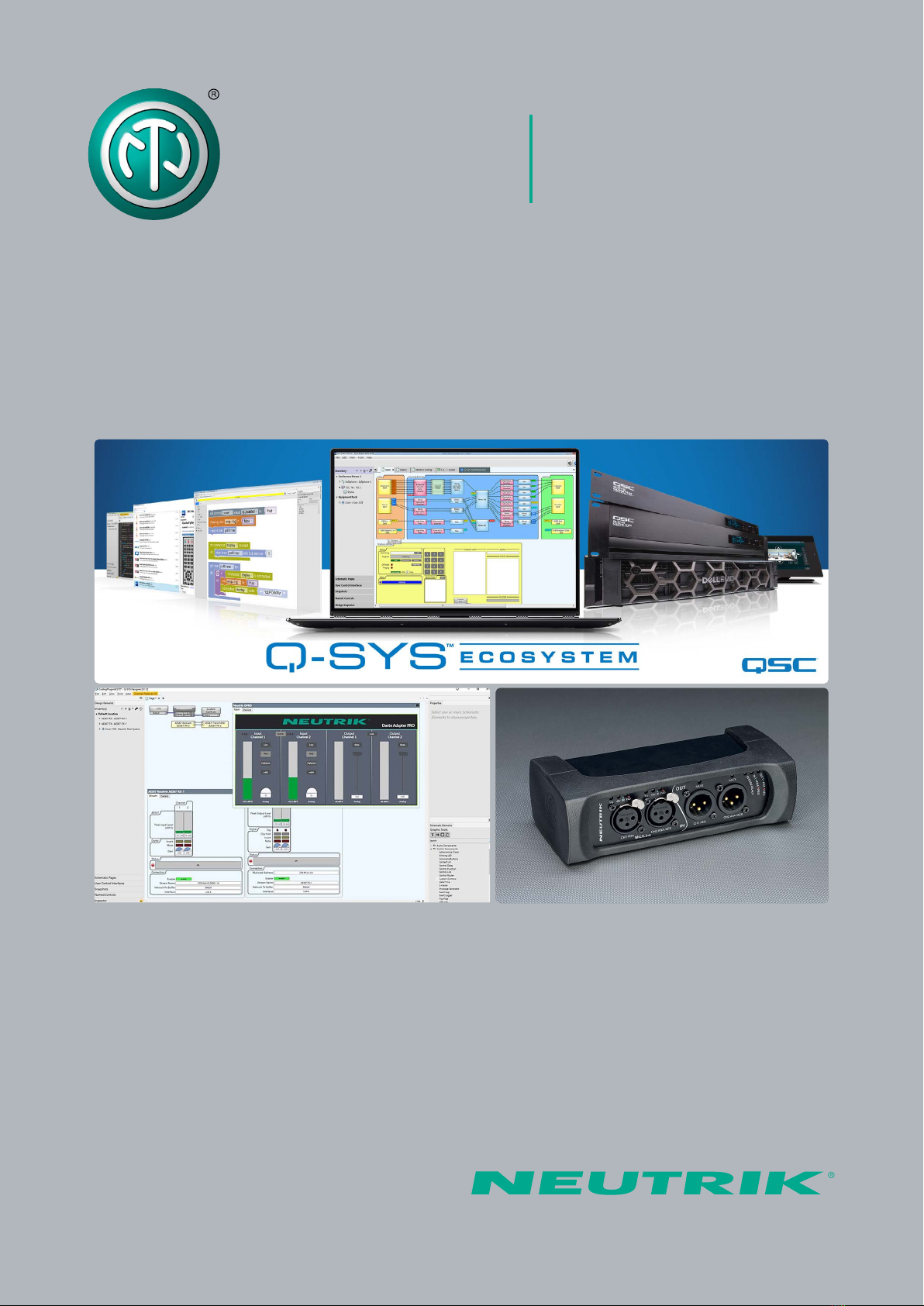
User Manual NA2-IO-DPRO
Q-SYS Control Plugin

2NA2-IO-DPRO |BDA 583-V2 2020/07
Q-SYS Control Plugin
Q-SYS Designer Setup for NA2-IO-DPRO
(further DPRO Adapter)
Explanation:
DPRO Controller
Dante®Controller
Q-SYS Designer Software
This document describes the use of an AES67 multicast flow via Dante®Controller.
Q-SYS Designer Software v8.3.1 or higher supports Software-based Dante®for the Q-SYS
Ecosystem.
Please visit www.qsc.com for detailed information.
Table of contents
1 Using DPRO Controller to find out current IP address of the device (or to change it) ................... 3
2 Q-SYS Designer to setup/control Q-SYS control plugin in configuration ........................................ 4
3 Parameters ............................................................................................................................................. 6
4 AES67 in association via Dante®Controller ........................................................................................ 7
4.1 AES67 Receiver (DPRO Adapter Input) ............................................................................................... 9

3NA2-IO-DPRO |BDA 583-V2 2020/07
Q-SYS Control Plugin
Note: The Q-SYS Core has to be unplugged during the further steps
1. USING DPRO CONTROLLER TO FIND OUT CURRENT IP ADDRESS OF THE DEVICE
(OR TO CHANGE IT)
Download the DPRO Controller from Neutrik’s website:
https://www.neutrik.com/en/na2-io-dpro
and install it.
Open the DPRO Controller.
Select the DPRO Adapter in the sidebar.
In the menu: choose Device Network Settings.
5The actual Network Settings are shown in the popup window.
6The default setting is AUTOMATIC (the actual IP Address is shown)
7When switching to MANUAL: type in the Static IP Address and click REBOOT NOW.
The DPRO Adapter will reboot
8DPRO Controller has to be closed for further steps
1
2
3
4
73 4 7 6 5

4NA2-IO-DPRO |BDA 583-V2 2020/07
Q-SYS Control Plugin
2. Q-SYS Designer to setup/control Q-SYS control plugin in configuration
Download the Neutrik-Dante®-Adapter-Pro Plugin
from the website:
https://www.neutrik.com/en/na2-io-dpro
The plugin is also directly available in Q-SYS asset manager
Double click on the icon to install it or just copy and paste the plugin into the plugin folder of
Q-SYS Designer on the Computer.
Note: The Q-SYS Core has to be connected during further steps
Open Q-SYS Designer.
Drag and drop the Dante®Adapter Pro from the plugins (bottom right sidebar)
Double-click the icon.
Go to Device tab in the pop-up menu.
15 Press F5 (Save to Core & Run).
16 Type in the specified IP-Address of the DPRO Controller (see step 5-7) into the empty field
and click enter.
17 Press F7 (disconnect)
18 Press F5 (Save to Core & Run) again.
Note: The procedure from step 16 and 17 is a reboot (F5/F7) of the Q-SYS Designer,
so that all changes take effect and has to be repeated when there is an IP address
change.
19 The Connection Status lights up in green and shows Connected. If it shows Error, then double-
check the IP address from DPRO Controller
9
10
11
12
13
14

5NA2-IO-DPRO |BDA 583-V2 2020/07
Q-SYS Control Plugin
1213191614
Identify device button: The LEDs of XLR Inputs and XLR Outputs of the device flash up. The
flashing time can be set manually from 10 seconds up to 120 seconds. (The default setting is
10 seconds).
Note:
Switchable contacts in the DPRO adapter work in two ways:
If the signal is analog, connect channel 1 and channel 2 (valid for input and output).
If the signal is AES, connect channel 2 only (valid for input and output).
I/O section during running from core:
If there is no XLR connection to the DPRO, the I/O section is completely hidden.
I/O section in the plugin will be displayed when there is a XLR connection to the DPRO Adapter.
20
21

6NA2-IO-DPRO |BDA 583-V2 2020/07
Q-SYS Control Plugin
3. PARAMETERS
22 Within Q-SYS plugin, various parameters related to DPRO operation can be chosen and
routed according to user preference and used in the configuration.

7NA2-IO-DPRO |BDA 583-V2 2020/07
Q-SYS Control Plugin
4. AES67 IN ASSOCIATION WITH DANTE CONTROLLER
Download Dante®Controller from Audinate’s website:
https://www.audinate.com/products/software/dante-controller
Open the Dante®Controller.
Doubleclick the DPRO Adapter in the left side menu.
Click on the AES67 Config tab.
27 Choose Enabled to set the device into AES67 Mode.
28 Click Yes to confirm.
29 Click Reboot for the changes to take effect.
23
24
25
26
27
29
25
28
26

8NA2-IO-DPRO |BDA 583-V2 2020/07
Q-SYS Control Plugin
30 Click on Create a new multicast flow.
31 Select AES67 in the Flow Config.
32 Add all channels you want to send to your Q-SYS Designer.
Note: Maximum of 8 channels is allowed per Multicast flow.
The DPRO Adapter only supports 2 channels.
Click Create
33
32
33
30
31

9NA2-IO-DPRO |BDA 583-V2 2020/07
Q-SYS Control Plugin
4.1. AES67 Receiver (DPRO Adapter Input)
Add the AES67 Receiver as a new inventory item.
34
Press F5 (Save to Core & Run).
Doubleclick the AES67 Receiver and select the NA2-DPRO on the Stream Name.
37 The status should be OK. If it is not, then review the prior setup steps.
35
36
34
36
37

10 NA2-IO-DPRO |BDA 583-V2 2020/07
Q-SYS Control Plugin
Andere Handbücher für NA2-IO-DPRO
1
Inhaltsverzeichnis
Beliebte Steuereinheit Handbücher anderer Marken

Festo
Festo Compact Performance CP-FB6-E Stücklistenhandbuch

Elo TouchSystems
Elo TouchSystems DMS-SA19P-EXTME Bedienungsanleitung

JS Automation
JS Automation MPC3034A Bedienungsanleitung

JAUDT
JAUDT SW GII 6406 Series Kurzanleitung

Spektrum
Spektrum Air Module System Bedienungsanleitung

BOC Edwards
BOC Edwards Q Series Bedienungsanleitung


