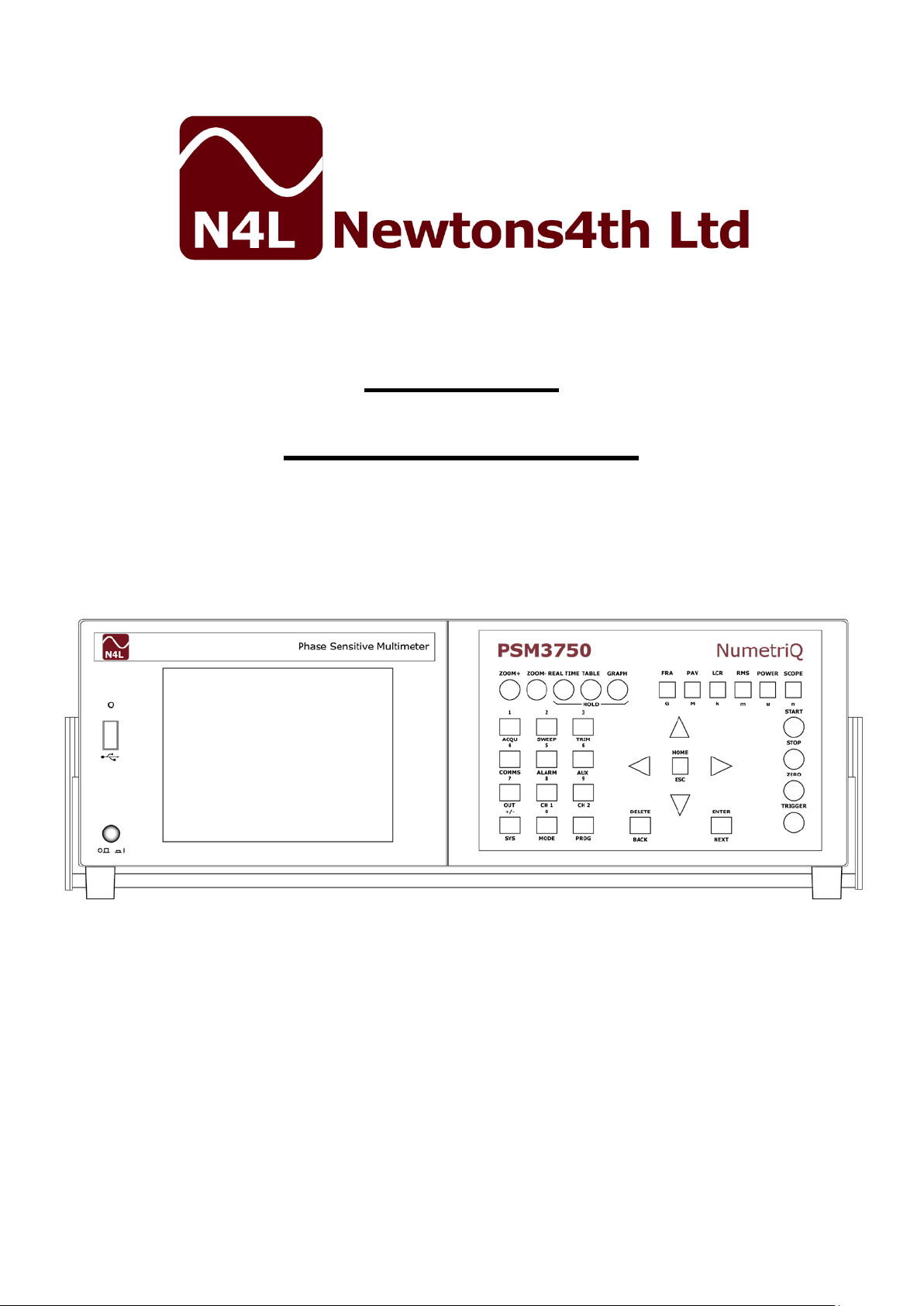
Newtons4th PSM3750 NumetriQ Benutzerhandbuch

PSM3750
START UP GUIDE
Firmware v1_27
23rd February 2016


PSM3750 Quick User Guide
Page 1
CONTENTS
Contents...........................................................
Page.1
1.
Getting Started.................................................
Page.2
1.1
Unpacking and Contents.......................................
Page.2
1.2
PSM3750 Handle Fitment Instructions....................
Pages.3-4
2.
Safety...............................................................
Page.5
2.1
Safety Instructions...............................................
Page.5
2.2
Cautions.............................................................
Page.6
3.
Warranty Terms................................................
Page.7
4.
Front Panel Layout Diagram..............................
Page.8
4.1
Front Panel Display Key Functions..........................
Pages.9-20
5.
Rear Panel Layout Diagram...............................
Page.21
6.
Basic Key Operation..........................................
Page.22-24
6.1
Set up to start.....................................................
Page.22
6.2
Setting the Time..................................................
Page.22
6.3
Setting the Date..................................................
Page.23
6.4
Adjusting the Display Font....................................
Page.23
6.5
Adjusting Keyboard Beep......................................
Page.24
6.6
Setting User Data................................................
Page.24
7.
Quick User Guide..............................................
Page.25
7.1
Getting Started....................................................
Pages.26-27
7.2
Zoom Functions...................................................
Pages.28-29
7.3
7.4
Measurement Options...........................................
Acquisition..........................................................
Page.30
Pages.30-33
7.5
Sweep................................................................
Pages.34-37
7.6
FRA....................................................................
Pages.38-39
7.7
7.8
8.
8.1
8.2
8.3
8.4
8.5
8.6
8.7
8.8
Trim...................................................................
Comms...............................................................
PSM3750 Measurement Functions.....................
FRA –Frequency Response Analyzer.......................
PAV –Phase Angle Voltmeter.................................
LCR –Impedance Analysis....................................
RMS –True RMS Voltmeter...................................
POWER –Power Meter..........................................
Scope –Oscilloscope............................................
Harmonics - Harmonic Analyzer.............................
EIS - Electrochemical Impedance Spectroscopy.......
Pages.40-41
Pages.42-44
Page.45
Pages.45-47
Pages.48-51
Pages.52-68
Pages.69-70
Page.71
Page. 72
Page. 75
Page. 78-79
9.
COMMS Settings................................................
Pages.80-82
9.1
9.2
10.
11.
12.
13.
Saving Sweep Results to USB memory stick............
Program: Store/Recall/Delete................................
PSMComm2 –PSM3750 Software......................
Basic Functionality Checks................................
Repair & Recalibration Process.........................
PSM3750 Specifications....................................
Pages.83-87
Pages.88-91
Page.92
Pages.93-97
Page.98
Pages.99-102

PSM3750 Quick User Guide
Page 2
1. Getting Started
1.1 Unpacking
When you receive your product, check that the following items are included for
the appropriate PSM Instrument. Refer to the contents list below for each model.
If any item is missing or damaged during transportation, immediately contact
your local sales distributor or N4L office
MODEL
Mains
Lead
Voltage
Probe
4mm
Black
Lead
4mm
Red
Lead
Black
Croc
Clip
Red
Croc
Clip
N4L
2GB
Memory
Stick
Start
Up
Guide
Manual
Comms
Manual
PSM3750 -2C
1
2
3
3
3
3
1
1
1
PSM3750 -3C
1
3
4
4
4
4
1
1
1
PSM3750
Communication Cables
RS232
9 pin null modem cable
USB
2.0 A male to B male 2m lead
IEEE
IEEE Extender Cable 1m long
CONTENTS

PSM3750 Quick User Guide
Page 3
1.2 Fitment of the PSM3750 Carry/Tilt handle
The PSM3750 Phase Sensitive Multimeter is supplied with a Carry/Tilt Handle
that is located within the accessory pack.
The handle allows a user to position the instrument upwards at one of two angles
for easier viewing when the instrument is positioned below the line of sight. The
design also allows storage under the unit without obstruction of the rubber feet
so that instruments can be stacked and is easily removed to allow the connection
of rack mounting brackets without the need to remove instrument covers.
Correct installation of the handle is important to ensure the correct operation
and long life the handle.
The following pictures illustrate correct and incorrect handle fitment:
Correct 1 Correct 2
Correct 1/2 –Correct fitting is from the top of the unit as shown here

PSM3750 Quick User Guide
Page 4
Correct 3 Correct 4
A correctly fitted handle will have the ‘N4L Newtons4th’ wording in the correct
reading plane when the handle is to the front of the instrument (Pic. 3)
Also, a correctly fitted handle will allow storage under the unit (Pic. 4)
Incorrect 1 Incorrect 2
Fitting the handle from the bottom of the unit as shown here is wrong
(Incorrect 1)
Incorrect fitting can be seen because the handle does not fit correctly under the
unit and handle sides do not fit flush with the registration washer (Incorrect 2)

PSM3750 Quick User Guide
Page 5
2. Safety
2.1 IMPORTANT SAFETY INSTRUCTIONS
This equipment is designed to comply with BSEN 61010-1 (Safety requirements
for electrical equipment for measurement, control, and laboratory use) –observe
the following precautions:
Ensure that the supply voltage agrees with the rating of the instrument
printed on the back panel before connecting the mains cord to the supply.
This appliance must be earthed. Ensure that the instrument is powered from
a properly grounded supply.
The inputs and outputs must not be connected to common mode signals
greater than 500V peak.
The inputs must not be connected to signals greater than 500V peak.
Keep the ventilation holes on the underneath and sides free from obstruction.
Do not operate or store under conditions where condensation may occur or
where conducting debris may enter the case.
There are no user serviceable parts inside the instrument –do not attempt to
open the instrument, refer service to the manufacturer or his appointed
agent.
Note: Newtons4th Ltd. shall not be liable for any consequential
damages, losses, costs or expenses arising from the use or misuse of
this product however caused.

PSM3750 Quick User Guide
Page 6
2.2 CAUTIONS
Do not use a damaged power cord or cables
Doing so may cause an electric shock or a fire
Do not place any object on this instrument
Do not use this instrument if faulty
If you suspect the instrument to be faulty, contact your local N4L office or
representative for repair (see section 12)

PSM3750 Quick User Guide
Page 7
3. Warranty
This product is guaranteed to be free from defects in materials and workmanship
for a period of 36 months from the date of purchase
In the unlikely event of a problem within this guarantee period, first contact
Newtons4th Ltd or your local representative to give a description of the problem.
Please have as much relative information to hand as possible –particularly the
serial number and release number these can be found by pressing the SYSTEM
button then the “Left Arrow”
If the problem cannot be resolved directly then you will be given an RMA number
and asked to return the unit. The instrument will be repaired or replaced at the
sole discretion of Newtons4th Ltd
This guarantee is limited to the cost of the PSM3750 itself and does not extend
to any consequential damage or losses whatsoever including, but not limited to,
any loss of earnings arising from a failure of the product or software
In the event of any problem with the instrument outside of the guarantee period,
Newtons4th Ltd offers a full repair and re-calibration service. Contact your local
representative. It is recommended that the PSM3750 be re-calibrated annually

PSM3750 Quick User Guide
Page 8
4. Front Panel Layout
1. Display Screen
2. Screen Display Function Buttons
3. PSM Function Mode Buttons
4. Handle
5. Measurement Control Function Keys
6. Rubber Feet
7. Menu Selection and Cursor Controls
8. Measurement Settings Buttons
9. Front USB Port
10. Power On / Off Button
1 2 3
4
5
10 9 8 7 6
Andere Handbücher für PSM3750 NumetriQ
2
Dieses Handbuch passt für folgende Modelle
2
Inhaltsverzeichnis
Beliebte Multimeter Handbücher anderer Marken

Gossen MetraWatt
Gossen MetraWatt METRAmax 6 Bedienungsanleitung

PeakTech
PeakTech 4000 Gebrauchs- und Pflegehandbuch

YOKOGAWA
YOKOGAWA 90050B Bedienungsanleitung

Gossen MetraWatt
Gossen MetraWatt METRALINE DMM16 Bedienungsanleitung

Fluke
Fluke 8846A Bedienungs- und Wartungshandbuch

Tempo Communications
Tempo Communications MM200 Bedienungsanleitung