
Olevia LT26HVE Series Bedienungsanleitung

LCD Multi-Media Display
LT26HVE / LT26HVX Series
MK0-UM00061-000

Table of Contents
Important Information
Important Safety Precautions
FCC Statement
Accessories
Installation And Connection Guide
Identifying Front Controls and Rear Inputs
-Descriptions of Input Types
-Connecting the TV's Power
Installation
-
-Connecting to a VCR
-Connecting to an Audio Receiver/Home Theater System
-
-Connecting to a DVD Player with Component Cables
-Connecting to a Satellite Receiver or Cable Box with A/V Cables
-
-Connecting to a PC with VGA, and a DVD Player with DVI/HDCP Cables
-Other Connections
Remote Control Guide
-Regular Buttons
-Hotkeys Tutorial
Adjusting the On Screen Display (OSD)
Introduction
To Operate in the OSD
VIDEO Adjusting TV Picture Settings
- Adjusting Picture Quality
- Video Settings
- To Adjust Settings
- Auto Setting : Return to Default Factory Settings
AUDIO Adjusting Sound Quality
- OSD Audio Settings : Reverb
- OSD Audio Settings : Equalizer
- MTS System for Stereo TV
MISCELLANEOUS Adjusting Personal TV Settings
- Description of Settings
- Setting the Channels
- Personal Channel Preferences : Favorites
- Personal Channel Preferences : Channel Skip/Lock
- Personal Channel Preferences : Channel Naming
- Setting up the TV Timer
- Watching with Closed Caption
- TV OSD Languages
- Using the Parental Control Feature
- Parental Control
- Activating the Parental Control Feature
- To Block Unrated Channels
- Setting up Parental Control Password
- Factory Default Option
SCREEN Adjusting Screen Modes
- Changing the Screen Mode
- Picture in Picture (PIP)
- PIP Mode
- Split Screen
- Split Screen Mode
Specifications
Timing Mode for VGA and DVI
Pixels Policy
Glossary
Connecting to an Antenna or Video Equipment with Antenna outlet
Connecting to a DVD Player with A/V or S Video Cables
Connecting to a Satellite Receiver or Cable Box With Component Connectors
1
2
5
6
8
10
11
12
13
14
15
16
17
18
19
20
21
22
23
25
25
26
26
26
29
29
30
31
31
32
33
33
34
34
35
36
37
38
39
39
40
40
42
42
44
45
45
46
48
49
50
51
53
55
56
01
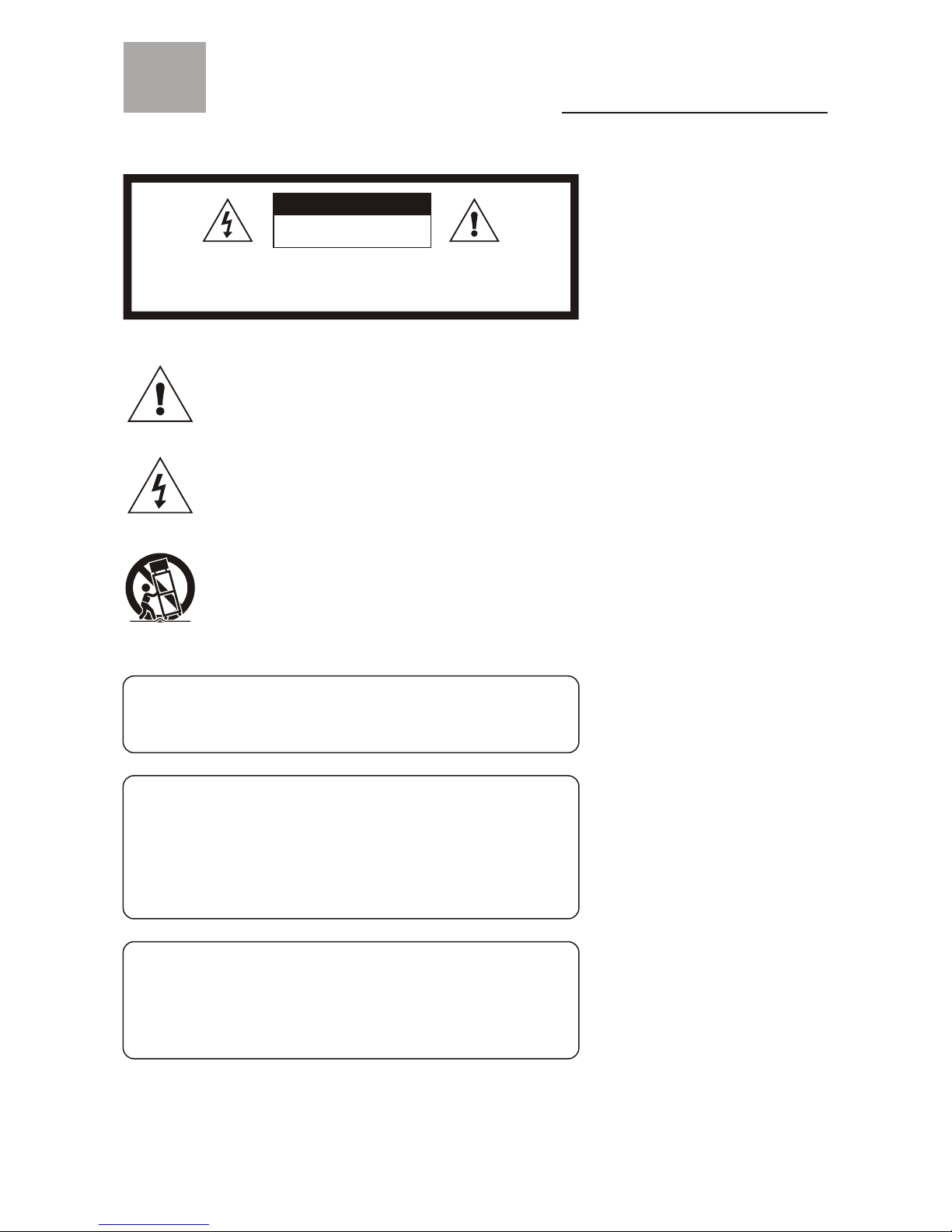
Important information
Read the following context indicated by the following
symbol to the left. It indicates important literature in
operating the product.
Read the following context indicated by the following
symbol to the left. It indicates a potential high voltage
hazard that may compromise your safety.
Risk of electronic shock
Do not open
Caution
Caution
Take caution when moving the product on a cart.
Quick stops, excessive force, and uneven surfaces may
cause the display unit and cart combination to overturn.
Caution
To prevent electric shock, match wide blade of plug to wide slot,
fully insert.
Caution
This product satisfies FCC regulations when shielded cables and
connectors are used to connect the unit to other equipment.
Prevent electromagnetic interference from electrical appliances
such as radios and televisions. Please use shielded cables and
connectors for connections.
Warning
FCC Regulations state that any unauthorized changes or
modifications to this equipment not expressly approved by the
manufacturer could void the user's authority to operate this
equipment.
To reduce the risk of electronic shock, do not remove cover (or back).
No user-serviceable parts inside.
Refer service to qualified Repair Technician or Repair Center.

02
Important safety precautions
Cleaning
Remember to unplugthe ACcord from theAC outlet
before cleaning thedisplay unit.And do notuse
liquid cleaners oraerosol cleaners to clean the
display.
Stand
Do not placethe display unit on an unstableplace.
The TV mayfall resulting in serious personal
injuries to nearbypeople as well as damage to the
display unit.
Ventilation
Do not coveror block these vents and openingslocated
on the topand back of the display.Inadequate ventilation
may cause overheatingand shorten the lifespan of thedisplay.
Do not placein an enclosed area such as a built-in shelf,
unless proper ventilationis provided or the manufacturer's
instructions are followed.Keep the distance of 10cm
minimum between thedisplay unit and wall. Never installthe
display unit asindicated in the picture below.
Air circulation isblocked Air circulation isnot blocked
10cm
10cm

03
Important safety precautions
Never insert objects or spill liquid
into the displayunit
Never insert anyobject into thedisplay unit through
openings or spillliquid on the display unit. High
voltage flows inthe display unit,and inserting an
object can causeelectric shock and/orshort internal
parts.
Keep away from water and moisture
Do not placethe display in areas where moistureis
present or where the unit mayget wet such as bath-
rooms, kitchen, poolarea or in a wet basement.
AC cord protection
The ACcords must berouted properly to prevent
people from steppingon them orobjects from resting
on them. Checkthe cords at the plugs andproduct.
Keep away from heat sources
Keep the displayunit away from heat sources such
as radiators, heaters,stoves and other
heat-generating products.
The liquid crystalpanel used inthis
product is made of glass
Do not hitthe panel. Be careful to preventfrom
getting hurt bybroken glass piecesin case thepanel
breaks.
Follow operating instructions
All operating instructionsmust be followed.
Precautions when transporting the
display
Carrying the displayrequires two or more people.
Attachments
Do not useattachments not recommendedby the
manufacturer. Useof inadequate attachmentsmay
result in accidentsto nearby poepleor to theunit.
Power source
This product mustoperate on a power source
specified on thespecification label. If you are not
sure of thetype of power supply used inyour home,
consult your dealeror local power company. For
units designed tooperate on batteries or another
power source, referto the operating instructions.
Overloading
Do not overloadAC outletsor extension cords. It
may result inelectric shock orstart a fire.
Wall mounting
Be sure toinstall the displayunit according tothe
method recommended bythe manufacturer.Use
only the mountinghardware recommended bythe
manufacturer.
Servicing
Do not attemptto service the display unit yourself
unless specified bythe manufacturer.
Failure to thisrule will void the warranty ofthe unit.
Removing covers exposeyou to high voltage and
other dangerous conditions.
Request a qualifiedservice technician to perform the
service.

04
Safety checks
Upon completion ofservice or maintenance,request
the service technicianto perform safetychecks to
ensure that thedisplay unit isin proper operating
condition.
Environment
The display unitonly operates withinthe
temperature 0C to 40 C.Operation outside ofthe
recommended may causedamage to yourproduct.
Replacement parts
In case thedisplay unit needsreplacement parts,
make sure thatthe service technicianuses replacement
parts specified bythe manufacturer, orthose with
the same characteristicsand performance asthe
original parts. Useof unauthorized partscan result
in fire, electricshock and/or otherdanger.
Repair
When the displayunit displays an abnormal
condition, any noticeableabnormality in the display
unit indicates thatthe display unit needs servicing.
If any ofthe following conditions occurs, unplug
the ACcord from theAC outlet,and request a
qualified service personto perform repairs.
1.A liquid was spilled onthe display unit or objects
have fallen intothe display unit.
2.The display unit has been exposedto rain orwater.
3.The display unit has been droppedor damaged.
Important safety precautions

05
FCC Statement
FCC notice
This equipment hasbeen tested andfound to complywith the limits for
a Class Bdigital device, pursuantto part 15of the FCC Rules. These
limits are designedto provide reasonableprotection against harmful
interference in aresidential installation. Thisequipment generates, uses
and can radiateradio frequency energyand, if notinstalled and used in
accordance with theinstructions, may causeharmful interference toradio
communications. However, thereis no guarantee that interference will
not occur ina particular installation.If this equipmentdoes cause
harmful interference toradio or televisionreception, which canbe
determined by turningthe equipment offand on, theuser is encouraged
to try tocorrect the interferenceby one ormore of the following
measures:
1.Reorient orrelocate the receivingantenna.
2.Increase theseparation between theequipment and receiver.
3.Connect theequipment into anoutlet on acircuit different fromthat to
which the receiveris connected.
4.Consult thedealer or an experienced radio/TV technicianfor help.
Modifications not expresslyapproved by themanufacturer could void
the user's authorityto operated theequipment under FCCrules. This
device complies withpart 15 ofthe FCC Rules.Operation is subject to
the following twoconditions:
1.This devicemay not causeharmful interference.
2.This devicemust accept anyinterference received, including
interference that maycause undesired operation.
For Canadian model
This Class Bdigital apparatus complieswith Canadian ICES-003.
Approval

06
Accessories
Supplied accessories
Remote control &batteries (AAAx 2)
Power cord x1
VGA cable (D-Sub 15 male) x 1
User manual bookletx 1
Quick start guidex 1
Warranty cardx 1
LCD Multi-Media Display
LT26HVE /LT26HVX Series
Quick Start Guide
LCD Multi-Media Display
LT26HVE/LT26HVX Series

07
Accessories
Optional accessories
AV cable with RCA connector
S-video cable
DVI cable
Audio cable with RCA connector
Audio cable withstereo mini jack
Use the proper cablefor the device.
( Stereo minijack cable )
( Stereo minijack to RCAcable )
Wall mount set
Model# WM-20D
Component cable withRCA connector

08
TV Installation and Connection Guide
Identifying Front and Rear Panels
Turns display on / off
Displays the On Screen Display(OSD)
menu. In OSD menu, press it to return
to pre-phase
Adjusts Channel. In the OSD menu,
both keys are used to navigate within
menu
Adjusts volume
Press to switch the input sources
Contains Infra-red light for digital
data transmission by the remote
control. Please point remote control
at IR Sensor for function
POWER
MENU
VOL+/VOL-
SOURCE
IR SENSOR
CH / CH
Front Panel
IR Sensor
Andere Handbücher für LT26HVE Series
1
Dieses Handbuch passt für folgende Modelle
1
Inhaltsverzeichnis
Andere Olevia Monitor Handbücher


