Perception Digital PD-5000 Bedienungsanleitung

PD-5000
HARD DISK MUSIC CENTER
USER MANUAL

Thank you for purchasing the PD-5000 Hard Disk Music Center. The new generation
mini Hi-Fi system that provides you a new experience of digital music entertainment at
home.
Highlights of the system include:
For internal hard disk included version, additional features include:
Please refer to the “Internal hard disk installation” section for installation details.
-2.5” internal hard disk capacity depends on version.
For non-hard disk version, it requires user to install internal hard disk.
-Plays MP3, WMA files
-Organizes track information by playlist, album name, artist, genre and year etc.
- 1 USB Host socket, 1 USB Slave socket, 1 SD/ MMC slot
-Plays from external usb device, SD/ MMC cards up to 2GB or external source
-FM/ AM radio
-Super quiet chassis
-Compatible with iPod ’s devices
-Clock and wake up alarm
-Generates playlist and save in hard disk
-Fill-it-up (fill up the space of portable MP3 player or SD/MMC card with
hard disk content)
-Copy files from SD/MMC card or external audio player to internal hard disk
-FM/ AM radio recording (optional feature)
-Line-in recording (optional feature)
01

REGULATORY INFORMATION
For customers in USA or Canada
PD 5000 complies with part 15 of FCC rules. Operation is subject to the following two
conditions:
(1)This device may not cause harmful interference, and
(2)This device must accept any interference received, including interference that may
cause undesired operation.
FCC NOTICE
This equipment has been tested and found to comply with the limits for a Class B digital
device, pursuant to part 15 of the FCC Rules. These limits are designed to provide
reasonable protection against harmful interference in a residential installation. This
equipment generates, uses, and can radiate radio frequency energy and, if not installed
and used in accordance with the instructions, may cause harmful interference to radio
communications. However, there is no guarantee that interference will not occur in a
particular installation. If this equipment does cause harmful interference to radio and
television reception, which can be determined by turning the equipment off and on, the
user is encouraged to try to correct the interference by one or more of the following
measures:
-Reorient or relocate the receiving antenna.
-Increase the separation between the equipment and receiver.
-Connect the equipment into an outlet on a circuit different from that to which the receiver
is connected.
-Consult the dealer or an experienced radio/ TV technician for help.
If the product suddenly has no response or power off, it may be caused by electrostatic
discharge. If this occurs, please follow the procedures below for recovery:
-Switch off the unit, by the power switch located at the back of the unit.
-Wait for 3 seconds and turn on the unit again.
02
Declaration of Conformity
Trade Name: Perception Digital Limited
Model: PD 5000

)RUFXVWRPHUVLQ(XURSH
7KLVSURGXFWFRQIRUPVWRWKHIROORZLQJ(XURSHDQ'LUHFWLYHV
((&(0&'LUHFWLYH
7KLVSURGXFWFRPSOLHVZLWK(1$DQG(1$IRUXVHLQWKH
IROORZLQJDUHDVUHVLGHQWLDOFRPPHUFLDODQGOLJKWLQGXVWULDO
&86720(56(59,&(
)RUFXVWRPHUVLQ86$RU&DQDGD
,I\RXKDYHDQ\TXHVWLRQDERXWWKLVSURGXFW\RXFDQVHQGDQHPDLOWR
XVWHFKQLFDO#SHUFHSWLRQGLJLWDOFRP
)RUFXVWRPHUVRXWVLGH86$
,I\RXKDYHDQ\TXHVWLRQDERXWWKLVSURGXFW\RXFDQVHQGDQHPDLOWR
WHFKQLFDO#SHUFHSWLRQGLJLWDOFRP
6$)(7<
7+,681,7(03/2<6$/$6(5'8(727+(5,6.2)(<(,1-85<21/<$
48$/,),('6(59,&(3(56216+28/'5(029(7+(&29(525$77(037
726(59,&(7+,6'(9,&(725('8&(7+(5,6.2)),5(25(/(&75,&
6+2&.'2127(;326(7+,6$33$5$786725$,12502,6785(
1(9(50$.(25&+$1*(&211(&7,216:+(17+(32:(5,667,//
6:,7&+('21

04

LIABILITY EXEMPTION STATEMENT
1. All the information included in this manual was produced with our careful caution, but
there may still be some errors and mistakes. Perception Digital Limited will not be held
responsible for those errors and mistakes.
2. As we can’t control users’ understanding of this manual, Perception Digital Limited will
not be held responsible for any accident or other loss caused by misunderstanding of
this manual. We shall not be held responsible either for any loss caused by using this
product or for any claim by any third party.
3. Perception Digital Limited will be held responsible only for the inherent problem of the
device itself-but not for data loss, modification of the device or other indirect loss
resulting from mal-operation of software, maintenance or other accidents. Perception
Digital Limited will not be held responsible for restoration of any personal data lost.
4. Perception Digital Limited reserves the modification right of any software, hardware
and user manual of this device without prior notice.
5. To make copies, publish, transfer, store in a traceable system, or translate to any other
language without written authorization from Perception Digital Limited is strictly prohib
ited.
TRADEMARKS
Windows 98 SE, Windows ME, Windows 2000, Windows XP and Windows Media Player
are the registered trademarks of Microsoft Corp.
iPod is the trademarks of Apple Computer, Inc
05

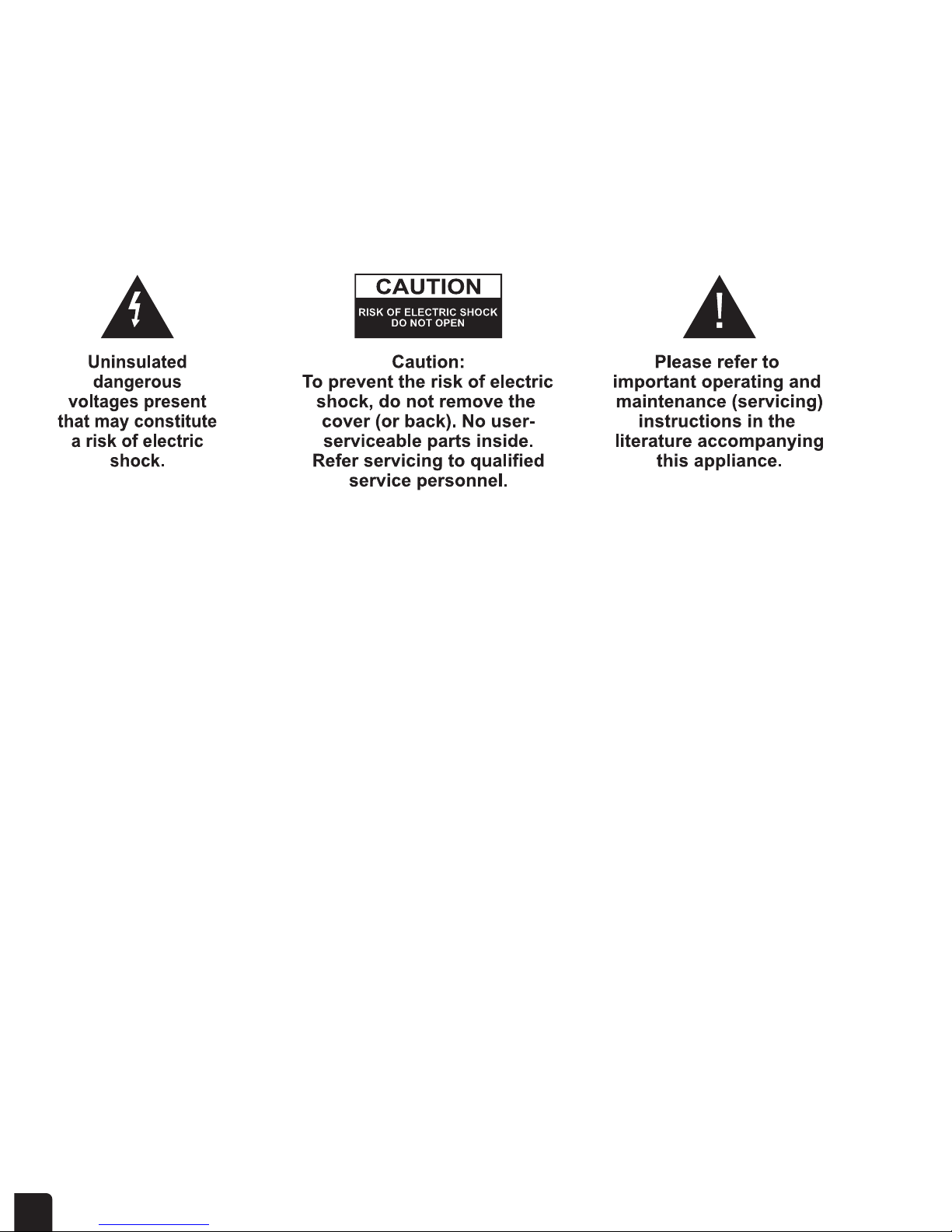
IMPORTANT SAFETY INSTRUCTIONS
1. Read these instructions.
2. Keep these instructions.
3. Heed all warnings.
4. Follow all instructions.
5. Do not use this apparatus near water.
6. Clean only with dry cloth.
7. Do not block any of the ventilation openings – install in accordance with the
manufacturer’s instructions.
8. Do not install near any heat sources such as radiator, heat register, stove or other
apparatus (including amplifiers) that produce heat.
9. Do not defeat the safety purpose of the polarized or grounding-type plug. A polarized
plug has two blades with one wider than the other. A grounding type plug has two
blades and a third grounding prong. The wide blade or the third prong is provided for
your safety. If the provided plug does not fit into your outlet, consult an electrician for
replacement of the obsolete outlet.
10. Protect the power cord from being walked on or pinched particularly at plugs
conveniece receptacles, and the point where they exit from the apparatus.
11. Only use attachment/accessories specified by the manufacturer.
12. Use only with the cart, stand, tripod bracket or table specified by the manufacturer, or
sold with the apparatus. When a cart is used, use caution when moving the
cart/apparatus combination to avoid injury from tip-over.
13. Unplug this apparatus during storms or when unused for long periods of time.
14. Refer all servicing to qualified service personnel. Servicing is required when the
apparatus has been damaged in any ways, such as power-supply cord or plug is
damaged, liquid has been spilled or object has fallen into the apparatus, the appara
tus has been exposed to rain or moisture, does not operate normally, or has been
dropped.
15. Apparatus shall not be exposed to dripping or splashing and no objects filled with
liquids, such as vases, shall be placed on the apparatus.
If the apparatus suddenly froze or has no response, it may be caused by electrostatic
phenomenon. In this circumstance, please follow the procedures below for recovery:
1. Power off the apparatus at the back panel.
2. Power on the apparatus at the back panel again.
06

SAFETY INFORMATION
- Before operating the system, check that the operating voltage indicated on the name
plate of the system is identical with the voltage of your local power supply.
- Place the system on a flat, hard and stable surface.
- Place the system in a location with adequate ventilation to prevent overheat in your
system. Allow at least 10cm (4 inches) clearance from the rear and the top of the unit
and 5cm (2 inches) from each side.
- The ventilation should not be impeded by covering the ventilation openings with items,
such as newspapers, table-cloths, curtains, etc.
- Do not expose the system to excessive moisture, rain, sand or heat sources caused by
heating equipment or direct sunlight.
- No naked flame sources, such as lighted candles, should be placed on the apparatus.
- No objects filled with liquids, such as vases, shall be placed on the apparatus.
- Don’t expose the system to dripping or splashing. The system is neither splash proof
nor waterproof.
When the system is switched to standby mode, it is still consuming some power.
To disconnect the system from the power supply completely, remove the power
cord from apparatus or wall socket.
07

LOCATING THE CONTROLS
Power button at the rear or top panel
Power on/ off
Quick play button
The “Quick play” function provide a short cut for playback of the most recently played 20
songs.
Fill-it-up button
The “fill-it-up” feature detects the available space in the external USB device (such as
MP3 player, portable hard disk player, flash type thumb drive, portable hard disk storage
drive or a SD/MMC cards) and fill up the space with the songs in the internal hard disk.
Source button
There are 6 modes of operation.
- Music
- Radio
- Line-in
- Player
- Card
- Setup
Press the Source button to change the mode.
08
Quick play
Fill-it-up
Source
Power
Smart menu
Card slotUSB host
Scroll wheel
Quickplay
Fill-it-up
Source
Power
Home
Smartmenu
Quickplay
Fill-it-up
Source
Power
Home
Smartm
enu

Smart menu button
Change the function of the buttons on the unit to provide instant access to the most
common features.
Scroll wheel control and 5-way button
Controls all browsing screens, volume and the playback screen
USB host
A socket for external USB device
Card slot
A socket for SD/MMC card
IR sensor
Communication between the system and the remote controller.
09
Inhaltsverzeichnis