
Pitney Bowes OfficeRight DI350 Handbuch

Inserting System
DI350 OfficeRight
TM
Operator Guide
SV40190-OG Rev. A

Contents
ii
First Edition, September 2002
©2002 Pitney Bowes Inc.
All rights reserved. This book may not be reproduced in whole or in part
in any fashion or stored in a retrieval system of any type or transmitted
by any means, electronically or mechanically, without the express
written permission of Pitney Bowes.
We have made every reasonable effort to assure the accuracy and
usefulness of this manual, however we cannot assume responsibility
for errors or omissions or liability for the misuse or misapplication of our
products.
NOTE: This equipment has been tested and found to
comply with the limits for a Class A device, pursuant to part
15 of the FCC rules. These limits are designed to provide
reasonable protection against interference when the
equipment is operated in a commercial environment. This
equipment generates, uses and can radiate radio fre-
quency energy, and if not installed and used in accordance
with the instruction manual, may cause interference to
radio communications. Operation of this equipment in a
residential area is likely to cause interference, in which
case the user, at their own expense, will be required to
correct the interference.
Trademark Notice
OfficeRight™ and EZ Seal® are trademarks of Pitney Bowes Inc.

Contents
iii
ABOUT THIS GUIDE
This guide explains how to setup and use the DI350
OfficeRight™ Inserting System . Please spend a few
moments reading through it. Understanding what the inserter
does, and how it does it, will keep problems to a minimum
and help you get the best performance possible.
This Guide is organized into seven sections:
1. INTRODUCTION
To the Operator 1-5
Three-Station Model .................................................... 1-5
Two-Station Model ...................................................... 1-6
One-Station Model ...................................................... 1-6
Safety ................................................................................ 1-7
Machine Identification ....................................................... 1-8
Control Panel .................................................................. 1-10
Control Panel Buttons ............................................... 1-10
Display Symbols ........................................................ 1-12
2. OPERATION
Connecting Power ............................................................. 2-1
Selecting and Running a Job ............................................ 2-1
Select the Job.............................................................. 2-1
Run a Trial Piece ......................................................... 2-2
Start Machine Operation ............................................. 2-3
Setting the Sheet Feeders ................................................ 2-3
Setting the Envelope Feeder............................................. 2-4
Setting the Insert Feeder................................................... 2-5
Filling the Sealer ............................................................... 2-6
Programming Options By Model ....................................... 2-7

Contents
iv
3. CREATE A NEW NON-OMR JOB
Create New Non-OMR Job ............................................... 3-1
Entering the Setup Mode............................................. 3-1
Choosing the New Job Number .................................. 3-2
Selecting Non-OMR Option ......................................... 3-2
Flowchart for Non-OMR Job........................................ 3-3
Setting the Accumulation Function .............................. 3-5
Fold Type .................................................................... 3-6
Setting Sheet Feeder 1 ............................................... 3-7
Setting Sheet Feeder 2 ............................................... 3-8
Setting Insert Feeder ................................................... 3-9
Mode ........................................................................... 3-9
Sealer ........................................................................ 3-10
Paper Length ............................................................. 3-10
Fold A ........................................................................ 3-11
Fold B ........................................................................ 3-11
Envelope Depth ......................................................... 3-12
Envelope Stop ........................................................... 3-12
Batch Mode ............................................................... 3-13
Confirming the Job Setup .......................................... 3-13
Testing the Job .......................................................... 3-14
Changing an Existing Job ............................................... 3-15
Deleting a Job ................................................................. 3-15

Contents
v
4. WHAT IS OMR (OPTICAL MARK
RECOGNITION)?
What is OMR? ................................................................... 4-1
What Do OMR Marks Look Like on Paper? ...................... 4-2
How are OMR Marks Read on the DI350? ....................... 4-3
How are OMR Marks Generated?..................................... 4-4
What OMR Marks are Used on the DI350? ...................... 4-5
OMR Group Combinations ................................................ 4-9
Details of Basic Level OMR ............................................ 4-10
Group 1 Marks (“OMR”) ............................................. 4-10
Details of Enhanced Level OMR ..................................... 4-14
Group 2 Marks (“Select Feed”) ................................... 4-14
Group 3 Marks (“Sequence”) ...................................... 4-17
Considerations When Implementing OMR ...................... 4-20

Contents
vi
5. CREATE A NEW OMR JOB
Creating a New OMR job .................................................. 5-1
What Is OMR? ............................................................. 5-1
Entering the Setup Mode............................................. 5-1
Choosing the New Job Number .................................. 5-2
Selecting OMR Option................................................. 5-3
Flowchart for OMR Job ............................................... 5-4
Fold Type .................................................................... 5-6
Setting Main (Scanning) Sheet Feeder ....................... 5-7
Setting Other Sheet Feeder ........................................ 5-7
Setting Insert Feeder ................................................... 5-9
Sealer ........................................................................ 5-10
Paper Length ............................................................. 5-10
Fold A ........................................................................ 5-11
Fold B ........................................................................ 5-11
Envelope Depth ......................................................... 5-12
Envelope Stop ........................................................... 5-12
Batch Mode ............................................................... 5-13
Confirming the Job Setup .......................................... 5-13
Adjustment of OMR Scanner..................................... 5-14
Loading the Material .................................................. 5-17
Testing the Job .......................................................... 5-18
Changing an Existing Job ............................................... 5-19
Deleting a job .................................................................. 5-19

Contents
vii
6. REFERENCE
Changing the Display Language ....................................... 6-1
Clearing Material ............................................................... 6-1
Hand Crank ................................................................. 6-1
Removal & Replacement of Sheet Feeder and
Envelope Trays ........................................................ 6-2
Removal & Replacement of the Fold Plates................ 6-2
Removal & Replacement of the Insert Tray ................ 6-3
Access to Carriage Assembly ..................................... 6-3
Access to Envelope Feeder Area ................................ 6-3
Access to the Envelope Exit Area ............................... 6-4
Access to the Envelope Inserting Area ....................... 6-4
Access to the Sheet Feed Area................................... 6-4
Troubleshooting ................................................................ 6-5
Error Messages ............................................................... 6-11
Paper Handling.......................................................... 6-11
OMR Errors ............................................................... 6-15
Material Specifications .................................................... 6-17
Sheet Feeders ........................................................... 6-17
Insert Feeder ............................................................. 6-17
Sealer ........................................................................ 6-18
Stacker ...................................................................... 6-18
Envelope Feeder ....................................................... 6-18
Material Requirements .............................................. 6-19
OMR Specifications (General) ........................................ 6-19
Machine Specifications ................................................... 6-20
Physical Dimensions: ................................................ 6-20
Noise Level................................................................ 6-20
Electrical/BTU Rating ................................................ 6-20
Speed ........................................................................ 6-20
Fold Modes................................................................ 6-20
Compliance ............................................................... 6-20
Usage ........................................................................ 6-21
Machine Life .............................................................. 6-21
Service ............................................................................ 6-21

Contents
viii
APPENDIX A – TRAINING CHECKLIST
Operator Training Checklist ..............................................A-1
Introduction..................................................................A-1
Operation.....................................................................A-1
Create (Program) Non-OMR Job ................................A-1
What Is OMR? .............................................................A-2
Create (Program) OMR Job ........................................A-2
Reference ....................................................................A-2
INDEX

1-1
Introduction
1. INTRODUCTION
To the Operator
Your Pitney Bowes DI350 Inserting System is a compact,
desk top unit, which is simple to set up and run while offering
the following features:
•Envelope seal/no seal option
•Semi-automatic single insert operation (not on single station model)
•Fully automatic material separation on sheet feeder(s)
•Fully automatic settings on fold plates
•Fully automatic envelope separation
•Fully automatic double document detection when selected
•Fold only option (fold without insertion)
•Semi-automatic insertion of single and multiple sheet Inserts
•Option of single fold, letter (C) fold, accordion (Z) fold or double fold
•Job recall, operator programmable (up to 20, depending on model)
•Switchable feeding
•Optical Mark Recognition (OMR) scanning for greater collation
integrity and additional feeding flexibility (3-station model only)
This guide covers all three models of the DI350 inserter system.
Three-Station Model
This model incorporates two sheet feeders and an insert feeder.
It is the only model that has OMR and has the most setup
options. For this reason, all illustrations in this guide show this
model.
Sheet
Feeder 1 Insert Feeder
Sheet
Feeder 2

1-2
Introduction
Two-Station Model
This model incorporates a single sheet feeder and an insert
feeder.
One-Station Model
This model incorporates a single sheet feeder.
All models are set up and operated in a very similar way.
Procedures in this guide cover all models. If a function is
model dependent, the accompanying text will explain this.
Sheet Feeder 1
Insert Feeder
Sheet Feeder 1
Inhaltsverzeichnis
Andere Pitney Bowes Druckerzubehör Handbücher

Pitney Bowes
Pitney Bowes SendPro Network SendKit Bedienungsanleitung

Pitney Bowes
Pitney Bowes OfficeRight DF500 Handbuch

Pitney Bowes
Pitney Bowes F610 Bedienungsanleitung
Pitney Bowes
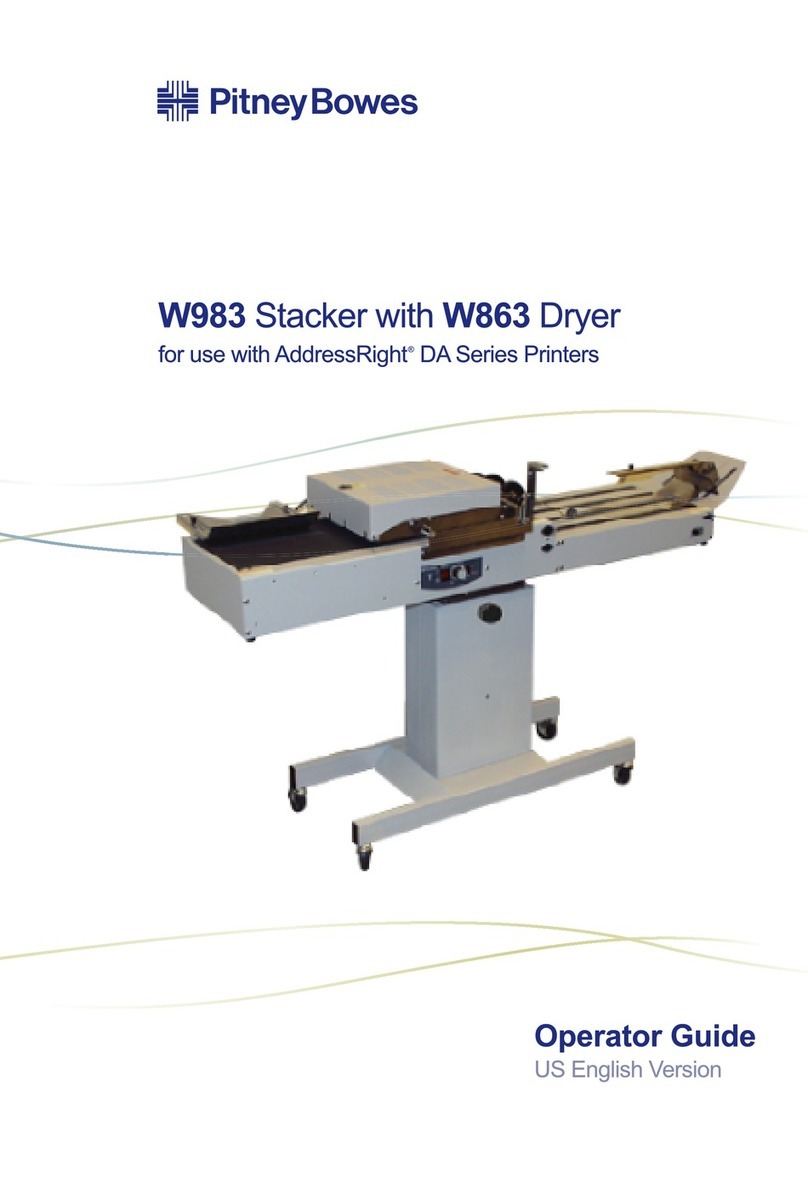
Pitney Bowes W863 Handbuch

Pitney Bowes
Pitney Bowes OptiFlow DIVS Handbuch

Pitney Bowes
Pitney Bowes SendPro Network SendKit Bedienungsanleitung

Pitney Bowes
Pitney Bowes 1810 Folder Handbuch

Pitney Bowes
Pitney Bowes 3400 PRINTER OPTION Bedienungsanleitung

Pitney Bowes
Pitney Bowes SendPro Desktop SendKit Bedienungsanleitung


