
Planmeca Creo Bedienungsanleitung
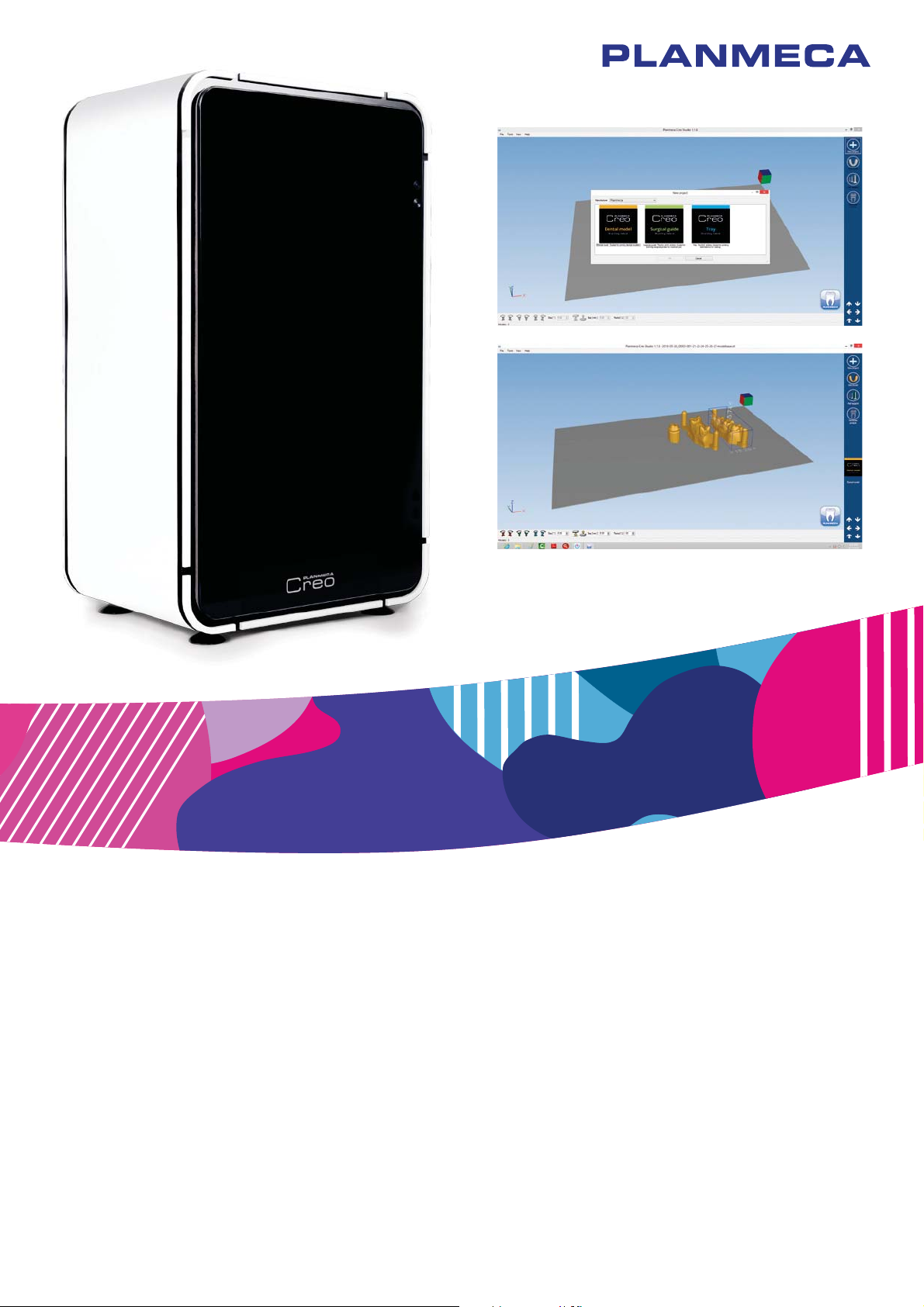
Planmeca Creo™
EN 30003127_2
user's manual


User’s manual Planmeca Creo 1
Table of contents
1 INTRODUCTION .................................................................................................................1
2 ASSOCIATED DOCUMENTATION ...................................................................................... 1
3 TRAINING .......................................................................................................................... 1
4 REGISTERING YOUR 3D PRINTER .................................................................................... 2
5 PREVENTIVE MAINTENANCE ............................................................................................ 2
6 SYMBOLS ON PRODUCT LABELS ..................................................................................... 3
7 FOR YOUR SAFETY ........................................................................................................... 4
7.1 Connecting and disconnecting printer .................................................................................... 4
7.2 Caution for accessibility .......................................................................................................... 4
7.3 Caution for servicing ............................................................................................................... 6
7.4 Additional safety information .................................................................................................. 7
8 RESIN HANDLING .............................................................................................................. 8
8.1 Precautions ............................................................................................................................ 9
8.2 Approved resins ..................................................................................................................... 9
9 MAIN PARTS .................................................................................................................... 10
9.1 Printer accessories ............................................................................................................... 12
9.2 Printer controls ..................................................................................................................... 14
9.3 Printer menus ....................................................................................................................... 14
10 PREPARATIONS BEFORE PRINTING .............................................................................. 16
10.1 Attaching splash guard ......................................................................................................... 16
10.2 Attaching basin ..................................................................................................................... 16
10.3 Levelling and installing build platform ...................................................................................17
10.4 Calibrating printer (cubes calibration) ...................................................................................19
10.5 Filling basin .......................................................................................................................... 20
10.6 Replacing Teflon film ............................................................................................................ 21
11 PRINTING ........................................................................................................................ 24
11.1 Calibration print .................................................................................................................... 24
11.2 Printing ................................................................................................................................. 26
12 AFTER PRINTING ............................................................................................................ 27
12.1 Removing build platform ....................................................................................................... 27
12.2 Removing prints from build platform and post-processing ................................................... 27
12.3 Cleaning build platform ......................................................................................................... 28
12.4 Removing, emptying and cleaning basin .............................................................................. 28
12.5 Cleaning outside surfaces of printer ..................................................................................... 30
13 PLANMECA CREO STUDIO SOFTWARE .......................................................................... 31
13.1 Overview .............................................................................................................................. 31
13.2 Control panel ........................................................................................................................ 34
13.3 Default views ........................................................................................................................ 34
13.4 Bottom menu ........................................................................................................................ 34
13.5 Print area controls ................................................................................................................ 35
13.6 Creating new project ............................................................................................................. 36
13.7 Printing dental models .......................................................................................................... 36
13.8 Printing surgical guides ........................................................................................................ 37
13.9 Printing impression trays ...................................................................................................... 37

2 Planmeca Creo User’s manual
The manufacturer, assembler and importer are responsible for the safety, reliability and
performance of the unit only if:
- installation, calibration, modification and repairs are carried out by qualified author-
ised personnel
- electrical installations are carried out according to the appropriate requirements such
as IEC 60364
- equipment is used according to the operating instructions.
Planmeca pursues a policy of continual product development. Although every effort is
made to produce up-to-date product documentation this publication should not be re-
garded as an infallible guide to current specifications. We reserve the right to make
changes without prior notice.
COPYRIGHT PLANMECA
Publication number 30003127 Revision 2
Released 08 December 2017
Table of contents
13.10 Editing support structures ..................................................................................................... 38
13.11 Generating print job .............................................................................................................. 38
13.12 Saving print job to USB ......................................................................................................... 38
13.13 Importing printer settings ...................................................................................................... 39
14 TECHNICAL SPECIFICATIONS ........................................................................................ 40
15 DISPOSAL ....................................................................................................................... 40
Appendix A: TROUBLESHOOTING
A.1 TROUBLESHOOTING TABLES ......................................................................................... 42
A.1.1 Print fails to attach to build platform ...................................................................................... 42
A.1.2 Print cannot be removed from build platform ........................................................................ 42
A.1.3 Print is misshapen or incorrect ............................................................................................. 43
A.2 TROUBLESHOOTING TASKS ........................................................................................... 44
A.2.1 Cured resin present in printer ............................................................................................... 44
A.2.2 Print layer stuck to basin floor ............................................................................................... 44
A.2.3 Removing cured resin from basin glass ................................................................................ 45
A.2.4 Slice-by-slice view in Creo Studio ......................................................................................... 47
A.2.5 Radio & television interference ............................................................................................. 48
A.3 SERIAL NUMBER CAPTURE ............................................................................................ 49

1 INTRODUCTION
User’s manual Planmeca Creo 1
1 INTRODUCTION
This manual describes how to use the Planmeca Creo 3D
printer.
The printer has been designed specifically to print parts
for the dental industry. It is designed to be used within a
dental lab by technicians that have completed the
appropriate training course.
The printer works by building the dental parts in
successive thin layers. Each layer is created by exposing
a photo-polymer (resin) to UV light. This causes the resin
to polymerize (cure) into a solid where it is exposed to the
light. After one layer has been cured the build platform
moves up the thickness of the next layer and the process
is repeated until the part is complete.
NOTE
Depending on your current configuration the parts
illustrated may appear different from yours. The
instructions apply, however, for all configurations.
2 ASSOCIATED DOCUMENTATION
• Planmeca Creo Technical manual
(publication number 30003128)
For service personnel. Gives instructions for service
situations and parts replacements. Includes technical
descriptions and component diagrams.
• Planmeca Creo Installation Quick guide
(publication number 30002966)
For service personnel. Describes how to install the
Planmeca Creo 3D printer.
3 TRAINING
Only fully-trained operators should operate the Planmeca
Creo 3D printer. The printer is designed to be used within
a dental lab by technicians that have completed the
appropriate training course.

4 REGISTERING YOUR 3D PRINTER
2 Planmeca Creo User’s manual
4 REGISTERING YOUR 3D PRINTER
Before you start using your Planmeca Creo 3D printer,
you must register it to activate the additional one-year
warranty.
To register:
• Read the QR code on the package box with a QR
code reader to enter the registration website.
OR
• Navigate to the registration website
www.planmeca.com/register/
in your Internet
browser.
Follow the instructions on the website.
5 PREVENTIVE MAINTENANCE
Keep all parts that contact resin clean and free from
uncured resin.
Check the projector lens is clean on a monthly basis.
Clean with air or a lint free cloth if required.
Check the fans are clean on a monthly basis. Clean with
air if required.

6 SYMBOLS ON PRODUCT LABELS
User’s manual Planmeca Creo 3
6 SYMBOLS ON PRODUCT LABELS
Serial number
Date of manufacture
Manufacturer
Separate collection for electrical and electronic equipment
according to Directive 2002/96/EC (WEEE).
European conformity
Non-ionizing electromagnetic radiation

7 FOR YOUR SAFETY
4 Planmeca Creo User’s manual
7 FOR YOUR SAFETY
Read these instructions carefully. Keep this document for
future reference. Follow all warnings and instructions
marked on the Planmeca Creo 3D printer.
CAUTION
DO NOT use under the following conditions:
• In extremely hot, cold or humid environments.
• In areas susceptible to excessive dust and dirt.
• Near any appliance that generates a strong magnetic
field.
• Locations with an ambient temperature above 30 ºC.
7.1 Connecting and disconnecting printer
Observe the following guidelines when connecting and
disconnecting power to the printer:
• Install the printer before connecting the power cord to
the AC power outlet.
• Unplug the power cord before moving the printer.
7.2 Caution for accessibility
Ensure that the power outlet you plug the power cord into
is easily accessible and located as close to the printer as
possible. If you need to disconnect power to the printer,
unplug the power cord from the electrical outlet.
CAUTION
Do not use the printer near water.
CAUTION
Do not place the printer on an unstable cart, stand or
table. If the printer falls, it could cause injury and or
damage.
CAUTION
Do not place the printer on any surface that is not
rated to withstand the printer’s weight.
CAUTION
Slots and openings are provided for ventilation to
ensure reliable operation of the printer and to protect
it from overheating. These openings must not be
blocked or covered. The openings should never be
blocked by placing the printer on a soft surface or too
close to a wall.
CAUTION
Do not place the printer near or over a radiator or
heat register, or in a built-in installation unless proper
ventilation is provided.

7 FOR YOUR SAFETY
User’s manual Planmeca Creo 5
CAUTION
Never push objects of any kind into this printer
through cabinet slots as they may touch dangerous
voltage points or short-out parts that could result in a
fire or electric shock. Never spill liquid of any kind
onto or into the printer.
CAUTION
To avoid damage of internal components, do not
place the printer on a vibrating surface.
CAUTION
Using electrical power
• Operate the printer only from the type of power
indicated on the marking label. If you are not sure of
the type of power available, consult your dealer or
local power company.
• Do not allow anything to rest on the power cord. Do
not locate the printer where people will walk on the
cord.
• If an extension cord is used with the printer, make
sure that the total ampere rating of the equipment
plugged into the extension cord does not exceed the
extension cord ampere rating. Also, make sure that
the total rating of all products plugged into the wall
outlet does not exceed the fuse rating.
• Do not overload a power outlet, strip or receptacle by
plugging in too many devices. The overall system
load must not exceed 80% of the branch circuit
rating. If power strips are used, the load should not
exceed 80% of the power strip's input rating.
• The printer’s AC adapter is equipped with a three-
wire grounded plug. The plug only fits in a grounded
power outlet. Make sure the power outlet is properly
grounded before inserting the AC adapter plug. Do
not insert the plug into a non-grounded power outlet.
Contact your electrician for details.
CAUTION
The grounding pin is a safety feature. Using a power
outlet that is not properly grounded may result in
electric shock and/or injury.
NOTE
The grounding pin also provides good protection from
unexpected noise produced by other nearby electrical
devices that may interfere with the performance of the
printer.
• Use the printer only with the supplied power supply
cord set. If you need to replace the power cord set,
make sure that the new power cord meets the
following requirements: detachable type, UL listed/
CSA certified, VDE approved or its equivalent.

7 FOR YOUR SAFETY
6 Planmeca Creo User’s manual
7.3 Caution for servicing
CAUTION
Do not attempt to service the printer yourself, as
opening or removing covers may expose you to dan-
gerous voltage points or other risks. Refer all servic-
ing to qualified service personnel. Unplug this printer
from the wall outlet and refer servicing to qualified
service personnel when:
• the power cord or plug is damaged, cut or frayed
• liquid was spilled into the printer
• the printer is exposed to rain or water
• the printer is dropped or the case is damaged
• the printer exhibits a distinct change in performance,
indicating a need for service
• the printer exhibits strange noises or odours
• the printer does not operate normally after following
the operating instructions
NOTE
Adjust only those controls that are covered by the
operating instructions, since improper adjustment of other
controls may result in damage and will often require
extensive work by a qualified technician to restore the
printer to normal condition.
CAUTION
For safety reasons, do not use non-compliant parts
when adding or changing components. Consult your
reseller for purchase options.
CAUTION
Your device and its enhancements may contain small
parts. Keep them out of the reach of small children.
Inhaltsverzeichnis


