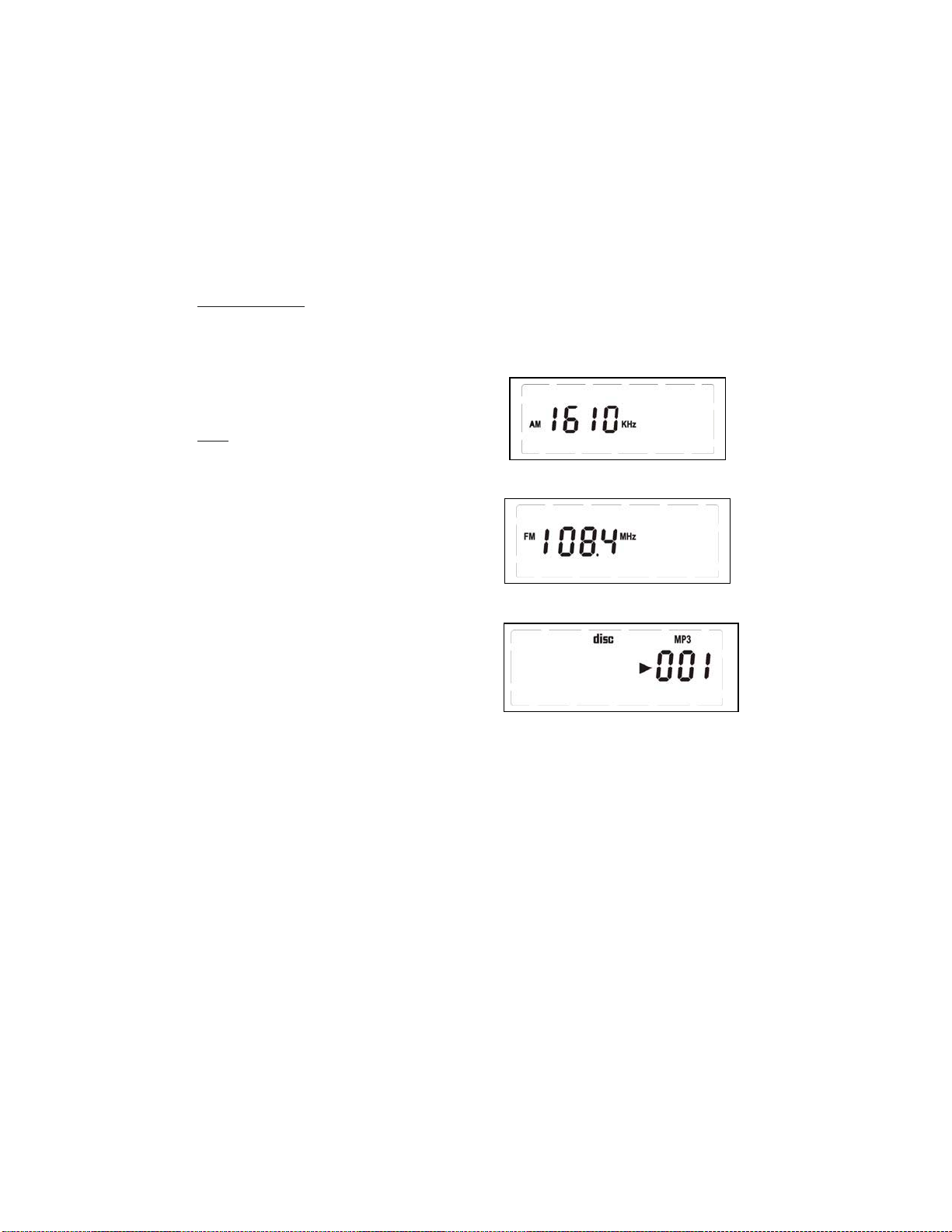
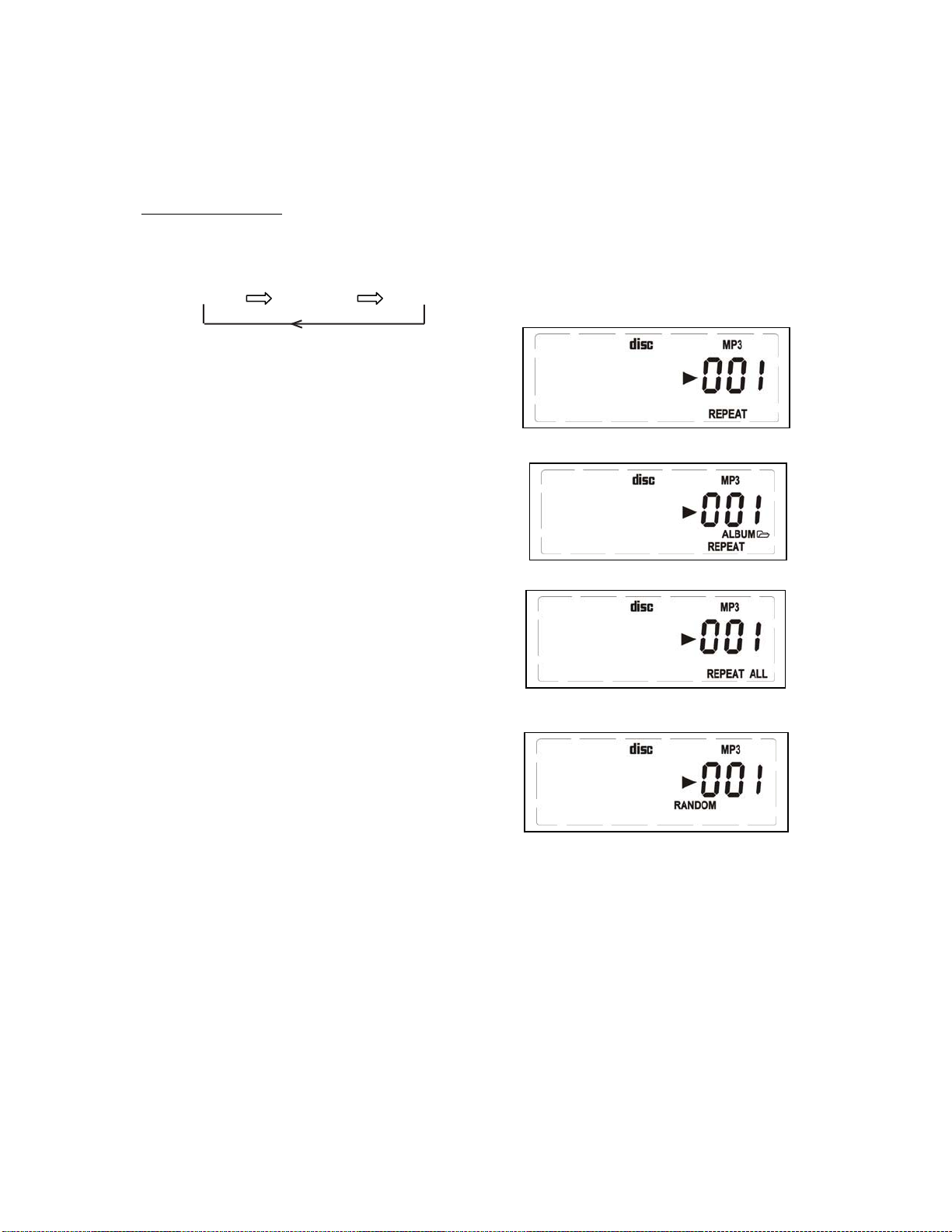
COMPATIBLE AUDIO FORMATS
This system is compatible with MPEG1 Audio Layer 3 (MP3) 32, 44.1 or 48kHz formats. The recording format should be in
accordance with ISO9660 CD-ROM file system. MP3 file name requires MP3 or mp3as an extension. Chinese characters
cannot be displayed, although files featuring them can be played.VBR (Variable Bit Rate) files can be played, but playing
time may not be shown correctly. Up to 299 tracks/folders can be played. This system supports playback of songs in
CD-audio (pre-recorded CDs), MP3 and Windows Media formatted Audio (WMA). This system does not support
Digital Rights Management (DRM). This system cannot play songs purchased from iTunes or other songs in AAC format,
songs in ATRAC format or songs purchased from some online music retailers. It may be possible to convert your music
to one of the playable compressed formats, or burn it to an audio CD, depending on the DRM restrictions.
Notice for CDR/CDRW/MP3 users:
Depending on the type of CD burner the disc brand, MP3 compression level and the burning speed, some reading
problems may occur.
PLAYING A CD
This CD-player can play Audio Discs, MP3, CD-R and
CD-Rewritable. Do not try to play CD-ROM, CDi, VCD,
DVD or computer CD.
1. Adjust the source selector to CD.
Display: shows -
and
briefly.
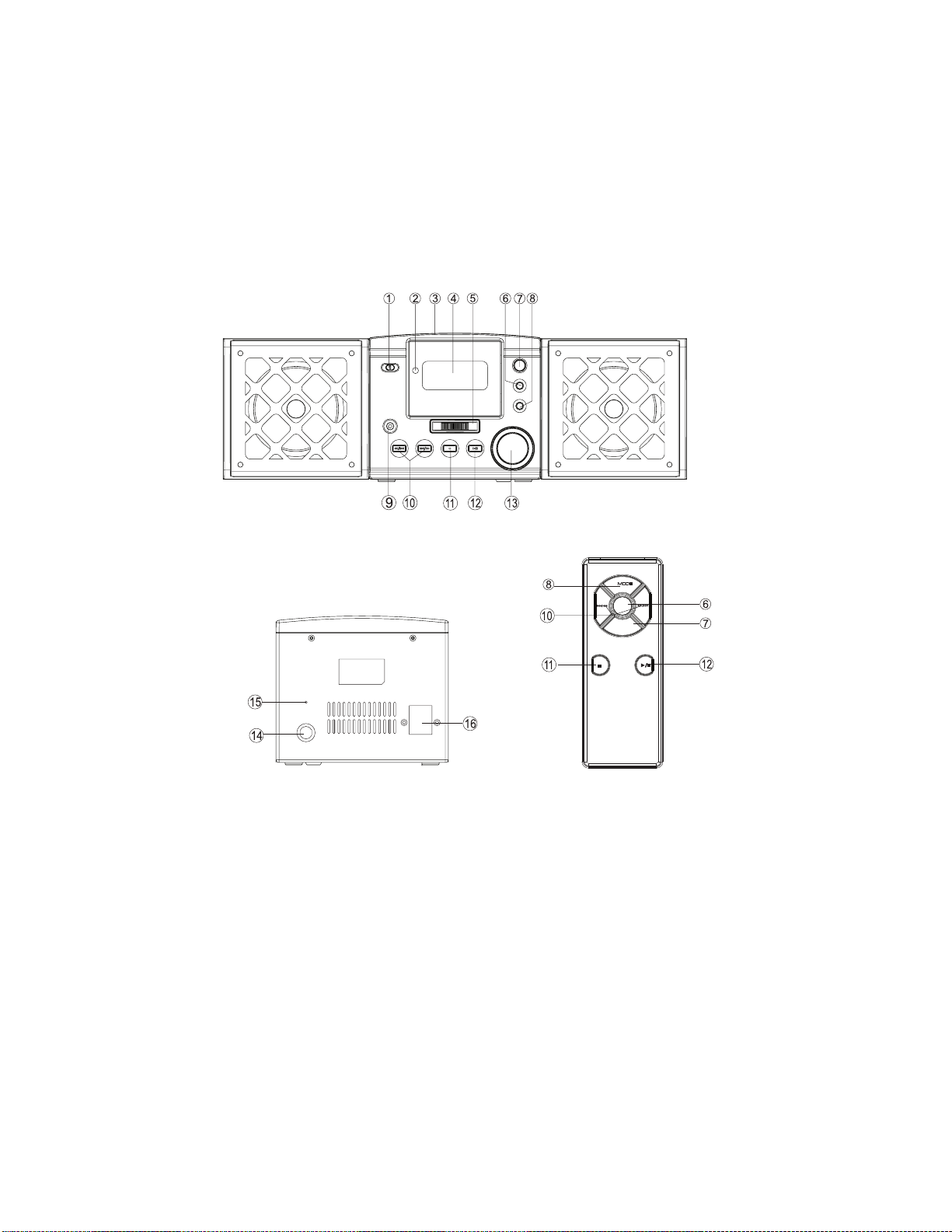
2. To open the CD door, press the CD door at the edge
marked OPEN/CLOSE.
3. Insert a CD, CD-R or CD-RW with the printed side
facing up and press the CD dclose .
4. Press on the main unit or remote control to
start playback.
5. To pause playback press
- To resume, press again.
6. To stop CD playback, press button.
Note: CD play will also stop when:
– you open the CD compartment;
– you select the function switch to OFF ;
– the CD has reached the end.
SELECTING A DIFFERENT TRACK
During playback you can use or to select a
particular track.
•If you have selected a track number in the stop or
pause position, press or to start playback.
•Press once briefly for the next track, or press
repeatedly until the desired track number appears
in the display.
•Press once briefly to return to the beginning of
a current track.
•Press more than once briefly for a previous track.
GB-6
Programming track numbers
You may store up to 20 tracks in the desired
sequence. store any track more than once.
1. the PROG. button on main unit or remote, press
or for your desired track.
* You can select the Album by
2. When your chosen track number appears, press
PROG once to store the track.
The display shows PROG and P
briefly
followed by your selected track number.
3. Repeat steps 1 to 2 to select and store all desired
tracks in this way.
4. To play your program, press .
Reviewing your set program
• After playing at least one programmed track, press
or , display will show your stored track numbers.
Erasing a program
You can erase the contents of the memory by:
– opening the CD door;
– slide the function selector to OFF source;
– In Stop mode, press button in twice.
Press
You can
the
repeatedly pressing the
STOP button on the main unit.
For MP3 Playback you can toggle through the available
folders (if supported by the disc) by repeatedly pressing
the FOLDER button on the main unit or the remote.
Downloaded from www.vandenborre.be