1 Description...................................................................................................3
2 Safety conditions........................................................................................4
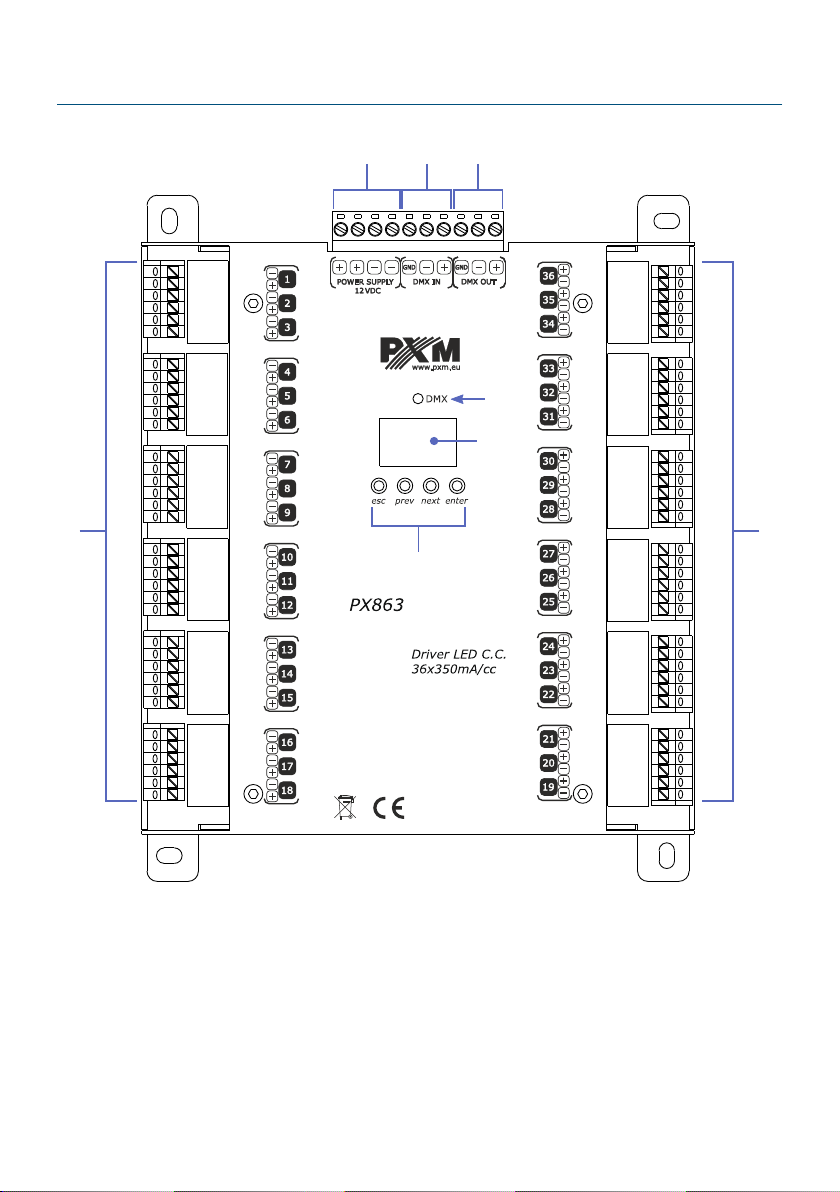
3 Connectors and control elements...........................................................5
4 DMX signal connection.............................................................................6
5 Meaning of displayed messages.............................................................6
6 Device programming.................................................................................8
6.1 utton features............................................................................................................ 8
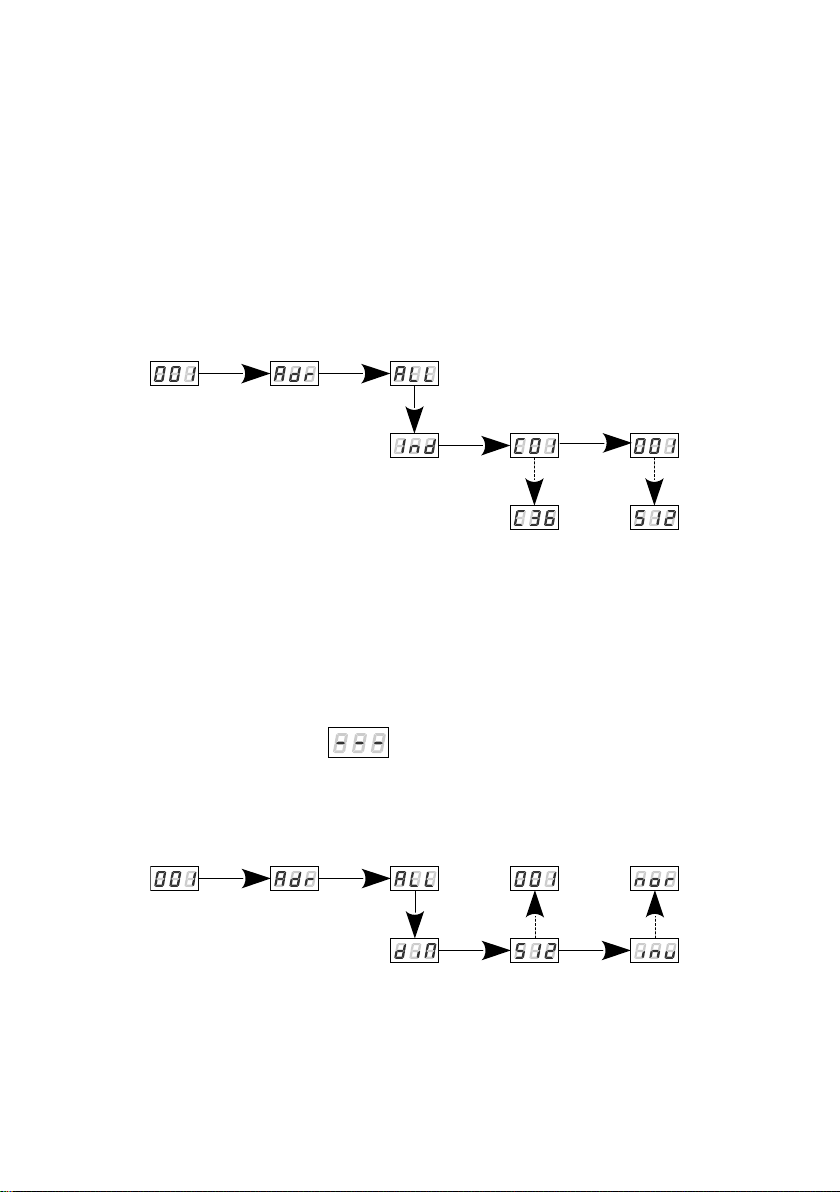
6.2 DMX addressing..........................................................................................................9
6.3 Operation mode........................................................................................................ 11
6.4 Response to the lack of DMX signal.....................................................................13
6.5 The smoothing function..........................................................................................15
6.6 Frequency of PWM signals.....................................................................................16
6.7 Minimum level of brightness..................................................................................17
6.8 White balance............................................................................................................18
6.9 Screen saving............................................................................................................19
6.10 Temperature............................................................................................................ 19
6.11 Default settings and memory error.....................................................................20
6.12 Software version.....................................................................................................21
6.13 Rotation of the display..........................................................................................21
6.14 Service mode.......................................................................................................... 22
7 RDM description of available parameters...........................................23
8 Programming............................................................................................28
9 Connection scheme.................................................................................29
10 Dimensions.............................................................................................30
11 Technical data........................................................................................31
Manufacturer reserves the right to make modications in order to improve device
operation.
!"#$!$!
%&'()
*+%&'(
,-.#/0*
1)2*
34$$
555$$
62+
2)**2
*