Electric res operation and installation guide 17904-B | 7
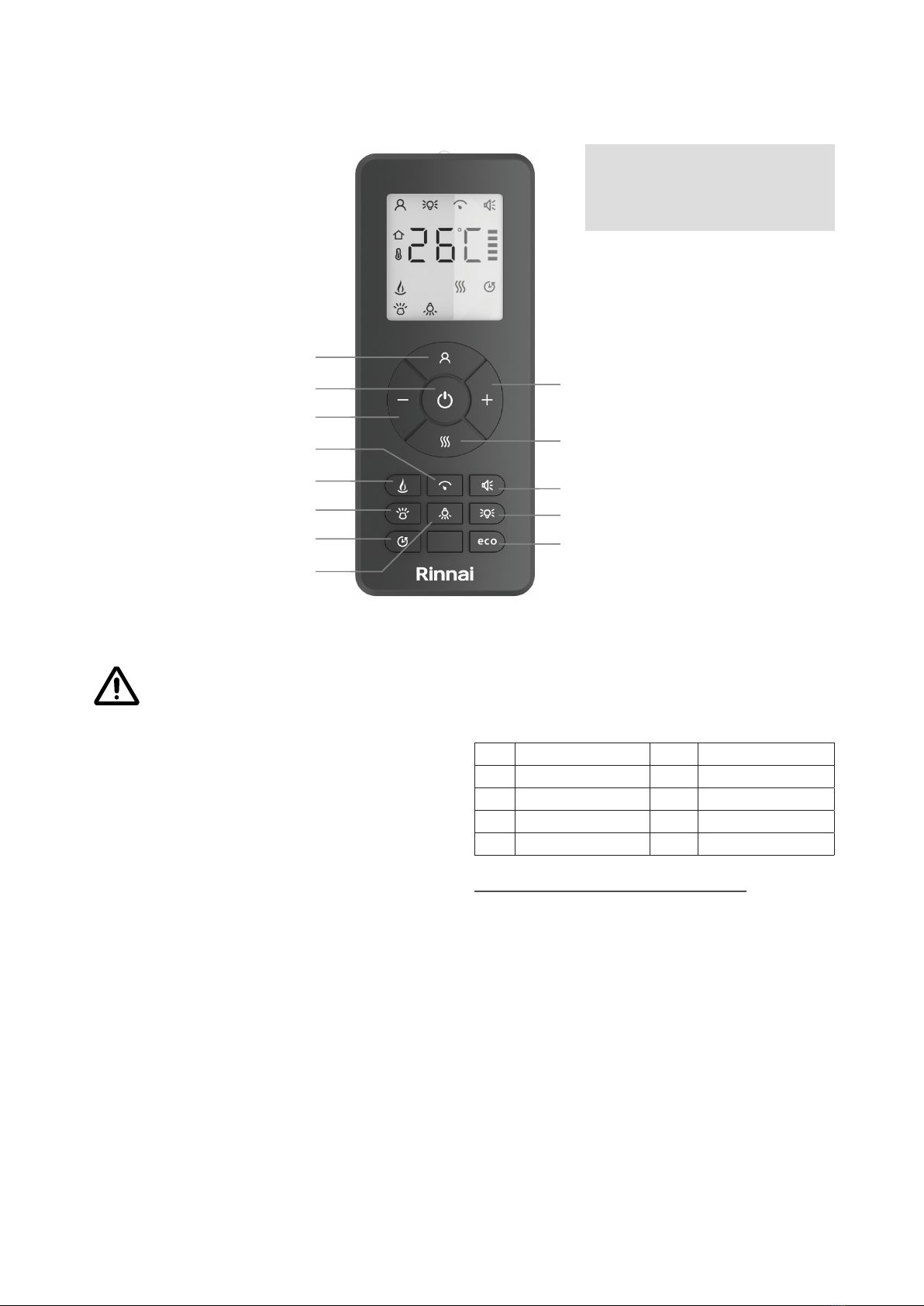
Standby
• Turns on the appliance to the last used
settings without any heat.
• Places the appliance into standby mode
with all features turned o.
Plus (+) and minus (-) buttons
Use to navigate the dierent on-screen menus.
Flame speed
Press once to enter the ame speed menu,
SPd will show on the screen. Press the + or -
buttons to adjust the ame speed. The ame
speed is indicated on the screen by bars, one
bar is the slowest setting, ve bars the highest.
Flame colour
Repeatedly press to cycle through the ame
colour menu. While in the ame colour menu,
press the + or - buttons to increase or decrease
the ame brightness, one bar is the lowest
setting, ve bars is the brightest setting.
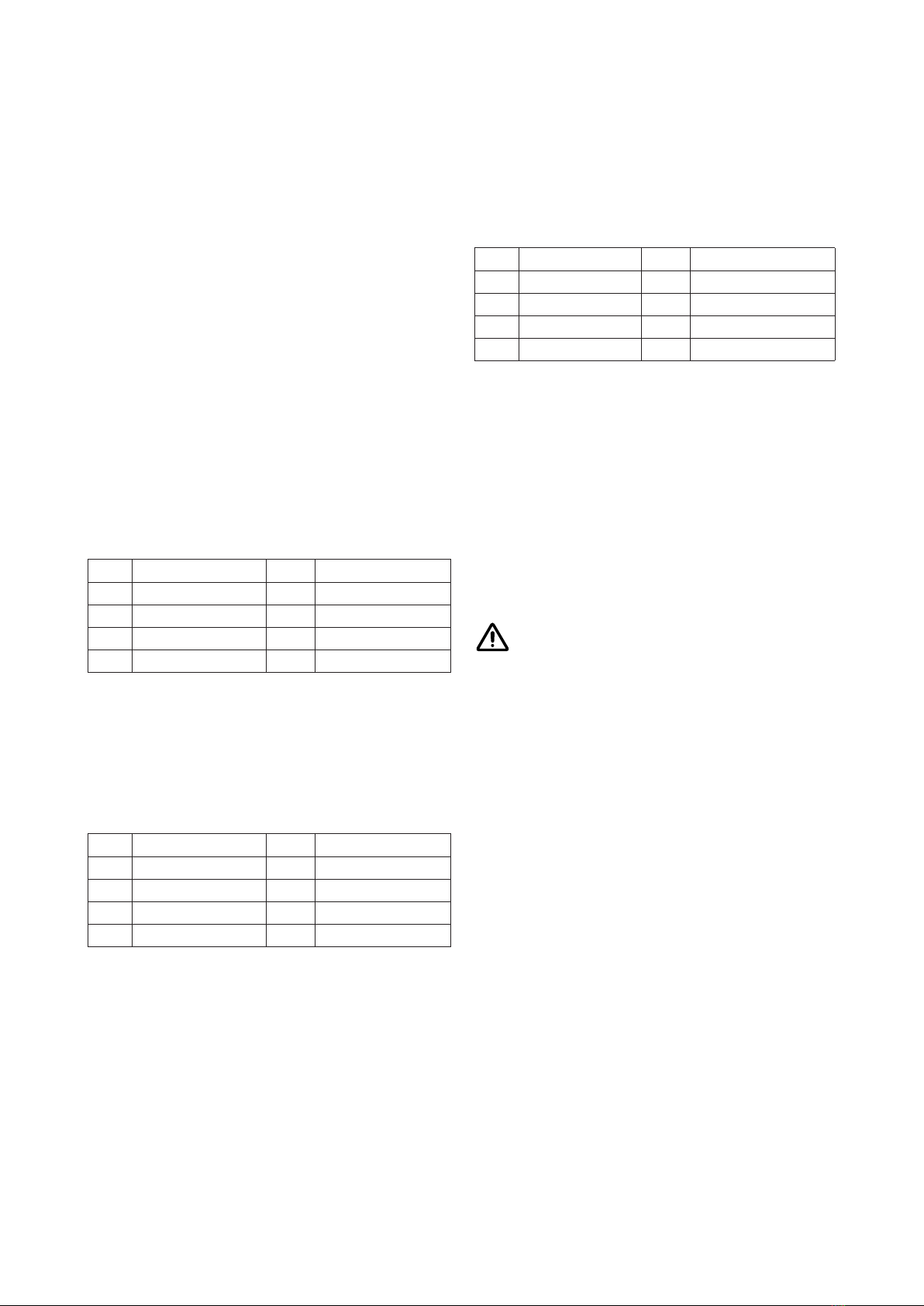
FL.0 Flame o FL.5 Light blue
FL.1 Red FL.6 Dark blue
FL.2 Orange FL.7 Violet
FL.3 Yellow FL.8 White
FL.4 Green FL.9 Multi-colour change
Fuel bed colour
Repeatedly press to cycle through the fuel
bed colour menu. While in the fuel bed colour
menu, press the + or - buttons to increase or
decrease the fuel bed brightness, one bar is the
lowest setting, ve bars is the brightest setting.
Fb.0 Flame o Fb.5 Light blue
Fb.1 Red Fb.6 Dark blue
Fb.2 Orange Fb.7 Violet
Fb.3 Yellow Fb.8 White
Fb.4 Green Fb.9 Multi-colour change
Timer mode
Repeatedly press to cycle through timer
options. Select an amount of time for the
appliance to operate, then to automatically turn
o. Choose between 0.5, 1, 2, 3, 4, 5, 6, 7, 8, 9
hours.
Eco
This mode will reduce the brightness of all
lighting modes and limit the heat output to a low
setting. To exit this mode, press the button a
second time.
Fuel bed downlight
Repeatedly press to cycle through the fuel bed
downlight colour menu. While in the fuel bed
downlight menu, press the + or - buttons to
increase or decrease the fuel bed brightness,
one bar is the lowest setting, ve bars is the
brightest setting.
dL.0 Light o dL.5 Light blue
dL.1 Red dL.6 Dark blue
dL.2 Orange dL.7 Violet
dL.3 Yellow dL.8 White
dL.4 Green dL.9 Multi-colour change
Heater
Press to cycle through the heating options:
• 1 press: CO.A = cool blow
• 2 presses: H.Lo = low heat
• 3 presses: H.HI = high heat
• 4 presses: no.H = no heat
While in heater mode, after selecting the low
or high heat setting, press the - and + buttons
to select the temperature you want the room to
reach.
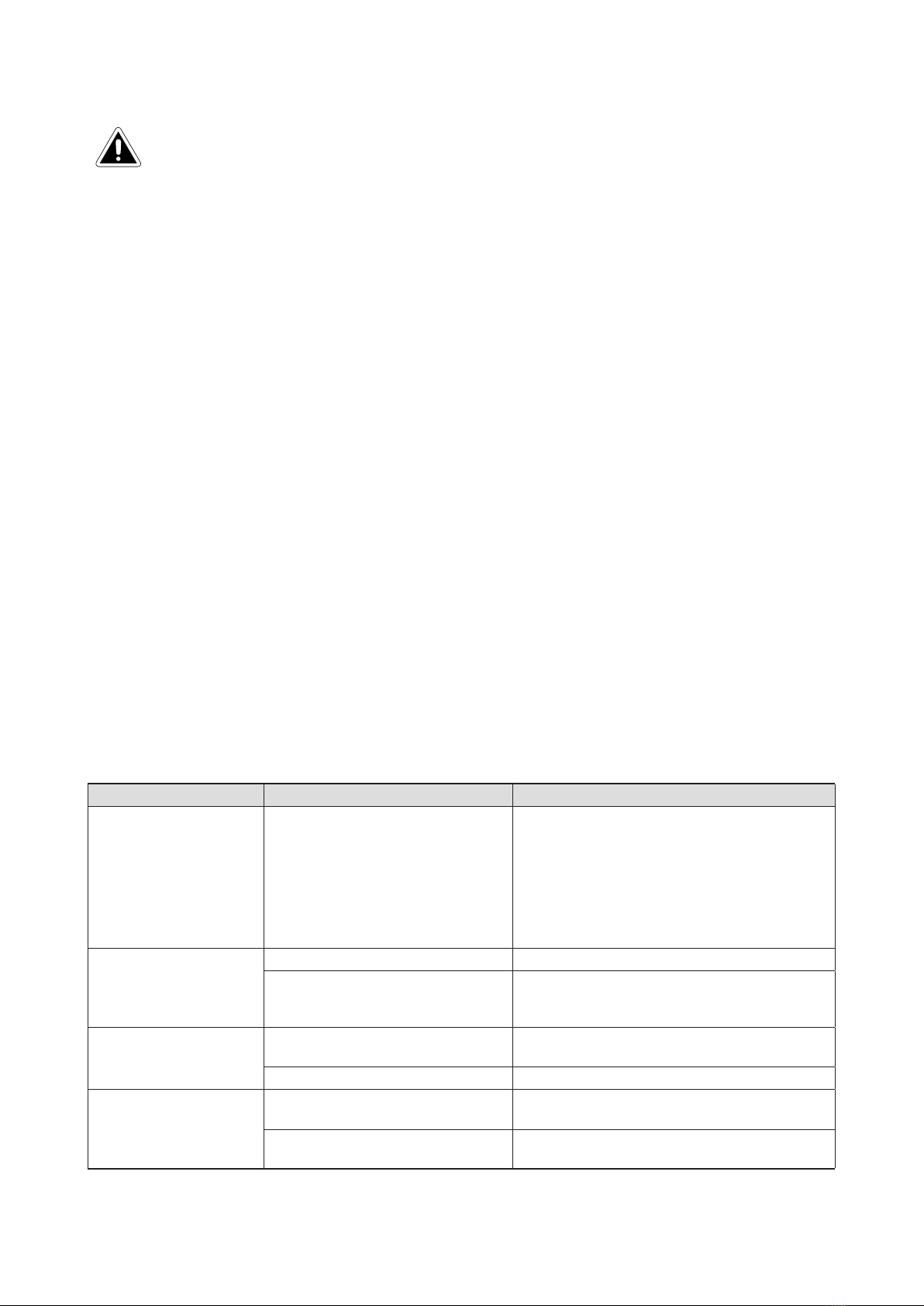
If the room temperature is already higher
than the temperature selected, the unit
will not activate.
To switch between °C or °F, hold the - and +
buttons for three seconds.
Open window detection is an innovative eco
feature that detects a rapid drop in room
temperature caused by an open window. The
warning word ‘OPn’ will be displayed on the
screen and the unit will be turned o. If the
room temperature rises, or the remote control
is operated manually, the unit will return to its
normal working state.
Sound eect
Press the sound eect button:
• 1 press: S.on = Sound eect on
• 2 press: no.S = Sound eect o
While in the sound eect menus, press the -
and + buttons to increase and decrease the
volume, one bar is the quietest setting.
NOTE