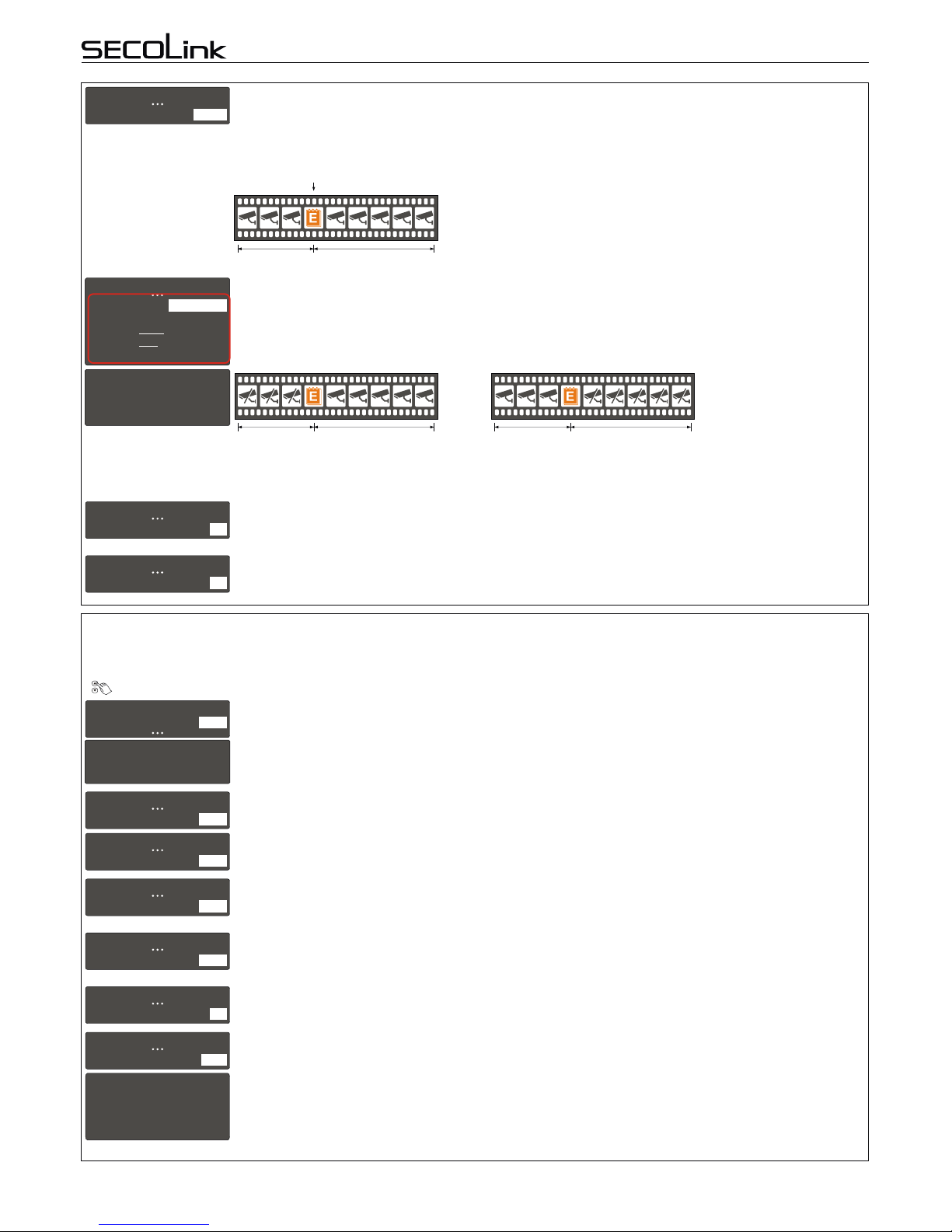
All settings related to video capturing can be changed in the Capture settings menu. To keep privacy at the highest level, the video capturing and
camerapoweringfromVIDNETpowersupplyaredirectlyrelated.Italsoaffectsthecamerapoweredfromextrapowersupply.VIDNETwillcapture
videoifthisactionisgrantedintheCapturesettingsmenu.
MainMenu}Settings}Videosettings}Capturesettings
2. VIDEO CAPTURING SETTINGS
It is recommended to give anappropriate name to a camera. The system will use it to send information to
ALARMSERVER.NETorto SECOLINKPRO application .For nextcharacter possitionpress []or[]key.To delete
acharactermovethecursoronwrongcharacterandpress[0].Press[Ü]or[7]keyforthenextcamera.
1
C01 CAM1
Name CAM1
VIDNET
User manualIntruder alarm system
Intruder alarm system with video module VIDNET on board is not a CCTV surveillance system that simply records
videos that are accessed by the system user. Rather, VIDNET is a complete video alarm system that sends a short
videoclipwiththealarmnotificationtotheSECOLINKPRO appforimmediatereviewanditcanalsolinkthevideo with
the central monitoring station (CMS). VIDNETdelivers faster response to an actual crime scene because the user or
CMS operator filter out false alarms. The system should include at least one analog camera covering assets and key
entrance points where a thief, vandal,or trespasser could show up. Up to four analog cameras can be connected to
INTRODUCTION
Page 1
1. REGISTRATION OF THE ALARM SYSTEM IN ALARMSERVER.NET
ALARMSERVER.NET is simply a service platform that keeps in sync end user devices which have the SECOLINK PRO app installed with the
alarm system. Status (armed/disarmed, alarms, troubles), temperature in premises (measured by temperature sensors BT1, BP1, or keypads),
and video recordings made by VIDNET can all be monitored using the service. This platform is also useful to installers to remotely monitor alarm
system'sperformanceandtoremotelyupdatesystemsettings.Thiscommunicationusesdataserviceandchargesmayapply.Note:Youmustfirst
registeryoursystemwithaserverbeforeusingALARMSERVER.NET.
MainMenu}Settings}www.alarmserver.net
Mandatorysettings: This menu is used toregister your intruder alarm systemonALARMSERVER.NETandto send anysettings related to
communication.It is mandatory to register your system with a server,if SECOLINK PRO application will be used to
controlthesystemviaTCP/IP.Afterasuccessfulregistrationgotowww.alarmserver.nettocreateafreeaccount.
Important!Theregistrationonserverprocessshouldberepeatedifanysettingsdescribedbelowarechanged.
www.alarmserver.net
Registrationonserver
1
Reporting–inthismenutheusercanchangesettingsforreportsonALARMSERVER.NET.
Periodictest–themodulecansendatestmessageperiodically:every10min,30min,1hour,6hours,24hours,48
hoursoritcanbedisabled.
Technical info –the module can send technical information periodically: every 10 min, 1 hour, 24 hours, every 1
week,ordisabled.
Every event –to view present status of the system, all new generated events (e.g. arming/disarming, alarms and
etc.)shouldbesenttoALARMSERVER.NET.Thissettingmustbeenabled,ifSECOLINKPROapplicationwillbeused
tocontrolthesystemviaTCP/IP.
Eventlog –the event log could be sent periodically: every10 min, 1 hour, 24 hours, every 1week or disabled.This
menudisappearsif EveryeventsettingisYes.
Motiondetection–thesystemcansendalistofviolatedzonesduringthepredefinedtimeperiod.Thistimeperiodis
directlyrelatedtoreportsendingperiod:every10min,1hour,24hours,every1week,ordisabled.
Use GPRS as backup –if the communication with a server is not established via LAN, the system will try to
establishtheconnectionwithaserverviaGPRS(3G).
TCP control –this setting must be enabled, if SECOLINK PRO application will be used to control the system via
TCP/IP.Modulewillhaveakeep-aliveconnectionwithaservertoensurereal-timecontrol.
6
www.alarmserver.net
Reporting
Privacysettings–inthismenutheusercanchangeprivacysettings.
Report user names –selecting an option Yes will allow the system to send user names toALARMSERVER.NET,
which can be viewed in SECOLINK PRO application. If No will be selected the application will show default system
namessuchasUser01orUser02.
Report zone names –selecting an option Yes will allow the system to send zone names, partitions and other
information (except user names) toALARMSERVER.NET, which can be viewed in SECOLINK PRO application. The
applicationwillshowdefaultzonenamessuchasZone01orZone02,iftheuserwillselectanoptionNo.
Save event log–selecting an optionYes will allow theuser to viewthe system's savedevent login the application.
EventlogwillnotbeseenwithanoptionNo.
7
www.alarmserver.net
Privacy settings
1
2
3
Privacy settings
Reportuser names
Report zone names
Save event log
Yes
Yes
Yes
Optionalsettings: To remotely modify the existing system project, upload it to ALARMSERVER.NET using the Send project to server
menu.Uploadedprojectisautomaticallyassignedtotheinstallerwhomaintainstheuser'ssystemaccount.Aninstaller
can download the project from server to computer and modify it using the MASCAD software. To apply system
changes, the modified project should be uploaded back to the server. When this action is done, an installer should
notifytheusertodownloadthemodifiedprojecttothesystemusingtheReceiveprj.fromservermenu.
2
3
www.alarmserver.net
www.alarmserver.net
Sendprojecttoserver
Receiveprj.fromserver
Thismenu isused tomanually sendthe eventlog toALARMSERVER.NET.Alleventsstored inALARMSERVER.NET
willbeoverwritten.
4
www.alarmserver.net
Sendeventlog
5
www.alarmserver.net
Sendtechnicalinfo
ThismenuisusedtomanuallysendtechnicalinformationtoALARMSERVER.NET.
1
2
3
4
5
6
Reporting
Periodic test
Technicalinfo
Everyevent
Eventlog
Motiondetection
TCPcontrol
Every10min
Every1hour
Yes
No
No
Enabled