Thank you for purchasing the VW2
The Simplified Manufacturing VW2 is designed to provide years of reliable service. At
Simplified MFG, we want the experience with this device to be the best possible and are
committed to helping achieve that experience. Please keep this manual for future
reference.
Surge protection device recommended
This product contains sensitive electrical components that may be damaged by electrical
spikes, surges, electric shock, lighting strikes, etc. Use of surge protection systems is
highly recommended to protect and extend the life of your equipment. Cable and satellite
boxes can send surges through the HDMI port as will the Simplified MFG HDSURGE can
help prevent damage from these occurrences.
Table of Contents
1. Introduction. .......................................................................................................
1
2. Features...............................................................................................................
1
3. Package Contents................................................................................................
1
4. Specifications. .....................................................................................................
2
5. Operation Controls and Functions. .....................................................................
3
5.1. Front Panel. .................................................................................................
3
5.2. Rear Panel. ..................................................................................................
3
6. IR Remote............................................................................................................
4
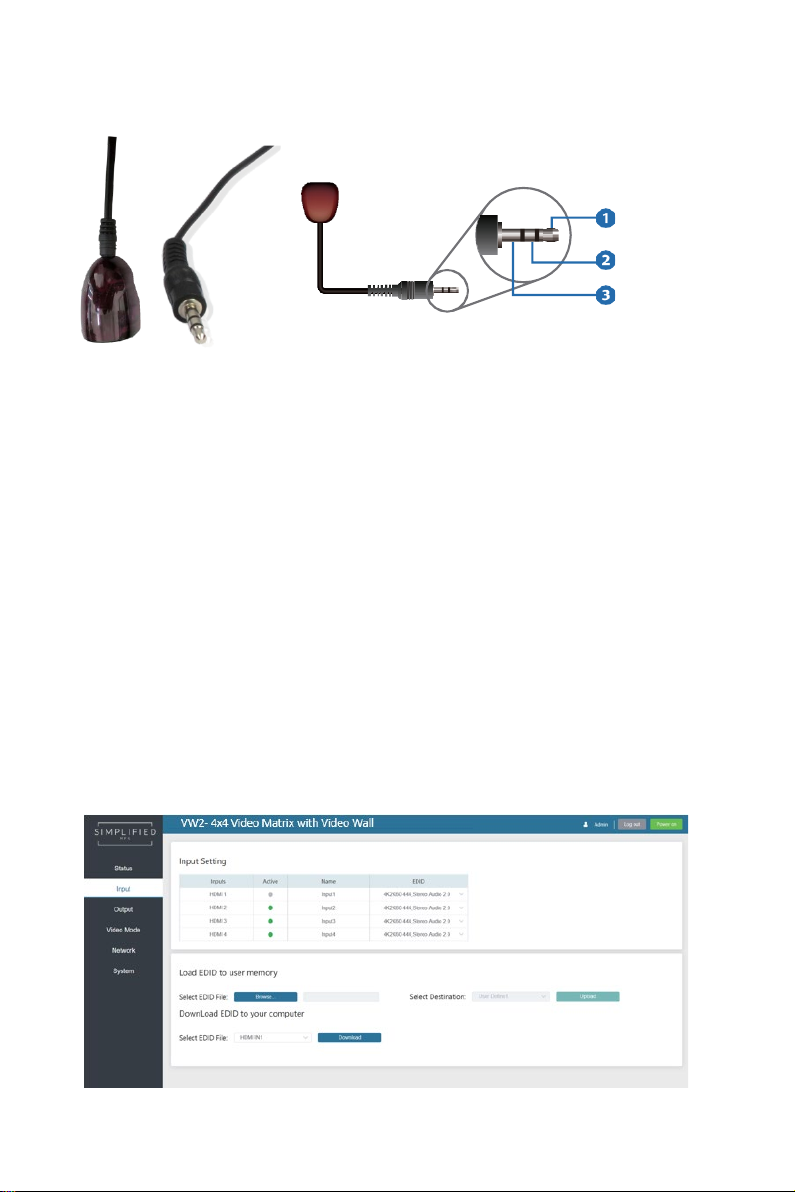
7. IR Pin Definition. .................................................................................................
5
8. EDID Management. .............................................................................................
5
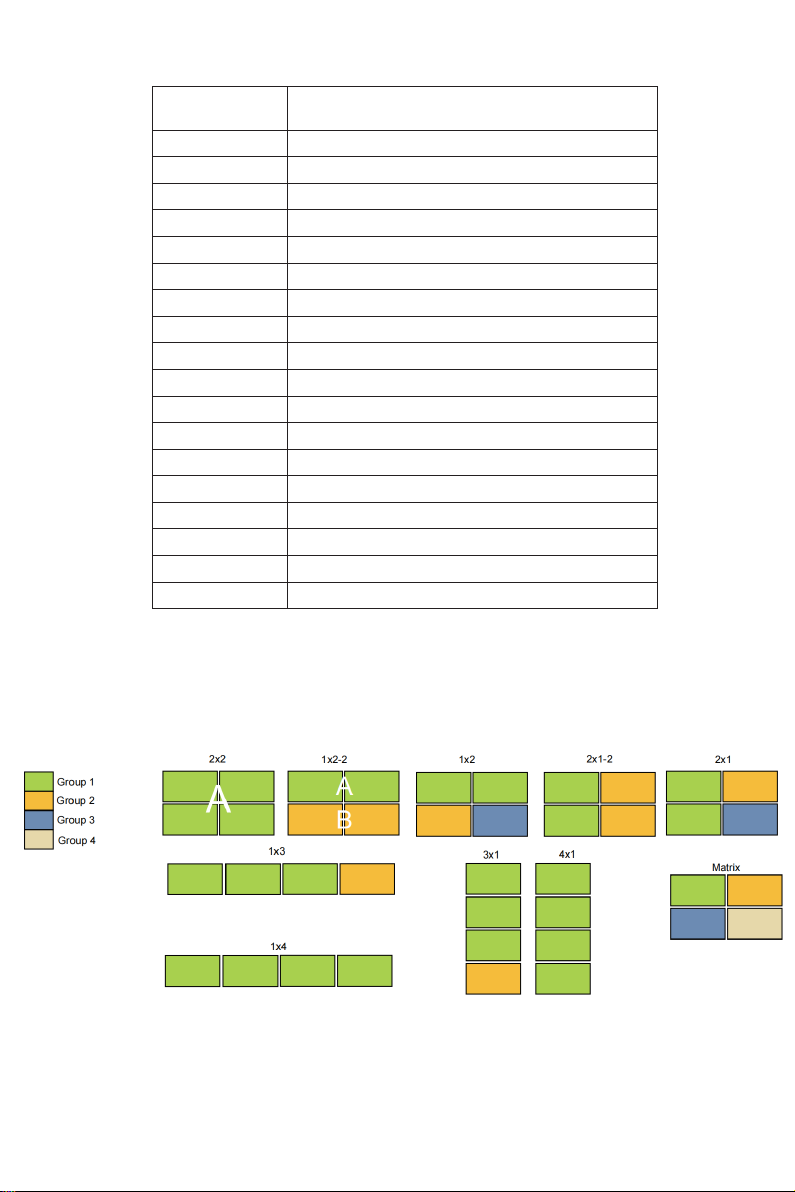
9. Video wall. ...........................................................................................................
6
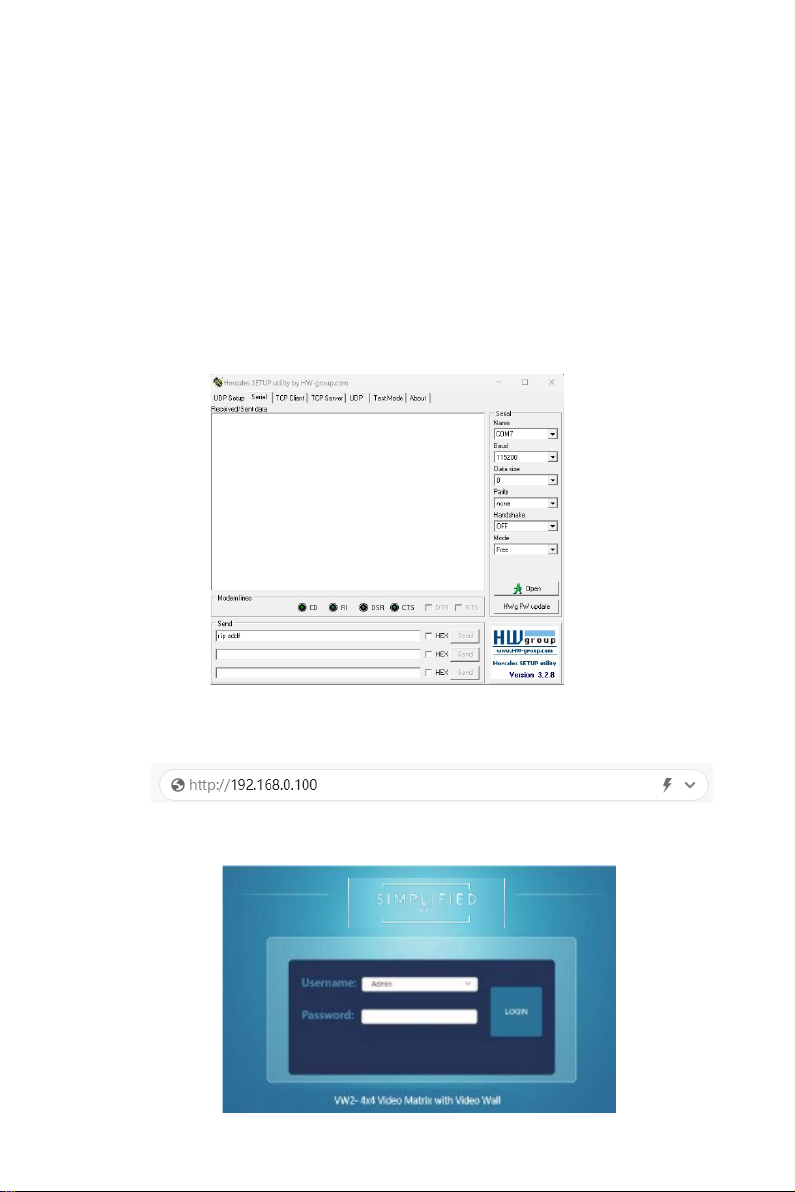
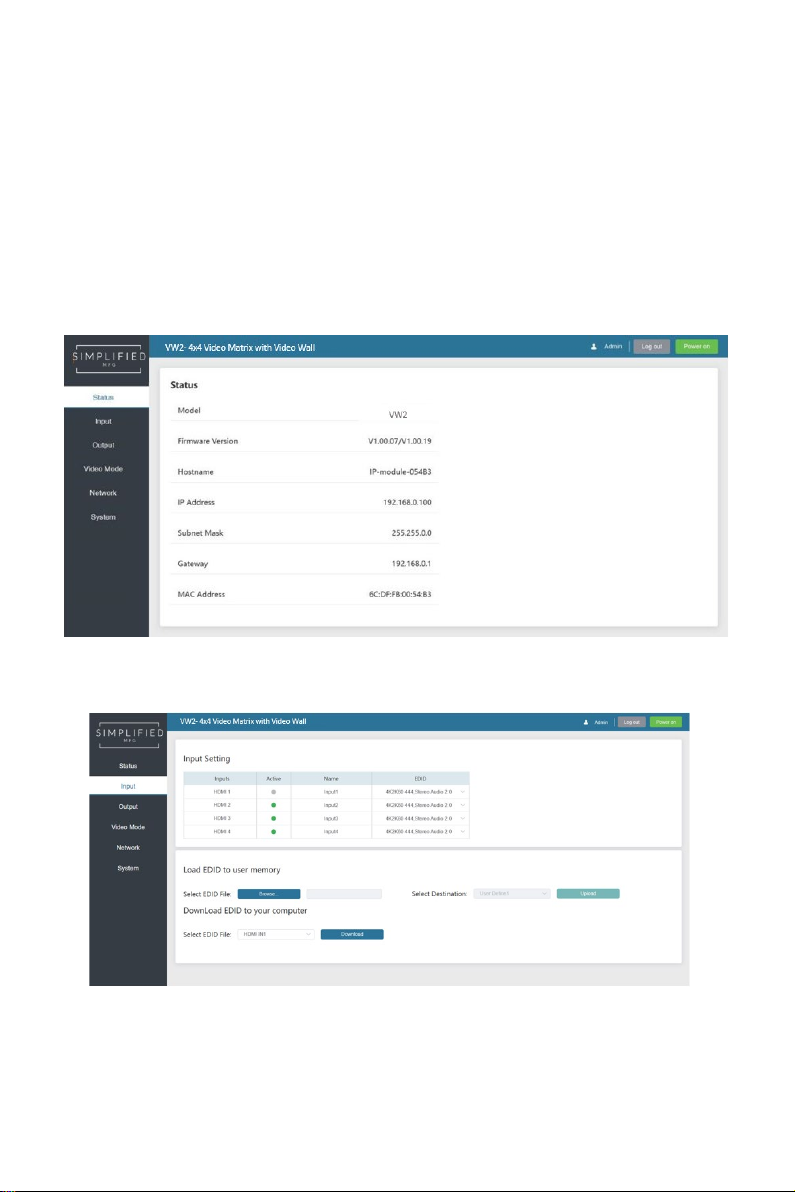
10. Web GUI User Guide. .........................................................................................
7
11. RS-232 Control Command. ...............................................................................
13
12. Application Example. ........................................................................................
19
13. Warranty Information……………………………………………………………………..20
14. Contact Information……………………………………………………………………….20