www.smarthomebus.com
For The First Time Using The Operating Step
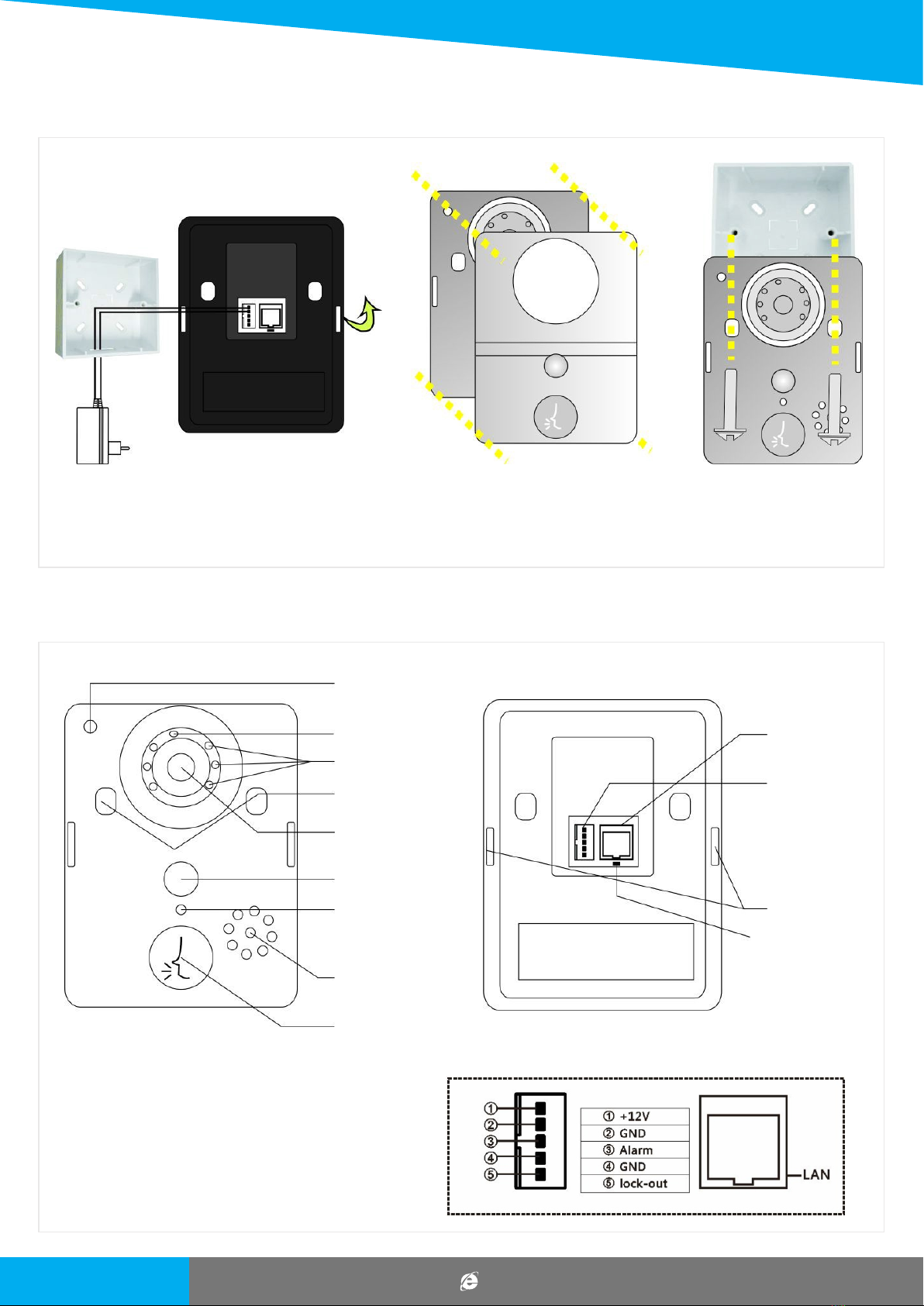
1. According To The Installation Diagram And The Wiring Diagram To Install Good Products, Good Locks And Turning On The Power
Supply Connection.
2. Wait For About 1 Minute, When The Product Send Out "system Startup Success, Welcome To Use" Is For Product Starts
Successfully, Can Be Normal Use.
4. Open The Software Into The Interface Must Be Registered Account First, After The Success Of The Registration With The
Registered Account Password To Log In.
3. Download And Install The Phone Software: Android Mobile Phones Can Scan Color Box On The Side Of The Android Qr Code Or
Application In The Android Market Search "wifi Bell" Download Installation;apple Mobile Phone System Can Scan Color Box On
The Side Of The Ios Qr Code Or In The App Store Search Download And Install.
Doorbell Setting
Add The Doorbell
3.When Searching Through The Lan, Make
Sure The Phone With The Device In The Same
Lan, And Then Select The Target Device.
Under Normal Circumstances, The Name Of The
Target Device For Bell (Please Observe The Id
Number)
1.On The Main Screen, Click
Add
2. Can Choose To Manually
Input, Qr Code Scanning, Or Local
Area Network Search Tocomplete
To Add New Equipment
Wifi Video Door Phone