- i -
Table of Contents
Chapter 1: Introducing Remote Power Manager ....................................................1
1.1 Contents of Your RPM Package.................................................................................... 1
1.2 Remote Power Manager Features................................................................................ 2
Chapter 2: Hardware Setup.......................................................................................3
2.1 Basic Connection.......................................................................................................... 3
2.2 Hardware Installation Procedure................................................................................... 3
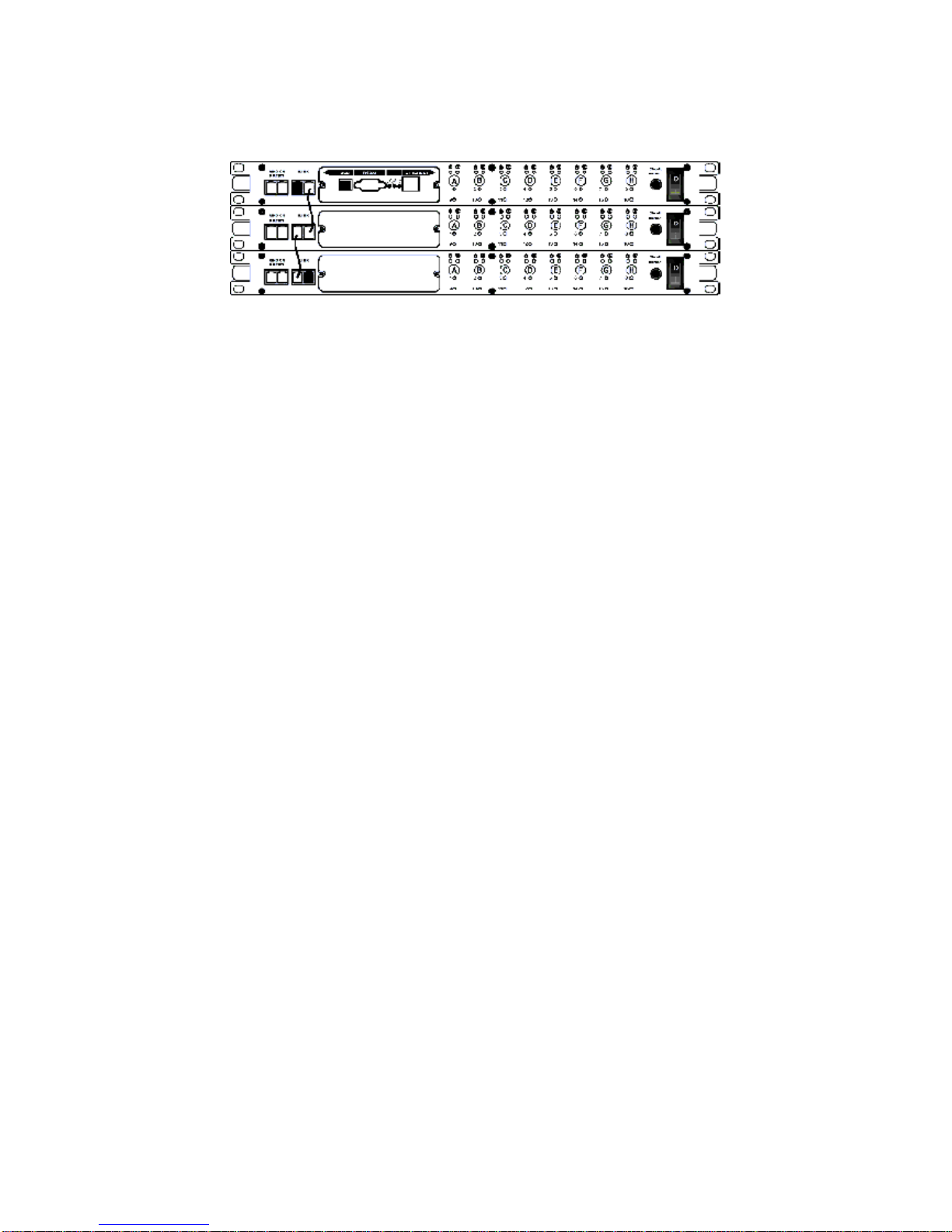
2.3 Daisy Chain Setup Procedure....................................................................................... 6
Chapter 3: RPM Setup Utility (Netility).....................................................................8
3.1 Installing Netility............................................................................................................ 8
3.2 Using Netility for IP Configurations ............................................................................... 8
3.2.1 NetWork Selection ................................................................................................. 8
3.2.2 Configure................................................................................................................ 9
3.2.3 Download Firmware............................................................................................. 10
3.2.4 About.....................................................................................................................11
3.2.5 Refresh..................................................................................................................11
Chapter 4: RPM Environment Control Management ............................................12
4.1 Introduction ................................................................................................................. 12
4.2 Environmental Control Management........................................................................... 12
4.2.1 Information........................................................................................................... 13
4.2.2 Configuration........................................................................................................ 14
4.2.3 Log Information.................................................................................................... 24
Chapter 5: Connected Device.................................................................................25
5.1 Environment Monitor, ENV.......................................................................................... 25
Chapter 6: Remote Monitoring Using Telnet.........................................................26
6.1 Accessing RPM using Telnet....................................................................................... 26
6.2 Control and Setup RPM using Telnet.......................................................................... 27
Chapter 7: The Outlook of RPM Panels.................................................................28
7.1 RPM Front and Back Panels....................................................................................... 28
7.2 RPM LED Table........................................................................................................... 28
7.3 SNMP LED Table........................................................................................................ 29
Chapter 8: Accessing RPM using a Telephone.....................................................30
Appendix A: Frequently Asked Questions ............................................................32