
Solid Technologies ALLIANCE PS2ROU Bedienungsanleitung

Confidential & Proprietary 1/27
ALLIANCE_PS2ROU
User Manual

Confidential & Proprietary 2/27
REVISION HISTORY
Version
Issue Date
No. of
Pages
Initials
Details of Revision Changes
V 1.0
Sep. 01, 2019
Original
Technical Support
SOLiD serial numbers must be available to authorize technical support and/or to establish a return
authorization for defective units. The serial numbers are located on the back of the unit, as well as on the
box in which they were delivered. Additional support information may be obtained by accessing the SOLiD
This manual is produced by Global Business Division Business Team Printed in Korea.

Confidential & Proprietary 3/27
Contents
Section1 Safety & Certification Notice .......................................................................5
Section2 System configuration and Functions.............................................................8
2.1 PS2ROU (Public Safety 2W Remote Unit)............................................................8
2.1.1 Specifications of PS2ROU ............................................................................9
2.1.2 Block Diagram of PS2ROU .........................................................................10
2.1.2.1 PS2ROU block diagram .............................................................................10
2.1.2.2 ROU inner look......................................................................................... 11
2.1.2.3 PS2ROU part list.......................................................................................12
2.1.3 Function by unit.......................................................................................13
2.1.3.1 Public Safety 2W Remote Drive Unit (PS2RDU)............................................13
2.1.3.2 PS2ROU Power Supply..............................................................................15
2.1.3.3 Remote Optic(ROPTIC)..............................................................................16
2.1.3.4 Remote Central Processor Unit (RCPU).......................................................17
2.1.3.5 Multiplexer..............................................................................................18
2.1.4 Bottom of PS2ROU ...................................................................................19
2.1.4.1 Functions.................................................................................................19
Section3 System Installation ...................................................................................20
3.1 PS2ROU Installation........................................................................................20
3.1.1 Tools.......................................................................................................20
3.1.2 PS2ROU Enclosure installation...................................................................21
3.1.3 PS2ROU Wall Mount Installation................................................................22
3.1.4 PS2ROU components................................................................................23
3.1.4 PS2ROU Optical Cable...............................................................................24
3.1.5 PS2ROU ALM IN/OUT Port cabling .............................................................25
3.1.6 Mounting of PS2RDU................................................................................25

Confidential & Proprietary 4/27
Contents of Figure
Figure 3. PS2ROU ..............................................................................................8
Figure 4. PS2ROU outer Look ..............................................................................9
Figure 5. PS2ROU Block diagram .......................................................................10
Figure 6. Inside of Remote Unit......................................................................... 11
Figure 7. PS2RDU Outer Look............................................................................13
Figure 10. R OPTIC Outer Look ..........................................................................17
Figure 11. AC-DC RPSU Outer Look ....................................................................17
Figure 12. Multiplexer Outer Look.....................................................................18
Figure 14. The Bottom Look of PS2ROU..............................................................19
Figure 17. How to install ROU ...........................................................................21
Figure 18. Dimension used to install PS2ROU on the WALL...................................22
Figure 23. Location of Optical Connector............................................................24
Figure 26. Location of ALM IN/OUT Connector....................................................25
Figure 29. Location of each modules in the PS2ROU............................................25

Confidential & Proprietary 5/27
Section1
Safety & Certification Notice
“Only qualified personnel should handle the DAS equipment. Any person involved in
installation or service of the DAS should understand and follow these safety guidelines.”
- Obey all general and regional installation and safety regulations relating to work on high voltage
installations, as well as regulations covering correct use of tools and personal protective equipment.
- The power supply unit in repeaters contains dangerous voltage level, which can cause electric shock.
Switch the mains off prior to any work in such a repeater. Any local regulations are to be followed when
servicing repeaters.
- When working with units outdoors, make sure to securely fasten the door or cover in an open position
to prevent the door from slamming shut in windy conditions.
- Use this unit only for the purpose specified by the manufacturer. Do not carry out any modifications or
fit any spare parts which are not sold or recommended by the manufacturer. This could cause fires,
electric shock or other injuries.
- Any DAS system or Fiber BDA will generate radio (RF) signals and continuously emit RF energy. Avoid
prolonged exposure to the antennas. SOLiD recommends maintaining a 500 cm minimum clearance
from the antenna while the system is operating.
- Antennas must be installed in accordance with FCC 27.50 and SRSP 517. With 17dBi gain antennas the
height of the antenna above average terrain (HAAT) must not exceed 557.40m. For different gain
antennas refer to the relevant rules and the local licensing authorities.
- Do not operate this unit on or close to flammable materials, as the unit may reach high temperatures
due to power dissipation.
- Do not use any solvents, chemicals, or cleaning solutions containing alcohol, ammonia, or abrasives on
the DAS equipment. Alcohol may be used to clean fiber optic cabling ends and connectors.
- To prevent electrical shock, switch the main power supply off prior to working with the DAS System or
Fiber BDA. Never install or use electrical equipment in a wet location or during a lightning storm.
- Do not look into the ends of any optical fiber or directly into the optical transceiver of any digital unit.
Use an optical spectrum analyzer to verify active fibers. Place a protective cap over any radiating
transceiver or optical fiber connector to avoid the potential of radiation exposure.
- Allow sufficient fiber length to permit routing without severe bends.

Confidential & Proprietary 6/27
- For pluggable equipment, make sure to install the socket outlet near the equipment so that it is easily
accessible.
- A readily accessible disconnect device shall be incorporated external to the equipment.
- This power of this system shall be supplied through wiring installed in a normal building.
If powered directly from the mains distribution system, it shall be used additional protection, such as
overvoltage protection device
- Only 50 ohm rated antennas, cables and passive equipment shall be used with this remote. Any
equipment attached to this device not meeting this standard may cause degradation and unwanted
signals in the bi-directional system. All components connected to this device must operate in the
frequency range of this device.
- Only 50 ohm rated antennas, cables and passive components operating from 150 - 3 GHz shall be used
with this device.
- The head end unit must always be connected to the Base Station using a direct cabled connection. This
system has not been approved for use with a wireless connection via server antenna to the base station.
- Access can only be gained by SERVICE PERSONS or by USERS who have been instructed about the
reasons for the restrictions applied to the location and about any precautions that shall be taken; and
- Access is through the use of a TOOL or lock and key, or other means of security, and is on trolled by the
authority responsible for the location.
- Notice! Be careful not to touch the Heat-sink part due to high temperature.
- Signal booster warning label message should include

Confidential & Proprietary 7/27
Prior to equipment use the service must be registered with the FCC. This can be
done through the FCC’s website at https://signalboosters.fcc.gov/signal-boosters.
- Certification
FCC: This equipment complies with the applicable sections of Title 47 CFR Parts 90(Class B)
- Use of unauthorized antennas, cables, and/or coupling devices not conforming with ERP/EIRP
and/or indoor‐only restrictions is prohibited.
- Home/ personal use are prohibited.
UL/CUL: This equipment complies with UL and CUL 1950-1 Standard for safety for information
technology equipment,including electrical business equipment
FDA/CDRH: This equipment uses a Class 1 LASER according to FDA/CDRH Rules.This product
conforms to all applicable standards of 21 CFR Chapter 1, Subchaper J, Part 1040
- IC Booster warning label message should include
WARNING: This is NOT a CONSUMER device. It is designed for installation by an
installer approved by an ISED licensee. You MUST have an ISED LICENCE or the
express consent of an ISED licensee to operate this device.

Confidential & Proprietary 8/27
Section2
System configuration and Functions
2.1 PS2ROU (Public Safety 2W Remote Unit)
PS2ROU receives TX optical signals from ODU and converts them into RF signals. The converted RF signals
are amplified through Power Amp in a corresponding PS2RDU band combined with UDCU, PAU and Cavity
Filter, and then radiated to the antenna port.
When receiving RX signals through the antenna port, this unit filters out-of-band signals in a
corresponding PS2RDU and sends the results to R-OPTIC to make electronic-optical conversion of them.
After converted, the signals are sent to a upper device of ODU. PS2ROU can be equipped with up to three
PS2RDUs and the module supports single band only.
Figure 1. PS2ROU

Confidential & Proprietary 9/27
2.1.1Specifications of PS2ROU
Figure 2. PS2ROU outer Look
Item
Spec.
Remark
PS2ROU
The rated mean output Power
per band
700PS_FN
+33dBm
800PS
+33dBm
VHF/UHF
+24dBm
900I_PA
+33dBm
The nominal downlink
bandwidth
700PS_FN
17MHz
FCC : 758~775MHz
ISED : 758~775MHz
800PS
10MHz
FCC : 851~861MHz
ISED : 851~861MHz
VHF
38MHz
FCC: 150~174MHz
ISED : 138~174MHz
UHF
132MHz
FCC: 406.1~512MHz

Confidential & Proprietary 10/27
ISED : 406.1~430MHz
450~470MHz
900I_PA
6MHz
FCC : 929~930MHz
935~940MHz
ISED : 929~930MHz
932~932.5MHz
932.5~935MHz
935~940MHz
The nominal Uplink
bandwidth
700PS_FN
17MHz
788~805MHz
800PS
10MHz
806~816MHz
VHF
80MHz
136~216MHz
UHF
132MHz
380~512MHz
900I_PA
6MHz
896~902MHz
2.1.2Block Diagram of PS2ROU
2.1.2.1 PS2ROU block diagram
Figure 3. PS2ROU Block diagram
Inhaltsverzeichnis
Andere Solid Technologies Steuereinheit Handbücher
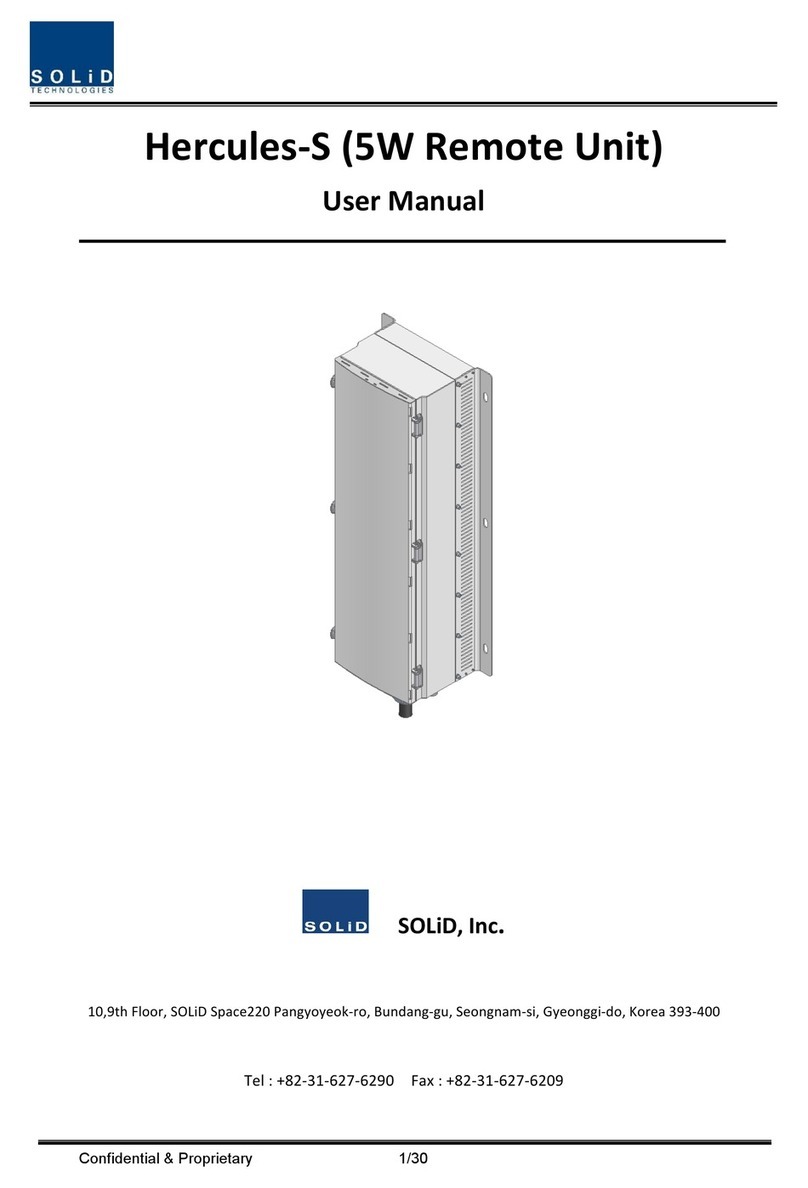
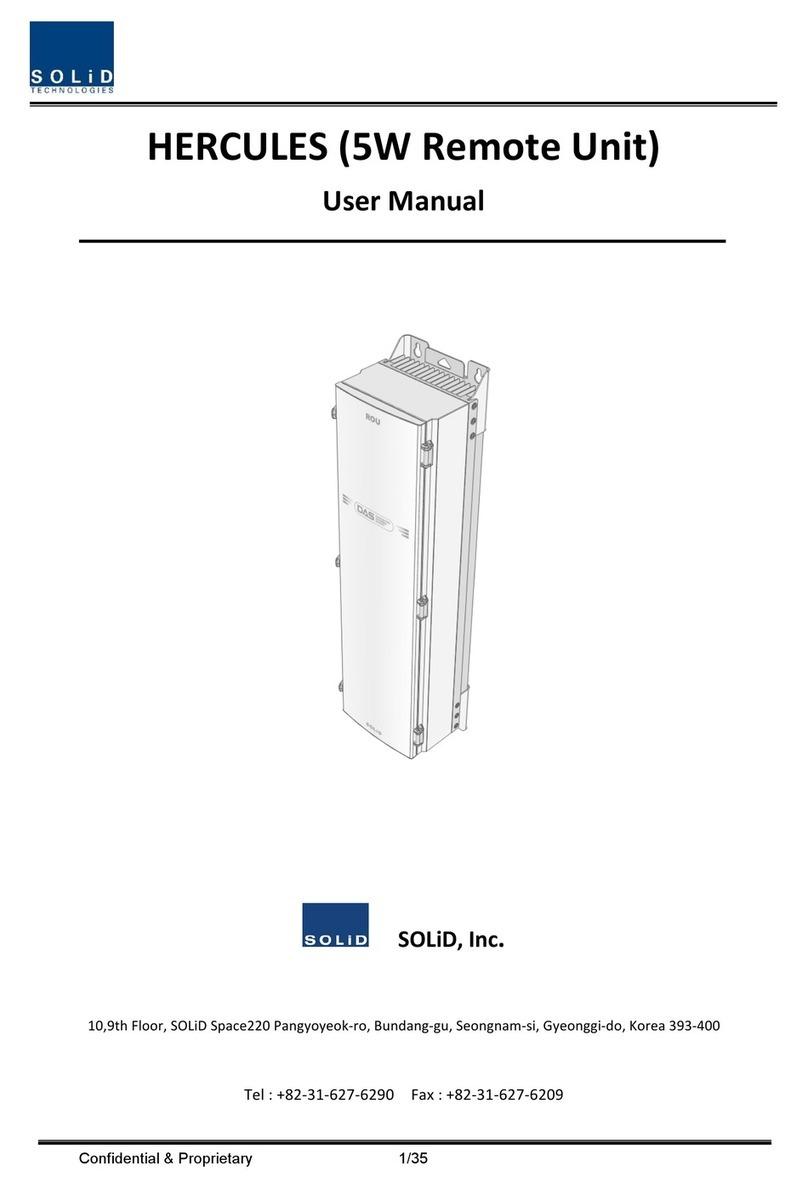
Beliebte Steuereinheit Handbücher anderer Marken

Festo
Festo Compact Performance CP-FB6-E Stücklistenhandbuch

Elo TouchSystems
Elo TouchSystems DMS-SA19P-EXTME Bedienungsanleitung

JS Automation
JS Automation MPC3034A Bedienungsanleitung

JAUDT
JAUDT SW GII 6406 Series Kurzanleitung

Spektrum
Spektrum Air Module System Bedienungsanleitung

BOC Edwards
BOC Edwards Q Series Bedienungsanleitung


