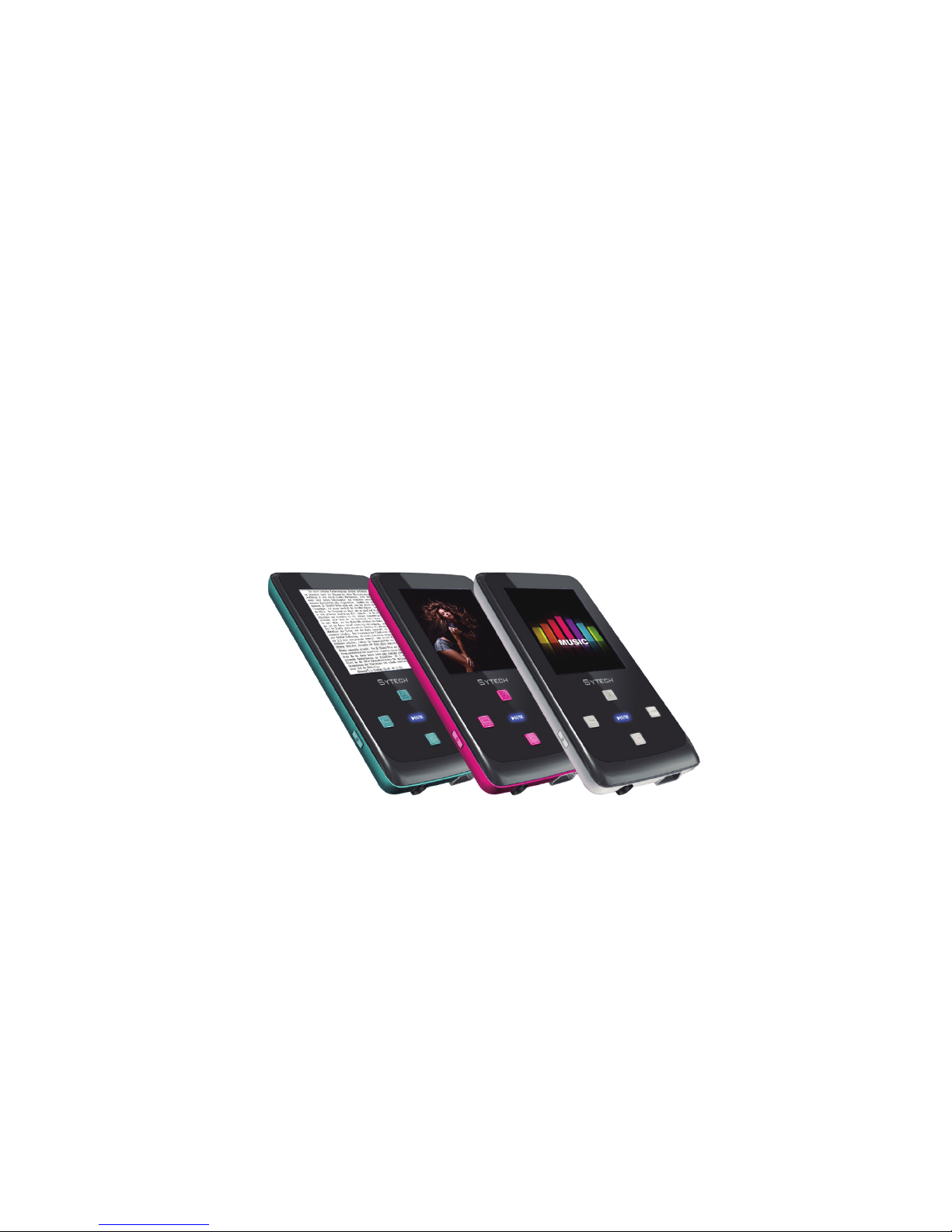
Sytech SY-784 Bedienungsanleitung

SY-784
User's Manual

i
TABLE OF CONTENTS
Introduction.............................................................................................................................................................................................1
Regulatory Information: FCC Part 15 ...................................................................................................................................................2
Important Safety Precautions................................................................................................................................................................3
Main Features .........................................................................................................................................................................................5
Overview..................................................................................................................................................................................................6
Connecting to the Computer.................................................................................................................................................................7
System requirements ...........................................................................................................................................................................7
Installing the driver for windows 98 SE ................................................................................................................................................7
Connecting player to computer ............................................................................................................................................................8
Copy Files from computer ....................................................................................................................................................................8
Disconnecting from the computer.........................................................................................................................................................8
Charging the battery.............................................................................................................................................................................9
Basic operation.....................................................................................................................................................................................10
Turn on/off the Player .........................................................................................................................................................................10
Adjusting the volume..........................................................................................................................................................................10
Resetting the Player ...........................................................................................................................................................................10
Unlock All Buttons .............................................................................................................................................................................. 11
Entering the main menu .....................................................................................................................................................................11
Listening to Music ................................................................................................................................................................................12
Playing music .....................................................................................................................................................................................12

ii
Display................................................................................................................................................................................................13
Using Music Function Menu...............................................................................................................................................................13
Lyric Displaying ..................................................................................................................................................................................16
FM radio.................................................................................................................................................................................................17
Listening to FM radio..........................................................................................................................................................................17
Display................................................................................................................................................................................................18
Using FM radio function menu ...........................................................................................................................................................18
Voice Recording and Playing ..............................................................................................................................................................22
Recording a Voice ..............................................................................................................................................................................22
Setup the recording quality.................................................................................................................................................................23
Using voice function menu .................................................................................................................................................................23
Viewing Photos.....................................................................................................................................................................................24
Viewing a Photo .................................................................................................................................................................................24
Using photo function menu.................................................................................................................................................................24
Watching a Video..................................................................................................................................................................................25
Playing a video ...................................................................................................................................................................................25
E-book Reading ....................................................................................................................................................................................26
Save and Load a bookmark ...............................................................................................................................................................27
Managing Files......................................................................................................................................................................................28
Browsing all files and deleting a file ...................................................................................................................................................28
Changing Player Setups ......................................................................................................................................................................29

iii
Setup items ........................................................................................................................................................................................30
Power setup .......................................................................................................................................................................................31
Adjust the brightness..........................................................................................................................................................................31
System tools.......................................................................................................................................................................................32
Converting Video to MTV Format........................................................................................................................................................33
Troubleshooting ...................................................................................................................................................................................35
Specifications .......................................................................................................................................................................................36

1
Introduction
Thank you for purchasing the new SY-784 MP3 Player.
This manual contains important safety information and operation instructions, please read all these instructions carefully
before using the player and keeps it in a safe place for future reference.
This manual will help you use all of the exciting features of the player and make it more enjoyable.
We have done our best to produce a complete and accurate manual; however, we cannot ensure
there are no errors or omissions. We also have no responsibility for damages or loss of data caused
by improper operation.
The instruction manual is subject to change for improvement without notice.
Trademarks and trade names used in this user’s manual are owned by their respective companies
or organizations.

2
Regulatory Information: FCC Part 15
This device complies with part 15 of the FCC rules. Operation is subject to the following two conditions:
(1) This device may not cause harmful interference, and
(2) This device may accept any interference received, including interference that may cause undesired operation.
Note:
This equipment has been tested and found to comply with the limits for a Class B digital device, pursuant to part 15 of the
FCC Rules. These limits are designed to provide reasonable protection against harmful interference in a residential
installation.
This equipment generates uses and can radiate radio frequency energy and, if not installed and used in accordance with the
instructions, it may cause harmful interference to radio communications. However, there is no guarantee that interference
will not occur in a particular installation. If this equipment does cause harmful interference to radio or television reception,
which can be determined by turning the equipment off and on, the user is encouraged to try to correct the interference by
one or more of the following measures:
yReorient or relocate the receiving antenna.
yIncrease the separation between the equipment and receiver.
yConnect the equipment into an outlet on a circuit different from that to which the receiver is connected.
yConsult the dealer or an experienced radio/TV technician for help.

3
Important Safety Precautions
Always follow these basic safety precautions when using your player. This will reduce the risk of product damage and
personal injury.
Do not disassemble, repair or modify the player by yourself. Refer servicing to qualified personnel.
Do not dispose of the player in fire to avoid explosion because the player has a built-in battery.
Do not touch the player with bare hands if the built-in battery is leaking. In this case, contact Sytech service center for
help since the liquid may remain in the player. If your body or clothes have been in contact with the battery liquid,
wash it off thoroughly with water. If some of the liquid gets into your eyes, do not rub your eyes, immediately wash
them with clean water, and consult a doctor.
Keep the player away from direct sunlight and heat source.
Do not expose the unit to rain or moisture to avoid any malfunction.
Do not use the player in rather dry environment to avoid static.
Never apply heavy impact on the player like dropping it or placing it on the magnet.
Route USB cable so that people and pets are not likely to trip over or accidentally pull on them as they move around
or walk through the area.
Disconnect the USB cable from the computer when you do not use the player for a long time.
Clean only with a dry cloth. Make sure the player is turned off before cleaning. Do not use liquid cleansers.
Be sure to back up your files. We will not be liable for the loss of data due to improper operation, repair or other
causes.
At full power, the prolonged listening of the player can damage the ear
Maximum output voltage≤150mV

4
Precautions in using the headphone
yDo not use the headphone while driving an automobile or riding a bicycle. It is not only dangerous, but also against
the law. To avoid an accident, do not turn up the volume of the headphones too high while walking.
yIt is not recommended that you use the headphones at a high volume for an extended time as this may cause hearing
damage.

Features
5
Main
1.8 TFT color display 128*160
Built-in rechargeable lithium battery
Using the player even if the player is connected to the computer
Playback of MP3, WMA, WAV music files
Multiple equalizers (EQ) and 3D sound effects
Display titles, artists and albums of music files (ID3 tag)
Lyrics synchronization while music is playing
Supports JPEG and BMP photo formats
Supports MTV video format(converter included)
Reading e-book in TXT format
FM and Voice recording
Folder navigation
USB 2.0 high speed transmission

6
Overview
1. [ ] Press and hold to turn on/off the player;
Enter/Exit function menu for each mode
2. Display screen
3. [] Left/Previous/Back button; press and hold to
fast rewind
4. [V+] Increase volume; Up button
5. [ ] Play/Pause/Confirm button; Press and hold
to enter the main menu; Press and hold to unlock
the buttons
6. [] Right/Next/Forward button; press and hold to
fast forward
7. [V-] Decrease volume; Down button
8. Reset hole
9. Microphone
10. Headphone jack
11. Mini USB connection
12. Micro SD card socket
Inhaltsverzeichnis
Sprachen:
Andere Sytech MP3-Player Handbücher
Beliebte MP3-Player Handbücher anderer Marken

Blaupunkt
Blaupunkt Compact Drive MP3 Bedienungsanleitung

Memorex
Memorex MMP9008 - 8GB USB 2.0 Bedienungsanleitung

Meizu Electronic Technology
Meizu Electronic Technology E5 Bedienungsanleitung

Naxa
Naxa NMV-173NX Bedienungsanleitung

Philips
Philips PSA250 Bedienungsanleitung

Zipy
Zipy go! Waving Bedienungsanleitung