2
POSIFLEX USER INSTALLATION GUIDE
Manufacturer Supplied Components:
1. POSIFlex KS7215 touchhead
2. Triple E Technologies Posiflex Installation Card
3. Keyboard
4. Mouse
5. Power Cord
6. Display Port to DVI Adapter
7. Resource media DVD
8. FCC Required Safety and Regulatory Documentation
9. Posiflex Cables and Components in accordance with product specification.*
OVERVIEW
Each new Posiflex system installation is shipped with the Manufacturer Supplied Components listed
above. For best results, read and become familiar with the product documentation included as well as
the product components included with the installation shipment.
The product includes a lithium battery. Always follow local environmental rules and regulations
pertaining to the disposal of used batteries. Always replace the battery only with a battery of the same
type.
NOTE
There is a risk of explosion in the event that the lithium battery is replaced by
an incorrect type.
INSTALL GUIDE
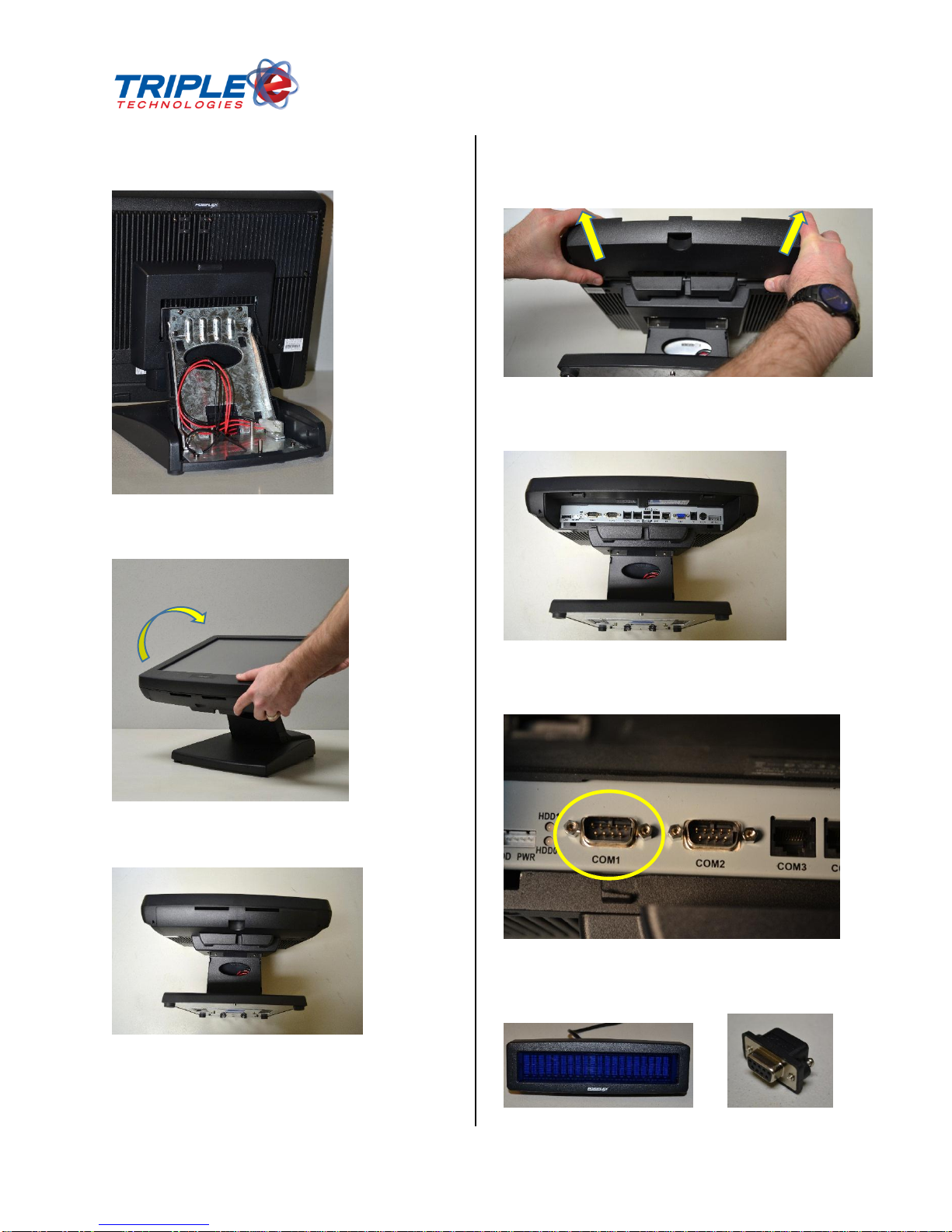
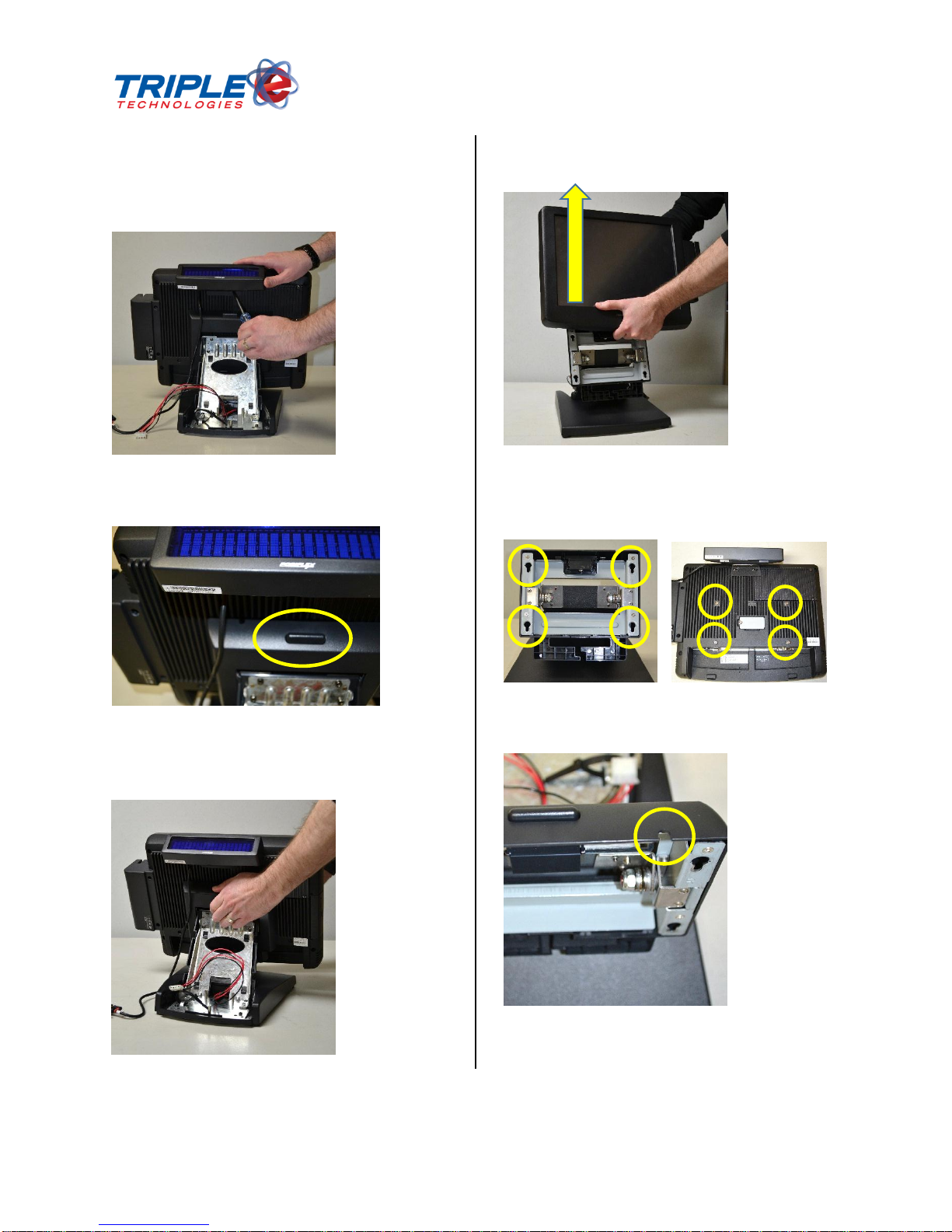
The Posiflex system will be shipped partially assembled. Components and Peripherals will be connected
to the unit with provided fasteners, and electronic components will be connected through the
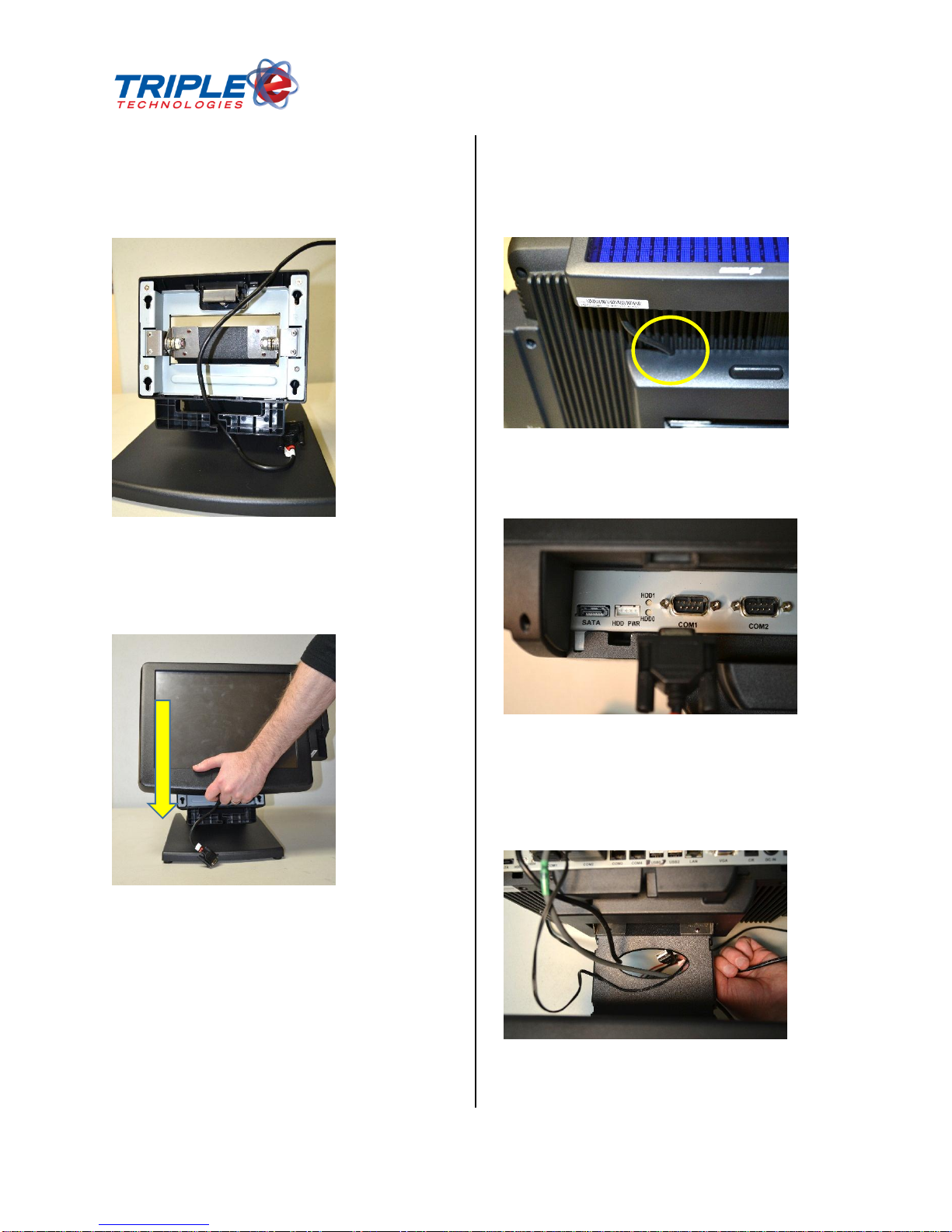
power/connector console (See Page 6, Figure 14). Pass through all connecting cables through the base
as set forth on Page 10.
PARTS IDENTIFICATION
1. Main Display Unit
2. Touch/LCD Panel
3. Power Indicator
4. Gen 5 Base Stand
5. Attachment Screw Holes for PDC71648 Customer Display Unit (CDU)[??]
6. Hard Disk Drive (HDD) Cover
7. Power Switch