
Aironet BR2040-E Bedienungsanleitung
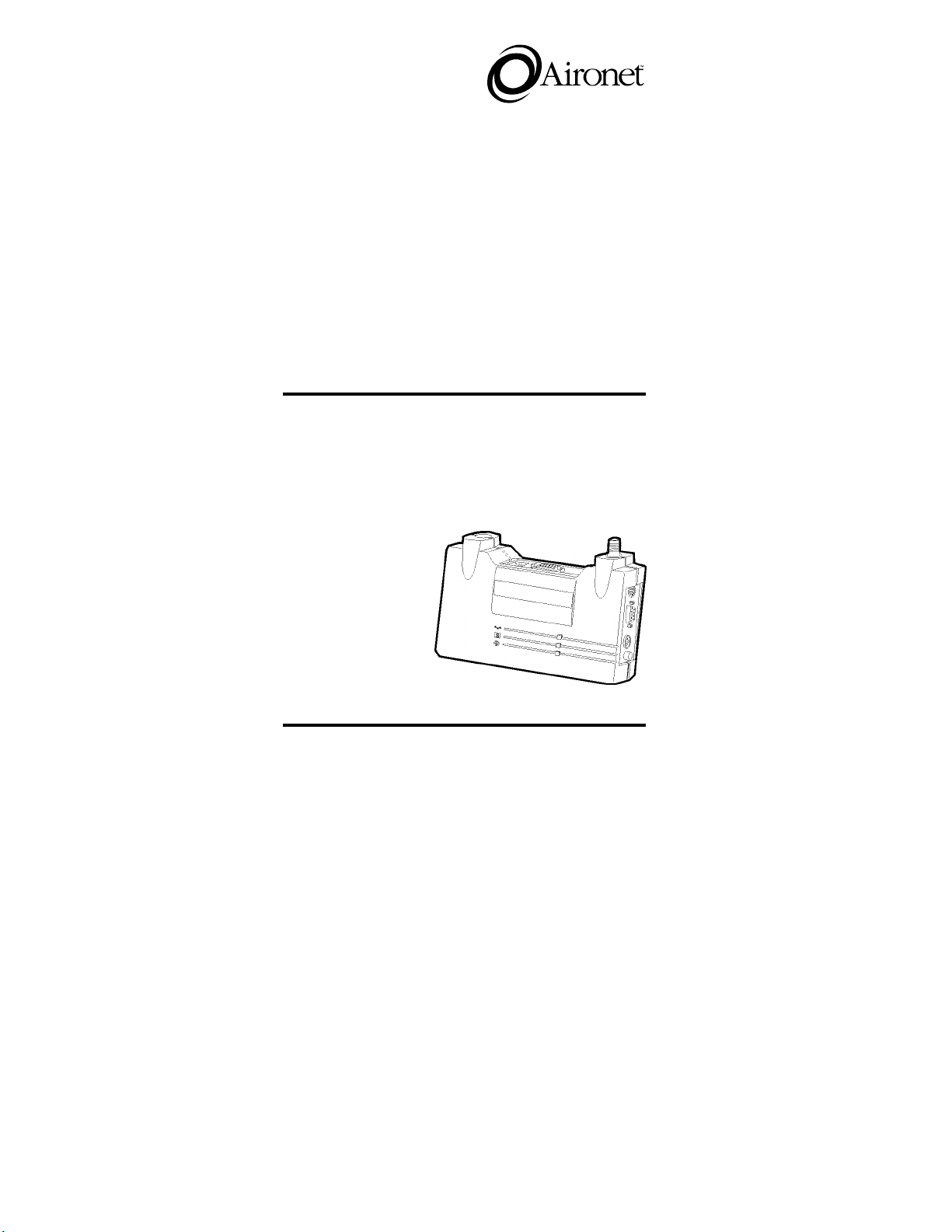
Aironet Wireless Communications, Inc. • 367 Ghent Road, Suite 300
P.O. Box 5292 • Fairlawn, Ohio 44334-0292
User’s Guide
Wireless Bridges
Wireless LAN-to-LAN Bridges
for Ethernet
Products supported:
BR2040-E, BR2000-E, and BR1000-E
DOC-710-003850 Rev. A0

Aironet Wireless Communications, Inc.
No part of this document may be reproduced or transmitted in any means,
electronic or mechanical, for any purpose, without the written permission of
Aironet. Information in this document is subject to change without notice.
Aironet makes no representation or warranties with respect to the contents of
this manual and specifically disclaims any express or implied warranties of
merchantability or fitness for any particular purpose.
© 1997 Aironet Wireless Communications, Inc.
All rights reserved.
ARLAN® & Aironet® are trademarks of Aironet Wireless Communications, Inc.
Printed in USA
DOC-710-003850 Rev. A0
i
Manufacturers Federal Communication Commission
Declaration of Conformity Statement
Models : BR1000-E, BR2000-E, BR2040-E
Manufacturer :
Aironet Wireless Communications, Inc.
367 Ghent Rd , Suite 300
Fairlawn, OH 44333
1-800-3-WIRELESS
This device complies with Part 15 rules. Operation is subject to the
following two conditions:
1) this device may cause harmful interference, and 2) this device must
accept any interference received, including interference that may cause
undesired operation.
This equipment has been tested and found to comply with the limits of a
Class B digital device, pursuant to Part 15 of the FCC Rules. These limits
are designed to provide reasonable protection against harmful interference
when the equipment is operated in a residential environment. This equip-
ment generates, uses, and radiates radio frequency energy, and if not
installed and used in accordance with the instructions, may cause harmful
interference. However there is no guarantee that interference will not
occur. If this equipment does cause interference to radio or television
reception, which can be determined by turning the equipment off and on,
the user is encouraged to correct the interference by one of the following
measures:
l
Reorient or relocate the receiving antenna.
l
Increase separation between the equipment and receiver.
l
Connect the equipment into an outlet on a circuit different from
which the receiver is connected.
l
Consult the dealer or an experienced radio/TV technician.
User Warning
The Part 15 radio device operates on a non-interference basis with
other devices operating at this frequency. Any changes or
modification to said product not expressly approved by Aironet could
void the user’s authority to operate this device.

ii
Department of Communications—Canada
Canadian Compliance Statement
This Class B Digital apparatus meets all the requirements of the Canadian
Interference-Causing Equipment Regulations.
Cet appareil numerique de la classe B respecte les exigences du
Reglement sur le material broilleur du Canada.
This device complies with RSS-210 of Industry of Canada. Operation is
subject to the following two conditions: 1) this device may cause harmful
interference, and 2) this device must accept any interference received,
including interference that may cause undesired operation.
European Telecommunication Standards Institute
Statement of Compliance
Information to User
This equipment has been tested and found to comply with the European
Telecommunications Standard ETS 300.328. This standard covers Wide-
band Data Transmission Systems referred in CEPT recommendation T/R
10.01.
This type accepted equipment is designed to provide reasonable
protection against harmful interference when the equipment is operated in
a commercial environment. This equipment generates, uses, and can
radiate radio frequency energy, and if not installed and used in accordance
with the instruction manual, may cause harmful interference to radio
communications.
iii
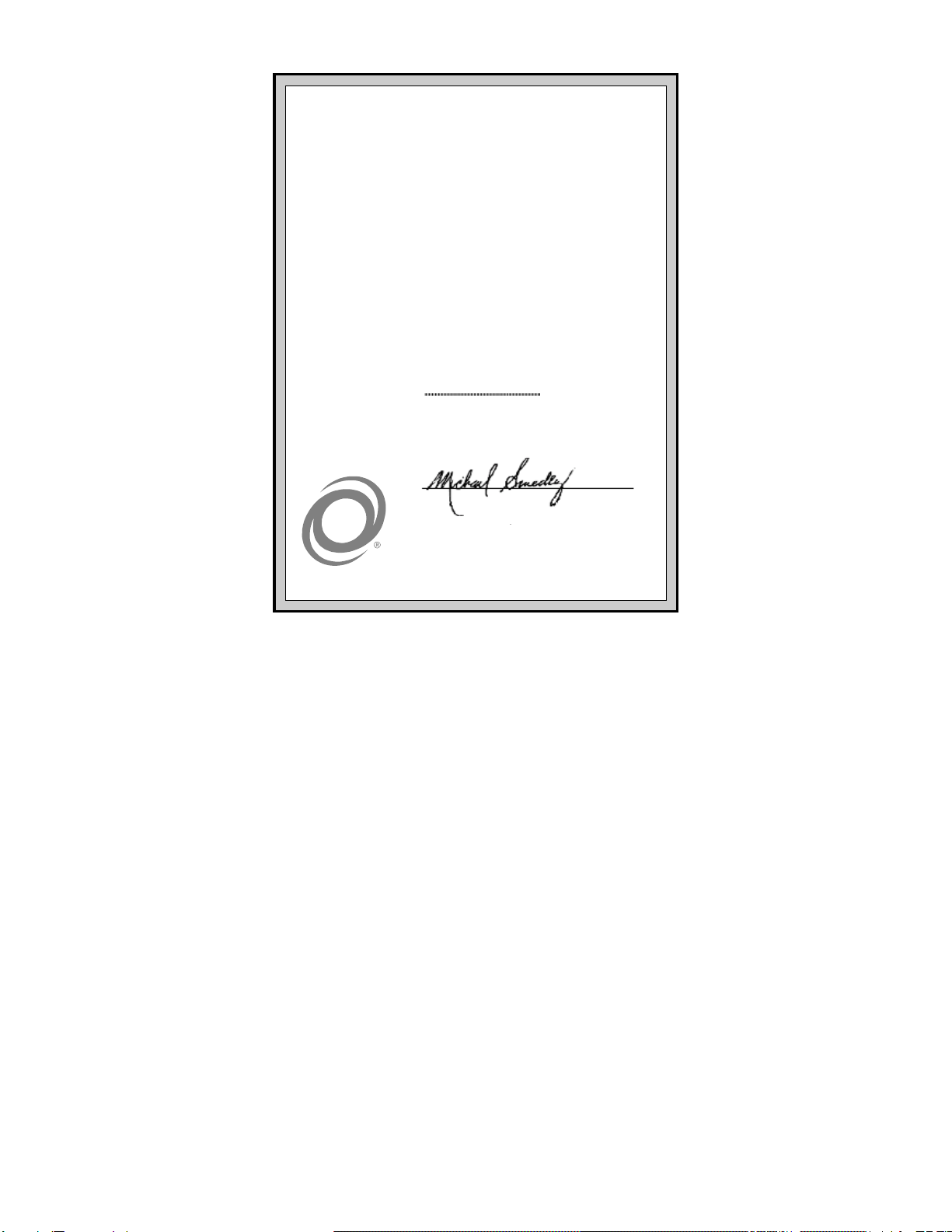
Declaration of Conformity
Aironet Model Number:
BR2000-E
Application of Council Directive: 89/336/EEC
Application of Council Directive: 72/23/EEC
CE Type Examination Certificate: HDTP/RDR/167/328880/11
Standards to which Conformity is Declared:
EN 55022 (B)
EN 55011 (B)
EN 50082-1
EN 60950
Manufacturer:
Aironet Wireless Communications, Inc.
367 Ghent Road, Suite 300
Fairlawn Ohio, 44333
The undersigned hereby declares that the equipment specified
above conforms to the directives and standards cited herein.
Michael Smedley
Director, Manufacturing Engineering
Aironet Wireless Communications, Inc.
iv
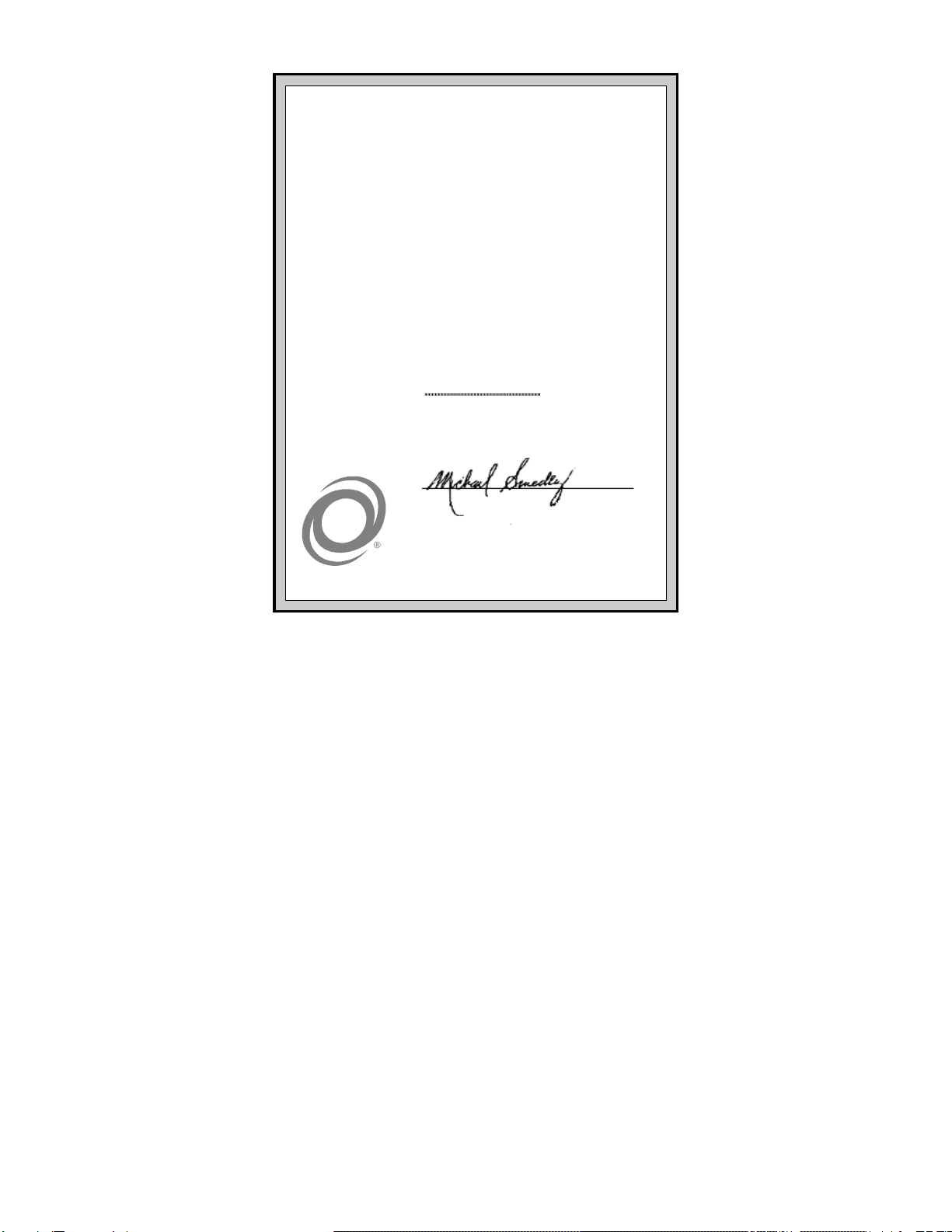
Declaration of Conformity
Aironet Model Number:
BR2040-E
Application of Council Directive: 89/336/EEC
Application of Council Directive: 72/23/EEC
CE Type Examination Certificate: HDTP/RDR/167/377223
Standards to which Conformity is Declared:
EN 55022 (B)
EN 55011 (B)
EN 50082-1
EN 60950
Manufacturer:
Aironet Wireless Communications, Inc.
367 Ghent Road, Suite 300
Fairlawn Ohio, 44333
The undersigned hereby declares that the equipment specified
above conforms to the directives and standards cited herein.
Michael Smedley
Director, Manufacturing Engineering
Aironet Wireless Communications, Inc.
v
Safety Information
The FCC with its action in General Docket 93-62, 1997, has
adopted a safety standard for human exposure to radio frequency
(RF) electromagnetic energy emitted by FCC regulated equip-
ment. Aironet subscribes to the same safety standard for the use
of its products. Proper operation of this radio according to the
instructions in this manual will result in user exposure substantially
below the FCC recommended limits.
n
Do not move the BR1000-E/BR2000-E/ BR2040-E antenna(s)
while the unit is receiving or transmitting.
n
Do not hold any component containing a radio such that the
antenna(s) is(are) very close to, or touching, exposed parts of
the body, especially the face or eyes, while transmitting. Hold
such a component 15 centimeters (6 inches) or more from
your face.
n
Do not allow children to play with any radio equipment
containing a transmitter.
n
Do not operate a portable transmitter near unshielded
electrical blasting caps or in an explosive atmosphere unless
it is a type especially qualified for such use.
n
Do not turn on the BR1000-E/BR2000-E/ BR2040-E or
attempt to transmit data unless the antenna(s) is(are)
attached; if the antenna(s) is(are) not attached, the radio
module may be damaged.
The BR1000-E/BR2000-E/ BR2040-E are compliant with ANSI
C95.1.91 (1991).

vi
Table of Contents
Introduction.........................................................................1
Wireless Bridge Overview..................................................2
Supporting Mixed Network Topologies...........................3
Adding In-Building Wireless Connectivity.......................4
System Configurations...................................................5
Point-to-Point Wireless Bridge ...................................6
Point-to-Multipoint Wireless Bridge............................7
Network Extension with Repeaters ............................9
Wireless Bridge with Wireless End Nodes...............10
Radio Characteristics...................................................11
Radio Network Terminology.....................................11
Understanding the Radio Network ...........................14
Before You Begin..............................................................15
Determining the Location for the Bridge.......................15
Indoor locations........................................................15
Outdoor Locations....................................................16
Installing the Hardware ....................................................17
Connecting the Antenna...............................................17
Connecting the Console Port Cable.............................18
Connecting the Ethernet Cable....................................18
Connecting the 10Base2 Cable................................19
Connecting the 10Base5 Cable................................20
Connecting the 10BaseT (Twisted Pair) Cable........21
Connecting the Power Pack.........................................22
Viewing the Bridge’s Top Panel Indicators...................23
Configuring the Wireless Bridge.....................................24
Using the Console Port ................................................24
Setting Configuration Parameters................................26
Configuring the Radio Network ................................27
Setting Ethernet Parameters....................................30
Disconnecting the Terminal..........................................30

vii
Where to Go from Here ....................................................31
Technical Support ............................................................31
Shipping Address.........................................................31
Communications ..........................................................31
Web Site.......................................................................31
Appendix A: Serial Cable Pinout.....................................32
Serial Port Pinout..........................................................33
Appendix B: Ethernet RJ-45 Cable..................................34

viii
Dieses Handbuch passt für folgende Modelle
2
Inhaltsverzeichnis
Andere Aironet Netzwerk-Router Handbücher

Beliebte Netzwerk-Router Handbücher anderer Marken


NETGEAR
NETGEAR FS526T - Switch Bedienungsanleitung

Korenix
Korenix JetNet 5710G Series Bedienungsanleitung

Automated Logic
Automated Logic ZN551 Betriebsanleitung

Cisco
Cisco ASR 1000 Series Bedienerhandbuch

EnGenius
EnGenius ESR-9710 Bedienungsanleitung

Cisco
Cisco 805 Series Bedienungs- und Sicherheitshinweise