
Asnac BOTEM CUBE Bedienungsanleitung
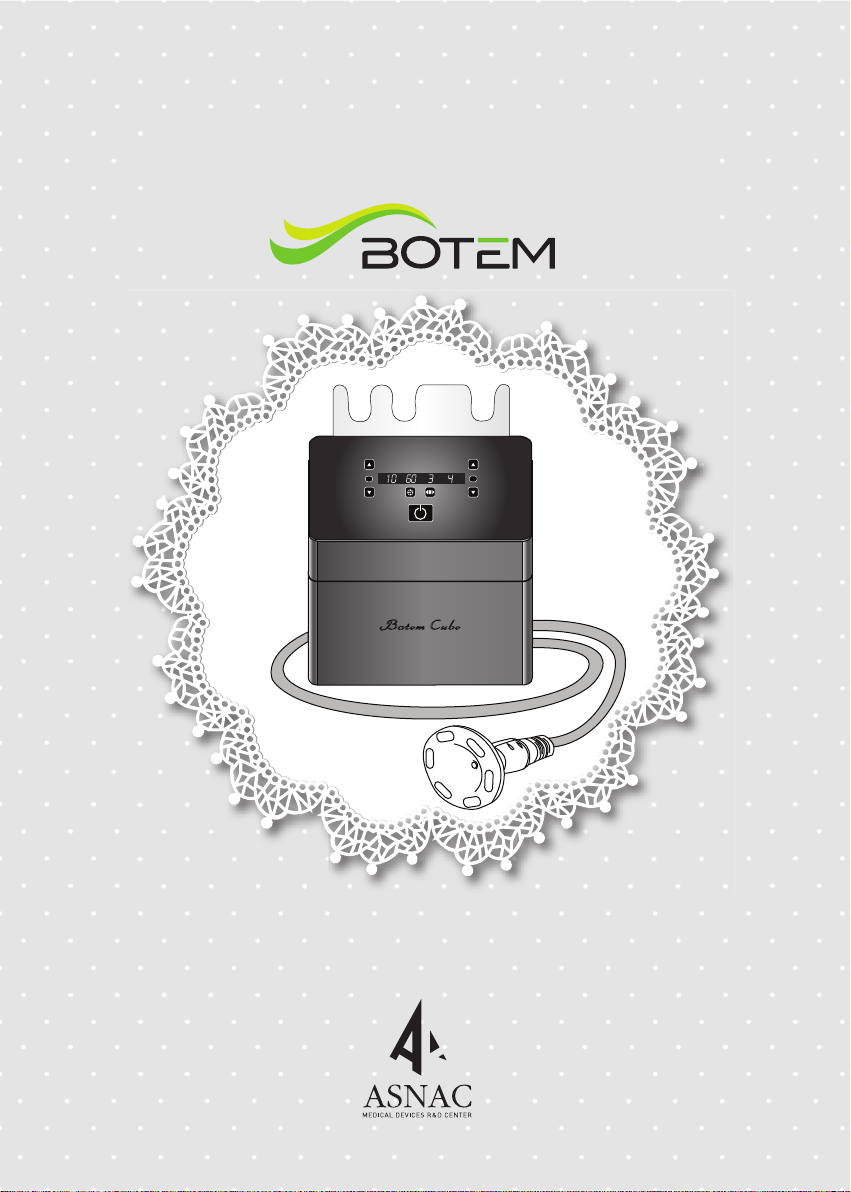
USER'S MANUAL
RF VAC
High Frequency Massager(BOTEMCUBE)
(Rev. 0) 2018. 8. 20.


Chapter 1. Information for Safe Operation
Chapter 2. Description of the device
Chapter 3. Description of the function
Chapter 4. Performance
Chapter 5. Operation of the device
Chapter 6. Storage and Maintenance after use
Chapter 7. Safety Warning
Chapter 8. When the device cannot be used
Chapter 9. Checklist before after-sales service request
Chapter 10. Labelling and Marking
Product Warranty
21
22
23
13
20
11
09
08
07
05
04
Table of Contents
please be sure to read this manual and be aware of the device before using this product.
Do not use this product for other than intended usage.
BOTEMCUBE Manual
ㆍ
ㆍ

- 04 -
Information for Safe Operation
1. Intended use of the device
Device applying High-frequency energy to human body to massage, etc.
2. Outline of the device
Using physical energy such as pressure and stimulation and applying
High-frequency energy to human body.
3. Risk of Explosion and Fire
Do not operate the equipment in the presence of volatile substances such as an
inflammable anesthetic mixture, alcohol, gasoline or solvent. Keep a fire extinguisher
around.
4. The Use of Suitable Power Supply and Power Plug
Use power supply and power plug in compliance with the specification of the
equipment. Use power plug in good condition.
Always disconnect a power cord by pulling a plug not a power cord.
5. Connection of Devices
This equipment is connected with a protective earth ground through the power
cord. Proper and sufficient grounding is essential for safe operation of the
equipment. Use only power strips with 3 prongs to maintain the best condition of
earth grounding.
6. Replacement of Fuse
User can replace a fuse located in the compartment beside of the power cord
socket. Only a qualified service personnel is allowed to access to the internal parts
of the equipment. Correct type and rating of fuse should be used for a safety
purpose.
7.
Intended Operator
a) Education :
–. Junior college graduate or above
b) Knowledge :
–. Understand High frequency treatment
–. Understand hygiene
c) Language :
–. English (languages provided in user's manual), or literacy to properly understand
user's manual
d) Experience :
–. No particular experience required
e) Permissible impairments :
–. mild reading vision impairment or vision corrected to log MAR 0,2 (6/10 or 20/32)
–. 40% of disability causing 60% of normal hearing in the range of 500 Hz ~ 2 kHz
–. One hand to lead and hold the device

●
1. Main Body
Accessory : Handpiece(Large, Medium, Small), Power Cable
Handpiece
Handpiece Cale
Cradle of handpiece cable
Power and control button
LED Display
Logo
Ventilation part of cooling fan
DC Adapter socket
Vacuum pump filter
Cable socket
Cradle of handpiece cable
- 05-
Description of the device
Front Side
●
●
Rear Side

- 06 -
2. Handpiece
Description of the device
●Handpiece L
●Handpiece M
●Handpiece S

①
①
High frequency(RF) level up button : Increase the RF level step by step.
②
②
⑨
RF output display : Informs start of high frequency operation.
③
③ ⑥
⑪
⑩
⑧⑫
⑬
RF level down button : Decrease the RF level step by step.
④
④
RF output level display : Displays 1 to 10 level of high frequency output.
⑤
⑤ ⑦
Time display
⑦
Vacuum suction mode display
⑨
Vacuum suction level display
⑩
Vacuum level up button
⑪
Vacuum output display
⑫
Vacuum level down button
⑥
Time control button
⑧
Vacuum suction mode control button
⑬
Start/stop button
: Displays time of use.(It goes down by a minute from initial 15 minutes)
: Display vacuum suction mode in 3 types.
: Displays 1 to 4 level of vacuum suction.
: Increas the Vacuum level step by step.
: Informs start of Vacuum suction operation.
:Decrease the Vacuum level step by step.
: It can be controlled by 5 minutes from 5 to 60 minutes.
: Fast, slow, continous modes.
: Button to start/stop operation of device.
- White LED : ON
: OFF
: Error (disconnected handpiece cables)
- Blue LED
- Red LED
LCD Screen
- 07 -
Description of the function

- 08 -
Performance
1. Performance
① Rated Voltage & Rated Frequency : AC 220V , 50/60Hz
② Time display of operation : Time down counter by minute
③ Power consumption : 70VA
④ Protection type and level regarding electric shock : Ist Grade, BF type Equipment
⑤ Frequency : 500KHz ± 10%
⑥ Pulse Duration : 1.0㎲ ± 10%
⑦ Output voltage : Max. 45rms-V ± 10%
⑧ Output current : Max. 90mA ± 10%
⑨ Vacuum pressure : Max. 550mmHg ± 10%
⑩ Timer : 5 min.~60 min.
2. Product Specification
3. Environment Condition
Model BOTEM CUBE / ABC-01P
240(Length) X 250(Width) X 170(Depth)
Weight 5kg/set
0.5MHz
Max. 90mA
Max. 550mmHg
220V/50-60Hz
Frequency
Output current
Output current
Rated Voltage &
Rated Frequency
Size(mm)
① Temperature : 0~40 ℃
② Humidity : 20~80 %
③ Air pressure : 500~1060 hPa

1. Connection of handpiece cable
①
Connect one plug of handpiece cable to the connector
socket of the main body.
②
Connect the plug and socket at the right position of connection and
complete the connection by turning the connector cap to the
screw locking direction.
2. Connection of handpiece
①
Connect the handpieces to the cable and screw locking direction.
②
Check and complete the connection as the same as #1.
4. Power switch conditions
①
☞ Power LED light colors
White : ON
Blue : OFF
Red : Error (disconnected the handpiece cables)
When turn on upon pressing power button,
white LED light is shown.
3. Connection of power switch
①
①
Connect the DC adapter into the power socket at the back of
main body.
②②
④⑤
Connect both sides.
③
③
Connect the power socket and power cord at the back of
main body to AC 220V/100V outlet.
④
Display the blue LED light when the connection is correctly.
⑤
hen the connection is normal, the logo sign is flickering.
(파란색 램프)
(하얀색 램프)
(하얀색 램프)
- 09 -
Operation of the device

5. Control of time settings
①
Setting the time by the time control buttons when the power is on.
②
Increase 5 times each pressing the time button up to 60 minutes.
(5,10,15,20 ~ 55,60)
6. Control of High frequency output
①
When press the level up button(▲),
the RF output levels up step by step.
(The handpiece LED is on and the time decreased per a minute)
②
The RF level is from 1 to 10 controlled by (▲), (▼) buttons.
7. Control of vacuum suction pressure
①
When press the level up button(▲),
the Vacuum suction levels up step by step.
(In the condition of Vacuum suction only, the LED is off and the
time decreased er a minute)
②
The Vacuum suction level is from 1 to 4 controlled by (▲), (▼) buttons.
3 modes for Vacuum suction pressure (fact, slow, continues)
by controlling the mode control button.
③
- 10 -
8. Power off
①
The device goes back to initial mode (the mode when it is powered)
(The the power off = the blue LED light)
②
Setting values are maintained and operation stops upon pressing
Start/Stop button during treatment and operation restarts upon pressing
Start/Stop button again .
Operation of the device
Dieses Handbuch passt für folgende Modelle
1
Inhaltsverzeichnis


