
ATOMSTACK X40 Pro Bedienungsanleitung

ATOMSTACK X40 Pro/A40 Pro/S40 Pro
Laser Engraver User Manual
English
Note: The picture is for reference only,the actual product shall prevail
For more information,please scan the QR code
F03-0208-0AA1 Version: A

Security Statment and warning
Before Using the laser engraving, please read this safety guide carefully, it mentions situations that require special attention
and includes warnings of unsafe practices that can cause damage to your property or even endanger your personal safety.
1. This product is a laser engraver system components, must be installed in other manufacturers of laser engraver for use.And the
product belongs to Class 4 laser products, the laser system itself must meet the requirements of IEC 60825-1 latest version, other-
wise the product is prohibited to be used.
2. Your laser engraver shall have a protective housing which, when in place, prevents human access to laser radiation.
3. If a protective housing is equipped with an access panel which provides "walk-in" access then:
a) means shall be provided so that any person inside the protective housing can prevent activation of a laser hazard that is equiva-
lent to Class 3B or Class 4.
Ha warning device shall be situated so as to provide adequate warning of emission of laser radiation equivalent to Class 3R in the
wavelength range below 400 nm and above 700 nm, or of laser radiation equivalent to Class 3B or Class 4 to any person who
might be within the protective housing.
c) where “walk-in” access during operation is intended or reasonably foreseeable, emission of laser radiation that is equivalent to
Class 3B or Class 4 while someone is present inside the protective housing of a Class 1, Class 2, or Class 3R product shall be
prevented by engineering means.
NOTE: Methods to prevent human access to radiation when persons are inside the protective housing can include pressure
sensitive floor mats, infrared detectors, etc.
1

4. The laser itself has a protective cover, the protective cover is fastened by screws. When the laser is installed on the laser engraver,
the protective cover should be checked to be reliably locked, and can not be removed in the energized state.
5. The housing of the laser engraver should have an interlock function. When the housing is opened or removed, the laser can be
automatically turned off.
6. The laser engraver should have an emergency stop button, which can immediately stop the output of the laser when pressed under
unexpected circumstances.
7. The laser engraver should have a reset button, which can resume work under the condition of confirming safety after lifting the
interlock or emergency stop.
8. Laser engraver should use physical keys, dongle, password system and other ways to manage and control, to prevent personnel
without security training operation of this kind of equipment.
9. On the laser engraver any window or channel that can actively observe or passively receive the laser radiation should be set up
warning marks.
10. If the laser burns the skin or eyes, please go to a nearby hospital for examination and treatment immediately.
2

Laser can harm human eyes and skin. Do not expose your eyes or skin directly to laser. The laser product has an optical lens and
emits a straight laser beam. The light emitted by the product, whether direct or reflected, is extremely harmful because it can
spread over long distances while maintaining high light density. When handling the product, you must wear appropriate eye
protection goggles (OD5+) to protect your eyes from laser (including reflected and scattered light) damage. Reflected and scattered
light spilled into unexpected areas should be attenuated and/or absorbed.
2.1 Laser Safety
We have installed a laser protection cover on the laser, which can greatly filter out the diffuse reflection of the laser spot. However,
when using a laser engraving machine, it is recommended that you wear laser protective goggles. Avoid exposing your skin to a
Class4 laser beam, especially at close range. Teenagers must be supervised by their parents during use. Do not touch the laser
engraving module when the machine is starting.
2.2 Fire Safety
Cutting burns the substrate, and high-intensity laser beams generate extremely high temperatures and a large amount of heat.
Some materials may catch fire during cutting, generating gas and smoke inside the equipment. When the laser beam hits the
material, a small flame usually appears at this point. It will move with the laser and will not be on continuously when the laser
passes. Do not leave the machine unattended during the engraving process. After use, be sure to clean the debris, debris, and
flammable materials in the laser cutting machine. Be sure to have a fire extinguisher nearby to ensure safety. When using a laser
engraving machine, smoke, steam, particles, and potentially toxic materials (plastics and other combustible materials) are generat-
ed, which may harm health.
2.3 Material Safety
Do not engrave materials with unknown properties. Recommended materials: wood, bamboo, leather, plastic, fabric, paper, opaque
acrylic, glass, metal. Materials not recommended: gems, transparent materials, any reflective materials, including reflective metals,
etc. Glass and reflective metal materials can only be engraved after they turn black.
User Safety Statement
3
Step 9
Step 10 Connect
14
× 1
5
4
3
2
167
trachea.
The trachea is connected to the laser.
power cable.
Step 9
Step 10 Connect
14
× 1
5
4
3
2
167
trachea.
The trachea is connected to the laser.
power cable.

2.4 Use Safety
The engraving machine can only be used in a horizontal position and must be firmly fixed to prevent fires caused by accidental
movement or falling from the workbench during the working process. It is forbidden to point the laser at people, animals, or any
flammable objects, whether they are in working condition or not.
2.5 Electrical Safety
To prevent accidents such as fires and electric shocks, the laser engraving machine provides a power adapter with a ground wire.
When using the laser engraving machine, plug the power plug into a grounded power socket.
2.6 Environmental Safety
When installing engraving and cutting equipment, please ensure that the workplace must be cleaned up, and there must be no
flammable and explosive materials around the equipment. When engraving or cutting, a metal plate must be placed below the
bottom.
4
Step 9
Step 10 Connect
14
× 1
5
4
3
2
167
trachea.
The trachea is connected to the laser.
power cable.
Step 9
Step 10 Connect
14
× 1
5
4
3
2
167
trachea.
The trachea is connected to the laser.
power cable.
Step 9
Step 10 Connect
14
× 1
5
4
3
2
167
trachea.
The trachea is connected to the laser.
power cable.
Step 9
Step 10 Connect
14
× 1
5
4
3
2
167
trachea.
The trachea is connected to the laser.
power cable.
Step 9
Step 10 Connect
14
× 1
5
4
3
2
167
trachea.
The trachea is connected to the laser.
power cable.

Disclaimer and warning
This product is not a toy and is not suitable for people under 15 years of age. Do not allow children to touch the laser
Module. Please be careful when operating in scenes with children.
This product is a laser module, visit http://www.atomstack.com/laserengraverdownload for complete "user manual" and the
latest instructions and warnings. Shenzhen AtomStack Technologies Co., Ltd. (Atomstack) reserves the right to update this
Disclaimer and Safe Operation Guidelines.
Please be sure to read this document carefully before using the product to understand your legal rights, responsibilities and
safety instructions; Otherwise, it may bring property loss, safety accident and hidden danger of personal safety. Once you
use this product, you shall be deemed to have understood, accepted and accepted all terms and contents of this document.
User undertakes to be responsible for his or her actions and all consequences arising therefrom. User agrees to use the
Product only for legitimate purposes and agrees to the entire terms and contents of this document and any relevant policies
or guidelines that AtomStack may establish. You understand and agree that AtomStack may not be able to provide you with
the cause of the damage or accident and provide you with AtomStack's after-sale service unless you provide the original
engraving or cutting files, engraving software configuration parameters used, operating system information, video of the
engraving or cutting process, and operational steps prior to the occurrence of a problem or failure.
AtomStack is not liable for any and all losses arising from the user's failure to use the product in accordance with this
manual.
Atomstack has the ultimate right to interpret the document, subject to legal compliance. Atomstack reserves the right to
update, modify, or terminate the Terms without prior notice.
5
Step 9
Step 10 Connect
14
× 1
5
4
3
2
167
trachea.
The trachea is connected to the laser.
power cable.
Step 9
Step 10 Connect
14
× 1
5
4
3
2
167
trachea.
The trachea is connected to the laser.
power cable.
Step 9
Step 10 Connect
14
× 1
5
4
3
2
167
trachea.
The trachea is connected to the laser.
power cable.
Step 9
Step 10 Connect
14
× 1
5
4
3
2
167
trachea.
The trachea is connected to the laser.
power cable.
Step 9
Step 10 Connect
14
× 1
5
4
3
2
167
trachea.
The trachea is connected to the laser.
power cable.

list
Electric wire
Cutting pad Cutting pad
Fixed focus
Transfer Shaft 5mm
Frame Control box
Support beam Laser Module Pump
6
Safety Goggles
M5*6M3*6 M5*14 M5*25 User Manual
Power adapter
X-axis Profile cap
Display
HDMI cable
1 to 2 DC power cable
ATOMSTACK X40Pro/A40 Pro/S40 Pro
Laser Engraver User Manual
English
Note:The picture is for reference only,the actual product shall prevail
Formore information,please scan the QR code
F03-0208-0AA1Version: A
Step 9
Step 10 Connect
14
× 1
5
4
3
2
167
trachea.
The trachea is connected to the laser.
power cable.
Step 9
Step 10 Connect
14
× 1
5
4
3
2
167
trachea.
The trachea is connected to the laser.
power cable.
Accessory kit

Step 1
M5*25
M5*25
M5*25
M5*25
7

Step 2
Step 3
M5*14
M5*6
M5*6
× 3
× 1
8
M5*14 M5*14
M5*14

Step 5
Step 4
× 1
× 3
9
M3*6 M3*6
Dieses Handbuch passt für folgende Modelle
2
Inhaltsverzeichnis
Sprachen:
Andere ATOMSTACK Industrieanlagen Handbücher

ATOMSTACK
ATOMSTACK M4 Bedienungsanleitung

ATOMSTACK
ATOMSTACK R2 Bedienungsanleitung
ATOMSTACK
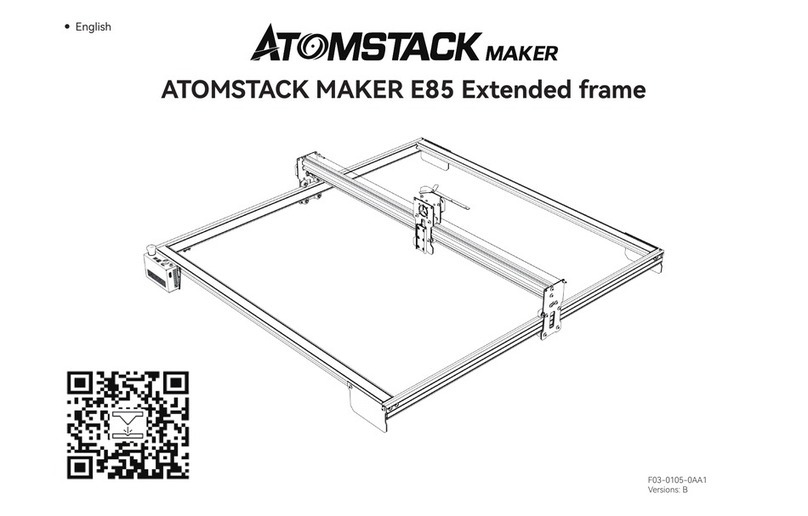
ATOMSTACK MAKER E85 Bedienungsanleitung
ATOMSTACK
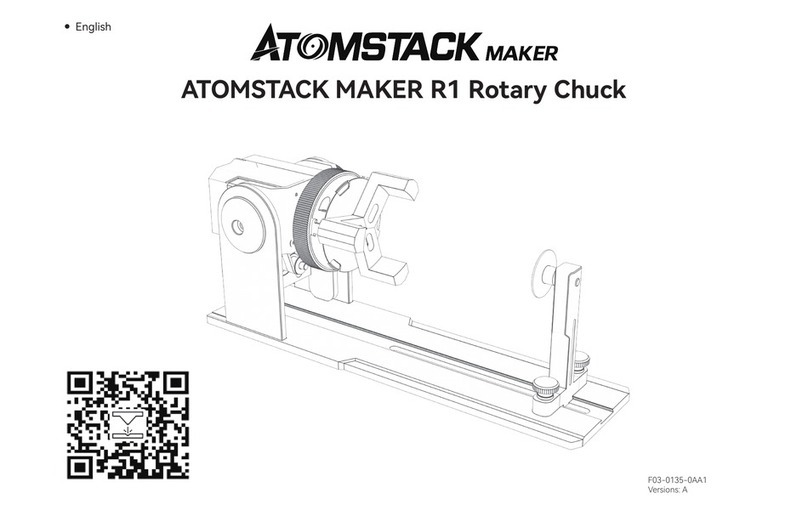
ATOMSTACK MAKER R1 Bedienungsanleitung

ATOMSTACK
ATOMSTACK R3 Rotary Roller Bedienungsanleitung

ATOMSTACK
ATOMSTACK R2 V2 Bedienungsanleitung
ATOMSTACK
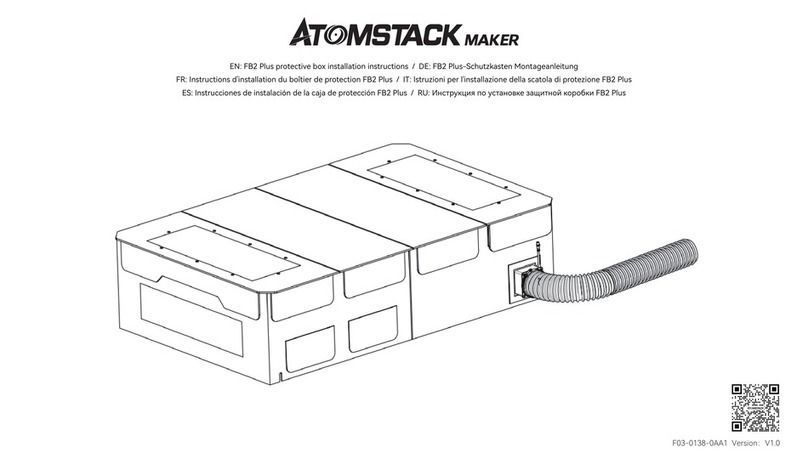
ATOMSTACK MAKER FB2 Plus Bedienungsanleitung


