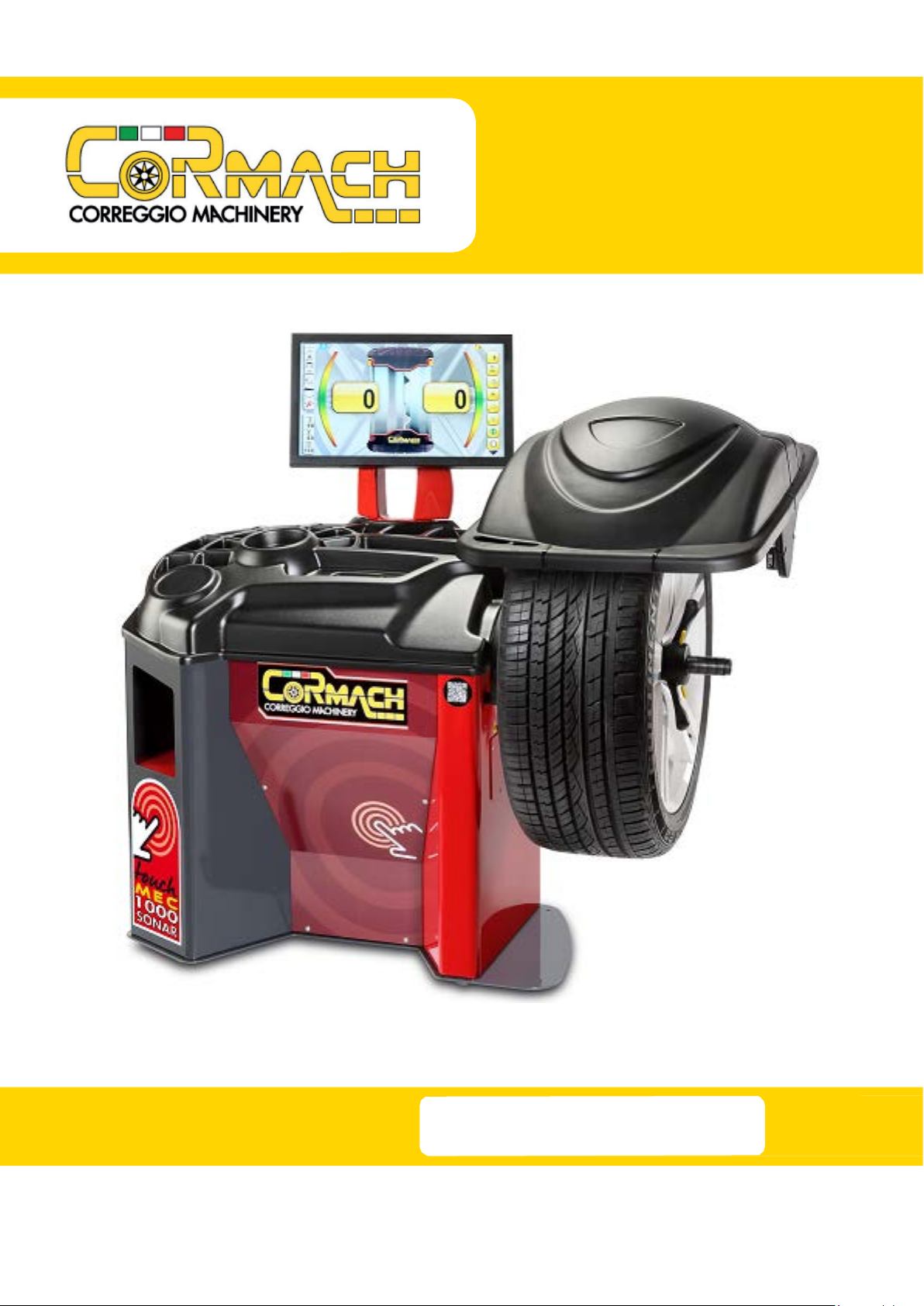
Technical Support Manual – 03/2017 Rel. 0 Page 1
CONTENTS
1. ACCESS TO THE SERVICE “MENUS”.................................................................................................................................................2
2. ACCESSING THE TEST PROGRAMS ..................................................................................................................................................6
2.1 Shaft rotation speed test.....................................................................................................................................................7
2.2 Pick-up signals test ..............................................................................................................................................................9
2.3 Voltage – frequency converter test...................................................................................................................................12
PICK-UP SPRING PRE-LOAD ADJUSTMENT ...................................................................................................................................14
2.4 ENCODER disc test.............................................................................................................................................................15
3. ACCESSING THE CONFIGURATION “MENUS”................................................................................................................................17
3.1 Enable/Disable distance/diameter sensor ........................................................................................................................19
3.2 Enable/Disable width sensor.............................................................................................................................................21
3.3 Sensors calibration ............................................................................................................................................................23
3.3.1 Distance sensor operation test.......................................................................................................................................24
3.3.2 Diameter sensor calibration ...........................................................................................................................................26
3.3.3 SONAR DEVICE operation test........................................................................................................................................28
3.4 Enable or disable electromagnetic stopping brake ...........................................................................................................30
3.5 Enable or disable the lighting led ......................................................................................................................................31
3.6 Enable or disable the LASER ..............................................................................................................................................33
3.7 MICRO WHEEL GUARD operation test ..............................................................................................................................34
4. MACHINE CALIBRATION................................................................................................................................................................36
4.1 When to carry out machine calibration .................................................................................................................................36
4.2 Machine calibration for the CAR/SUV Wheel Types ..............................................................................................................36
4.3 Machine calibration for the MOTO wheel type .....................................................................................................................42
5. ERROR AND WARNING CODES......................................................................................................................................................46
6. ACOUSTIC SIGNALS .......................................................................................................................................................................48
7. SPECIAL VISUAL SIGNALS ..............................................................................................................................................................48
8. TROUBLESHOOTING......................................................................................................................................................................48
9. ELECTRICAL DIAGRAM ..................................................................................................................................................................50
Cormach s.r.l. reserves the right to make any change to products in order to improve them.
Cormach s.r.l. reserves the right to make any change to this manual without notice.