H&S XRT Pro Bedienungsanleitung

1-888-628-1730 • XRT Pro Installation Manual 11-888-628-1730 • XRT Pro Installation Manual 1
Rev: 04.02.13

2 XRT Pro Installation Manual • www.hsperformance.com
WARNING!
THIS IS A HIGH PERFORMANCE PRODUCT TO BE USED AT YOUR OWN RISK!
Do not install this product until you have read and fully understand the following disclaimer of liability. The fol-
lowing disclaimer of liability sets forth the terms and conditions for the installation and/or use of this product. By
installing this high performance product, the buyer acknowledges that they have read and fully understand this
disclaimer and accepts its terms and conditions.
DISCLAIMER OF LIABILITY
H&S Performance, LLC and their successors, distributors, jobbers, dealers, and retailers (SELLER) shall in no way be respon-
sible for any direct, indirect, or consequential damage resulting from improper installation and/or use of this product. The
BUYER/USER assumes all responsibility for any damage resulting from the use or misuse of this product The buyer hereby
waives all liability claims for the use of this product.
The BUYER acknowledges that he/she is not relying on the SELLER’s skill or judgment to select or furnish goods suitable for
any particular purpose and that there are no liabilities which extend beyond the description herein, and the BUYER hereby
waives all remedies or liabilities, expressed or implied, arising by law or otherwise, (including without any obligations of the
SELLER with respect to tness, merchantability and consequential damages) or whether or not occasioned by the SELLER’s
negligence.
The SELLER disclaims any warranty and expressly disclaims any liability for personal injury or damages.The BUYER acknowl-
edges and agrees that the disclaimer of any liability for personal injury is a material term for this agreement and the BUYER
agrees to indemnify the SELLER and to hold the SELLER harmless from any claim related to the product purchased. Under no
circumstances will the SELLER be liable for any damages or expenses by reason of use or sale of any such products.
The SELLER assumes no liability regarding the improper installation, misuse, or misapplication of its products. It is the buyer
and/or installer’s responsibility to check for proper installation.
TROUBLESHOOTING:
Please read and understand all installation instructions before proceeding with the installation.
If you have questions during the installation of this product, please call H&S Performance support at
1-888-628-1730
INTERNET UPDATES:
H&S Performance regularly issues free internet updates and custom tunes for the Mini Maxx. Please
check to see if there are any available for your truck by going to the updates section at:
www.hsperformance.com
Revision Date
These instructions are current as of 04/02/13. Revisions may apply, and are available at
www.hsperformance.com

1-888-628-1730 • XRT Pro Installation Manual 3
LIMITATION OF WARRANTY
H&S Performance, LLC (“SELLER”) gives LimitedWarranty as to the description, quality, merchantability, tness for any prod-
uct’s purpose, or any other matter of SELLER’s product sold herewith. The SELLER shall be in no way responsible for the prod-
uct’s use and service and the BUYER hereby waives all rights other than those expressly written herein.ThisWarranty shall not
be varied except by a written agreement signed and dated by SELLER and BUYER.
The Warranty is Limited to one (1) year from the date of sale and limited solely to the parts contained within the product’s
original packaging. All products that are in question of Warranty must be returned shipping prepaid to the SELLER and must
be accompanied by a dated proof of purchase receipt. AllWarranty claims are subject to approval by H&S Performance, LLC.
Under no circumstances shall the SELLER be liable for any labor charges incurred, or travel time incurred in diagnosis for
defects, removal, or re-installation of this product, or any other contingent expenses. Any product deemed defective and
consequently repaired or replaced by SELLER, shall retain the remainder of the warranty period from date of purchase, as the
warranty period shall not be extended due to repair or replacement. Under no circumstances will the SELLER be liable for any
damage or expenses incurred by reason of the use or sale of any such product.
-This warranty is null and void after 90 days for an unregistered product.
www.hsperformance.com/product-registration/
-This warranty is null and void for any new products purchased through unauthorized dealers.
www.hsperformance.com/unauthorized-dealers/
-This warranty is null and void for any products sold as USED or REFURBISHED.
-This warranty is null and void for any products purchased below the H&S UNILATERAL PRICING POLICY
www.hsperformance.com/pricing-policies/
-This warranty is null and void for any products that have been altered by a 3rd party.
If the buyer does not agree to the terms of this limited warranty or the disclaimer of liability, the buyer may return this product
to the SELLER in a new and unused condition, along with dated proof of purchase, within 30 days of purchase, for a full refund.
To register your product online, visit www.hsperformance.com/register or scan the QR code.
Benets to registering your product include:
• Guarantee full warranty coverage.
• Get entered into drawings for free H&S products and prizes.
• Get notied of software updates and upcoming features.

4 XRT Pro Installation Manual • www.hsperformance.com
TABLE OF CONTENTS
BILL OF MATERIALS................................................................................................ 5
PARTS DESCRIPTIONS............................................................................................ 6
XRT PRO OPERATION ............................................................................................. 7
Section 1: Button Navigation ..........................................................................7
Section 2: Install Download .............................................................................8
Section 3: Changing Power Levels..................................................................9
Section 4: Exploring the Menu System........................................................10
Section 5: Other XRT Pro Features................................................................11
Diagnostics ...................................................................................................11
Show Settings ..............................................................................................12
T.V.# ................................................................................................................12
Micro SD Card...............................................................................................12
Web Updates ................................................................................................12
Section 6: USA / ULSD Calibration Vehicle Specic Features ..................13
2006-2007 5.9L Dodge Cummins.............................................................13
2007.5-2009 6.7L Dodge Cummins..........................................................15
2010-2012 6.7L Dodge Cummins.............................................................18
2003-2007 6.0L Ford Powerstroke ...........................................................20
2008-2010 6.4L Ford Powerstroke ...........................................................21
2011-2013 6.7L Ford Powerstroke ...........................................................23
2007.5-2010 6.6L LMM Duramax..............................................................25
2011-2013 6.6L LML Duramax ..................................................................26
Section 7: High Sulfur Calibration Vehicle Specic Features...................28
2007.5-2009 6.7L Dodge Cummins..........................................................29
2010-2012 6.7L Dodge Cummins.............................................................31
2008-2010 6.4L Ford Powerstroke ...........................................................33
2011-2013 6.7L Ford Powerstroke ...........................................................35
2007.5-2010 6.6L LMM Duramax..............................................................37
2011-2013 6.6L LML Duramax ..................................................................38

1-888-628-1730 • XRT Pro Installation Manual 5
BILL OF MATERIALS
The list below includes by name the major parts included in your XRT Pro package.
1. XRT Pro
• Micro SD Card
(in XRT Pro)
2. OBDII Adapter Harness
3. USB Adapter
1.
3.
2.

6 XRT Pro Installation Manual • www.hsperformance.com
PARTS DESCRIPTION
This section describes each of the parts in the Bill of Materials, the descriptions provide a physical set of
attributes and a purpose for each part. The parts descriptions also list everything that is included in each
assembly.
The XRT Pro Head Unit
The main component is the XRT Pro Head Unit. The Head Unit
is the interface in which you control vehicle performance pa-
rameters. Notice that the head unit has: seven total buttons,
ve on the left side and two on the right, a large color screen,
and an electronic plug for docking on the back.
Note: XRT Pro includes a micro SD card inserted
in the side of the Head Unit.
OBD II Adapter Harness
The OBD II Adapter is a communication hub for the XRT Pro. The OBD ll Adaptor plugs directly into the
vehicle OBD ll port and connects to the XRT Pro.
USB to Micro SD Adapter
The USB to Micro SD Adapter is what you will use to update your XRT Pro. You will take the Micro SD card
out of the XRT Pro and insert it into the adapter, then insert the adapter into your personal computer.

1-888-628-1730 • XRT Pro Installation Manual 7
XRT PRO OPERATING INSTRUCTIONS
These operating instructions are split into sections:
•SECTION 1: Button Navigation
•SECTION 2: Install Download
•SECTION 3: Changing Power Levels
•SECTION 4: Exploring the Menu System
•SECTION 5: Other XRT Pro Features
•SECTION 6:Vehicle Specic Features
SECTION 1: BUTTON NAVIGATION
Press any of the ve buttons on the left to
select items on the screen that are adjacent to
the button position.
In general these buttons work as up and down
buttons, they may also be used to select items
on the screen adjacent to these buttons.

8 XRT Pro Installation Manual • www.hsperformance.com
SECTION 2: INSTALL DOWNLOAD
The Install Download option is used to install tuning onto a vehicle, or return a vehicle to stock.
1.Plug in XRT Pro
2. Select Vehicle to Be Tuned (Tuners can only be installed on ONE vehicle at a time.)
3.Select Install Download: If the vehicle is stock and you enter the install download menu, simply
follow the screen prompts to install a download on the vehicle.This is the point in which you may come
across the tire size calibration menu, and the vehicle speed limiter menu.
Before installing the download:
•MakesurethattheXRTProisproperlypluggedin.
•Makesurethattheharnessisproperlyinstalled.
•Thevehiclebatteryisfullycharged.
•Thevehicleiswarmeduptooperatingtemperature.
THE MICRO SD CARD MUST BE INSERTED IN THE SIDE OF THE XRT PRO
TO DOWNLOAD TO A VEHICLE.
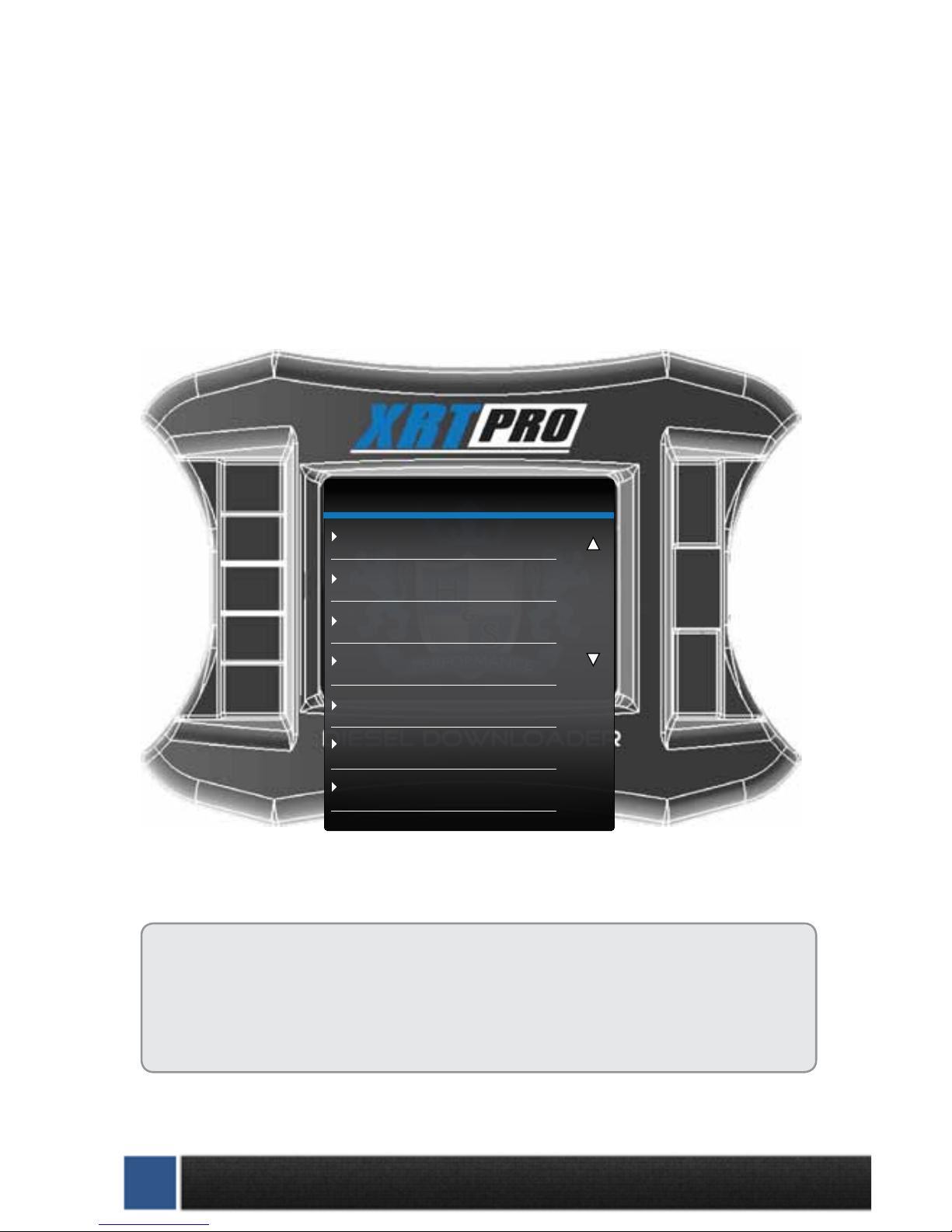
XRT PRO
Change Vehicle
Install Download
Special Functions
Tire Size Calibration
Diagnostics
Show Settings
Update Firmware

1-888-628-1730 • XRT Pro Installation Manual 9
SECTION 3: CHANGING POWER LEVELS
Dodge Vehicles:
Select “Change Power Level”from the main menu and follow the on-screen prompts. You will get to a
screen as pictured below with two options.
Ford and GM vehicles:
Select“Change Power Level”from the main screen. Follow the on-screen prompts to change your power
level, this should only take a few seconds.
To return to stock, select“Install download”from the main screen. Select“Return to Stock”when prompt-
ed to return to factory settings and unlock the XRT Pro from the truck.
Change Settings: This will install the new tuning onto the truck, for times when your H&S Product has
been updated on the H&S website. This is also how you can adjust the speed limiter, tire size, and other
options.
Return to Stock: This function will completely return your truck’s computer to stock.This is required to
unlock the XRT Pro from the vehicle. (Tuners can only be installed on ONE vehicle at a time.)
Go Back DOWNLOAD MENU
(RESET)
Import/Export MCC Tuning
Return to Stock (OEM Tune)
Download H&S Tuning

10 XRT Pro Installation Manual • www.hsperformance.com
XRT PRO
Change Vehicle
Install Download
Special Functions
Tire Size Calibration
Diagnostics
Show Settings
Update Firmware
Navigation through the main menu: Use the
large Up Down Buttons to page up and
page down through all the Main Menu options.
These buttons are used
to enter into the sub
menus from the main
menu and may also be
used to select additional
items when in the sub
menus.
SECTION 4: EXPLORING THE MENU SYSTEM
The diagram below shows all of the Main Menu items and explains the Main Menu navigation.
Andere Handbücher für XRT Pro
1
Inhaltsverzeichnis