ICON icOn Smart Bedienungsanleitung

icOn Smart TVC preamplifier
124
OWNER’S MANUAL

icOn Smart TVC preamplifier
WELCOME
Dear Music Lover,
Congratulations on your pur-
chase of our state-of-the-art
icOn Smart TVC Preamplifier!
We are pleased that you
choose a Triple M Audio UK
product, as by doing so you
have acquired a preamplifier
with an outstanding sonic per-
formance which will provide
enjoyment for many years to
come.
icOn has been designed by us to provide the highest sound quality possible and
provide an enjoyable user experience free from the hassles normally associated
with manually controllable passive preamplifiers.
After a significant amount of research and study we have determined that for
the highest performance only the best quality TVC (Transformer Volume Control)
should be used. To achieve this the icOn uses bespoke transformers that are ex-
ceptional in their performance and accuracy of build, thus ensuring faithful repro-
duction of the music. However, to overcome the shortcomings of the outdated
Yaxley rotary switches we have combined the 100 years old, well proven TVC
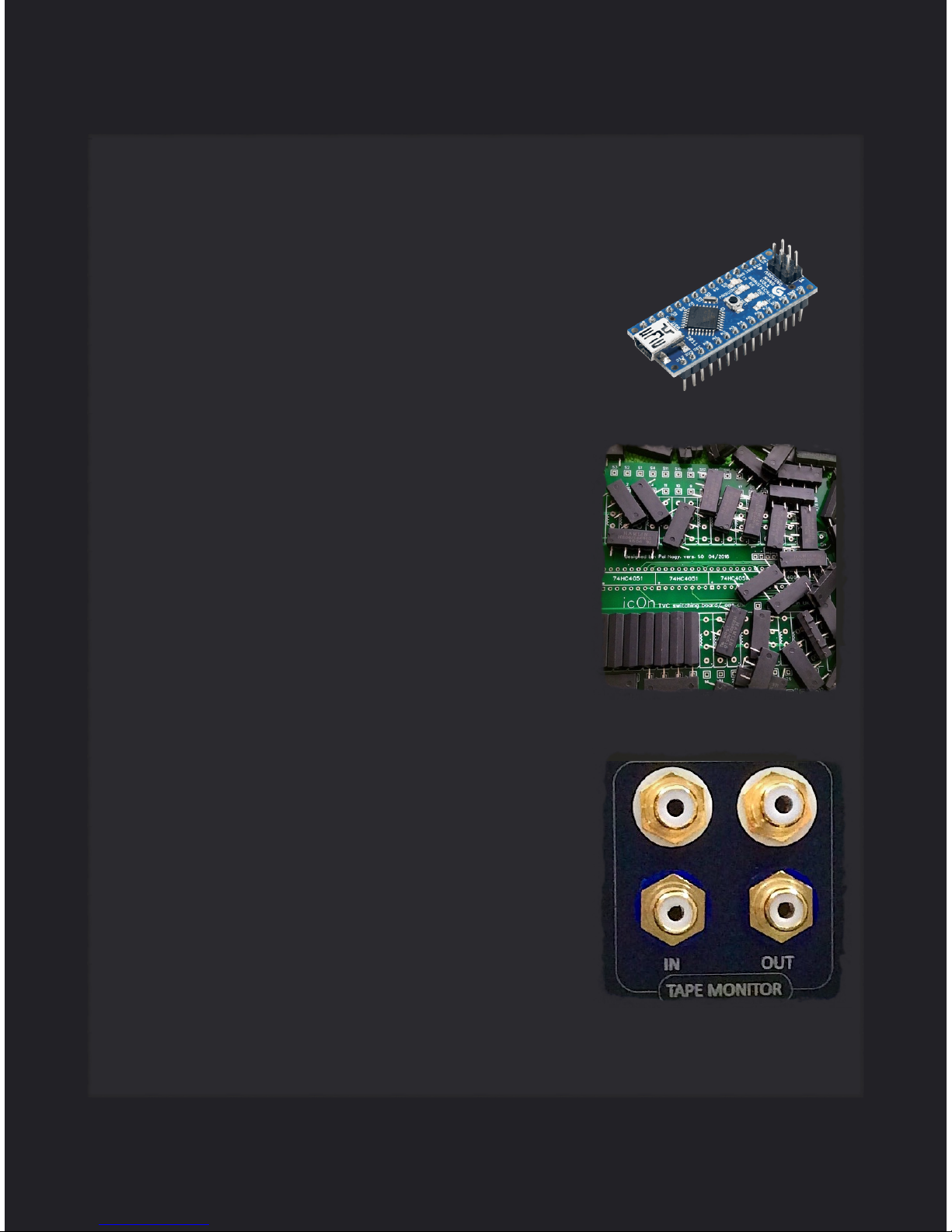
technology with today’s smart microprocessors and hermetically sealed minia-
ture reed relays. In addition Triple M icOn includes intuitive software for control-
ling inputs, volume and balance via Apple IR Remote, front-panel rotary en-
coder and the colour TFT display.
1

icOn Smart TVC preamplifier
Unlike other passive preamplifiers, it uses a sophisticated digital interface to
enable the listener to select the music of their choice from the convenience of
the arm-chair and adjust the volume for maximum enjoyment.
This manual provides a technical reference for hardware, setup, interconnec-
tivity, warranty, and safety. Triple M UK is committed to ongoing improvement
and software development for icOn and we will contact you when a new firm-
ware update will be available.
Again, thank you for choosing the Triple M icOn smart TVC preamplifier.
2

QUICK START
3
UNPACKING
•Carefully unpack your icOn
•Keep the packing for future transportation
•Please treat the acrylic faceplate surface with care
•Position the icOn on a stable base. "
CABLING
•Disconnect all appliances of your system from the mains
•Connect the icOn with your amplifier
•Connect the icon with your source components
•Connect all appliances of your system with the mains
•While changing cables the icOn must remain disconnected from the mains. !
PROGRAMMING
•Default values for all functions are programmed
•Selected input: 1st
•Volume: -20 dB
•Balance: 0 dB
•No additional programming is required for the start-up. !
SWITCH-ON
•Switch-on the icOn
•Select a moderate volume level
•Switch-on your source components and your amplifier
•Double check the cabling before switch-on "
icOn Smart TVC preamplifier

4
icOn Smart TVC preamplifier
TECHNICAL HIGHLIGHTS AND BENEFITS
•The key to icOn is its flexibility in being customisable to YOUR requirements
•There are two basic configurations for icOn - the Quartet has 4 unbalanced
inputs with the Octet having 2 balanced and 6 unbalanced inputs
•icOn is 100% passive and sonically transparent which connects the artiste
to the listener without addition or subtraction of anything
•The sound level can be adjusted remotely with a total of 45 steps, 41 of
which are 1dB, meaning that the changes in level are seamless, with the
channel balance adjusted in 1dB steps should this be necessary
•Unlike resistive loaded preamps, icOn overcomes any impedance mis-
matching between source and power amplifier, which is a key factor in pre-
serving the sound quality
•icOn can be configured for automatic level matching of inputs to protect the
owner’s ears and equipment when switching between sources with varying
output levels.

5
icOn Smart TVC preamplifier
•Level switching is carried out using high quality in-
dustrial grade and hermetically sealed reed relays
which eliminates the possibility of contact er-
rors#from conventional open rotary switches used
on many other passive
•The channel balance of icOn is exemplary at
0.05dB - virtually undetectable by the human ear.
The balance function provide 5 dB difference/
channel in 1 dB steps.
•icOn can be connected to equipment without any
sensitivity issues to cable lengths and capaci-
tance, thus improving its interconnect flexibility
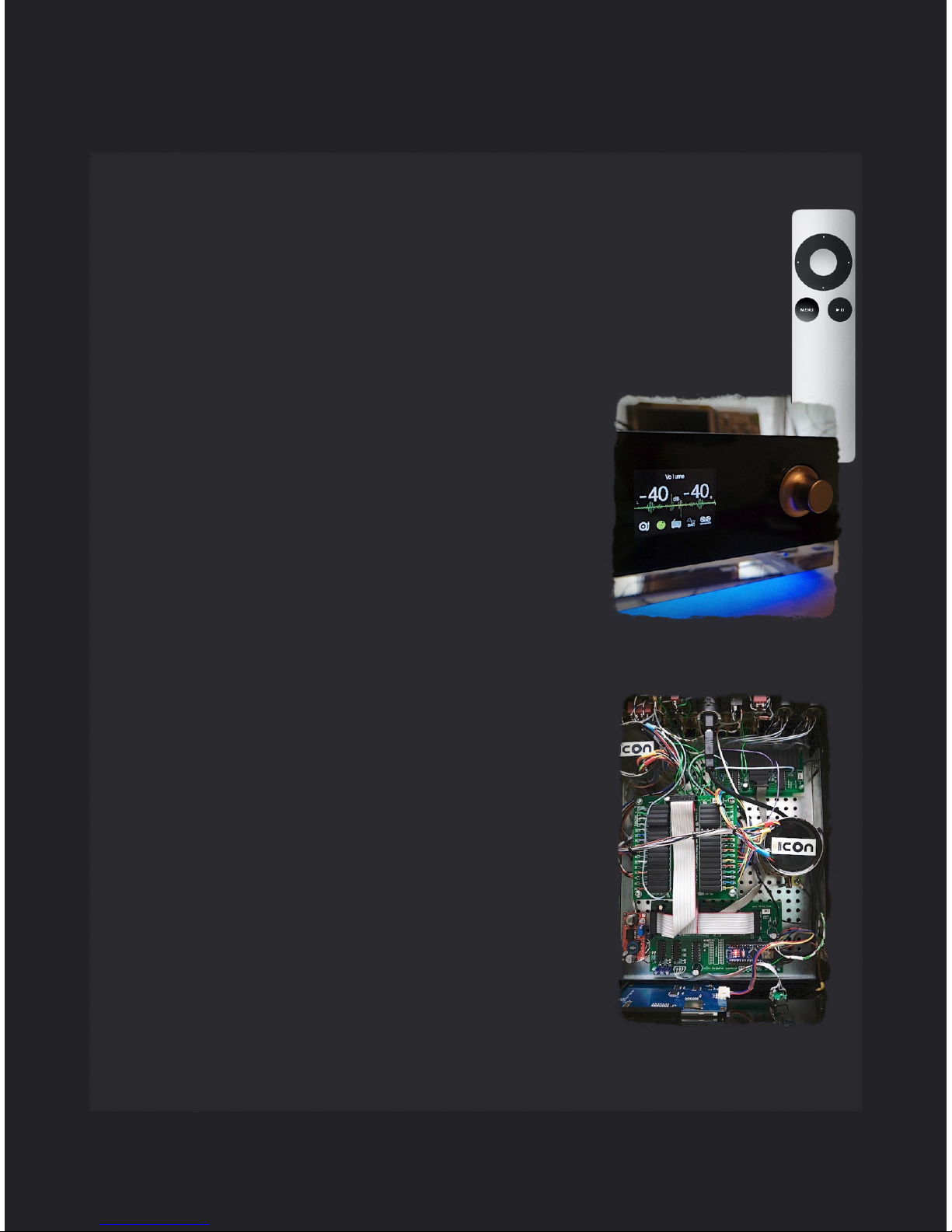
•Uniquely icOn comes with a tape loop as stan-
dard, enabling recording, playback and monitor-
ing from an analogue recording device as a R2R
•Has a sleep mode and mute function, which pre-
serves any settings made prior to this being acti-
vated, and negating the needs to reset the levels
every time
•Advanced menu system to adjust the input sensi-
tivity for the automatic input level matching and
other parameters to fully customise icOn for the
most pleasant music enjoyment
•The Menu mode enables the configuration and
setup of the icOn preamplifier to be achieved
through a set of menus.

6
icOn Smart TVC preamplifier
•All functions such as volume, balance, mute,
source selection, and tape loop are controlled
remotely with an Apple Remote, which en-
ables the listener to make adjustments from
the seating position, and not where the equip-
ment is located. Except the balance, every
function is reachable through the button of the
faceplate with click and push combinations.
The code table is displayed at the start or
wake up.
•The firmware is upgradable through a standard
USB port which means that the listener can
add new features as and when they become
available
•A 25mm thick anti resonant acrylic base (op-
tional) is used to isolate icOn from vibrations,
and is unique by having a 16 million colour
LED strip#which shows volume, input switch-
ing etc
•A 12V trigger output (optional) is provided
which can be used to activate other equip-
ment that can use this facility
•An integral TFT display provides important in-
formation on the status of icOn, so its easy to
see whats is happening and view any changes
•icOn comes with a 2 (Quartet) or 5 years ( Oc-
tet) return to base warranty

Please save all packaging. Your icOn preamplifier is a precision
electronic instrument and should be returned in its case and prop-
erly cartoned any time shipment is made. Should you need to
ship your icOn it should be placed in the aluminium storage case
and outer cardboard sleeve which is designed to save your invest-
ment from unnecessary damage.
SCOPE OF DELIVERY
1. icOn preamplifier
2. Apple Remote control
3. 5V/1A power adaptor
4. 2 pairs of shorting RCA plugs for not in use input connectors
5. #Aluminium Storage Case
7
PACKAGING
icOn Smart TVC preamplifier

8
icOn Smart TVC preamplifier
TFT DISPLAY
The display shows the volume in dB. Max. volume is +1 dB, minimum level
is -48 dB, when muted -99dB. The Octet model indicates the activated in-
put with number and name, the Quartet with green icons. The Tape Moni-
tor input is active when highlighted with green colour. A night mode with re-
duced brightness is reachable through the button on the faceplate.
Quartet
Octet

9
1 Volume Up
2 Volume Down
3 Input/Balance
4 Mute
5 Tape Monitor / AVC mode
6 Menu
1
2
3 3
4
5
icOn Smart TVC preamplifier
Volume: turn the Volume up with the button on top (1) and turn down with the
button on bottom (2).
Changing the Balance: With the Menu button select the Balance function. Ad-
just the Balance (+/-3dB) with the left and right (3) buttons. After that you
should press again the Menu to go back to the normal listening mode,
where you can change the Inputs with right and left (3) buttons.
Changing the Inputs: When the text on the top of the screen says Listening
the Inputs can be changed with the left and right buttons (3) If the text on the
top of the screen is says Balance, press the Menu button to change to Listening
mode and to be able to choose between Inputs with the left and the right but-
tons. If your icOn is configured with automatic level matching the dB values on
the display and the attenuation changes automatically with the input changes
and tape monitor mode to preserve the original loudness without any disturbing
jump.
Tape Monitor: The button 5 (in the center of the black circle) switches between
the Tape Input and normal Inputs. Please note that the Inputs can’t be changed
if the Tape Monitor mode is selected. If AVC mode is selected in the Menu you
can change between TVC and AVC with button 5. If icOn is muted than this but-
ton will take icOn into sleep mode.
MUTE: Press the PLAY/PAUSE (4) button on the remote to mute the music.
Press again to listen to the music again.
6
USING THE APPLE REMOTE
Inhaltsverzeichnis
Andere ICON Verstärker Handbücher