
iRZ RL01 Bedienungsanleitung
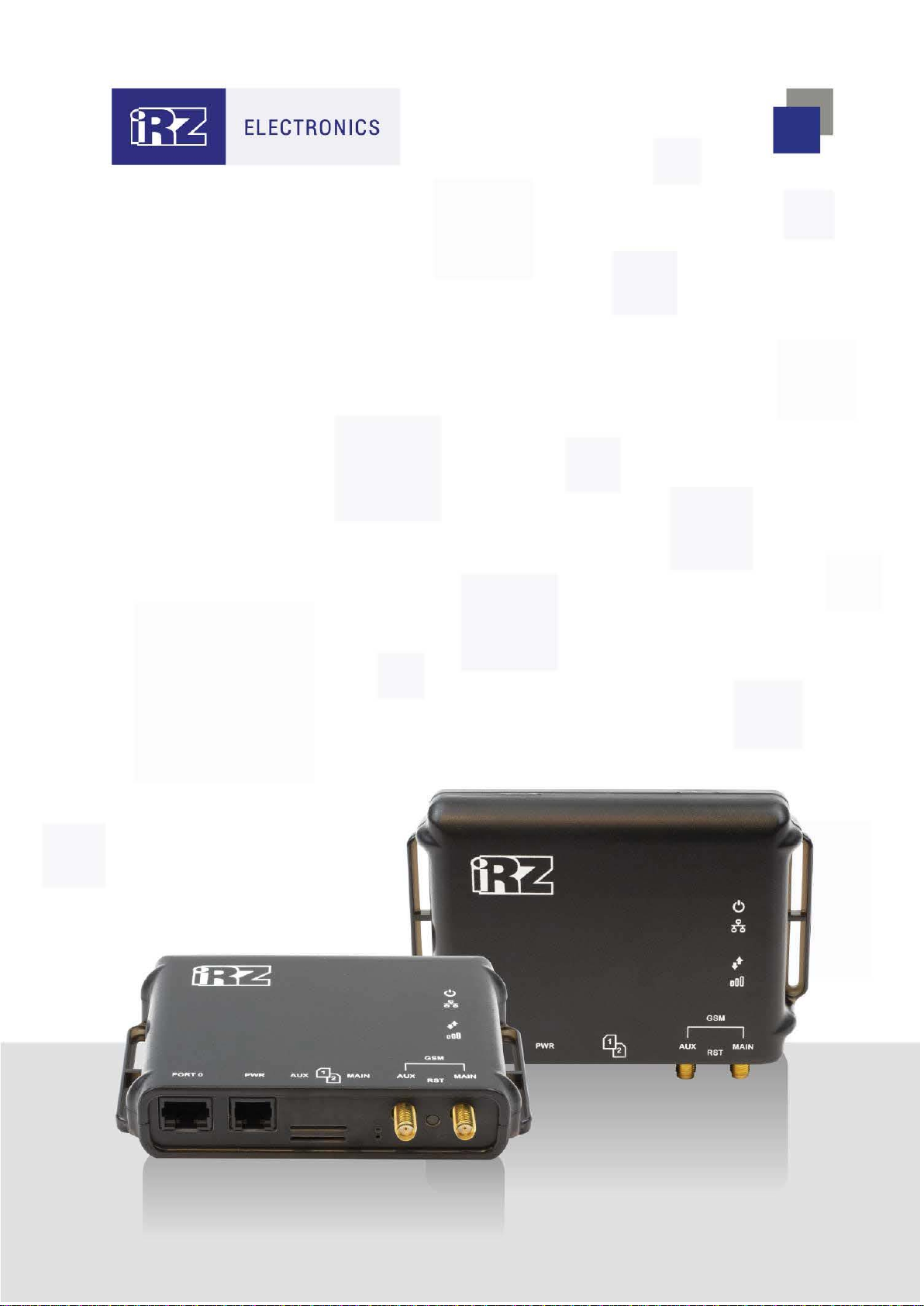
USER GUIDE
iRZ GSM/3G/LTE Routers:
RL01, RU01

2
Table of Contents
1. Introduction ...............................................................................................................4
1.1.Document Description.......................................................................................4
2. Information on Device...............................................................................................5
2.1.Purpose.............................................................................................................5
2.2.Application.........................................................................................................5
2.3.Model Range.....................................................................................................6
2.4.Specifications....................................................................................................6
2.5.Complete Set ....................................................................................................7
2.6.Storage and Operating Conditions....................................................................7
2.7.Safety Precautions............................................................................................8
3. Appearance and Interfaces ......................................................................................9
3.1.Appearance.......................................................................................................9
3.2.Interfaces ........................................................................................................11
3.3.Router Indication.............................................................................................13
3.4.Settings Access...............................................................................................14
4. Contacts and Support.............................................................................................15

3
List of Tables
Table 2.1 Models and Basic Differences..........................................................................................................6
Table 2.2 Basic Specifications .........................................................................................................................6
Table 2.3 Scope of Supply...............................................................................................................................7
Table 2.4 Recommended Optional Accessories..............................................................................................7
Table 3.1 Power Connector Pin Assignment .................................................................................................11
Table 3.2 Ethernet Connector Pin Assignment..............................................................................................12
Table 3.3 Connector Assignment...................................................................................................................13
Table 3.4 Router Indication............................................................................................................................13
List of Figures
Figure 1. Front View (RL01, RU01)..................................................................................................................9
Figure 2. Top View .........................................................................................................................................10
Figure 3. Power Connector ............................................................................................................................11
Figure 4. Ethernet Connector.........................................................................................................................12

4
1. Introduction
1.1. Document Description
This document is intended for advanced users and describes technical specifications of R0 series routers:
RU01, RL01 as well as information on express setting of the routers.
Document Version Issue Date
1.0 08/11/2016
1.1 (route parameter updated) 09/02/2017
1.1.1 (3.2 – Reset button) 27/04/2017
1.2 (2.2 – new functions added) 28/04/2017
1.3 (3.2 – power and Ethernet connector pin assignment) 02/08/2017
1.4 (2.1, 2.4, 2.6, 3.2) 25/12/2018
2.0 (model range) 23/03/2019
Prepared by: O. Kolmak, T. Yakovleva Checked by: O. Kolmak

5
2. Information on Device
2.1. Purpose
iRZ R0 routers are compact routers supporting two SIM cards and suitable for operation in 3G (RU01,
RL01) and 4G (RL01) networks. They provide high-speed wireless connection to the Internet (100/50 and
14.4/5.76 Mbps in 4G and 3G networks, respectively).
The core is a high performance MIPS processor with low power consumption. The router is controlled by
the Linux kernel based OpenWRT operating system for high performance and uninterrupted operation. The
software platform allows for expanding the router functionalities with user scripts and additional software
packages.
2.2. Application
The routers of this series are used for high-speed wireless or wired connection of point-of-sale terminals
and ATMs with control center, remote branch offices with the head office, industrial equipment units, security
and CCTV, monitoring and control systems, and other systems which require a wireless communication
channel.
Basic functionalities of iRZ R0 routers:
APN automatic detection
NAT configuration for access to internal network resources from outside
Exact time service server and client
Operations, administration and maintenance via Web-interface
OpenVPN tunnel support
GRE tunnel support
DHСP Server
PPTP Client
Firewall
The list of functionalities will be expanded with internal software improvements.

6
2.3. Model Range
The iRZ R0 routers differ in communication modules (3G and 4G functionality).
Table 2.1 Models and Basic Differences
Model Communication module Wi-Fi support
RU01 3G —
RL01 4G —
2.4. Specifications
Table 2.2 Basic Specifications
Type Characteristic
Hardware Specifications
Processor MIPS24KEc (580 MHz)
Dynamic RAM 64 MB
Flash memory 16 MB
SIM card Dual SIM support
Ethernet connector 1 x Ethernet 10/100 Mbit
Communications standards supported
•
LTE**
•DC-HSPA+**
•UMTS
•EDGE
•GPRS
Power Supply
Supply voltage 8 to 30 V
Current consumption 500 mA at 12 V
250 mA at 24 V
Physical Specifications
Case material Plastic
Dimensions 123 × 86 × 25 mm
Weight Max. 150 g
Operating temperature range –40°С to 65°С
** For RL01 only

7
2.5. Complete Set
Table 2.3 Scope of Supply
Description
Router
Manufacturer's packing
Table 2.4 Recommended Optional Accessories
Description
Power supply unit, 1000 mA, 6P6C connector
2 x SMA GSM antenna
Network cable
2.6. Storage and Operating Conditions
The router shall be stored in a dry place, protected against water. The risk of static voltage (lightning,
household static electricity) shall be eliminated.
Rating of ingress protection is IP20 per GOST 14254-96.
Permissible vibration:
The router maintains its strength characteristics under mechanical loads corresponding to 15th grade of
sinusoidal vibration severity per GOST 30631-99: as a part of equipment operated in motion, installed on
tractors, tracked vehicles and water transport (speed boats, hydrofoil vessels, etc.) and on process equipment
or land transport, in case vibration frequency exceeds 80 Hz.
The router is not provided with any vibration isolation.

8
2.7. Safety Precautions
Limitations to the router use in proximity of other electronic devices:
Switch off the router in hospitals or in proximity of medical equipment (like cardiac pacemakers, hearing
aid devices) as it may interfere with medical equipment.
Switch off the router in aircraft and take measures to prevent its accidental switching on.
Switch off the router in proximity of fueling stations, chemical facilities, areas of blasting operations. The
router may interfere with equipment; at short distances it may also interfere with TV and radio sets.
Protect the router against dust and moisture.
Observe the permissible levels of power supply and vibration at the place of router installation.

9
3. Appearance and Interfaces
3.1. Appearance
The router is designed in a compact plastic case.
Figure 1. Front View (RL01, RU01)
Legend for Figure 1:
1. Ethernet connector
2. Power Connector
3. SIM-card slots No.1 and No.2
4. GSM Aux connector
5. GSM Main connector
6. Reset button
1 2 4 5
3 6

10
Figure 2. Top View
Legend for Figure 2:
7. Power and boot indicator
8. Ethernet indicator
9. Wireless connection type indicator
10. Signal level indicator
7
8
9
10
Dieses Handbuch passt für folgende Modelle
1
Inhaltsverzeichnis
Andere iRZ Netzwerk-Router Handbücher


Beliebte Netzwerk-Router Handbücher anderer Marken


NETGEAR
NETGEAR FS526T - Switch Bedienungsanleitung

Korenix
Korenix JetNet 5710G Series Bedienungsanleitung

Automated Logic
Automated Logic ZN551 Betriebsanleitung

Cisco
Cisco ASR 1000 Series Bedienerhandbuch

EnGenius
EnGenius ESR-9710 Bedienungsanleitung

Cisco
Cisco 805 Series Bedienungs- und Sicherheitshinweise