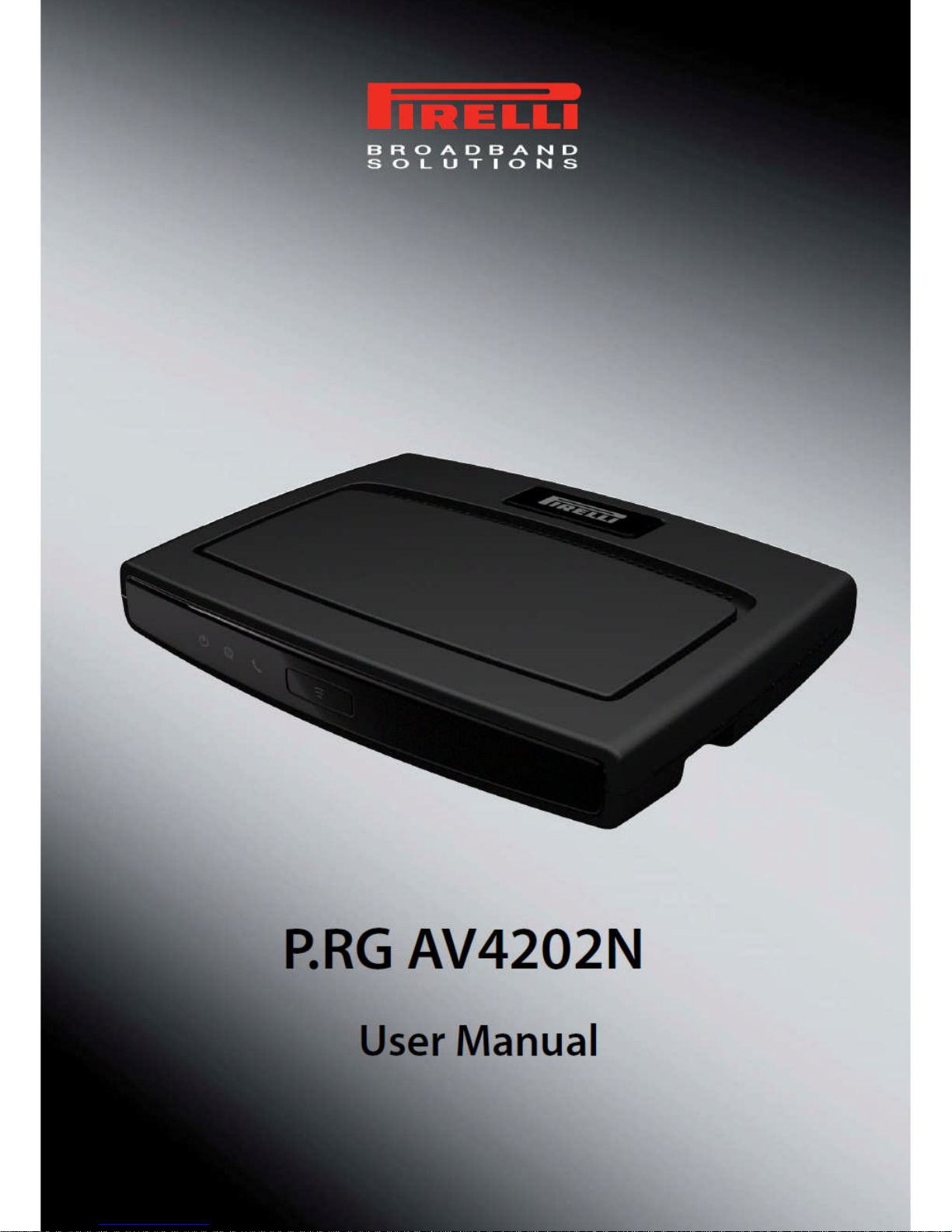
Pirelli P.RG AV4202N Bedienungsanleitung


Copyright © 2007 Pirelli Broadband Solutions S.p.A. All rights reserved. This document contains Pirelli proprietary and
confidential information. No part of this document may be copied, reprinted or reproduced in any material form or elec-
tronically, whether wholly or in part, and no information contained herein may be used or disclosed to third parties unless
under a previous written agreement with Pirelli Broadband Solutions S.p.A setting forth relevant terms and conditions.
Trademarks:
All terms used in this document that are known to be trademarks or service marks have been noted as such. Pirelli can-
not attest to the accuracy of this information. Other product and corporate names used in this document that may be
trademarks or service marks of other companies are used only for explanation and to the owner’s benefit, without intent
to infringe. Use of a term in this document should not be regarded as affecting the validity of any trademark or service
mark.
This publication is subject to change without notice. Pirelli reserves the right to make changes to equipment design and
system components as well as system documentation and literature as progress in engineering, manufacturing methods,
or other circumstances may warrant.
This publication is intended solely for informational and instructional purposes. Refer to the above as to its possible uses.
It constitutes neither a contract with the user hereof nor a warranty or guarantee with regard to any of the Pirelli products
described herein nor shall it be construed to grant a license or any other rights under any proprietary rights to information
or material included herein. Pirelli hereby expressly disclaims any warranty or guarantee, whether express or implied,
with regard to items described herein. Any contract, license, or warranty between Pirelli and the user hereof is created
solely by separate legal documents.
Manual Code: OGU 930500275-A1

PRG AV4202N
© (2007) Pirelli Broadband Solutions S.p.A. All Rights Reserved. Proprietary Use Pursuant to Cover Page Instructions.
OGU 930500275-A1 i
CONTENTS
Welcome 1
About this Guide 1
Naming Convention 1
Conventions 1
Introduction 3
Introduction 3
Package Contents 3
Router Advantages 6
Minimum System and Component Requirements 7
Front Panel 7
Rear Panel 9
Hardware Installation 11
Introduction 11
Positioning the Router 11
Installing Micro Filters 12
Powering up the router 13
Connecting the Router 13
Setting Up Your Computer 19
INSTALL Software 19
Ethernet Connection 20
Ethernet Connection >> TCP/IP Protocol Installation 20
Ethernet Connection >> MS Windows 98SE, ME, 2000 20
Ethernet Connection >> MS Windows XP 22
Ethernet Connection >> MAC OS 10.X 23
USB Connection 24
USB Connection >> MS Windows 25
USB Connection >> MAC OS 10.x 25
Wi-Fi connection 25
Router Configuration 27
Introduction 27

PRG AV4202N
© (2007) Pirelli Broadband Solutions S.p.A. All Rights Reserved. Proprietary Use Pursuant to Cover Page Instructions.
ii OGU 930500275-A1
Installation Wizard Section 31
Log In Setup 32
Test Ethernet Link 33
Analyze internet connection Type 33
Setup internet Connection 33
Test service Provider Connection 33
Test Internet Connection 33
Wireless Setup 33
VoIP Setup 34
Installation Completed 34
Quick Setup Section 35
Point-to-point protocol over Ethernet (PPPoE) over ATM 36
Ethernet (PPPoE) over PTM 36
Point-to-point protocol over ATM (PPPoA) 37
Routed Ethernet Connection over ATM (ETHoA) 37
Routed Ethernet Connection over PTM (ETHoP) 37
Bridged Ethernet Connection over ATM (ETHoA) 38
Bridged Ethernet Connection over PTM (ETHoP) 38
No Internet Connection 38
Wireless 38
Administrator 38
Network Connections Section 39
LAN Bridge 40
LAN Bridge >> General 40
LAN Bridge >> Settings 41
LAN Bridge >> Routing 44
LAN Bridge >> Bridging 46
LAN Bridge >> Advanced 47
LAN Ethernet 47
LAN Ethernet >> General 47
LAN Ethernet >> Settings 48
LAN Ethernet >> Advanced 49
LAN Wireless 802.11n Access Point 50
LAN Wireless 802.11nn Access Point >> General 50
LAN Wireless 802.11n Access Point >> Settings 51
LAN Wireless 802.11n Access Point >> Wireless 52
LAN Wireless 802.11n Access Point >> Advanced 57
WAN DSL 57

PRG AV4202N
© (2007) Pirelli Broadband Solutions S.p.A. All Rights Reserved. Proprietary Use Pursuant to Cover Page Instructions.
OGU 930500275-A1 iii

WAN DSL >> General 58
WAN DSL >> Settings 58
Security Section 61
General 62
Access Control 64
Port Forwarding 65
DMZ Host 68
Port Triggering 69
Web Site Restrictions 69
NAT 70
Connections 71
Advanced Filtering 72
Security Log 73
Voice over IP Section 75
Line Settings 75
Speed Dial 76
Monitoring 77
Advanced 78
Parental Control Section 81
general overview 82
filtering policy 83
advanced options 85
statistics 86
QoS Section 87
General 87
Traffic Priority 89
Traffic Shaping 92
DSCP Settings 93
802.1p Settings 95
Class Statistics 96
Advanced Section 99
About PRG AV4202N 100
Backup and Restore 101
Certificates 103

PRG AV4202N
© (2007) Pirelli Broadband Solutions S.p.A. All Rights Reserved. Proprietary Use Pursuant to Cover Page Instructions.
iv OGU 930500275-A1

Configuration File 104
DDNS 105
DNS Server 106
PRG AV4202N Firmware Upgrade 107
Date and Time 109
Diagnostics 110
Disk Management 112
ftp server 113
File Server 113
IP Address Distribution 114
ipsec 116
l2tp server 117
MAC Cloning 118
media sharing 119
Network Objects 120
pptp server 121
PPPoE Relay 122
Print Server 122
Protocols 123
RADIUS 124
Reboot 125
Remote Administration 125
Restore Defaults 128
Routing 128
SSH 130
ssl vpn 131
Scheduler Rules 133
Simple network management protocol 134
system log 136
System Settings 137
umts 140
Universal Plug and Play 140
Users 141
WINS Server 143
Wake Up on LAN 144
Web Server 144
System Monitoring Section 148
Network Connections 148
System Log 149
CPU 150

PRG AV4202N
© (2007) Pirelli Broadband Solutions S.p.A. All Rights Reserved. Proprietary Use Pursuant to Cover Page Instructions.
OGU 930500275-A1 v

Troubleshooting 153
Basic Connection Checks 153
Browsing to the Router Configuration Screens 153
Connecting to the Internet 154
Forgotten Password and Reset to Factory Defaults 154
Wireless Networking 155
Frequently Asked Questions 156
Safety Information 157
IP Addressing 159
Technical Specifications 161
Glossary 167

© (2007) Pirelli Broadband Solutions S.p.A. All Rights Reserved. Proprietary Use Pursuant to Cover Page Instructions.
Welcome OGU 930500275-A1 1

Welcome
Welcome
ABOUT THIS GUIDE
This guide describes how to install and configure the PRG AV4202N. This guide
is intended for use by those responsible for installing and setting up network
equipment; consequently, it assumes a basic working knowledge of LANs (Lo-
cal Area Networks) and Internet Routers.
NAMING CONVENTION
Throughout this guide, the PRG AV4202N is referred to as the “Wireless
Router”. Category 5 Ethernet Cables are referred to as Ethernet Cables
throughout this guide.
CONVENTIONS
Table 1 and Table 2 list conventions that are used throughout this guide.
TABLE 1. Notice Icons
Icon Notice Type Description
Information note Information that describes important features or instruc-
tions.

PRG AV4202N
© (2007) Pirelli Broadband Solutions S.p.A. All Rights Reserved. Proprietary Use Pursuant to Cover Page Instructions.
2 OGU 930500275-A1 Welcome

TABLE 1. Notice Icons
Icon Notice Type Description
Caution Information that alerts you to potential loss of data or
potential damage to an application, system, or device.
Warning Information that alerts you to potential personal injury.
TABLE 2. Text Conventions
Convention Description
The words “enter” and
“type” When you see the word “enter” in this guide, you must type some-
thing, and then press Return or Enter. Do not press Return or En-
ter when an instruction simply says “type.”
Keyboard key names If you must press two or more keys simultaneously, the key
names are linked with a plus sign (+). Example:
Press Ctrl+Alt+Del
Words in italics Italics are used to:
Emphasize a point.
Denote a new term at the place where it is defined in the text.
Identify menu names, menu commands, and software button
names. Examples: “From the Help menu, select Contents.
Click OK.”

© (2007) Pirelli Broadband Solutions S.p.A. All Rights Reserved. Proprietary Use Pursuant to Cover Page Instructions.
Introduction OGU 930500275-A1 3

Introduction
Introduction
INTRODUCTION The PRG AV4202N is designed to provide a cost-effective means of sharing a
single broadband Internet connection between several wired and wireless com-
puters. The Router also provides protection in the form of an electronic “firewall”
preventing anyone outside of your network from seeing your files or damaging
your computers. The Router offers VoIP functionalities through 2 VoIP channels
allowing you to use existing analog phones and a fallback to old telephony at
loss of power, WAN, Internet or VoIP.
The PRG AV4202N is an VDSL2 router, targeted to residential environments
and SOHO customers, that provides routed broadband services from a single
and modular access point.
The PRG AV4202N is the ideal solution for:
1. Connecting multiple PCs and Video game consoles;
2. Sharing broadband internet connections with all home computers;
3. Sharing printers and peripherals;
4. Performing VoIP connections.
PACKAGE CONTENTS Your new PRG AV4202N VDSL2 Router kit contains the related hardware and
software. In it you will find:
1. One PRG AV4202N unit
2. One Switching Power Supply adapter
3. One micro filter*
*This item may be optional and not included in the package: please check with your Service Provider
Inhaltsverzeichnis
Andere Pirelli Netzwerk-Router Handbücher
Beliebte Netzwerk-Router Handbücher anderer Marken

NETGEAR
NETGEAR FS526T - Switch Bedienungsanleitung

Korenix
Korenix JetNet 5710G Series Bedienungsanleitung

Automated Logic
Automated Logic ZN551 Betriebsanleitung

Cisco
Cisco ASR 1000 Series Bedienerhandbuch

EnGenius
EnGenius ESR-9710 Bedienungsanleitung

Cisco
Cisco 805 Series Bedienungs- und Sicherheitshinweise