HM-APL-PCB User Manual
MAN-1057 04/04/2023 Providing Advanced Process Communication Page 7
Products Since 2005
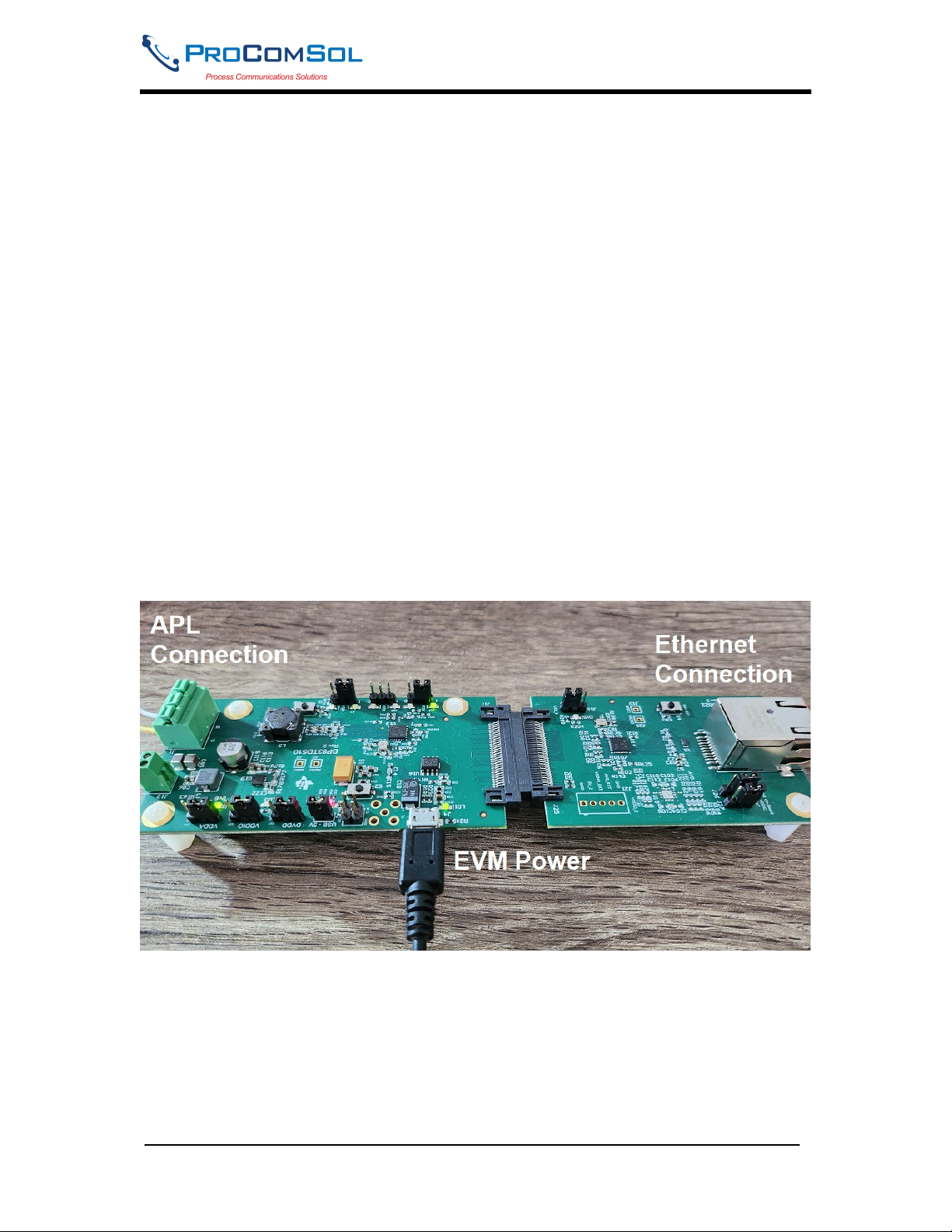
8. Using a Ethernet IP address sniffer, find the IP address for the TI Demo board.
9. Launch DevCom on a device connected to the same Ethernet as the TI Demo board.
10. Configure DevCom to use TCP/IP (HART-IP).
11. Enter the IP address from Step 7.
12. Poll the network.
13. You should see the TI Demo board with the HART transmitter listed as a sub device.
14. Click the HART transmitter.
15. You can now view the HART device using the APL connection. You can edit
parameters, run methods, etc. just like if you were connected to the HART device with a
HART modem. Except now you are using APL and HART-IP.
Step by Step Connection Procedure Using APL-SW-3
1. Power up the HART transmitter and verify loop current is less than 9mA.
2. Remove connections from Step 1 and connect the Loop + to the HART + terminal on
the PCB. Also connect Loop - to the HART - terminal on the PCB.
3. Connect the APL terminals to the APL terminals on the APL-SW-3. There are 3
different channels.
4. Connect a 24Vdc power supply to the APL-SW-3
6. Verify D4 LED is green on the PCB.
7. Verify D6 LED is blinking Orange on the PCB.
8. The APL-SW-3 has default setting of a DHCP server enabled. It will appear on the
network as 192.168.2.1. This setting can be changed using the Web UI discussed later in
this manual. If you connect the APL-SW-3 directly to your PC’s Ethernet port, it should
get an IP assigned at 192.168.2.26. As APL devices are added, they appear as
192.168.2.27 (Channel 1), 192.168.2.28 (Channel 2), and 192.168.2.29 (Channel 3).
9. Launch DevCom or some other HART-IP enabled host on a device connected to the
same Ethernet network as the APL Switch.
10. Configure DevCom to use TCP/IP (HART-IP).
11. Enter the IP address of the APL channel you wish to communicate on.
12. Poll the network.
13. You should see the APL switch with the APL transmitter listed as a sub device.
14. Tap the APL device.
15. You can now view the APL device using the APL connection. You can edit
parameters, run methods, etc.