
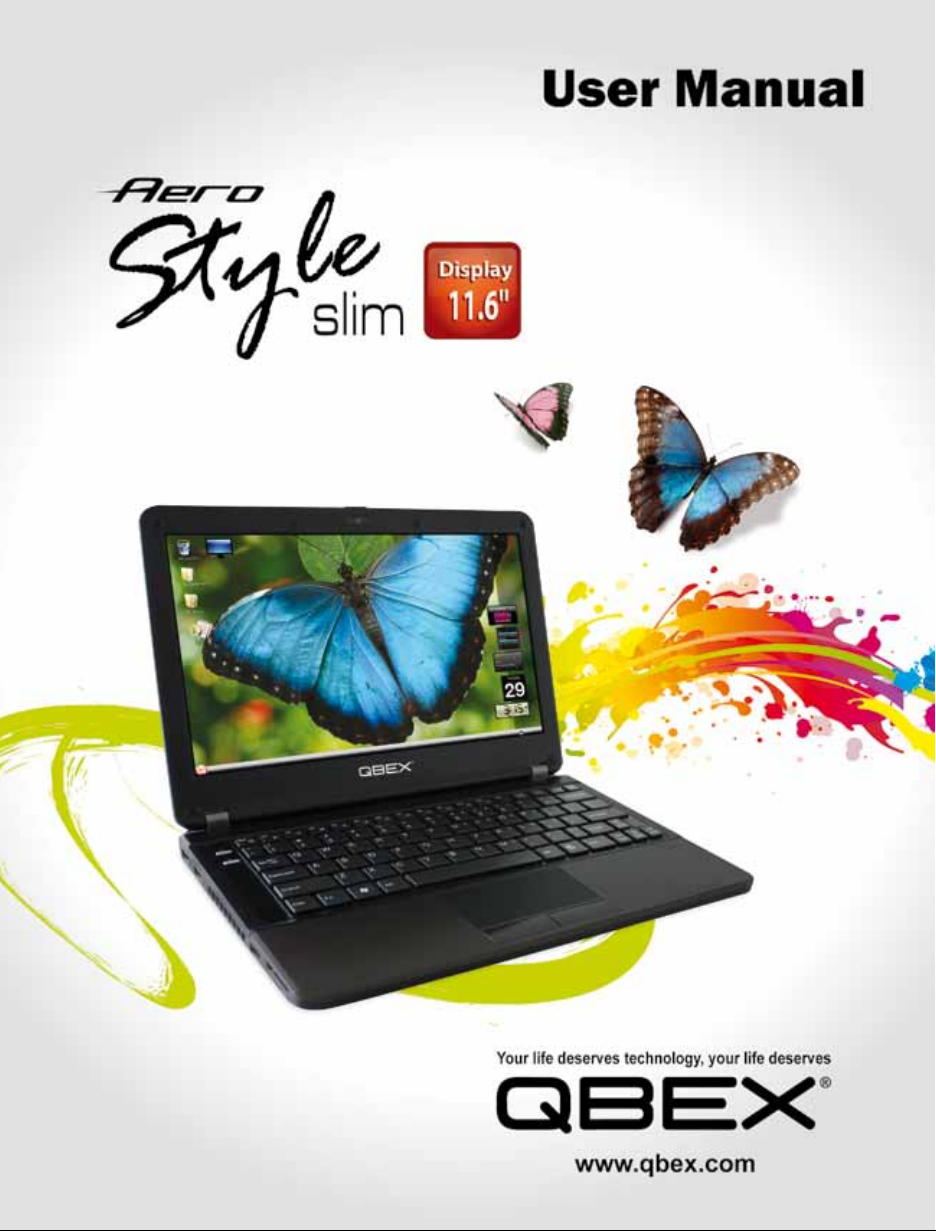
Qbex Aero Style Bedienungsanleitung

You are reading the User’s Manual provides
information regarding the various componets in
the notebook PC and how to use them. After
you read through this manual, please keep it well
for you can refer it anytime in the future.
User ’s Manual
Table of Content
User´s Manual............................................. 3
Safety Precautions...................................... 5
■How To Use Your Notebook
Power System............................................. 9
■Before Operating Your
Notebook
Introducing Your Netbook............................ 11
Connecting AC Adapter
and Charging Battery.................................. 17
Using Touchpad.......................................... 21
Using Keyboard.......................................... 23
Adjusting Volume........................................ 26
Adjusting LCD Resolution........................... 27
Using Wireless LAN.................................... 30
Please read the safety precautions mentioned
on Page 3 before you operate the notebook

5
qbex aero style / User’s guide
Safety Precautions
The following safety precautions will increase the life of the notebook. Follow all precautions and instructions.
Except as described in this manual, refer all servicing to qualied personnel. Do not use damaged power cords,
accessories, or other peripherals. Do not use strong solvents such as thinners, benzene, or other chemicals on
or near the surface of your notebook.
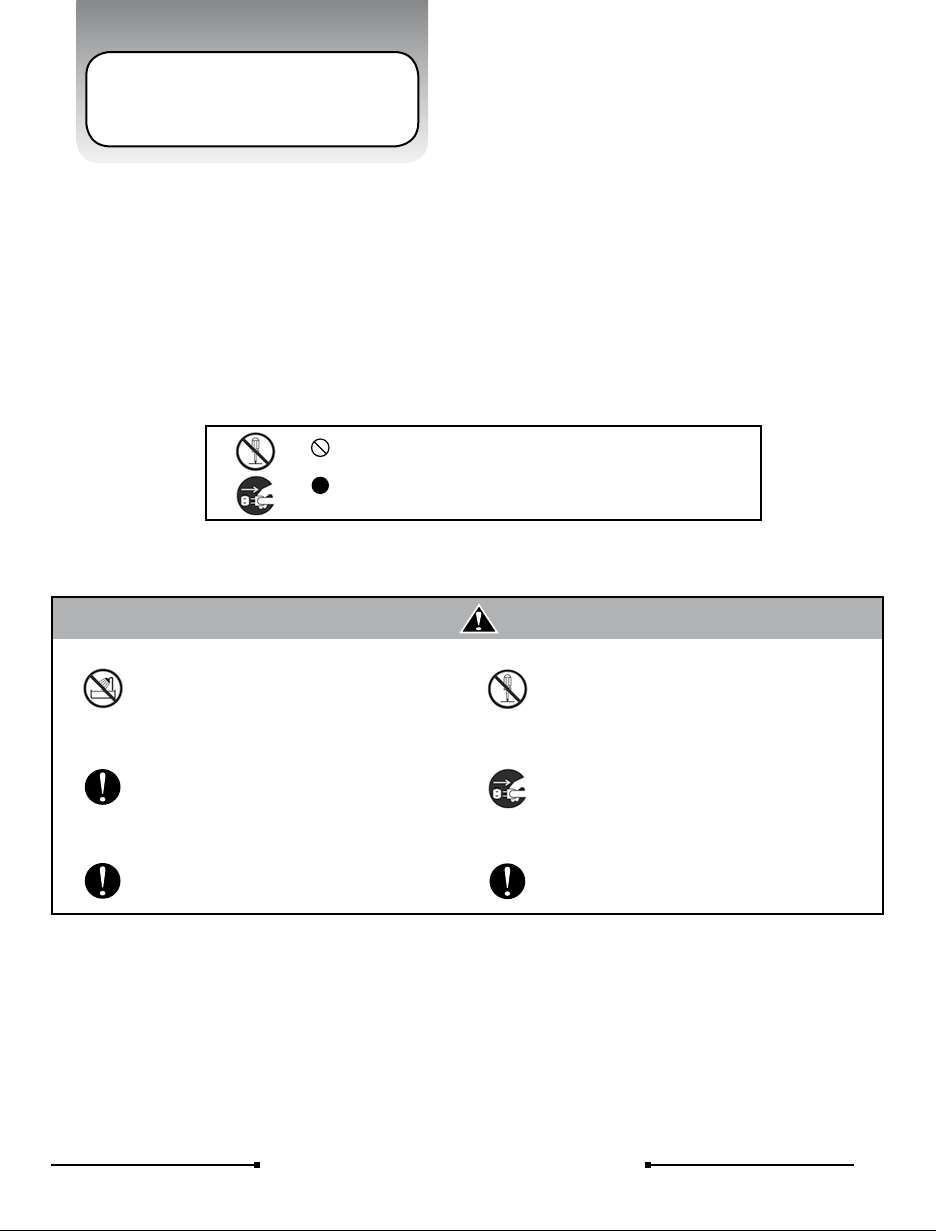
The sign shows the behavior prohibited
The sign shows the regulative behavior or the indication
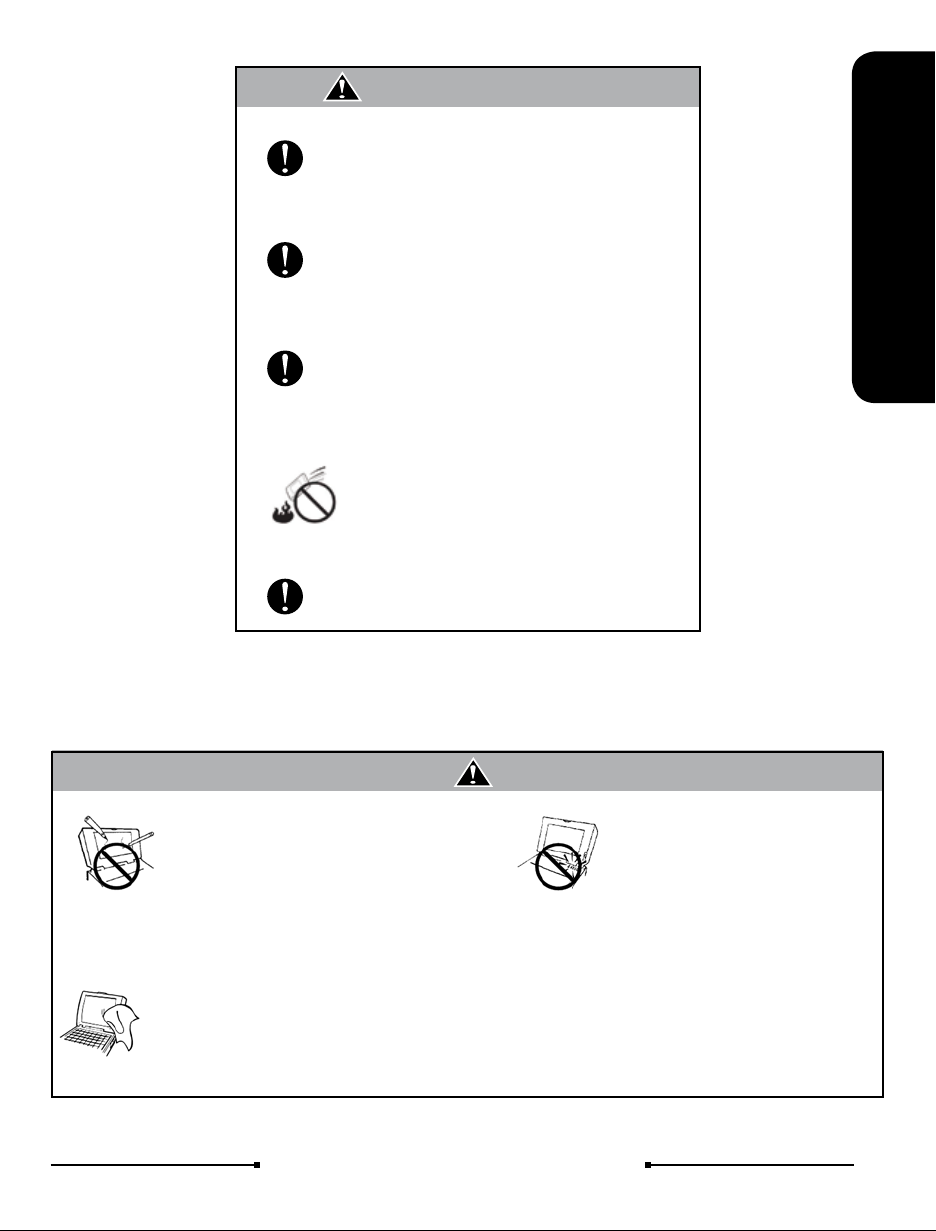
DO NOT expose to or use near liquips,
rain, or moisture. DO NOT use the LAN
during the electrical storm
DO NOT use the AC adapter notincluded in
the package. Use ofanother type of adapter
may riskre or explosion.
Warning (The device and AC adapter
Before you connect the notebook to a
power source, ensure the voltage rating of
the AC adapter matches the available
powe source.
DO NOT attempt to service this product by
yourself. As opening or removing covers,
you will be exposed to the dangerou
svoltage or other risks.
When you fell the surface of the AC adapter
is very hot or bad odor give off from it.
Please pull out the power plug immediately.
Continue to usem the AC adapter may risk
re or electrical shock.
DO NOT leave the notebook on your lap or
any part of the body to prevent discomfort
or injury from heat exposure.
6qbex aero style / User’s guide
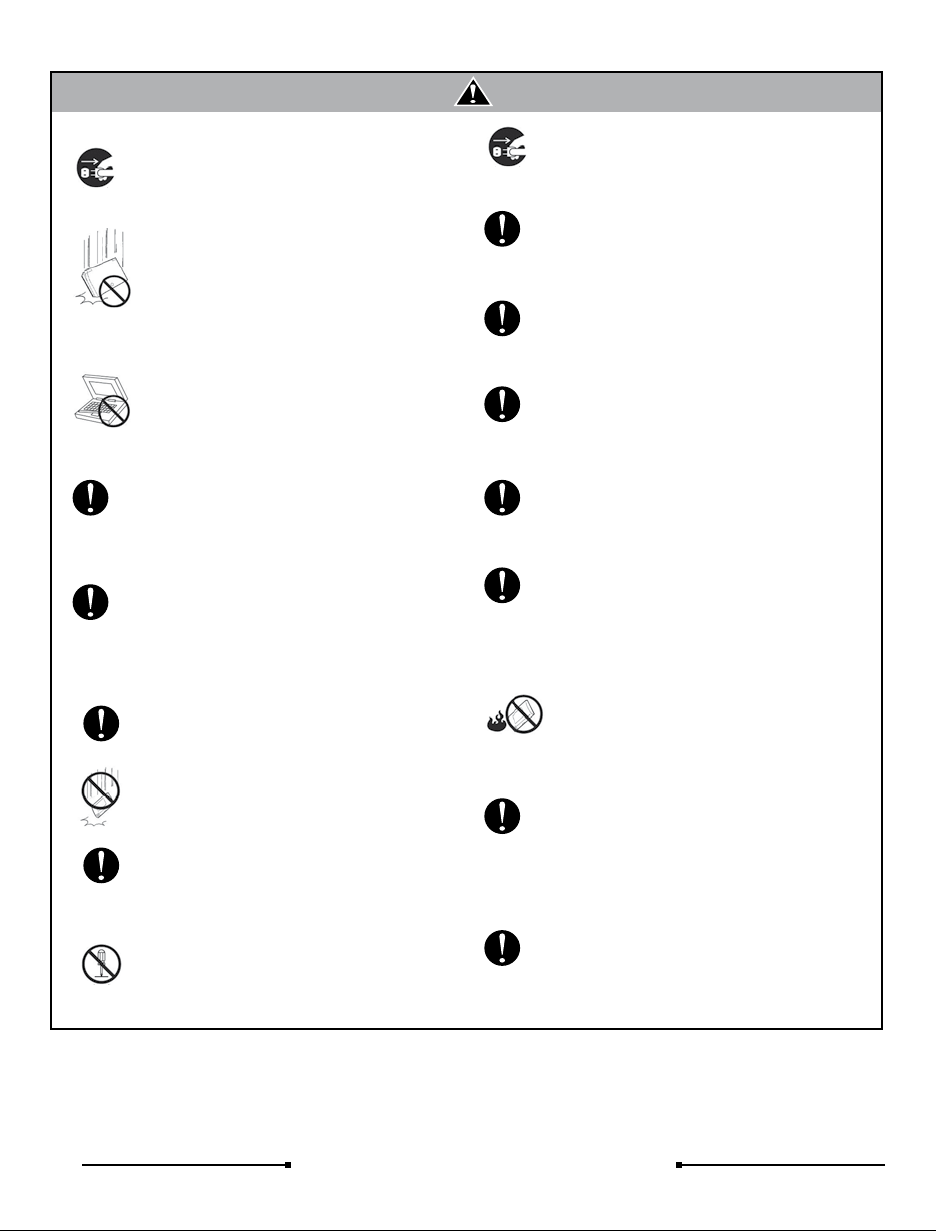
Please be sure not to pull out thepower plug
from the cord only. You have to pull out the
power plug from the plug part.
Attention (The device and AC adapter)
DO NOT place this notebook on an
unstable cart, stand, or table.
DO NOT place heavy object on this
notebook. It may be broken to cause some
serious damage.
Please verify whether there is no foreign
object such as ball-point pen on the
keyboard when you close the notebook lid.
When while the foreign object is put, there is
possible to break display panel.
When you carry the notebook, please close
the display lid. It is possibe to break the
dispplay panel by the unexpected force.
If an extension cord is used with this
notebook, make sure that the total ampere
rating of the1 equipment plugged into the
extension cord does not exceed the
extension cord amper rating.
Unplug this notebook from the wal outlet
when you stop using this notebook.
SAFE TEMP:
This notebook should onl be used in
environments with ambient temperatures
between 10°C and 35°C.
DO NOT press or touch the display panel.
DO NOT place together with small items
that may scratch or enter the notebook.
If you operate the touchpad with
unreasonable force or posture, it may hurt
you nger or wrist.
Avoid using the notebook during
anelectrical storm. Disconnect all plugs and
cables to avoid the possible damage.
DO NOT allow anything to rest on the
power cord. DO NOT locate this notebook
where people will step on the cord.
Danger of explosion may occur if battery is
incorrectly replaced. Replace only with the
same or equivalent type battery
recommended by the manufacturer
DO NOT impact the battery.
If it exceed the specied charge time and
the charge doesn’t complete, please stop
the battery charge. It may risk re or
explosion if you continue to charge the
battery.
Do not crush, disassemble, puncture, or
incinerate the short external contacts of the
battery pack
DO NOT dispose batteries in a re.
They may explode. Check with local
authorities for disposal instructions.
If the battery pack leaks and the uid ge
in your eyes, do not rub them. Instead,
rinse your eyes with clean running water
and immediately seek medical attention.
Otherwise, eye injury may be resulted
If the battery pack leaks, gives off a bad
odor, generates heat, becomes
discolored or deformed, or in any way
appears abnormal during use, recharging
or storage, immediately remove it from the
notebook and stop using it.
7
qbex aero style / User’s guide
How To Use Your Notebook
Attention (Battery Pack)
If liquid solution from the battery comes
out and contacts with skin or clothes,
ush out with clean water.
Do NOT immerse the battery pack in water
or allow it to get wet. Its protective features
can be damaged. Abnormal chemical
reactions may occur, possibly leading it to
leak acid, overheat, emit smoke, burst and
/or ignite.
If you nd a bad odor, overheating, battery
balloon or swell up, discolor, deformation,
and/or other irregularities when using the
battery, return it to your supplier or vendor.
Keep the battery away from children.
Do not connect the positive (+) and
negative (-) terminals with a metal object
such as wire. Short-circuiting may occur
leading the battery pack to leak acid,
overheat, emit smoke, burst and/or ignite.
DO NOT throw the battery in re.
General Warnings
LCD monitors are obviously more
vulnerable to damage than the
classic CRT. Even the slightest
contact with a sharp object can
leave your liquid crystal display
damaged
Clean your computer with a soft cloth
dampened with water. Do not use liquid
or aerosol cleaners, which may contain
ammable substances.
● Please keep all accessori es well
● Periodical ly backup your data i n the
hard disk.
DO NOT
knock or scratch
the machine
DO NOT
moving the machine
while operating
DO NOT remove your note-
book while the hard disk is in
operating status. It may be
broken to cause some serious
damage.

9
qbex aero style / User’s guide
Before Operating Your Notebook
Power System
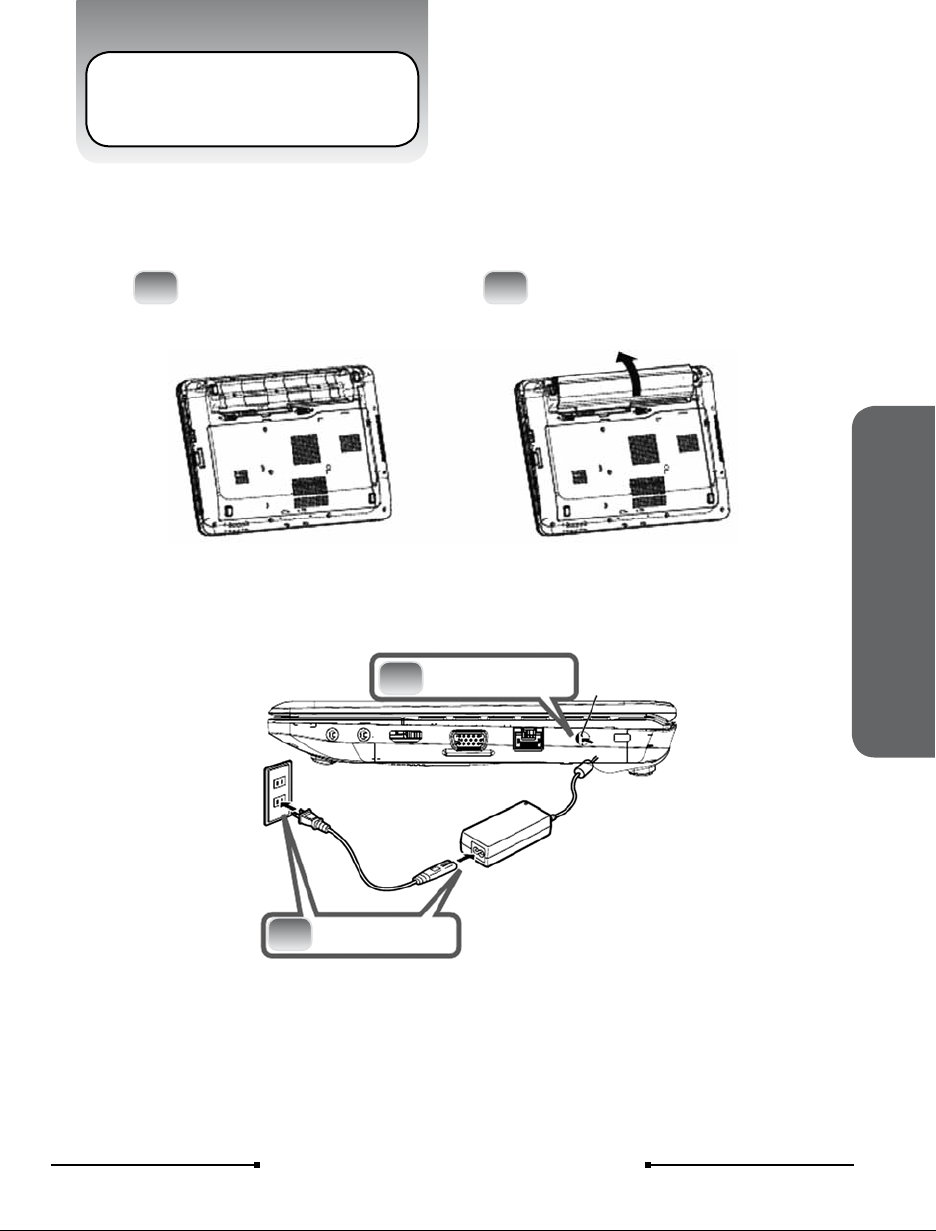
1 To install the battery pack
1Close the notebook lid and
turn over it gently. 2Slide the battery pack into the slot.
Battery Pack .
2 Connect the DC plug to DC-IN Jack
2DC-IN Jack
Connect the AC power cord to the AC adapter
Connect the AC power cord to an AC outlet
3
Connect the DC
plug to DC-IN Jack

Inhaltsverzeichnis


