Simpled VF-YP Bedienungsanleitung

Security is just a touch away
Simplified, for peace of mind!
User Manual : VF-YP
Simpled Smart Cylinder
Scan for more help!

Simplified, for peace of mind!
User Manual : VF-YP
Simpled Smart Cylinder
Discover our Range of Products:
Simpled is a London-based tech company rolling out
innovave IoT devices to elevate the smart home
experience. Control your home with a range of smart
security devices from Simpled. Whether it’s a Smart
Door Lock, a Camera Doorbell, Simpled put you in
control of your home security.

Thank you for choosing the Simpled Slim Door Lock. Please
1. Read this manual completely before using the Simpled Slim Door Lock.
2. Alkaline Baeries are recommended.
3. Replace the baery when you noce the low-baery alarm.
4. Keep the Emergency keys outside the house.
For more informaon and support on Simpled Slim Door
Lock, feel free to contact us:
Product Overview
Specificaon
What’s Included
Installaon
Operaon
FAQ
Contact Us
1
2
2
3
4-5-6-7-8-9
10
11
Table of Contents:

Product Overview
.: 1 :.
Overview Installaon Operaon FAQ Contact Us
105mm (4.13 inch)
30mm
(1.18 inch)
40mm
(1.57 inch)
Screw hole to ghten
afer insert into
the door
Adjustment holes
Baery case
Screw hole to
adjustment
locaon pit
Handle case screw
Screw hole
of handle case
Zinc alloy
handle housing
Inside
Handle Adjustment
Screw
Press any key to wake up
the Simpled cylinder
Outside
Handle
Return
Key Enter

.: 2 :.
Overview Installaon Operaon FAQ Contact Us
What’s Included?
Specificaons
VF-SP Doors
Applicable
Input Power
Data
Capacity
Working
Temperature
Waterproof
Rang
Security door, Main entrance,
Wooden door, Glass door
3.6 V - 4.8 V
3 x AAA Baeries
Model
Materials
Lock Weight
Unlocking
Way
Colour
Low Baery
Alarm
Door Thickness
to Fit 55-105 mm
Admin Figerprint: 3
User Fingerprint: 97
Proxy Fobs: 10
-25°C-60°C
IP443.6 V
Display
Cycle mes OLED, 17.2mm100,000 mes
Silver (Hairline)
Bluetooth
Fingerprint
Card
480g
Zinc Alloy, Plasc
VF-SP
Name QTY Image
1
Allen Key 2
Smart Tags 3
Manual 1

.: 3 :.
Overview Installaon Operaon FAQ Contact Us
1. Release the hex screw
and detach the back handle
2. Insert the cylinder from
outside into the cylinder hole.
3. Secure it with the screw
4. Mount the indoor handle 5. Tighten back the hex screw
Installaon

.: 4 :.
Overview Installaon Operaon FAQ Contact Us
Operaon
1. Register administrator fingerprint:
For adding an admin fingerprint, press the seng key one me. Seng up an
administrator is a must before proceeding with any operaons. Obviously, there is no
need to verify the admin fingerprint before seng the first administrator.
But for the second and third admin users, you need the verificaon of the admin.
The capacity for admin fingerprints is 3.
Note: Each new fingerprint requires a 3-me scan.
2. Register user fingerprint:
Press the seng buon twice to add a new user fingerprint.
1. Verify the admin fingerprint
2. Add user fingerprints one aer another. It can be done connuously.
(A long pause can stop the procedure)
The capacity for user fingerprints is 97.
Note: If an admin user is not registered yet, the user fingerprints cannot be added.
3. Delete user fingerprint:
1. Press the seng buon three mes.
2. Verify with the admin fingerprint.
3. You can delete all user fingerprints with their IDs. (ID number from 4-500).
4. Add smart tags:
1. Press the seng buon four mes.
2. Verify with the admin fingerprint.
3. Swipe the Smart Tag that you want to add. If you want to add more, you can do
it connuously The maximum capacity is 10pcs.
Note: Simpled smart cylinder supports 13.56MHZ, S50 and S70 cards.
5. Delete smart tags:
1. Press the seng buon five mes.
2. Verify with the admin fingerprint.
3. Delete the registered smart tags
6. Add a Bluetooth remote control:
1. Press the seng buon six mes.
2. Verify with the admin fingerprint.
3. Press the controler's buon
Note: The operaon will be stopped aer 60 sec.
7. Delete a Bluetooth remote control:
1. Press the seng buon seven mes.
2. Verify with the admin fingerprint.
3. Delete the remote controls
.: 5:.
Overview Installaon Operaon FAQ Contact Us
Operaon
8. Set the lock me:
1. Press the seng buon nine mes.
2. Verify with the admin fingerprint.
3. Press the seng buon to increase the me.
No operaon in 2 seconds will stop the process and keep the default locking me
seng.
The scope is 5 to 15 seconds. And the factory seng is 5 seconds.
9. Turn off/on the Bluetooth:
1. Press the seng buon ten mes.
2. Verify with the admin fingerprint.
3. Switch on/off the Bluetooth
Note: If you haven't registered the admin user yet, it won't ask for the admin
fingerprint (step 2 won't be required)
10. Restore to factory seng:
1. Press the seng buon 11 mes.
2. Verify with the admin fingerprint.
3. All data, including admin fingerprint, user fingerprint, and smart tags, will be deleted.
Note: If you haven't registered the admin user yet, it won't ask for the admin
fingerprint (step 2 won't be required)
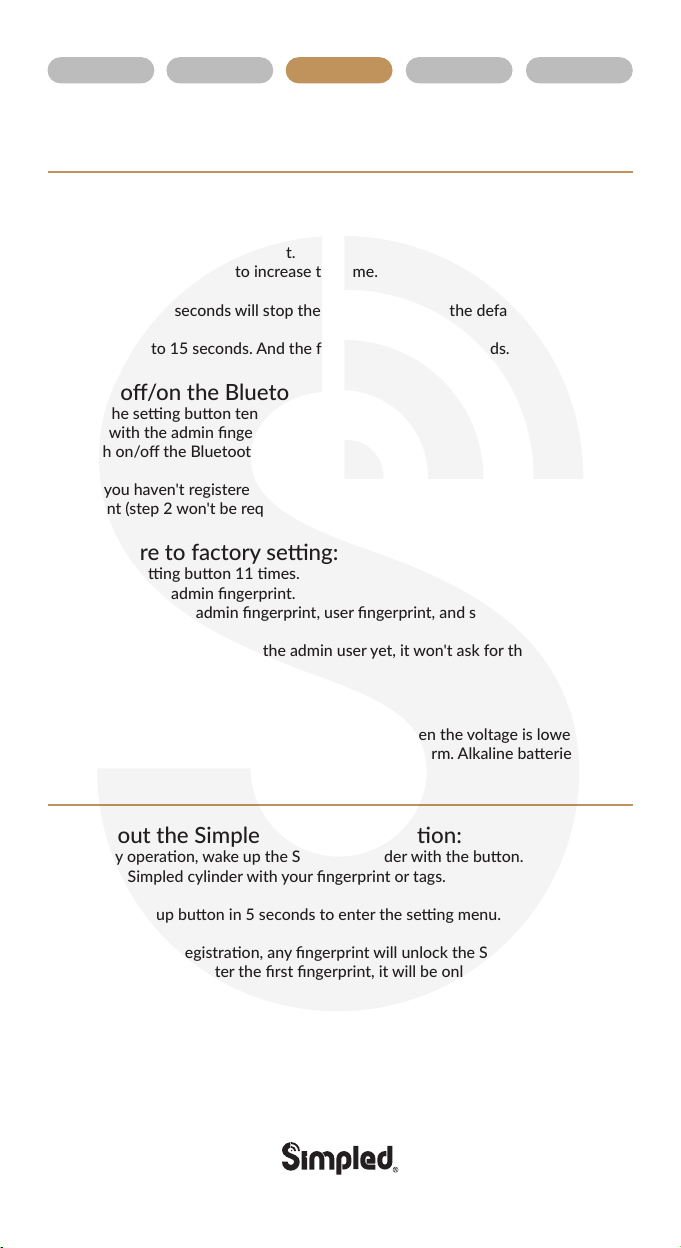
11. Low voltage alarm:
The Simpled cylinder will automacally nofy you when the voltage is lower than 3.6V.
Please change the baery as soon as you noce the alarm. Alkaline baeries are
recommended.
Tips about the Simpled cylinder operaon:
Before any operaon, wake up the Simpled cylinder with the buon.
Unlock the Simpled cylinder with your fingerprint or tags.
Press the wake up buon in 5 seconds to enter the seng menu.
Before first access registraon, any fingerprint will unlock the Simpled cylinder.
But as soon as you register the first fingerprint, it will be only unlocked by
authorised users.
You can find your user ID by verifying your fingerprint or smart tags on the screen.
Aer each verificaon, the Simpled cylinder will be opened for the set me
(from 5 to 15 seconds);Then, it will be automacally disengaged again.

.: 6:.
Overview Installaon Operaon FAQ Contact Us
1. Sign up
2. Log in
3). Pair Simpled cylinder:
Login into the app, turn on the smartphone's Bluetooth.
Then follow the pictures
Click to enter
Then click the upper right corner icon.
If it cannot find the cylinder for any reason, please tap on
the hand icon in picture 3 to manually input the numbers
on the QR code.
Aer pairing the Simpled cylinder, you'll become the owner
and will receive the management authority.

.: 7:.
Overview Installaon Operaon FAQ Contact Us
6). Revise the communicaon password
The default password is 12345678
Please change the password before using it.
Aer seng the new admin password, you
cannot unlock it unl you change the APP's
communicaon password.
5). Unlock
Aer a successful connecon, tap on the open buon to unlock.
(It will be disconnected automacally aer 7 seconds.
Please reconnect the Bluetooth to open again)
4). Connect the Simpled cylinder
to the app Scan the QR code Click the
seng key on the Simpled cylinder to
turn on the Bluetooth
Find the Simpled cylinder and pair it
Note: The Bluetooth disconnects in
3 minutes automacally.
Inhaltsverzeichnis
Andere Simpled Türschloss Handbücher