
Swizzbee Dolphin Bedienungsanleitung

swizzbee
50C
Instruction manual
2
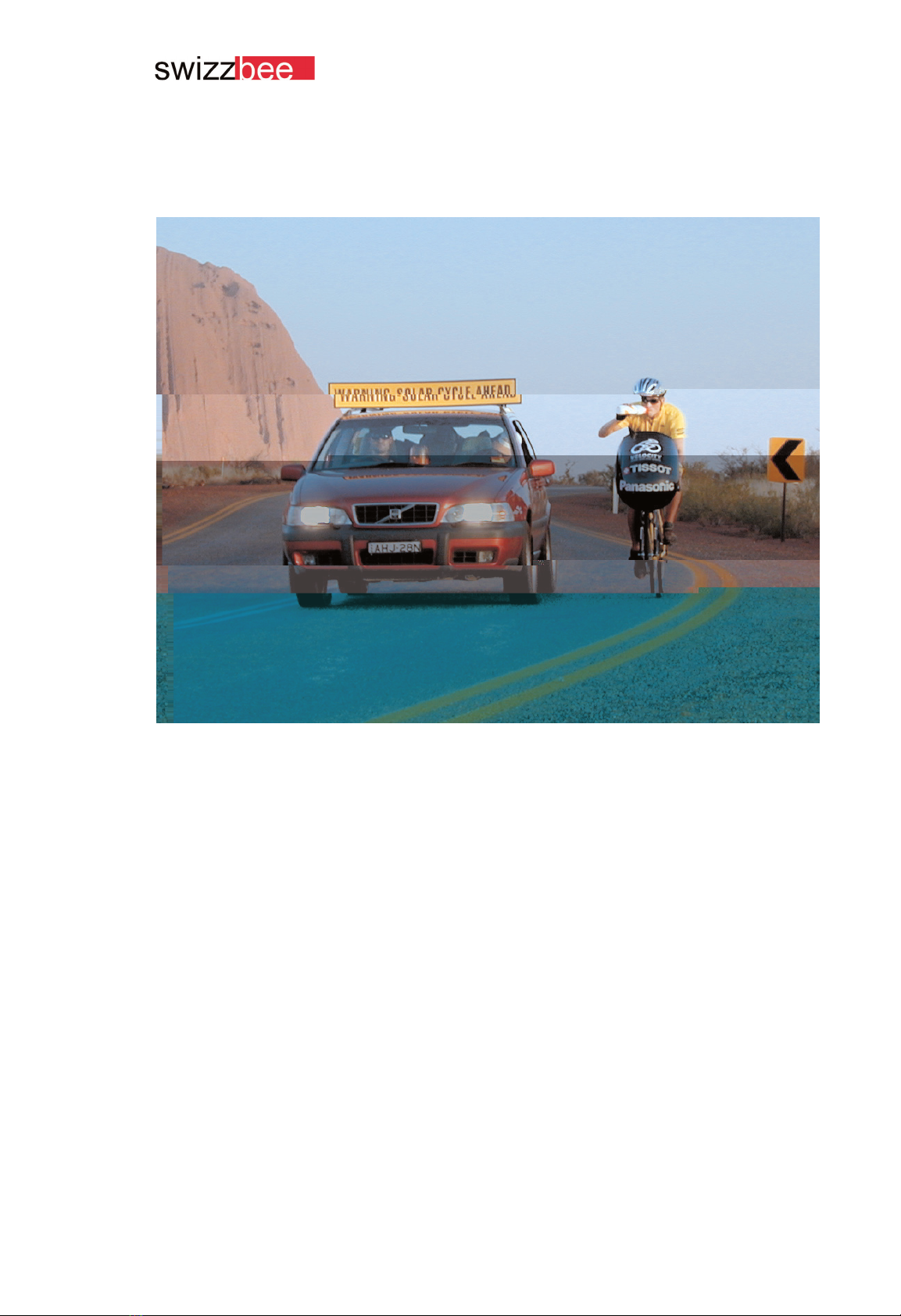
"Power on" is the common greeting among
e-bikers since the Dolphins and the team
"Spirit of bike" have won the "World Solar
Cycle Challenge" across the Australian
desert.
With "Power on!" we welcome you to the
hot circle of swizzbee bikers. We would
like to congratulate to the purchase of a
quality product, which is base on a "Swiss
patent". It has been designed by Michael
Cutter of "Swiss Design". You will be
amazed by its outstanding performance.
In its core the swizzbee 50c still is the
Australian formula one racing bike. The
bike has been further developed to meet
daily usage requirements and it suits
untrained bikers.
Compared with an ordinary bicycle the
swizzbee comes with additional functions,
components and technologies. Please
read this instruction manual carefully to
make sure that you are able to control the
vehicle in road traffic.
Regular care and service at a swizzbee
centre will ensure operational liability and
long-term maintenance of value of the
swizzbee 50c.
Have fun and a safe journey with your
swizzbee,
"Power on!"
1. Power on

1. Power on 2
2. Table of contents 3
3. Short instruction 6
3.1. Biking 6
3.2. Charging the battery 6
4. Biking without engine 7
4.1. The mix 7
5. Biking 8
5.1. Important before you get started 8
5.2. On / off (reset) 8
5.3. Swizzbee Intelli-Lock 8
5.3.1. Entering the code 8
5.3.2. Limit of incorrect entries 9
5.3.3. Unblocking of storage battery box by the customer 9
5.4. Starting off 10
5.5. 3x9 derailleur 10
5.5.1. Front derailleur threefold 10
5.5.2. Rear derailleur ninefold 10
5.6. Cruising range, energy supply 11
5.7. End of power supply 11
5.8. Deep-discharging protection 11
5.9. Switch off 11
5.10. Anti-theft device 12
5.10.1. Bicycle lock 12
5.10.2. Electronic immobiliser 12
5.10.3. Automatic locking device 12
6. swizzbee Intelli-Drive 13
6.1. Intelli-Variomat 13
6.2. Gas pedal (accelerator) 13
6.3. Intellimatic 13
7. Function keys 14
7.1. General information 14
7.2. Cadence and engine performance 14
7.3. PowerUp and PowerDown key 14
7.3.1. PowerUp key 14
7.3.2. PowerDown key 15
7.4. Reset 15
3
Table of contents

7.5. Lighting 15
7.5.1. General information on lighting 15
7.5.2. Turning on/off 15
7.5.3. Biking with light but without engine 15
7.6. Power consumption 15
8. Storage Battery box (rechargeable)16
8.1. General Information 16
8.2. Handling of the battery box 16
8.2.1. Demounting the battery box 16
8.2.2. Mounting the battery box 16
8.2.3. How to handle the battery box 17
9. Charging 18
9.1. General Information charging the battery 18
9.2. Charging the battery when mounted to the bike 18
9.3. Charging the battery demounted from the bike 18
9.4. Internal battery charger 18
9.4.1 Charging 18
9.4.2. Charging process 18
9.4.3 Temperature 19
9.5. Memory-effect 20
9.5.1 Discharging before charging function 20
9.6. Overview charger display 20
10. Service and care of battery 21
10.1. Storage battery 21
10.2. Nickel-cadmium storage battery 21
10.2.1. Memory-effect NiCd 21
10.2.2. Self- discharging 21
10.3. NiMH storage battery 21
10.3.1 Memory-effect NiMH 21
10.3.2.Self- discharging NiMH 21
10.4. Precaution 21
10.5. Biking in winter 22
10.5.1 Biking in winter 22

11. The display 23
11.1. General Information 23
11.2. Status of battery charge display 23
11.3. Status display of charger 23
11.4. Overview display biking mode 24
11.5. Overview display charging mode 25
12. Acoustic signals 26
12.1. Overview of signals 27
13. Power consumption / cruising range 28
13.1. General information 28
13.2. Uphill grade 28
13.3. Additional load, total weight 28
13.4. Biking style 28
13.5. Maintenance condition 29
13.6. Capacity control 29
13.7. Duration of batteries 29
13.8. Important 29
13.9. Examples for different cruising ranges 30
13.9.1. swizzbee 50c NiCd 30
13.9.2. swizzbee 50c NiMH 30
14. Bicycle computer 31
14.1. Display 31
14.2. Daily use 31
14.3. Automatic start / stop 31
14.4. Daily counter 31
14.5. Battery replacement of bicycle computer 31
15. Maintenance and service 32
15.1. Service of the vehicle 32
15.1.1. General information 32
15.1.2. Cleaning and care 32
15.1.3. Check-up 32
15.2. Maintenance of electrical components 32
15.3. Replacement of components 32
15.4. Maintenance work 32
15.4.1 Demount rear wheel 33
15.4.2 Mount rear wheel 34
16. Technical data 35
5
Table of contents

Short instruction
· Dismantle battery box or leave it on the
bike. Main switch is off!
· Connect line cord (220V):
> 2 yellow LED are permanently lighted:
= Quick charging
· 2 yellow LED are flushing:
= Temperature of storage battery is too
high or too low: > wait!
· Green LED in the middle is lighted:
= top-off charge (90% full) or
trickle charge (100% full)!
6
3.1. Biking
· Storage battery box mounted and
fixed?
· Push main switch (see picture above)
> short confirmation signal
· Enter code by function keys:
> 3 acoustic signals for confirmation
· Start biking, pedal quickly!! The engine
will reach its optimal performance by a
cadence of 60 revolutions per minute.
· Electronic locking device: after a pause
of 5 minutes the system will be auto-
matically switched off.
> Switch off main switch and start again
as described above!
3. Short instruction
3.2. Charging the battery

Biking without engine
4. Biking without engine
When the engine of your swizzbee is swit-
ched off you can ride it like an ordinary
bike. Due to the special transmission
system within the hub of the rear wheel the
electric engine runs in freewheel. You can
ride your swizzbee without any further
effort. The swizzbee is a light, high-quality
bike, which is equipped with state-of-art
bicycle components. With its 3x9 derailleur
it becomes a smooth running and comfor-
table roadster. You can start off for longer
tours and use the energy of the electric
engine only in special situations: like for
example ascending slopes, when you are
tired or not well enough trained.
4.1. The mix
Your swizzbee offers you a lot more than
biking with engine support or without. The
engine control "Intellimatic" can be pro-
grammed to switch between normal biking
and biking with engine support. Read
more in the chapter "function keys".
7

Biking
5. Biking
5.1. Important before you start
Compared to an ordinary bicycle you will
reach unusually high speed with your
swizzbee. Make yourself familiar with the
drive ability, the road situation, the accele-
ration and the brakes before you enter
heavy traffic.
Be careful, you will easily reach high velo-
cities, which might be under estimated by
other motorists, cyclists and pedestrians.
Wearing a certified helmet is recommen-
ded.
5.2. On / off (reset)
5.3. Swizzbee Intelli-Lock
In addition to the usual bicycle lock the
swizzbee provides an intelligent, electro-
nic anti-theft device. Before you get star-
ted you have to enter your personal
access code via the 3 function keys shown
in the picture above. Otherwise it does not
work, like your credit card without the PIN-
code.
5.3.1. Entering the code
· Entering the code: After switching on the
swizzbee use the function keys to enter
your personal access code.
· Function keys: After entering the right
code you operate the swizzbee with the
function keys.
Enter your personal access code with the
function keys after you have switch on the
swizzbee. The enclosed info-sheet will
provide your personal access code.
If you have entered the right code you will
hear three acoustic signals.
8
You start the swizzbee by operating the
main switch with snap function.
This will be confirmed by a short acoustic
signal.
If you push the main switch again the
swizzbee will be switched off. There will be
no signal.
Switching off will produce a reset to the
default setting (=reset).

Biking
If you enter the wrong code, you will hear
a long lasting signal. Switch off the vehicle
using the main switch and start again.
Enter your personal access code again. In
case you cannot remember the code any-
more contact to your dealer. Your dealer
will provide you with a new individual
code. It makes your swizzbee even more
save against theft.
5.3.2. Limit of incorrect entries
To unblock the battery box follow the
instruction:
Hold the middle key pushed down, while
you switch on the box (main switch). You
will hear a short signal tone (not longer
than 3 seconds).
Enter your personal access code.
Continue to enter up to 8 numbers, accor-
ding to your second code. If you personal
access code for example consists of 3
numbers, you will have to enter five num-
bers according to your second code. You
have to ask you dealer for your second
code.
You will hear three signals tones to confirm
that the battery box is unblocked. Once
again switch off the vehicle using the main
switch. Now switch it on and enter your
personal access code as usual: your
swizzbee is ready to start!!!
Have a nice ride and power on!!!
9
Attention: If you or any other person enters
the wrong code ten times the battery box
will be blocked. In this case the thief will
not be able to operate the bike. You will
notice a long acoustic signal (3 seconds)
when switching on the bike.
5.3.3. Unblocking of battery box
by the customer
The new models have a software that
allows the unblocking of the battery box by
the customer with the help of a second
code-level. Older vehicles can be equip-
ped with a new Pic`s.

Biking
5.4. Starting off
It is very easy to ride the swizzbee. Get on
the bike choose a medium speed transfor-
mation (e.g. front large chainring, rear
sixth gear). Pedal easily but firm and the
rest happens automatically.
The engine will reach its full performance
by a cadence of 60 revolutions per minute
(1 revolution per second). This default set-
ting can be altered by the function keys
(see chapter “function keys”).
The sensor measures the cadence and
the electronic unit controls the engine. The
engine will enforce each of your pedal
movements automatically.
5.5. 3x9 derailleur
All swizzbee models are equipped with a
state of art 3x9 derailleur of Sram. The
offered gear range can be easily controlled
by functional twist shifters.
5.5.1. Front derailleur threefold
· H (high) large chainring: level areas,
downhill grade, slight slopes, run up at
level areas.
· Middle: medium chainring: medium
slopes, run up at an uphill grade.
· L (low) small chainring: steep slopes,
run up at a steep uphill grade.
10
Use the left twist shifter, like riding a moun-
tain-bike, to choose a speed transforma-
tion ratio for the front derailleur.
The settings correspond to the following
biking conditions:
It is recommended to pre-set the derailleur
according to one of the above-mentioned
conditions. Also use the ninefold derailleur
to select a gradation that you prefer.
5.5.2. Rear derailleur ninefold
Use the right twist shifter to control the
ninefold rear derailleur to select a comfor-
table speed transformation ratio. Try to
choose a speed transformation ratio that
allows you to reach a cadence of 60 revo-
lutions per minute (1 revolution per
second) in a comfortable way. At this
cadence you will gain the optimal support
by the "swizzbee Intellimatic".
Dieses Handbuch passt für folgende Modelle
1
Inhaltsverzeichnis


