Technical Information
wi -antennas.co.uk
+44 (0)1992 455922
www.wifi -antennas.co.uk - The Allendale Group Ltd, Pindar Road, Hoddesdon, Hertfordshire. EN11 0BZ.
Images & Content ©2018 The Allendale Group Ltd. E&OE - Specifi cations subject to change without prior notice.
6 OF 8
R36A Installation Guide
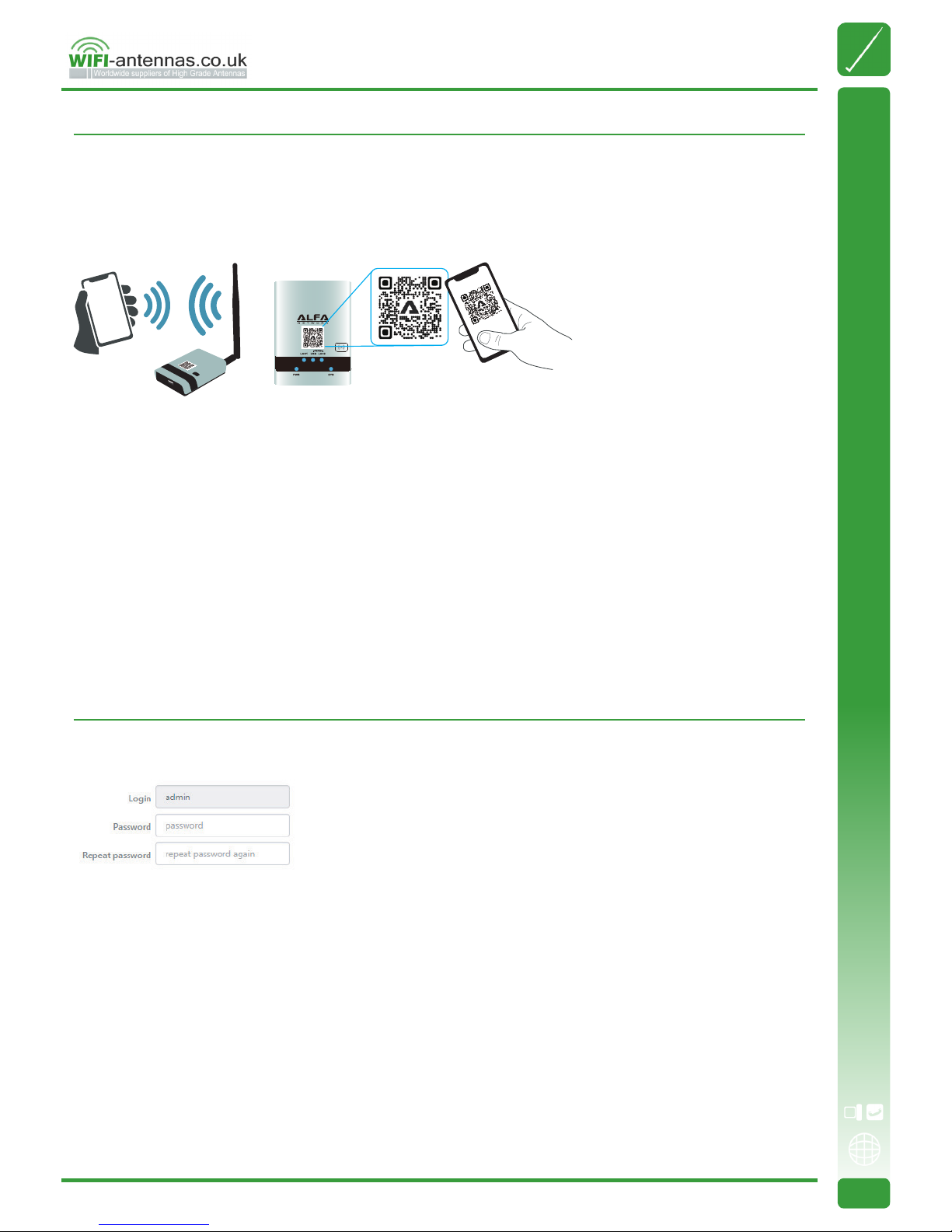
With built-in web-based congurator, it is easy to setup and manage the R36A.
The web congurator works with Windows, macOS or UNIX OS computer with a compatible web browser, such as Google
Chrome, Microsoft Internet Explorer, Mozilla Firefox or Apple Safari.
When logging-in for the rst time, please refer to the instruction sheet from ISP, and select the appropriate device operation
mode.
Ethernet router
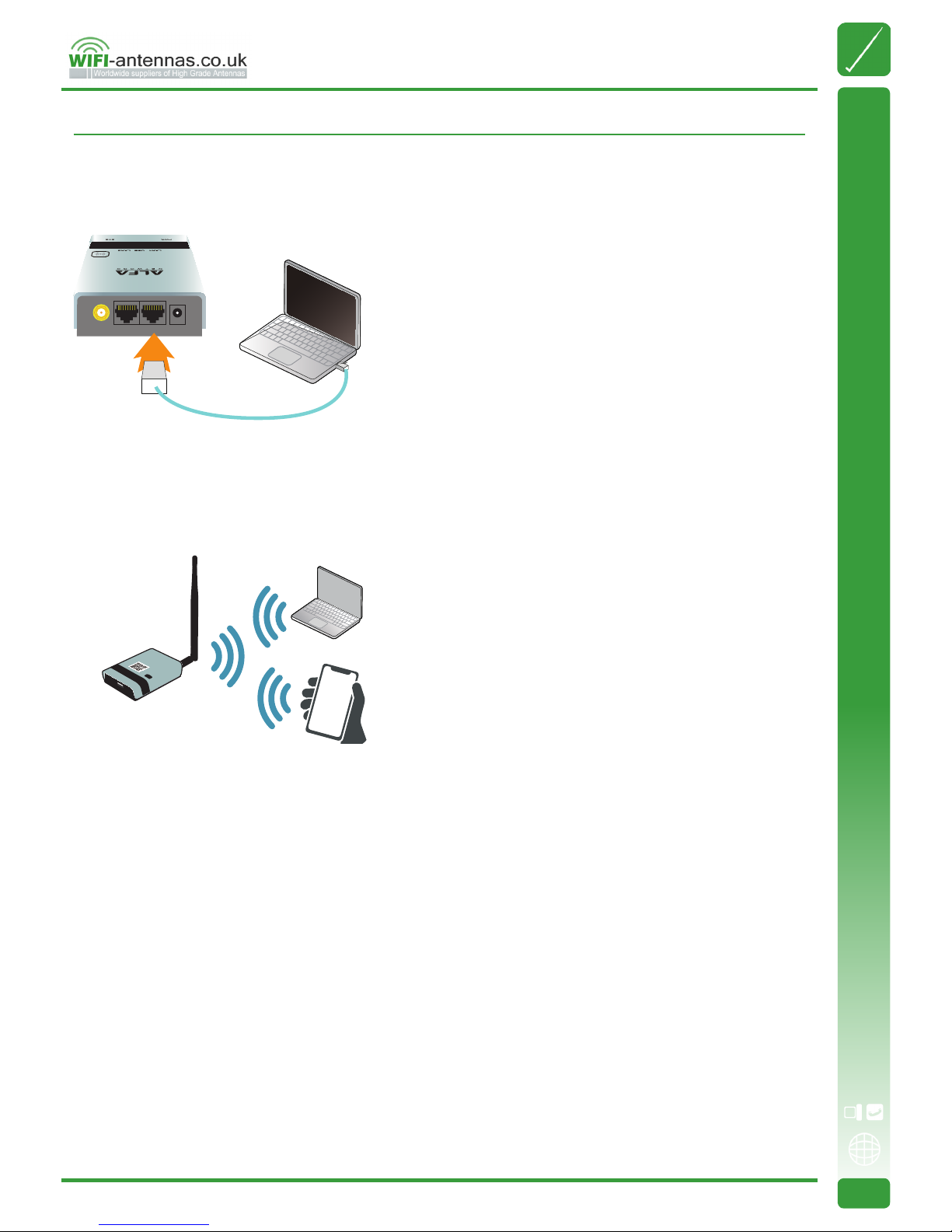
Subscribe an xDSL modem from ISP, connect modem to R36A via Ethernet cable, this mode is mostly used in xDSL PPPoE,
xed IP, dynamic IP, PPTP, L2TP Internet access.
Wireless Hotspot extender
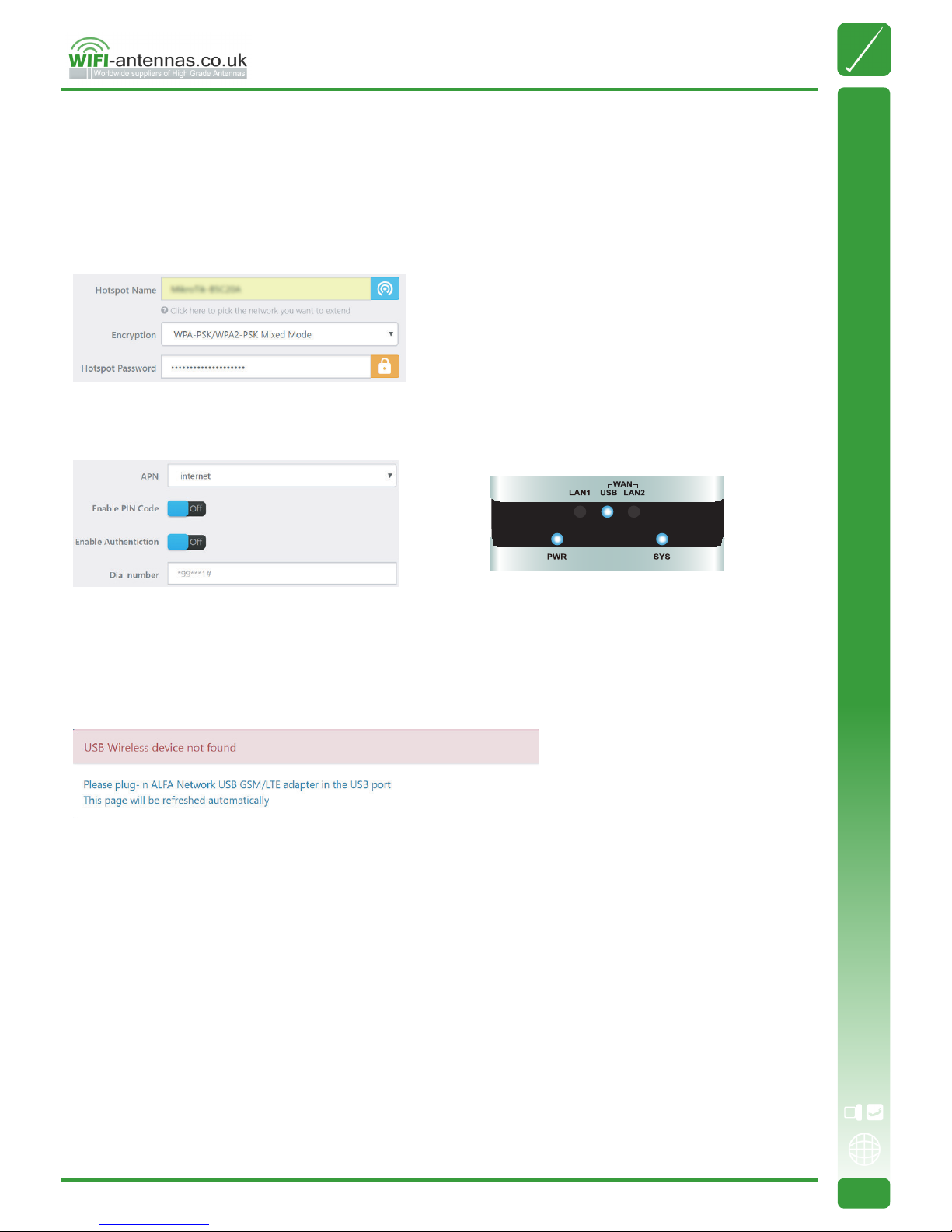
Install a compatible USB wireless adapter to extend the remote WiFi Hotspot Internet access.
USB 3G/4G Router
Subscribe a 3G/4G USB modem from the carrier company, install it with the R36A for mobile Internet access.
Ethernet Router Mode
Being an Ethernet router, The R36A supports xDSL PPPoE, xed IP, dynamic IP, PPTP and L2TP Internet access.
Be sure to connect modem LAN port to WAN port on the R36A, and the WAN LED should be ON before setting up the R36A.
Please refer to the instruction sheet from ISP, select the appropriate connection type, input the connection parameters
(IP address, dialup username/password, server info ...etc.) to establish the Internet connection, and apply the settings to
establish Internet access.
Operation Mode Selection