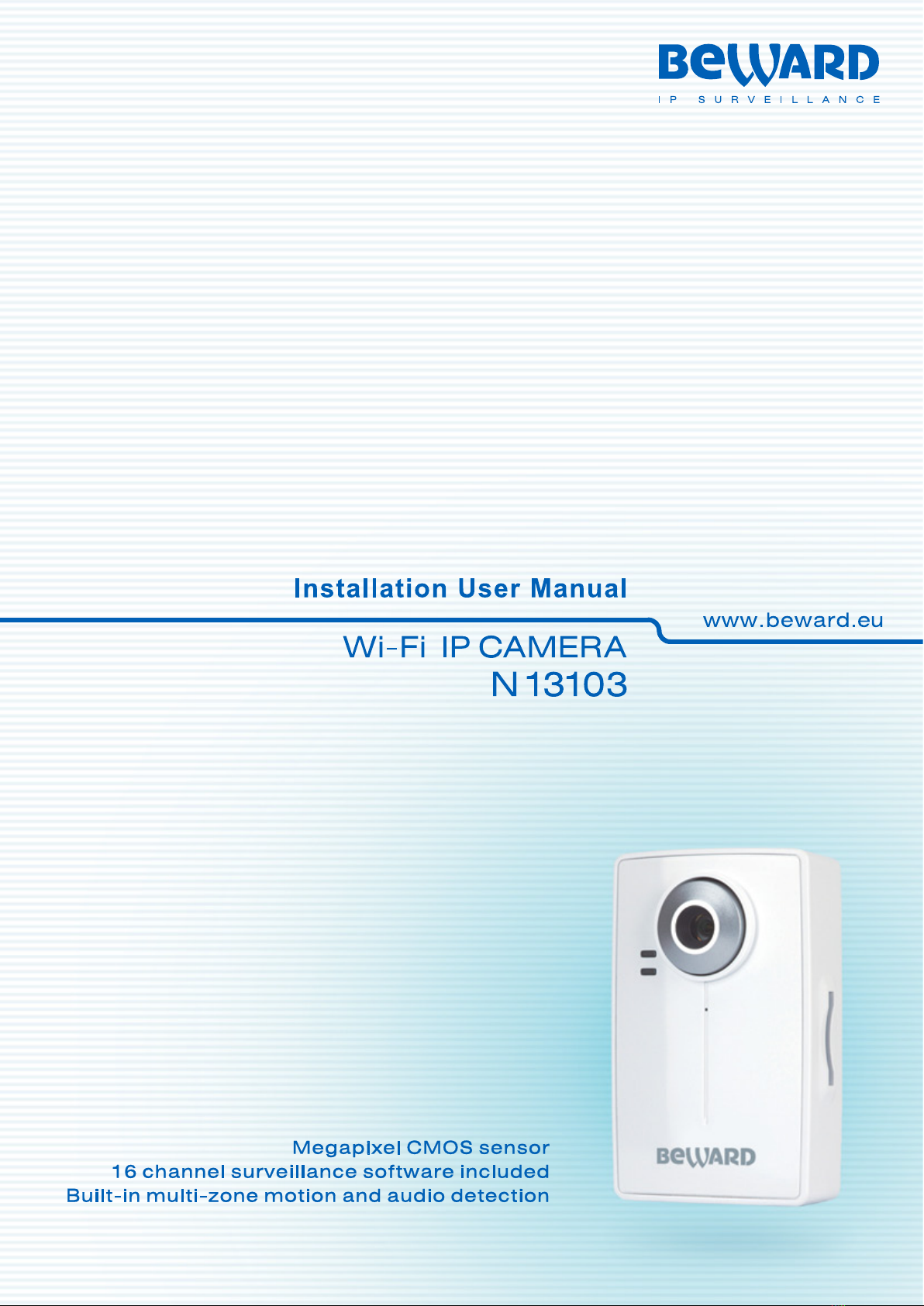
N13103 Installation User Manual
Table of contents
CHAPTER 1. SAFETY WARNINGS ................................................................................................................... 2
CHAPTER 2. OVERVIEW................................................................................................................................... 4
2.1. FEATURES ................................................................................................................................................ 4
2.2. SPECIFICATIONS ....................................................................................................................................... 5
2.3. PACKAGE CONTENTS ................................................................................................................................ 5
CHAPTER 3. PHYSICAL DESCRIPTION .......................................................................................................... 6
3.1. FRONT PANEL........................................................................................................................................... 6
3.2. BOTTOM PANEL ........................................................................................................................................ 6
3.3. REAR PANEL............................................................................................................................................. 7
CHAPTER 4. INSTALLING THE CAMERA AND CONNECTING A CABLE..................................................... 8
4.1. OVERVIEW OF CONNECTING THE N13103 TO A NETWORK........................................................................... 8
4.2. INSTALLATION RECOMMENDATIONS ............................................................................................................ 9
4.3. INSTALLING THE CAMERA......................................................................................................................... 10
4.4.WIRED CONNECTION TO A NETWORK ....................................................................................................... 10
CHAPTER 5. SETTING UP THE WIRED CONNECTION FOR WINDOWS 7................................................. 12
5.1. DEFINING THE LOCAL NETWORK PARAMETERS ......................................................................................... 12
5.1.1. Defining the Local Network Parameters When Using a Dynamic IP Address.............................. 16
5.2. CHANGING THE LOCAL NETWORK PARAMETERS ....................................................................................... 19
5.3.ACCESSING THE IP CAMERA.................................................................................................................... 23
5.3.1. Installing “BEWARD IP Installer” Software ................................................................................... 23
5.3.2. Accessing the IP Camera Using “BEWARD IP Installer” Software............................................... 23
5.3.3. Accessing the IP Camera Using the Network Menu in Windows 7 .............................................. 25
5.3.4. Accessing the IP Camera Using Internet Explorer........................................................................ 26
5.4.ACCESSING THE WEB INTERFACE............................................................................................................. 26
5.5. CONFIGURING THE CAMERA’S NETWORK SETTINGS THROUGH THE WEB INTERFACE................................... 29
5.6. RESTORING THE NETWORK SETTINGS OF THE COMPUTER TO THEIR PREVIOUS VALUES............................. 32
5.7. VERIFYING THE CONNECTION SETTINGS................................................................................................... 36
CHAPTER 6. ESTABLISHING AND CONFIGURING THE WI-FI CONNECTION........................................... 38
6.1. OVERVIEW OF CONNECTING THE N13103 TO AWIRELESS NETWORK ........................................................ 38
6.2. CONNECTING TO AWIRELESS NETWORK USING WPS............................................................................... 38
6.2.1. Connecting to a Wireless Network by Configuring the Camera through the Web Interface......... 38
6.2.2. Connecting to a Wireless Network without Using the Camera’s Web Interface ........................... 43
6.2.3. Verifying the Connection to the Wi-Fi Network............................................................................. 44
6.3. CONNECTING TO AWIRELESS NETWORK WITHOUT USING WPS................................................................ 44
6.3.1. Defining the Wireless Connection Settings for Windows 7........................................................... 45
6.3.2. Configuring the Camera’s Wireless Network Parameters through the Web Interface ................. 48
6.3.3. Verifying the Wireless Network Configuration without Using WPS............................................... 53
CHAPTER 7. ACCESSING THE CAMERA OVER THE INTERNET ............................................................... 55
7.1. OVERVIEW OF INTERNETACCESS TO THE CAMERA ................................................................................... 55
7.2. USING AN EXTERNAL STATIC IPADDRESS OR PPPOECONNECTION.......................................................... 55
7.2.1. Using an External Static IP Address............................................................................................. 55
7.2.2. Using a PPPoE Connection.......................................................................................................... 56
7.3. INTERNETACCESS TO THE CAMERA ON A LOCAL NETWORK....................................................................... 58
7.3.1. Using the UPnP Option................................................................................................................. 58
7.3.2. Manual Port Forwarding................................................................................................................ 60
7.4.ACCESSING THE CAMERA OVER THE INTERNET USING DYNDNS SERVICE .................................................. 65
7.4.1. Overview of Internet Access to Cameras Using DynDNS service................................................ 65
7.4.2. Creating an Account at DynDNS Service ..................................................................................... 65
7.4.3. Creating a Domain Name at DynDNS .......................................................................................... 69
7.4.4. Setting up the Equipment to Work with DynDNS.......................................................................... 73
APPENDIX ........................................................................................................................................................ 77
APPENDIXA. PORT VALUES............................................................................................................................ 77
APPENDIX B. FACTORY DEFAULTS................................................................................................................... 78
APPENDIX C. GLOSSARY................................................................................................................................ 79