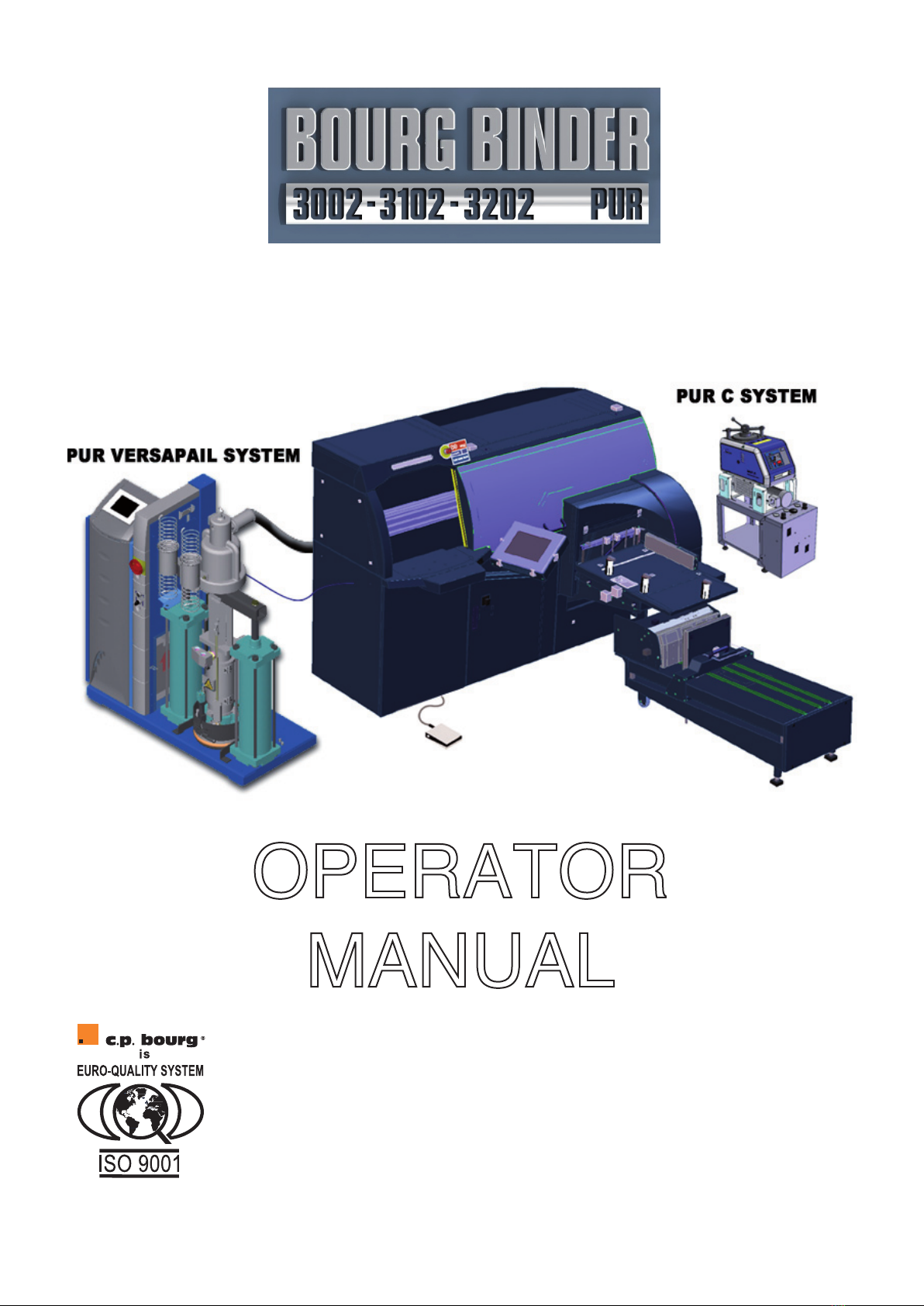
Operator Manual
Page 4
Initial issue: 05/08
Latest revision: 12/14
3.3.6 Reinitialising the binder:..................................................................................... BB3002 33
4. Graphical Interface (UI) .......................... BB3002 34
4.1 General description of the graphical interface ................ BB3002 34
4.2 "PREFERENCES" menu ................................ BB3002 37
4.3 AUTOMATIC" menu .................................... BB3002 39
4.3.1 Accessing the automatic menu: ......................................................................... BB3002 39
4.3.2 Programming the automatic menu: .................................................................... BB3002 39
4.4 COUNTER menu ...................................... BB3002 44
4.4.1 UNIT mode:........................................................................................................ BB3002 45
4.4.2 SERIES mode: ................................................................................................... BB3002 46
4.4.3 “SEMI-SERIES” mode:....................................................................................... BB3002 48
4.4.4 Additional functions for PUR C .......................................................................... BB3002 49
4.5 ADVANCED" menu..................................... BB3002 50
4.6 ADVANCED menu: Managing parameters for cover clamping ... BB3002 52
4.6.1 Selecting "with cover" or "without cover" mode ("BLOCK" mode): .................... BB3002 52
4.6.2 In "WITH COVER" mode:................................................................................... BB3002 53
4.6.3 In "WITHOUT COVER" mode: ........................................................................... BB3002 59
4.7 ADVANCED MENU: Managing binding parameters ........... BB3002 60
4.7.1 Setting the carriage movement speed: .............................................................. BB3002 60
4.7.2 Selecting milling and the milling depth:.............................................................. BB3002 61
4.7.3 Setting front and back glue cut-offs:................................................................... BB3002 62
4.7.4 Setting the thickness of the glue film: ................................................................ BB3002 62
4.8 “JOB" menu .......................................... BB3002 63
4.8.1 Correction of the paper pile thickness to be bound ........................................... BB3002 64
4.8.2 Setting the thickness of the glue film: ................................................................ BB3002 65
4.8.3 Setting lateral pressure: ..................................................................................... BB3002 65
4.8.4 Setting the spine pressure: ................................................................................ BB3002 65
4.8.5 Setting the glue drying time before cover nipping:............................................. BB3002 65
4.8.6 Setting the glue drying time during cover nipping:............................................. BB3002 66
4.8.7 Activation/deactivation of the jogger + adjustment of the amplitude of the vibration:BB3002 66
4.8.8 Activation/deactivation of milling + selection of milling depth:............................ BB3002 66
4.8.9 Book output mode: ............................................................................................. BB3002 67
4.8.10 Configuring front and back glue cut-offs: ......................................................... BB3002 67
4.8.11 Adjusting the creasing position: ....................................................................... BB3002 68
4.8.12 Adjusting the cover position: ............................................................................ BB3002 68
4.9 "FILE" menu .......................................... BB3002 69
4.9.1 To create and save a new job:............................................................................ BB3002 69
4.9.2 To open an existing job:...................................................................................... BB3002 70
4.9.3 To delete an existing job:.................................................................................... BB3002 70
4.10 "TIMER" menu ....................................... BB3002 71
4.11 ALARM" menu ....................................... BB3002 72
4.12 "TOOLS" menu ....................................... BB3002 73
4.12.1 Setting the date and time: ................................................................................ BB3002 73
4.12.2 Opening/closing the cover clamps: .................................................................. BB3002 74
4.12.3 Restarting the graphical interface, the PLC and communication between them:BB3002 74