
Goplanet Mars100 Bedienungsanleitung
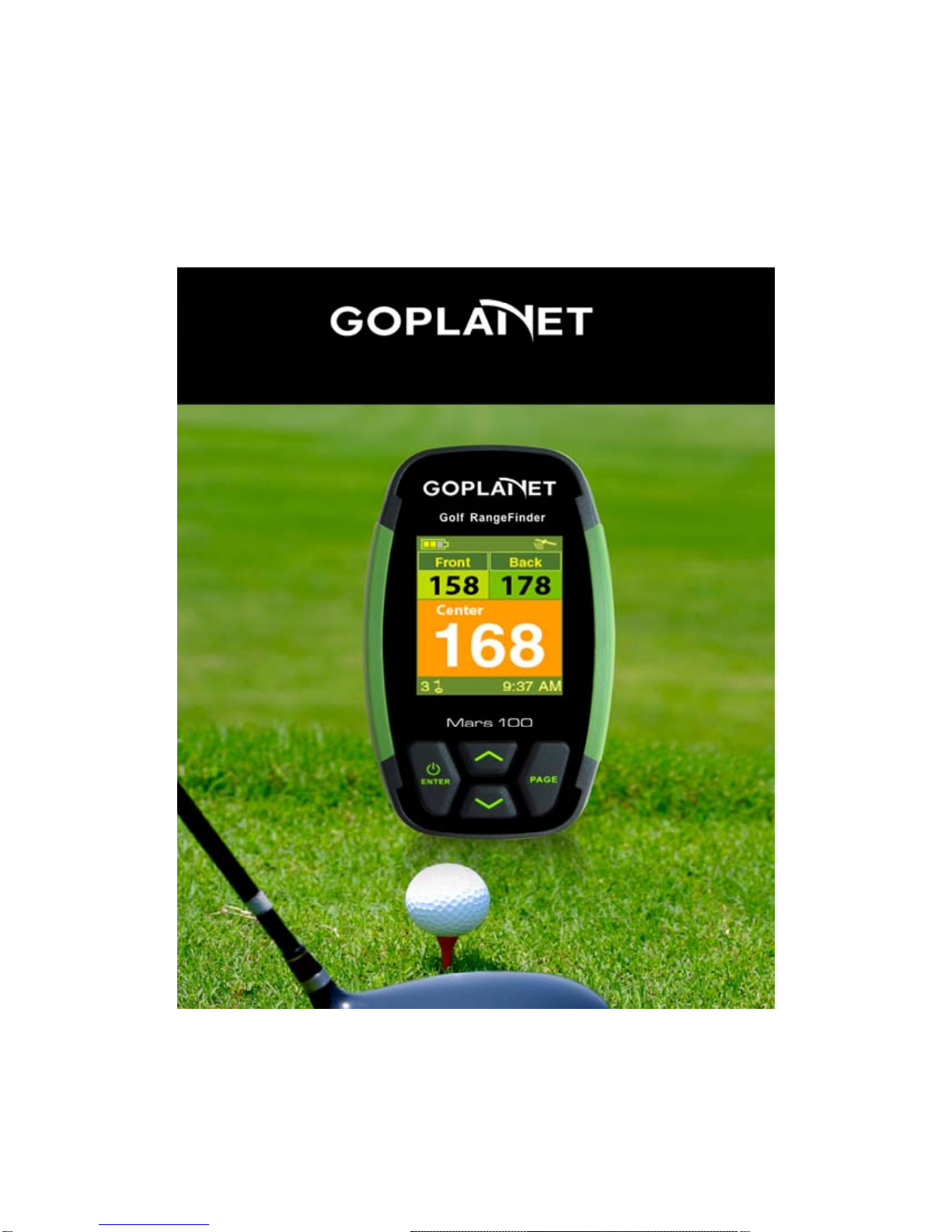
Mars100 Golf Range Finder Operation

2
Table of Contents
Special Statement.............................................................4
Notes ..................................................................................5
About GPS .........................................................................6
Thanks for Choosing MARS100.........................................7
Use Conditions...................................................................7
Description.........................................................................8
1. Screen Display...........................................................8
2. Basic Specifications.................................................9
3. Accessories..............................................................10
4. Battery Charging.....................................................10
Major Functions...............................................................12
Power On/Start Page .............................................12
Satellite Positioning/Main Page..........................12
Auto Golf Course Search......................................13
Set Page ....................................................................13
1) Choose Golf Course.........................................14
2) Choose Teeing Ground...................................14
3) Delete Golf Course...........................................15
4) Unit – Yard/Meter..............................................15
5) Return Timer to Zero..........................................16

3
6) Language............................................................16
7) Set Time................................................................17
8) Equipment Info...................................................17
Main Page.................................................................18
Score Card Page ....................................................19
Hitting Distance Page............................................20
Golf Green Position Correction Page................21
Q&A..................................................................................24

4
Special Statement
©Compass Systems Co. Ltd.
E-mail:service1@goplanetgps.com
The copyright of this Operation Manual is owned by ©Compass
Systems Co., Ltd. No individual or organization is allowed to copy,
reproduce, photocopy, scan or alter, or in any other form, all or
part of this Operation Manual (including text and pictures), for use
by another or for selling, unless a written permission is obtained in
advance from ©Compass Systems Co., Ltd.
©Compass Systems Co., Ltd. has the right to change the contents
of this Operation Manual without informing in advance any
individual or organization (including those who have or haven’t
bought the product).

5
Notes
The Global Positioning System (GPS) is developed and maintained
by United States Department of Defense, which is responsible for
the operation of this system and the control of positioning
accuracy. US government has the right to change, for the purpose
of national security, functions of this system or its positioning
accuracy without further notice.
To use Mars100 properly and safely, please read the following
notes before use:
zMars100 is for amusement only, and is not applicable to
industrial or professional measurement.
zMars100 is an auxiliary device, and our company shall not
be liable for any accident as a result of improper operation
or wrong measurement.
zUsers shall not take Mars100 apart or repair it.
zPlease protect Mars100 from direct sunlight or high
temperature.
zColors in pictures in this Operation Manual are for reference
only.

6
About GPS
GPS is a satellite system developed by United States Department
of Defense, comprising 32 satellites about 11,000 miles above
ground. These satellites, which circle the earth twice each day,
keep transmitting low-power signals, which are received and
recorded by five earth stations. These stations use accurate timing
signals to locate accurately each satellite in the orbit, and your
GPS receiver can “capture”signals sent by these satellites. By
calculating positions and distances of not less than four satellites,
latitude, altitude and height can be determined.
Wide Area Augmentation System (WAAS), which is designed by
United States Federal Aviation Administration, can improve the
accuracy of your GPS and is mainly for enhancing the accuracy
of airplane GPS. WAAS consists of earth stations located in places
which are accurately positioned, and these stations work in
conjunction with a main control station. In this way, positioning
accuracy is improved to 3 meters.

7
Thanks for Choosing MARS100
With a small, exquisite and friendly interface, Mars100 can serve
as your ideal electronic golf caddie, helping you make perfect
swing and manage hitting route conveniently. Following
instructions of Mars100, you will know clearly the distances to the
center, front edge and back edge of the green.
Mars100 is a golf GPS extremely easy for use. The Operation
Manual will give a detailed description of its characteristics and
operation, helping your realize ideal performance. Please read
this manual carefully before use so as to make best use of
Mars100 and prolong its service life.
Use Conditions
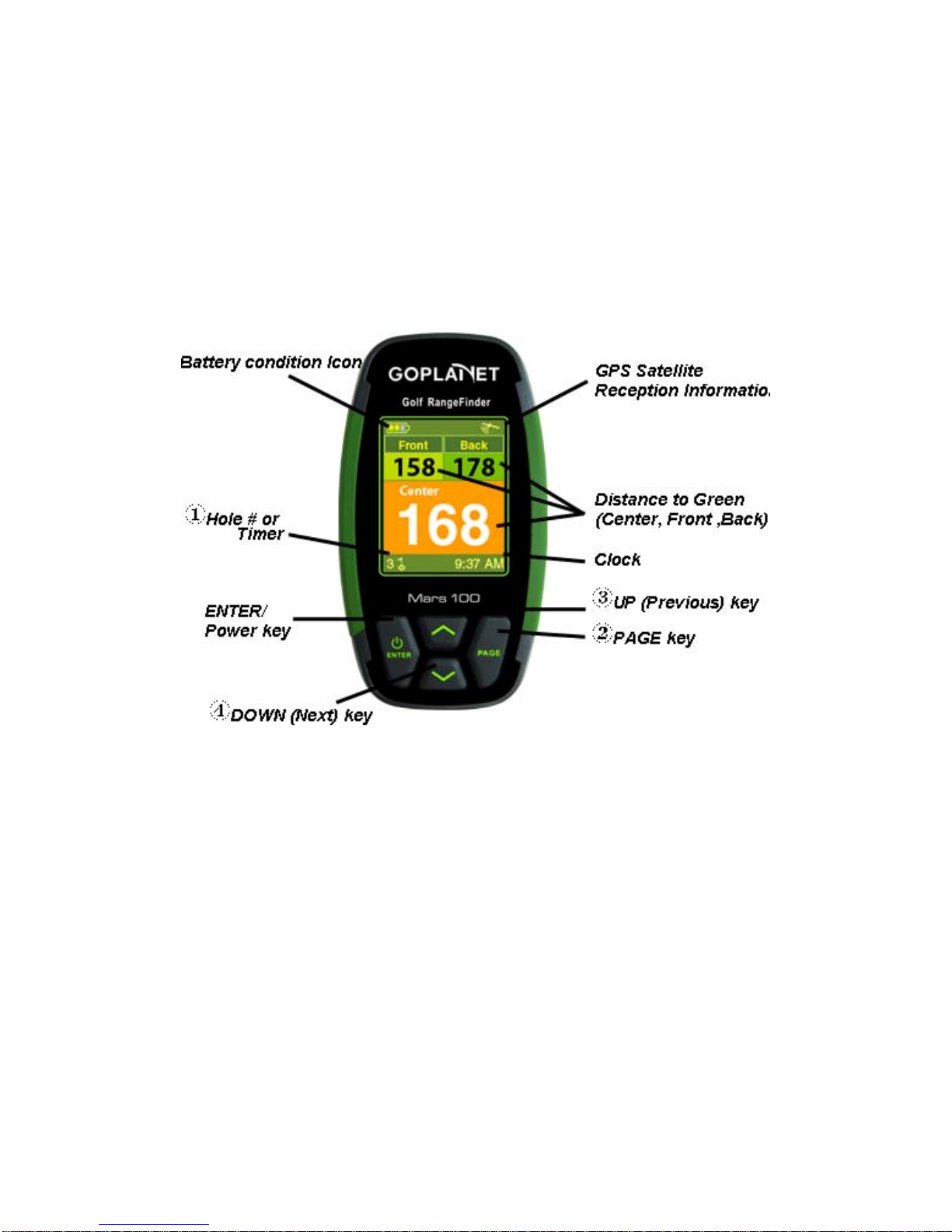
Since Mars100 works in conjunction with GPS, it can only function
in places where there are satellite signals (can’t work indoors or in
water). It is for golf distance measurement, and its working
temperature ranges from 0°C to +60°C.
8
Description
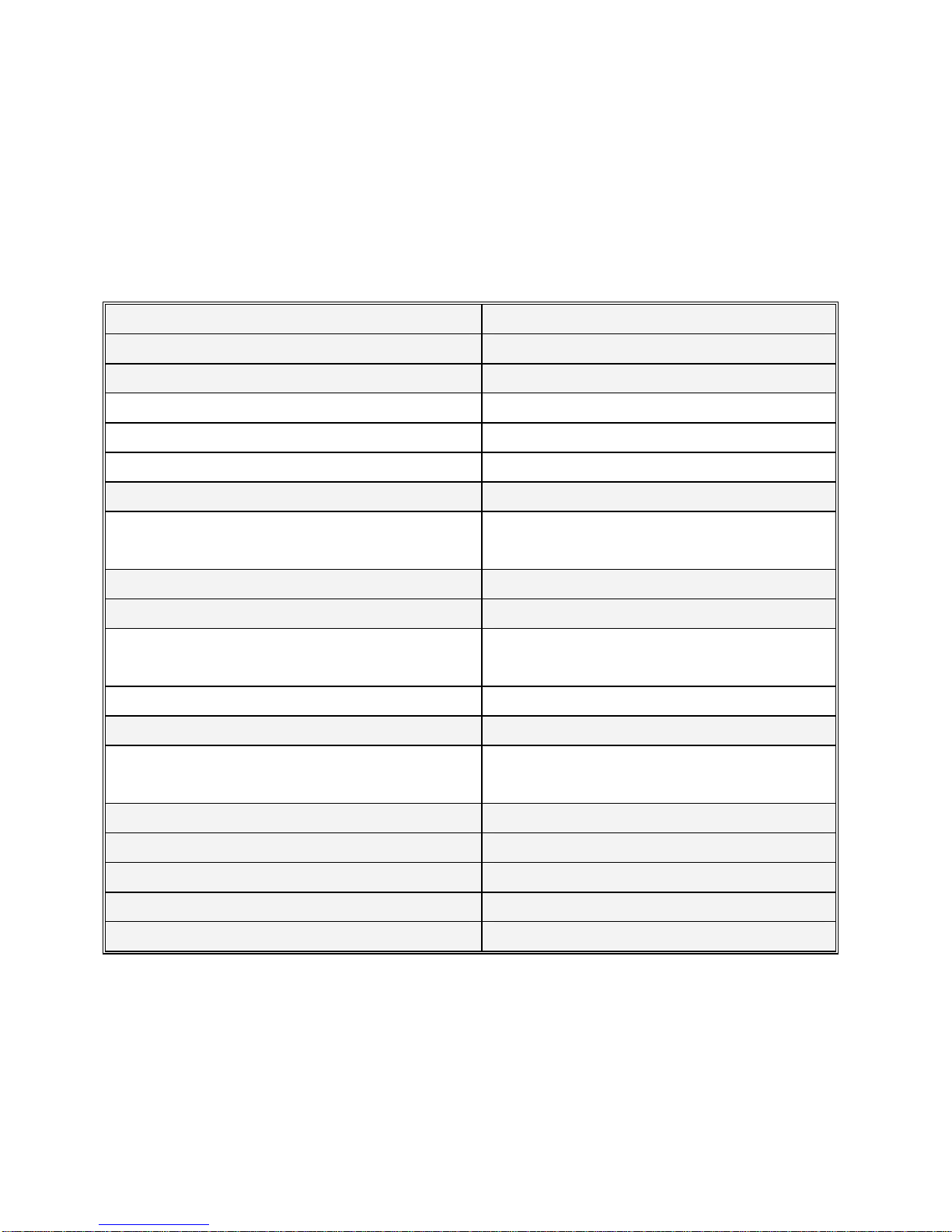
1. Screen Display
Buttons:
Enter: Power on/off; distance to the green/hitting distance
display; parameter setting and selecting.
Page: Switch between pages; set the starting point in measuring
hitting distance; correct golf course data.
!Up (forward)
"Down (backward)
9
2. Basic Specifications
Data storage capacity 80
Receiver chip High-sensitivity receiver chip
Positioning time
Hot Start < 1sec
Warm Start < 38sec
Cold Start < 42sec
Positioning accuracy
Positioning with single receiver
(without SA interference) <10m
Antenna Built-in antenna
Power source
Battery type Rechargeable lithium battery
(1100mAh)
Hours of use About 11 hours
Interface
USB interface; connecting to a
computer Available
Size 97 x 53.6 x 22 (mm)
Weight About 90g
Screen size 1.8 inch
Water-proof IPX6
Working temperature 0 °C to + 60 °C
10
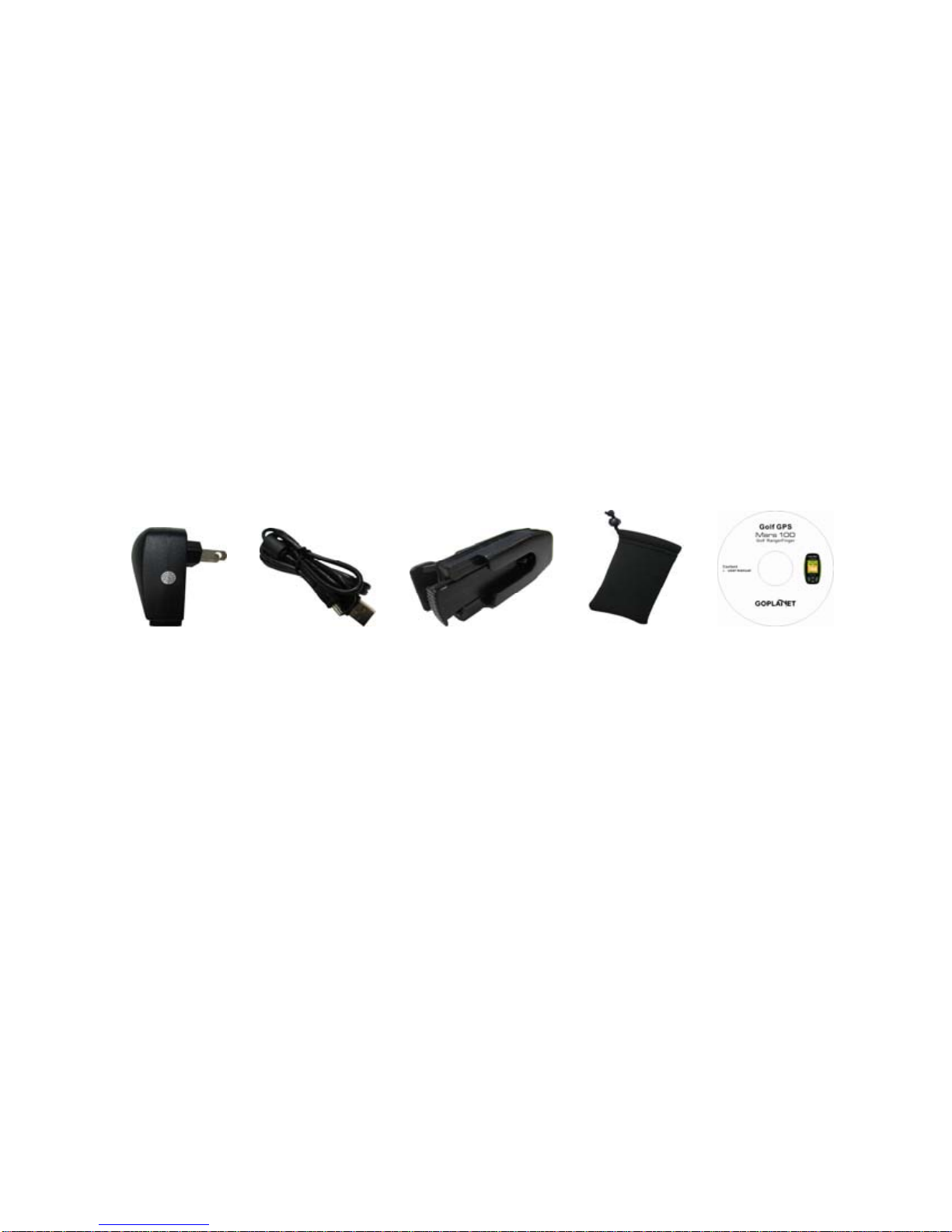
3. Accessories
Mars100 includes the following accessories:
zAC charger
zUSB cable
zBelt clip
zProtective bag
zDisk
PS: In case of lack of any accessory, please contract local
dealer or retailer.
4. Battery Charging
zBuilt-in rechargeable lithium battery.
zConnect the USB connector on the back of Mars100
(protected by a rubber cover) and the AC charger with the USB
cable, and then insert the charging plug into the power outlet.
zIn the course of charging, battery status will be displayed
on the screen.
zWhen the battery is about to run out of power, please
Andere Handbücher für Mars100
1
Dieses Handbuch passt für folgende Modelle
1
Inhaltsverzeichnis
Andere Goplanet Messgerät Handbücher


