
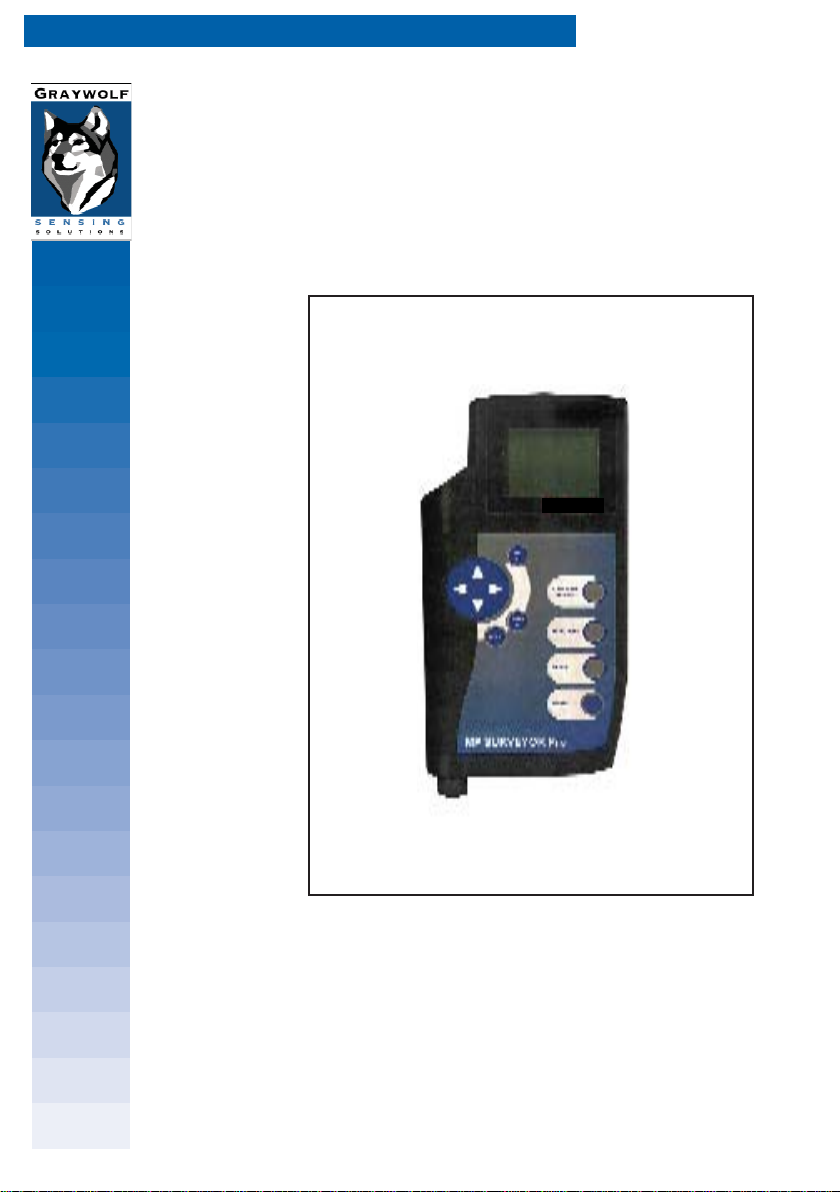
GrayWolf IAQ SURVEYOR PRO Bedienungsanleitung
AIR QUALITY MEASUREMENT
operating instructions
SURVEYOR INSTRUMENTS
Issue: 11 2004
IAQ SURVEYOR PRO / IAQ SURVEYOR II

2
MAN IAQ Surveyor Issue 11 2004

3
MAN IAQ Surveyor Issue 11 2004
Every effort has been made to ensure the accuracy in the
contents of our documents, however, GratWolf Sensing
Solutions, LTD can assume no responsibility for any errors or
omissions in our documents or their consequences.
GrayWolf would greatly appreciate being informed of any
errors or omissions that may be found in the contents of any
of our documents and to this end we include the following
form for you to photocopy, complete and return to us so that
we may take the appropriate action.
HELP US TO HELP YOU

4
MAN IAQ Surveyor Issue 11 2004
Marked up copies attached (as appropriate): Yes / No
Please inform me of the outcome of this change: Yes / No
For Marketing Communications, GrayWolf:
Actioned By: Date:
Response: Date:
I suggest the following corrections/changes be made to Section ...........
To: Marketing Communications,
GrayWolf Sensing Solutions
12 Cambridge Dr.
Trumbull, CT 06611
Tel : 203-416-0005
Fax : 203-416-0002
From :
Address :
Tel :
Fax :
email :
HELP US TO HELP YOU

5
MAN IAQ Surveyor Issue 11 2004
COPYRIGHT
This publication contains information partly derived from
proprietary data of GrayWolf. The express purpose of this
information is to assist in the operation and maintenance of the
instrument described herein. The publication of this information
does not convey any right to reproduce or use the information for
any purpose other than in the operation or maintenance of the
equipment described herein.
GrayWolf shall not be liable for any incidental or consequential
damages in connection with any deletions, errors or omissions in
this Manual.
PRODUCT WARNING
GrayWolf Sensing Solutions' IAQ Surveyor instruments are
NOT suitable for use in flammable or potentially explosive
environments. They are NOT certified intrinsically safe. They are
also NOT intended for use in confined spaces where operator
safety might be at risk due to exposure levels, such as reduced
oxygen, during the course of the instrument survey.
WARRANTY
GrayWolf warrants each SURVEYOR instrument to be free from
any defects in workmanship, materials and components for one
year from the date of purchase. Any SURVEYOR instrument
found to be defective by GrayWolf within the warranty period
will be repaired (or replaced at GrayWolf's discretion), providing
that the product is returned, shipping prepaid, to GrayWolf or an
authorized GrayWolf distributor.
SURVEYOR instrument failure must not have occurred as a
result of operation of the instrument other than in accordance
with the instructions furnished with the instrument.
This warranty does not apply if the instrument has been
subjected to unusual physical or electrical stress or on which the
original identification marks have been removed or altered.
COPYRIGHT AND WARRANTY

6
MAN IAQ Surveyor Issue 11 2004
This warranty will not apply if adjustments, repair or parts replacement
is required because of accident, hazard, misuse, transportation or
causes other then ordinary use; in which case
repair will be charged at normal rates. An estimate will be submitted
before repair work starts and a purchase order must be supplied
before work begins. Any out of warranty repairs are warranted 90
days from the date of invoice. The warranty does not apply if any
modifications have been made by anyone other than GrayWolf or an
authorized distributor.
The foregoing warranty is in lieu of all other warranties, conditions,
terms, undertakings and obligations implied by statute, common law,
custom, trade usage, course of dealing, or otherwise, all of which
are hereby excluded to the fullest extent permitted by law. This
warranty does not affect the statutory rights of a consumer. In such
transactions, the rights and obligations of the Buyer and Seller shall
be determined by statute.
GrayWolf shall have no liability or obligations under this warranty
other than to remedy breaches thereof by the provision of materials
and services within a reasonable time and without charge (or,
where appropriate In accordance with the above at normal rates).
If GrayWolf shall fail to comply with such obligations its liability for
such failure shall be limited to a sum equal to the price. The foregoing
states the entire liability of GrayWolf, whether in contract or in tort,
for defects in the instrument notified to it after the date of purchase
order other than liability arising where loss of damage to any property
or injury to or death of any person is caused by any negligent act or
omissions or wilful misconduct of GrayWolf, its employees, agents or
subcontractors or by any defect in the design or workmanship of the
instrument.
Save as otherwise stated, in no circumstances shall GrayWolf be
liable in contract or in tort or otherwise for any direct incidental or
consequential loss suffered by the purchaser or their agents.
GrayWolf does not give any warranty that the instrument is fit for
any particular purpose unless the purpose is specifically advised
to GrayWolf in writing and GrayWolf confirms in writing that the
instrument can fulfil that particular purpose. Representations and
warranties which are inconsistent with the terns of this warranty
are not valid unless approved in writing by an officer of GrayWolf .
Contact GrayWolf directly if there are any questions about this
warranty.
COPYRIGHT AND WARRANTY

7
MAN IAQ Surveyor Issue 11 2004
The following may be of help as a quick reference:
How do I? You should: Or
(then press MENU/METER to Refer To
return to the Measurement screen) Section:
1 Change the units Press MENU/METER; 2.4.3.1
of measurement for select Channel Setup;
one of the sensors. select sensor to change;
(not available for select Select Units;
all sensors). select new units;
. press ACCEPT.
2 Find out when a Press MENU/METER; 2.4.3.5
sensor was last select Channel Setup;
calibrated. select sensor;
select Channel Info.
3 Calibrate a sensor. Press MENU/METER; 6.1
(Not available for select Channel Setup;
all sensors) select sensor;
select Calibrate Sensor.
Select Do Standard Low Cal;
calibrate; press ACCEPT.
Select Do Standard High Cal;
calibrate; press ACCEPT.
4 Revert to the factory Press MENU/METER; 6.3.3
calibration settings select Channel Setup;
for a sensor. select sensor;
select Calibrate Sensor;
select Clear Cal;
press ACCEPT.
5 Display the Press MENU/METER; 2.5.1
min/max/average press ACCEPT;
values. press left/right arrows to show all
` available data.
TWENTY SHORT-CUTS

8
MAN IAQ Surveyor Issue 11 2004
6 Reset the Press MENU/METER; 2.5.3
min/max/average select Clear Min/Max/Avg;
calculations. press ACCEPT.
7 Change the name Press MENU/METER; 4.2.2
of a Site/Location. select Data Logging;
select Rename Site/Loc;
use alphanumeric screen to
rename;
press ACCEPT.
8 Change the default Press MENU/METER; 4.2.4
Site/Location. select Data Logging;
press ACCEPT;
select new Site/Location;
press ACCEPT.
9 Change the default Press MENU/METER; 4.3.5
logging interval. select Data Logging;
select Log Timing;
change timing;
press ACCEPT.
10 Set the instrument Press MENU/METER; 4.3.4
to log overnight. select Data Logging;
select Log Timing;
change Auto St. to ON;
set start time/date;
set finish time/date;
press ACCEPT
TWENTY SHORT-CUTS
How do I? You should: Or
(then press MENU/METER to Refer To
return to the Measurement screen) Section:

9
MAN IAQ Surveyor Issue 11 2004
11 Find out how much Press MENU/METER; 2.2.3
log memory remains. select Instrument Info;
press ACCEPT.
12 View the log data Press MENU/METER; 4.4.2
that is stored in the select Data Logging;
instrument. select View Log Data;
select Site/Location;
select session to view;
limit data to be viewed;
press ACCEPT.
13 Print the log data Press MENU/METER; 4.4.4
that is stored in the select Data Logging;
instrument. select Print Logged Data;
select Site/Location;
press ACCEPT;
select session;
limit data to be printed;
press ACCEPT.
14 Display the battery Press MENU/METER; 2.2.3
remaining life select Instrument Info,
percentage press ACCEPT
15 Lock the keypad. Press MENU/METER; 2.3.3.4
select Instrument Setup;
select Lock Keypad;
press ACCEPT.
16 Unlock the keypad. Press the cursor left and right 2.3.3.4
arrows at the same time.
TWENTY SHORT-CUTS
How do I? You should: Or
(then press MENU/METER to Refer To
return to the Measurement screen) Section:

10
MAN IAQ Surveyor Issue 11 2004
How do I? You should: Or
(then press MENU/METER to Refer To
return to the Measurement screen) Section:
TWENTY SHORT-CUTS
17 Switch on/off the Press MENU/METER; 2.3.3.1
alarm or keypad select Instrument Setup;
bleep. press ACCEPT;
press right arrow;
press up for On or down for Off;
press ACCEPT.
18 Change the alarm Press MENU/METER; 2.4.4
levels for one of the select Channel Setup;
sensors. select sensor to change;
select Set Alarms;
change alarm level;
press ACCEPT.
19 Display the serial Press MENU/METER; 2.2.3
number of a probe. select Instrument Info;
press ACCEPT
20 Switch off one of the Press MENU/METER; 2.4.3.4
sensors. select Channel Setup;
select sensor to switch off;
select Disable Channel;
press ACCEPT.
Dieses Handbuch passt für folgende Modelle
1
Inhaltsverzeichnis
Andere GrayWolf Messgerät Handbücher


