
PST MICHELL Instruments MDM25 Bedienungsanleitung

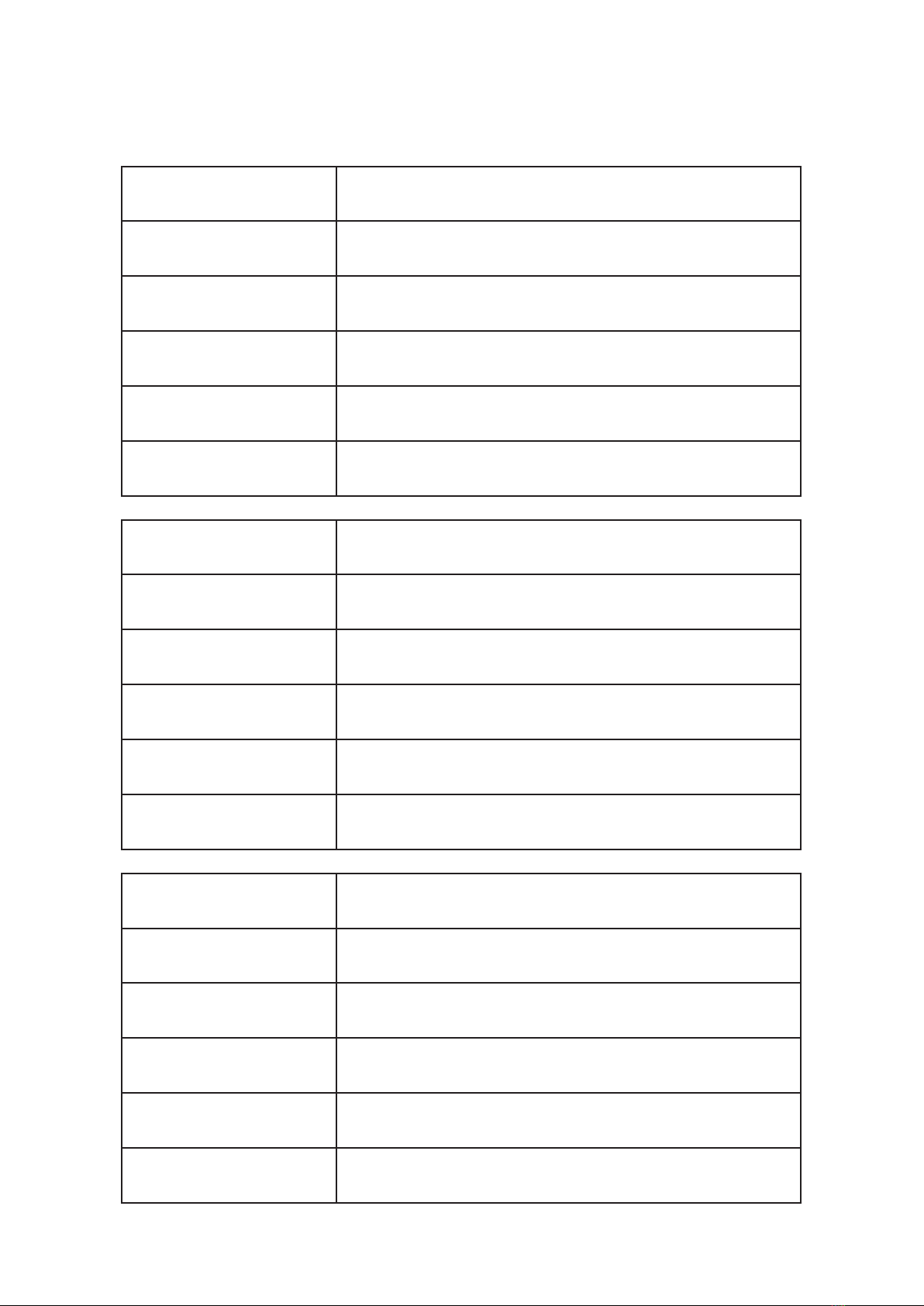
Please ll out the form(s) below for each instrument that has been purchased.
Use this information when contacting Michell Instruments for service purposes.
Product Name
Order Code
Serial Number
Invoice Date
Installation Location
Tag Number
Product Name
Order Code
Serial Number
Invoice Date
Installation Location
Tag Number
Product Name
Order Code
Serial Number
Invoice Date
Installation Location
Tag Number

© 2022 Michell Instruments
This document is the property of Michell Instruments Ltd and may not be copied or
otherwise reproduced, communicated in any way to third parties, nor stored in any Data
Processing System without the express written authorization of Michell Instruments Ltd.
MDM25
For Michell Instruments' contact information please go to
www.michell.com

MDM25 User Manual
iv
97234 Issue 4.1, February 2022
Contents
Safety ................................................................................................................................vi
Electrical Safety ...........................................................................................................vi
Pressure Safety ............................................................................................................vi
Toxic Materials .............................................................................................................vi
Repair and Maintenance ...............................................................................................vi
Calibration ...................................................................................................................vi
Safety Conformity ........................................................................................................vi
Abbreviations .....................................................................................................................vii
Warnings ...........................................................................................................................vii
1 INTRODUCTION ................................................................................................1
1.1 Description ........................................................................................................ 2
1.1.1 Controls and Indicators ................................................................................. 2
1.1.2 Instrument Display ........................................................................................ 3
1.2 Display Units ...................................................................................................... 4
1.3 Display Settings .................................................................................................. 4
1.4 Device Settings .................................................................................................. 4
1.5 About ................................................................................................................ 4
2 INSTALLATION ..................................................................................................5
2.1 Unpacking the Instrument ................................................................................... 5
2.2 MDM25 Accessories ............................................................................................ 5
2.3 Battery Requirements ......................................................................................... 6
2.3.1 Fitting the Batteries ....................................................................................... 6
2.4 Mounting and Connecting the Probe .................................................................... 7
3 OPERATION ......................................................................................................8
3.1 Preparation for Operation .................................................................................... 8
3.2 Overall Menu Structure ....................................................................................... 8
3.2.1 Display Settings ............................................................................................ 9
3.2.2 Device Settings ........................................................................................... 10
3.2.3 About ......................................................................................................... 11
4 MAINTENANCE ...............................................................................................12
4.1 Probe Calibration .............................................................................................. 12
4.2 Cleaning .......................................................................................................... 12
4.3 Probe Replacement ........................................................................................... 12
4.4 Batteries .......................................................................................................... 12

MDM25 User Manual
Michell Instruments v
Appendices
Appendix A Technical Specications ..............................................................................14
Appendix B Quality, Recycling & Warranty Information ...................................................16
Appendix C Analyzer Return Document & Decontamination Declaration ..........................18
Figures
Figure 1 Controls and Indicators ...............................................................................2
Figure 2 Display ......................................................................................................3
Figure 3 Battery Compartment Location ....................................................................6
Figure 4 Probe Connections ......................................................................................7
Figure 5 Main Menu Structure ..................................................................................8
Figure 6 Display Settings Menu .................................................................................9
Figure 7 Device Settings Menu ...............................................................................10
Figure 8 About Menu .............................................................................................11
Tables
Table 1 Unit Descriptions .........................................................................................4

MDM25 User Manual
vi
97234 Issue 4.1, February 2022
Safety
The manufacturer has designed this equipment to be safe when operated using the procedures
detailed in this manual. The user must not use this equipment for any other purpose than that
stated. Do not apply values greater than the maximum value stated.
This manual contains operating and safety instructions, which must be followed to ensure the safe
operation and to maintain the equipment in a safe condition. The safety instructions are either
warnings or cautions issued to protect the user and the equipment from injury or damage. Use
competent personnel using good engineering practice for all procedures in this manual.
Electrical Safety
The instrument is designed to be completely safe when used with options and accessories supplied
by the manufacturer for use with the instrument.
Pressure Safety
This product is not suitable for use at pressures greater than atmospheric.
Toxic Materials
The use of hazardous materials in the construction of this instrument has been minimized. During
normal operation it is not possible for the user to come into contact with any hazardous substance
which might be employed in the construction of the instrument. Care should, however, be exercised
during maintenance and the disposal of certain parts.
Repair and Maintenance
The instrument must be maintained either by the manufacturer or an accredited service agent. Refer
to www.michell.com for details of Michell Instruments’ worldwide oces contact information.
Calibration
An annual calibration is recommended for the RH probe. This should be returned to the manufacturer,
Michell Instruments, or one of their accredited service agents for re-calibration.
Safety Conformity
This product meets the essential protection requirements of the relevant EU and UK directives.

MDM25 User Manual
Michell Instruments vii
Abbreviations
The following abbreviations are used in this manual:
Abs H absolute humidity
ºC degrees Celsius
ºF degrees Fahrenheit
LCD liquid crystal display
g grams
g/m3 grams per cubic meter
lb pound
mm millimeters
oz ounce
RH relative humidity
sec second(s)
T temperature
Ta ambient temperature
Td dew point
Tw wet bulb temperature
V Volts
% percentage
Warnings
The following general warnings listed below are applicable to this instrument. They are
repeated in the text in the appropriate locations.
Where this hazard warning symbol appears in the following
sections it is used to indicate areas where potentially
hazardous operations need to be carried out.

MDM25 User Manual
Michell Instruments 1
INTRODUCTION
1 INTRODUCTION
The MDM25 is a battery operated handmeter.
Available with a number of dierent probe congurations and the ability to display
relative humidity, temperature, absolute humidity (g/m3), dew point and wet bulb
temperature, the MDM25 is suitable for spot-checking humidity in a wide variety of
applications.
The hygrometer is contained within a molded ABS housing with a rubber surround for
drop protection – sealed to IP54 standards. The rubber surround allows for comfortable
hand-held operation and safe transportation of the unit.
It is powered by 3 alkaline ‘AA’ size cells, which are designed to last a minimum of 150
continuous hours between replacement. Continuous battery charge status indication is
provided by a battery indicator icon.
A graphical display presents the RH and temperature readings, in addition to a selectable
third value, in large format characters.

MDM25 User Manual
2
97234 Issue 4.1, February 2022
INTRODUCTION
1.1 Description
1.1.1 Controls and Indicators
The controls and indicators associated with the MDM25 hygrometer are located on the
front panel.
The probe connection to the MDM25 hygrometer is made to the top panel, and the
battery charger cover is located on the rear of the instrument.
Figure 1
shows the layout of the controls.
1
2
3
4
5
6
1Display
2Left and Exit Key
3Enter Key
4Down Key
5Up Key
6Power Key
Figure 1
Controls and Indicators

MDM25 User Manual
Michell Instruments 3
INTRODUCTION
1.1.2 Instrument Display
RH
Ta
Abs H
53.1%
21.0°C
9.7
g:M
3
1
2
3
4
1
Battery Charge Indicator Icon – displays 3 dots
when full. When battery icon is empty, replace
the batteries.
2RH Display
3Temperature Display
43rd Output Display – presents the selected 3rd
output, either in ºC / ºF Td, g/m3, or ºC / ºF TW
Battery Indicator
Full battery power
2/3 battery power
1/3 battery power
Replace batteries
Figure 2
Display
Inhaltsverzeichnis
Andere PST Messgerät Handbücher

PST
PST Center 252 Bedienungsanleitung

PST
PST MICHELL Instruments Easidew Advanced Online Bedienungsanleitung

PST
PST MA886 Bedienungsanleitung

PST
PST MI414 Bedienungsanleitung

PST
PST Michell Instruments S8000 -100 Bedienungsanleitung

PST
PST CENTER 24 Bedienungsanleitung

PST
PST Michell Instruments Liquidew I.S. Bedienungsanleitung

PST
PST MICHELL Instruments MDM300 Bedienungsanleitung

PST
PST MITCHELL S8000 -100 Bedienungsanleitung

PST
PST SDK Bedienungsanleitung


