SENSITRON
A Halma Company
M07995
GAS-PRO
Manual (EN)
P. 5/47
Prologue
Safety Information
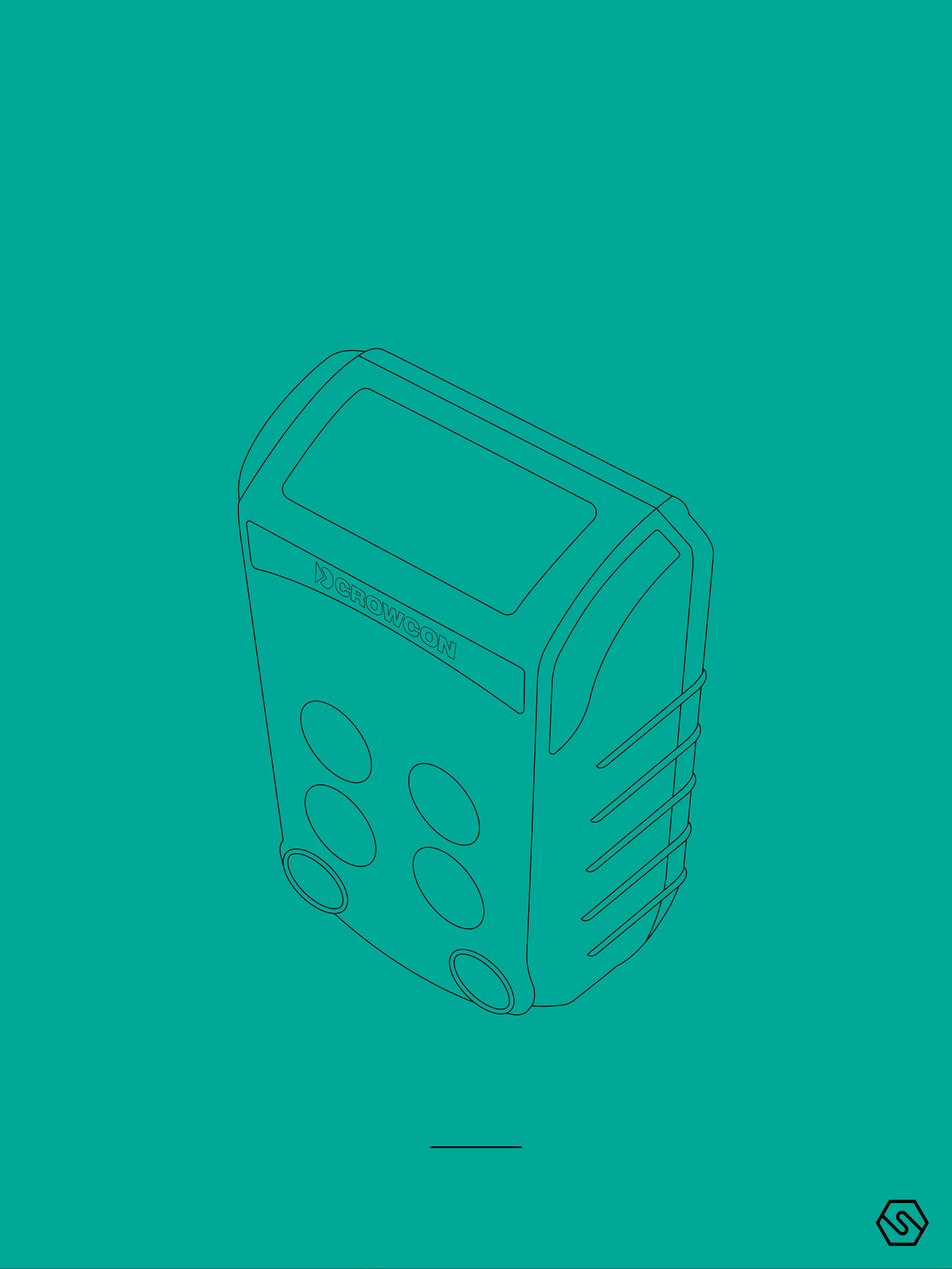
GASPRO OVERVIEW
Thank you for purchasing the new Gas-Pro. At Crowcon we recognise the need
for reliable and robust personal monitors which are sized to be worn and simple
to use.
Gas-Pro is a portable monitor capable of detecting up to 5 gases in a compact
and wearable design featuring an optional internal pump. Focused on users and
fleet managers alike, Gas-Pro oers application focused solutions giving greater
operating time and reduced set up time.
Gas-Pro is classified for use in hazardous areas and gives loud and bright audi-
ble and visual alarm indications as well as a vibrate alert. The top mount display
is backlit for ease of use, and the simple single button solution makes using and
training quick and easy.
- Gas-Pro is a hazardous area certified gas detector and as
such must be operated and maintained in strict accord-
ance with the instructions, warnings and label information
included in the manual. Gas-Pro must be operated within
the limitations stated.
- Read and understand all instructions in the operation sec-
tion of the manual prior to use.
- Before use ensure that the equipment is in good condition,
the enclosure is intact has not been damaged in any way.
- If there is any damage to the equipment do not use, contact
your local oce or agent for repair/replacement.
- Do not disassemble or substitute components as this may
impair intrinsic safety and invalidate safety certification.
- Only genuine replacement parts must be used; substitute
components may invalidate certification and warranty of
the Gas-Pro and accessories, reference “Service and Main-
tenance” section of the manual for details.
- No live maintenance is permissible.
- Observe all warnings and instructions marked on the unit
and within the manual.
- Observe site health and safety procedures for gases being
monitored and evacuation procedures.
- Understand the screen display and alarm warnings prior
to use.
- If this product is not working properly, read the trouble-
shooting guide and/or contact your local oce or agent, for
details reference the ‘Contacts’ section of the manual.