
SonopTek BFM-1 Bedienungsanleitung


CONTENTS
1. INSTRUCTION...................................................................................1
2. FEATURES......................................................................................... 1
3. GETTING STARTED........................................................................... 3
3.1. UNPACKING..............................................................................3
3.2. BUTTON FUNCTIONS AND SCAN POSITIONS.......................... 4
3.3. BLUETOOTH CONNECTION...................................................... 7
4. BACKFAT MEASURING......................................................................8
4.1. PREPARE MEASURING............................................................. 8
4.2. MEASURE................................................................................. 8
5. EAR TAG SCANNING.......................................................................11
6. BLUETOOTH................................................................................... 12
7. MAINTANCE................................................................................... 13
7.1. CHARGING............................................................................. 13
7.2. BACK FAT METER CALIBRATION.............................................14
7.3. CLEANING.............................................................................. 15
7.4. STORAGE................................................................................ 15
7.5. MAINTENANCE...................................................................... 15

1
1. Instruction
The BFM-1 Back Fat Meter uses pulsed ultrasound to measure the
back fat depth of animal. The depth, the number of fat layer and
M-Mode ultrasound image can be displayed automatically on the screen.
The device is compact, lightweight and can be operated by single hand.
Ear Tag Reader function is built-in the device, which can recognize
the tag number automatically.
All the data, getting from Back Fat Meter or Ear Tag Reader can be
transmitted via Bluetooth module.
This manual is intended to provide a through overview of the BFM-1
Meter and should be carefully read before starting operating the device.
Thank you for your trust in us to provide for your Back Fat Meter
needs.
2. Features
2.1. Intended Use
Back fat measurement
Animal Identification and Tracking Management
2.2. Physical characteristics
Size 170*85*70mm
Weight 208g

2
Screen 2.08 inches
2.3. Environmental
Operating Temperature Range -10 to 50 °C
Storage Temperature Range -20 to 65 °C
Humidity Max: 90%
2.4. Backfat Meter
Transducer 2.5MHz
Range 4-40mm
Layer 1, 2 or 3 layers
Mode M-Mode
2.5. Build-in Ear Tag Reader
Standard: ISO -11784/5, FDX-B
Frequency: 134.2 KHz
Reading range: 8CM
2.6. Electronic
Battery Capacity:3000mAh
continuous working time:16 hour
Communication mode: Bluetooth Low Energy
Waterproof: IPX3

3
3. Getting Started
FOR YOUR PROTECTION, please read these safety instructions
completely before applying power to, or operating the system.
3.1. Unpacking
The BFM-1 Back Fat Meter is carefully packed to prevent damage
during shipment. Before unpacking, please note any visible damage to
the outside of the shipping containers.
Items should be checked in order to ensure that all ordered items
have been received. The following table lists the items which should be
received with each particular system.
Each item should be examined for any noticeable defects or damage
that may have occurred during shipment although it is packed carefully.
If any defect or damage exists, please contact to your local
representative immediately to report the problem.
ITEMS
INCLUDED
BFM-1 Back Fat Meter
√
Back Fat Meter Calibration Cylinder
√
USB Cable for Charging
√
BFM-1 Back Fat Meter Operators’ Manual
√

4
3.2. Button functions and scan positions
Figure 3-1 the button and scan position
-buttons:
①--- Set button
②--- Enter button
③---Power/Scan button
- scan positions
④---probe: back fat measuring position
⑤--Meter head: ear tag scanning position
3.2.1. Button functions
The handheld button is multifunctional. In different modes, it has
different functions.
1) Power/Scan

5
Press the ‘Power/Scan’ button to power up the Meter, the name
and the model of the device will be showed on the screen. After the
Meter turned on, the Meter gets ready to measure.
The Meter can be turned off by hold down the ‘Power/Scan’ button
for seconds.
You can scan by pressing the ‘Power/Scan’ button or quit the
scanning operation by pressing the ‘Enter’ button.
The device will shut down automatically in 10 minutes, if you don’t
use it.
2) General Setting
Press the ‘Set’ button to enter the menu setting interface, there are
6 options you can choose (form 3-1). Press the ‘Set ‘button to choose the
option (mark >), press the ‘Enter’ button to enter and the ‘Power/Scan’
button to return to the previous menu.
Form 3- 1 menu setting
1
BACK FAT MODE:
You can press ‘Enter’ button to enter the back fat reading interface, and
press ‘Power/Scan’ button to measure.
2
EAR TAG MODE:
You can press ‘Enter’ button to enter the tag reading interface, and press
‘Power/Scan’ button to scan.

6
3
BLUETOOTH:
There are 3 modes, ’EMU KEB STD’,’EMU KBD for iOS’, and ‘BLE
PERIPHERAL’. You can press ‘Set’ button to select a new mode, then
press ‘Enter’ button to choose the mode ,the device will indicate you
‘Setting Bluetooth…’ and SHUT DOWN for setting the parameter. when
you restart the device ,there will be a mark’*’before the current setting
mode. If you want to return, you can choose the forth option ’RETURN’
by press the ‘Enter’ button.
4
ABOUT:
Show the device information, including the SN and the version of the
soft.
5
SHUT DOWN:
Press the ‘Enter’ button to power off the device.
6
RETURN:
Press the ‘Enter’ button to return the previous menu.
Notes for Bluetooth:
EMU KEB STD mode: shown the data from the Meter and the cursor
will jump to the next line.
EMU KBD for iOS mode: besides the functions of the EMU KEB STD,
the keyboard will pop automatically for operator to add information.
BLE PERIPHERAL mode: reserved for APP connection

7
3.2.2. Scan positions
The positions measuring back fat and scanning ear tags are different.
The probe is the place to measure back fat depth while the Meter head
to scan ear tag. (see Figure3-1 )
3.3. Bluetooth connection
You can choose any device which has Bluetooth and Virtual
keyboard (like Notes,excel,word, etc) functions as your mobile
terminal(like iPhone, iPad, etc)
Open the Bluetooth function of the mobile terminal, and then
connect our device ‘Back Fat Meter’.
Open the notes(for example), create a new or open an existing note,
the blinking cursor notice that the device is ready for receiving data
from the Meter.
Note: If you cannot connect the device, first, you should check the
device is not connected by other terminal, and then you should restart
the Back Fat Meter, or reset the Bluetooth on the mobile terminal.
Note:If the mobile terminal displays the false data, you should make
sure that your input method of your keyboard is English.
8
4. Backfat Measuring
4.1. Prepare Measuring
Before measuring, you should apply gel on the test site.
Warning: Improper or less gel may lead to incorrect result or no
reading as the ultrasound can’t pass through air or air bubble.
4.2. Measuring
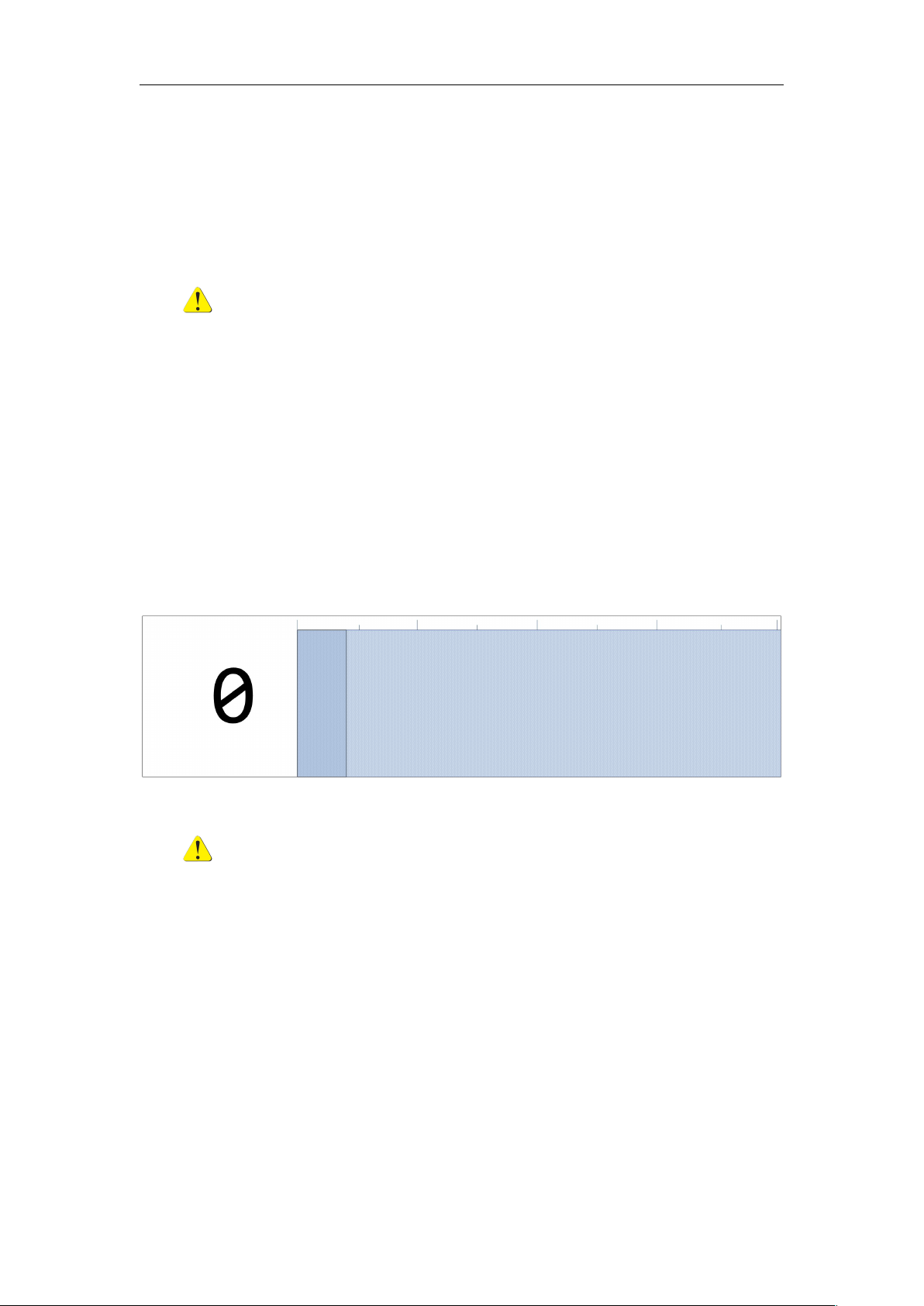
1) Press the ‘Power/Scan’ button to measure (see figure4-1).
Apply the probe to the test site, force out the air and air bubble
between the probe and the test skin.
Figure 4-1 measure menu
Warning: it should be confirmed that the probe is perpendicular
to the test site to avoid incorrect result.
2) If there is no back fat reading in 20 seconds, the information will
be shown on the screen (see figure 4-2). You can press the
‘Power/Scan’ button to measure again.
Inhaltsverzeichnis


