Datacolor 45IR Bedienungsanleitung

Datacolor 45IR User Guide, 5.2014, Version 1.0 (4230-0402M)
1
Datacolor 45IR
User’s Guide

Datacolor 45IR User Guide, 5.2014, Version 1.0 (4230-0402M)
2
Datacolor 45IR User Guide (May, 2014)
All efforts have been made to ensure the accuracy of the information presented in this format. However, should
any errors be detected, Datacolor appreciates your efforts to notify us of these oversights.
Changes are periodically made to this information and are incorporated into forthcoming versions. Datacolor
reserves the right to make improvements and/or changes in the product(s) and/or program(s) described in this
material at any time.
Copyright © 2011 Datacolor. ALL RIGHTS RESERVED. This material may not be reproduced or duplicated, in
whole or in part, without the express written permission of Datacolor.
Microsoft Windows® are registered trademarks of Microsoft Corporation. All other registered trademarks are
the property of their respective owners.
To obtain information on local agents, contact either of the offices listed below, or visit our website at
www.datacolor.com.
Americas (Lawrenceville, NJ)
Telephone: 1 (609) 924 2189 / 1 (800) 982 6496
Fax: 1 (609) 895 7472
Switzerland (Dietlikon)
Telephone: +(41) 1 835 3711
Fax: +(41) 1 835 3820
Asia (Hong Kong)
Telephone: +(852) 2420 8283
Fax: +(852) 2420 8320

Datacolor 45IR User Guide, 5.2014, Version 1.0 (4230-0402M)
3
TABLE of CONTENTS
Cover page ___________________________________________________________________ 1
Copyright ___________________________________________________________________ 2
Table of Contents _____________________________________________________________ 3
Safety Instructions _____________________________________________________________ 5
Introduction _____________________________________________________________ 5
Safety Hazards __________________________________________________________ 5
Care and Usage __________________________________________________________ 6
Production Description __________________________________________________________ 7
Datacolor 45IR Spectrometer-NIR-Densitometer _______________________________ 7
Delivery Configuration ____________________________________________________ 8
Controls ______________________________________________________________________ 9
Datacolor 45IR __________________________________________________________ 9
Power ______________________________________________________________________ 11
AC-DC Converter __________________________________________________________ 11
AC Adapters _____________________________________________________________ 11
Charging Console _______________________________________________________ 12
Connecting Charging Unit _________________________________________________ 12
Switching On and Off ____________________________________________________ 13
Battery ________________________________________________________________ 13
Charging ________________________________________________________________ 14
Control Elements _____________________________________________________________ 16
Calibration _____________________________________________________________ 16
Protecting the Instrument White Standard _____________________________________ 16
Holding the Instrument ____________________________________________________ 17
How to Measure __________________________________________________________ 17
System Firmware _____________________________________________________________ 18
Navigation _____________________________________________________________ 18
Device Settings __________________________________________________________ 19
Calibration _____________________________________________________________ 21
Device Adjustment _______________________________________________________ 22
Setting Density Slope ____________________________________________________ 22
Description of Density Functions ______________________________________________ 24
Densities CMYK __________________________________________________________ 24
Density Graph __________________________________________________________ 25
Description of Colorimetric functions ________________________________________ 26
CIELAB ________________________________________________________________ 26
DE’s Total Color Difference _________________________________________________ 27
CIE Color Circle __________________________________________________________ 28
Remission Curve __________________________________________________________ 28
CIE XYZ ________________________________________________________________ 28
CIELCH ________________________________________________________________ 29

Datacolor 45IR User Guide, 5.2014, Version 1.0 (4230-0402M)
4
Metamerism Index _______________________________________________________ 29
Whiteness / Yellowness ____________________________________________________ 30
Pass / Fail ________________________________________________________________ 30
Averaging & Average Values _________________________________________________ 31
Spatial Sample Averaging _________________________________________________ 32
Obtaining Average Values _________________________________________________ 31
Reference Memory _______________________________________________________ 32
Sample Memory __________________________________________________________ 33
Getting Started ________________________________________________________________ 34
Software Installation Sequence ______________________________________________ 34
Installing Sybase 12.0.1+ ____________________________________________________ 35
Installing Techkon Service _________________________________________________ 35
Installing Datacolor MATCH PIGMENT ________________________________________ 38
Installing Datacolor TOOLS PLUS ______________________________________________ 39
Calibration _____________________________________________________________ 40
Modality Initialization ____________________________________________________ 41
Specifications ________________________________________________________________ 42
Technical Data ________________________________________________________________ 42
Functional ___________________________________________________________________ 42
Physical ______________________________________________________________________ 43
Maintenance ___________________________________________________________________ 44
Care and Maintenance ____________________________________________________ 44
Cleaning Instrument White Standard ________________________________________ 44
Cleaning the Instrument ____________________________________________________ 45
Cleaning the Charging Contacts ______________________________________________ 46
Changing Battery __________________________________________________________ 46
Instrument Reset __________________________________________________________ 46
Standards ___________________________________________________________________ 47
DIN ___________________________________________________________________ 47
ASTM ___________________________________________________________________ 47
FAQ’s _________________________________________________________________________ 48
Further Help ___________________________________________________________________ 48
Glossary ______________________________________________________________________ 48

Datacolor 45IR User Guide, 5.2014, Version 1.0 (4230-0402M)
5
Safety Instructions
Introduction
Please Read the entire manual before charging and/or operating the Datacolor45IR for the first time.
Please pay close attention to these Safety Instructions and the Safety Hazards included in this chapter
Use the unit correctly according to the instructions for safe operation.
Use the product described herein for its intended purpose, only. Otherwise damage to the unit and/or
operating personnel could occur.
Product liability and warranty may not be honored if the product is used in an unsafe manner or not operated in
accordance with the operating instructions and its intended purpose.
Keep these instructions and refer to them periodically and when needed.
Safety Hazards
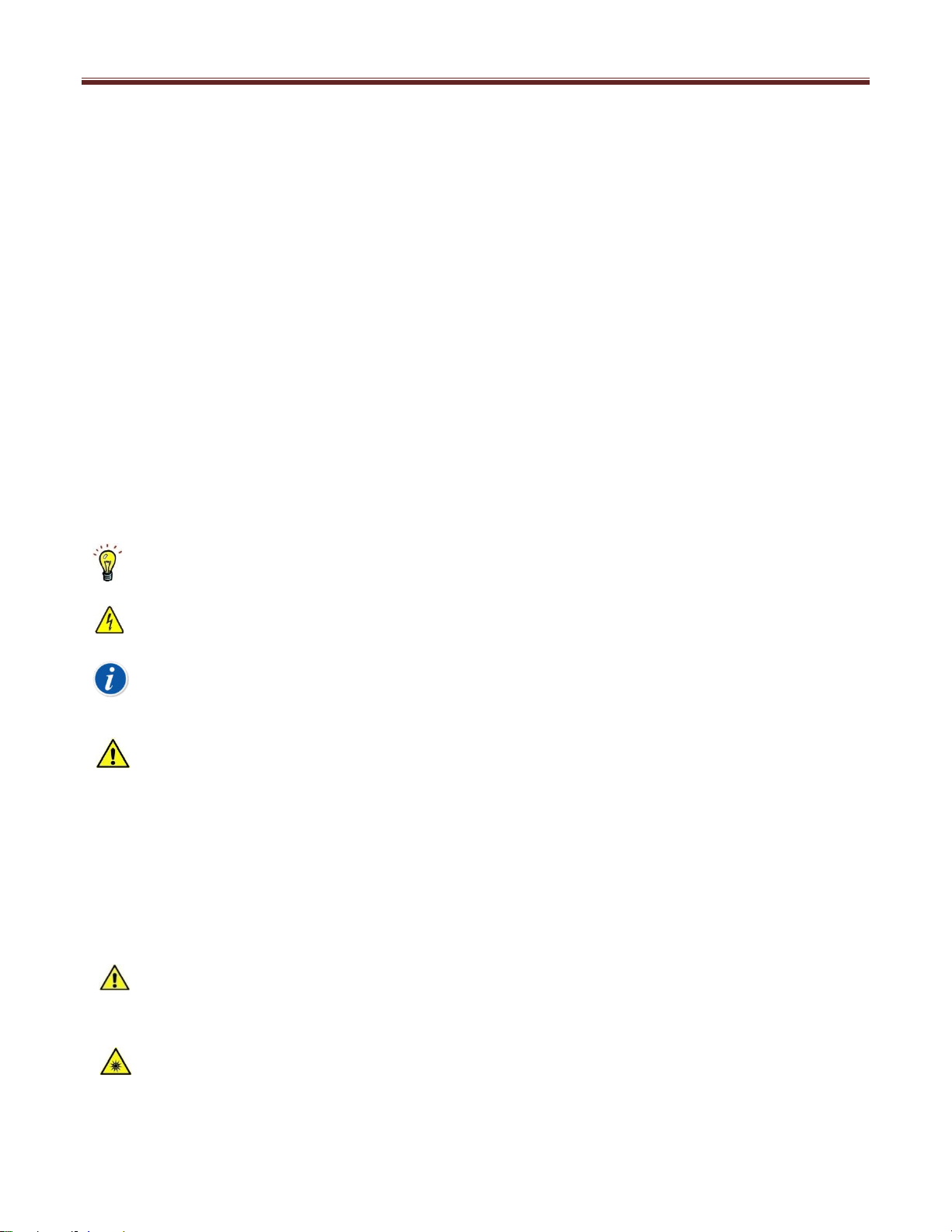
The following symbols are used throughout this document
This is a good idea that may help you.
This sign warns of danger from electricity.
This sign points to additional information.
This sign points to danger.
DANGER
The term DANGER means possible severe injuries, danger to life and product destruction.
WARNING
The term WARNING means harm from injuries and product or material damage
CAUTION
The term CAUTION means slight harm from injuries and product or material damage
PROPER USEAGE
Use the product described herein for its intended purpose, only. Otherwise damage to the unit
and/or operating personnel could occur.
LIGHT SOURCE
Do not stare directly into the open sampling port at the bottom of the instrument. Staring directly
into the source can cause damage to the eye.

Datacolor 45IR User Guide, 5.2014, Version 1.0 (4230-0402M)
6
SERVICING
Disconnect instrument from mains before attempting maintenance or service.
POWER SUPPLY AND CABLING
Use ONLY Datacolor Power Supply and Cabling. Do not use any other Power Supply or cabling to the
Charging Console and the instrument
BATTERY
The battery is replaceable by a Datacolor Service Engineer
Do not store battery above 60oC or 140oF.
Do NOT crush, short circuit, reverse polarity or disassemble battery.
Dispose of battery in accordance with local regulations.
Refer to applicable section in this manual for battery replacement.
CARE & USEAGE
Do NOT drop, bump or shake the unit. It contains precision components that may be damaged.
Avoid exposure to condensing humidity, high humidity or liquids.
Use only Datacolor accessories.
Do NOT allow foreign objects into the measurement opening
Do NOT use solvents to clean the unit. Refer to applicable section in Instruction Manual
Do NOT expose the unit to direct sunlight.
Store instrument in instrument case.

Datacolor 45IR User Guide, 5.2014, Version 1.0 (4230-0402M)
7
Product Description
Datacolor 45IR Spectrometer –NIR –Densitometer
Datacolor presents the Datacolor 45IR - the first instrument of its kind, combining three instruments in one - A
world class spectrometer, a NIR spectroscopic sensor and a densitometer. With superb instrument repeatability
you can measure, quantify and control the color supply chain in the printing of Bank Notes and other secure
documents where color control is critical and fraud protection very important.
The Datacolor 45IR is ideal for use by Bank Note Printers, Security Document Printers, Security Ink
Manufacturers, and National Banks. The Datacolor 45IR adds real value across the color supply chain. The
Datacolor 45IR is useable for color control, color management, formulation and inspection. It is useful to:
Directors of Quality, Lab Managers, Materials Managers, Plant Managers, Print Inspectors, Printing Managers,
Research Directors, QA Managers, QC Managers and Technical Directors.

Datacolor 45IR User Guide, 5.2014, Version 1.0 (4230-0402M)
8
Delivery Configuration
Unpack the Datacolor 45IR and check to ensure that all the components were received. If there is any
discrepancy call Datacolor immediately.
Shipped with:
1. Datacolor 45IR Spectrometer –NIR –Densitometer
2. USB Mini to USB Cable
3. Charging Console with Instrument White Standard
4. Carrying Case (Not Shown)
5. User Guide Manual, Datacolor’s (Not Shown)
6. AC/DC Converter 120/240 AC, 50-60 Hz, 380 mA to 7.5 VDC at 2A
7. AC Adapters (Type A, C, and G)
8. Datacolor User Guide –English (Not shown)
9. Calibration Certificate (Not Shown)
10. Calibration Data White Tile Values (Not Shown)
11. Techkon Service –Installation Flash Drive (Not Shown)
12. Datacolor MATCH PIGMENT Plus (Not Shown)
OR
13. Datacolor MATCH PIGMENT Plus W/S (Not Shown)
OR
14. Datacolor TOOLS PLUS –Installation DVD (Not Shown)
Datacolor 45IR
AC-DC Converter
AC Adapters
USB Cable
Charging Console

Datacolor 45IR User Guide, 5.2014, Version 1.0 (4230-0402M)
9
Controls
Datacolor 45IR
Measurement Head
Navigation Buttons
Display
Measurement Port

Datacolor 45IR User Guide, 5.2014, Version 1.0 (4230-0402M)
10
Charging Console
Measurement Button & On/Off
Measurement Port
Battery Compartment
Retention Screw
Tracking wheels
Charging Contacts
Inhaltsverzeichnis
Andere Datacolor Laborausrüstung Handbücher
Beliebte Laborausrüstung Handbücher anderer Marken

Agilent Technologies
Agilent Technologies 5800 ICP-OES Bedienungsanleitung

Endress+Hauser
Endress+Hauser Cleanfit CPA875 Bedienungsanleitung

NI
NI PXI-5422 Handbuch

Collomix
Collomix Aqix Bedienungsanleitung

SPEX SamplePrep
SPEX SamplePrep 6875 Freezer/Mill Series Bedienungsanleitung

Ocean Insight
Ocean Insight FLAME-NIR+ Bedienungsanleitung

Parker
Parker ALIGN-MG-NA Bedienungsanleitung

BD
BD 644787 Bedienungsanleitung

DENTAURUM
DENTAURUM Compact Megaplus Bedienungsanleitung

Biuged Laboratory Instruments
Biuged Laboratory Instruments BGD 626 Bedienungsanleitung

VWR
VWR SAS Super IAQ Bedienungsanleitung

illumina
illumina MiSeqDx Bedienungsanleitung