Installation instructions and Instructions for use
Subject to technical modifications – Date of Issue May/2023 9
Installation
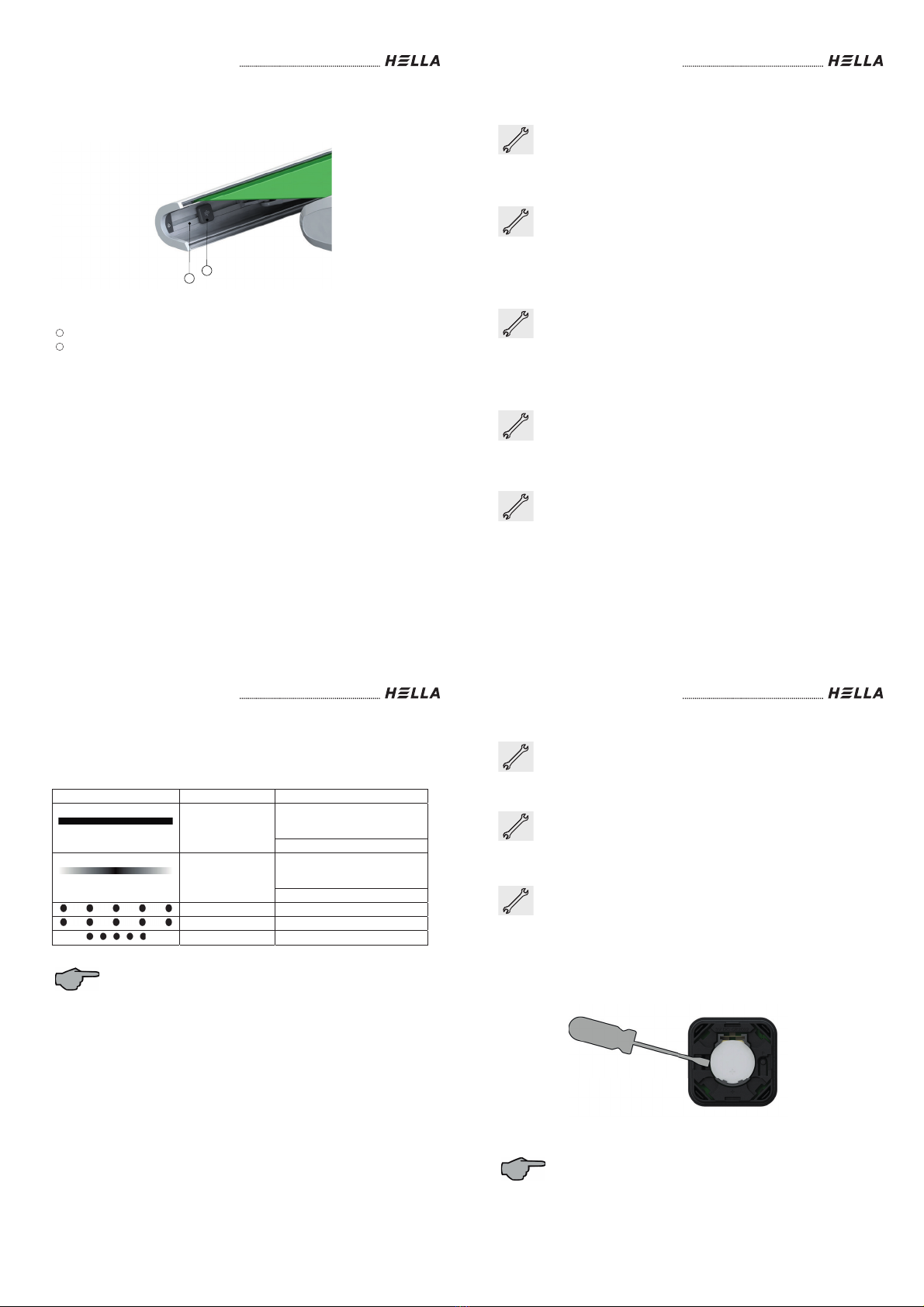
Mounting example
Legend
ONYX.TAG wind
Front rail
1
2
1
2
Installation instructions and Instructions for use
10 Subject to technical modifications – Date of Issue May/2023
Configuration
Before configuring ONYX.TAG wind, download HELLA’s free “ONYX” App
from the App store or Google Play to your smart phone.
Bluetooth must be activated on your smart phone to configure the wind
sensor ONYX.TAG.
Bluetooth is not required for operating the wind sensor later on.
Configuration ONYX.TAG wind without ONYX.CENTER
First, a hand-held radio transmitter / wall-mounted radio transmitter must be
set up according to the respective instructions for use. The important thing
is that the desired awning has already been taught-in before configuring the
ONYX.TAG wind. Now, in “Configure devices” and “+”, scan in the QR code
on the rear side of ONYX.TAG wind. Then follow the instructions on the
screen.
Configuration ONYX.TAG wind with ONYX.CENTER
First of all, ONYX.CENTER must be configured completely according to the
“Instructions for use” enclosed. The important things is that the desired
awning has already been taught-in. The “Configuration mode” in the App
must be activated. You find it under “Settings”. Now, in “Devices” and “+”,
scan in the QR code on the rear side of ONYX.TAG wind. Then follow the
instructions on the screen.
Setting the triggering sensitivity
If an ONYX.CENTER is available, “Configuration mode” must be active in
the settings of the ONYX App on the smart phone. Then go to “Devices”,
then to the pencil symbol next to the respective sensor, then to “Advanced
settings” and finally to “Triggering sensitivity”.
Resetting to factory settings
The wind sensor can be reset to factory settings by holding down the
programming button for more than 10 seconds. The wind sensor flashes red
during this time. After successful reset, the wind sensor flashes green
briefly.
Installation instructions and Instructions for use
Subject to technical modifications – Date of Issue May/2023 11
Status bar
The status bar (3) is provided at the rear side of the Centerbox ONYX.CENTER. The
status bar provides information about the current status and possible error causes of the
Centerbox.
Lights displayed Colour Meaning
Rainbow coloured
Restart after replacing the battery /
by pressing the programming
button
Wind sensor not configured
Green
Restart after replacing the battery /
by pressing the programming
button
Wind sensor configured
white Bluetooth activated
Green Bluetooth activated, unit connected
(5x) red Battery capacity < 10%
The LED status display switches off automatically after some time to save
energy.
Installation instructions and Instructions for use
12 Subject to technical modifications – Date of Issue May/2023
Replacing the battery
To replace the CR2032 button cell, open the cover. Now remove the battery
from the battery holder. If required, use a slotted screwdriver as shown in
the figure below. When replacing the battery, make sure that it is correctly
aligned in the battery holder (“+” of the button cell is facing upwards when
inserted).
Battery replacement mode ONYX.TAG wind without ONYX.CENTER
When using without ONYX.CENTER, the battery replacement mode is
automatically activated when the battery is empty. The awning will thus
retract and can be extended for 6 seconds.
Battery replacement mode ONYX.TAG wind with ONYX.CENTER
If the awning is retracted and the wind sensor is not accessible, the “battery
replacement mode” can be activated in the “ONYX” App on the smart phone
when using ONYX.CENTER. The “Configuration mode” must be active in
the settings for this purpose. Then go to “Devices”, then to the pencil
symbol next to the respective sensor, then to “Advanced settings” and
finally to “Battery replacement mode”. In battery replacement mode, the
awning can be extended to a freely selectable position, to be able to
remove the sensor.
Ideal use of the radio signal
Radio systems that send on the same frequency may cause interference
with reception.
It must be considered that the range of the radio signal is limited by
statutory regulations and structural measures.