
NetPromax DIGITAL VIDEO RECORDER 1 - V 1.3 Bedienungsanleitung
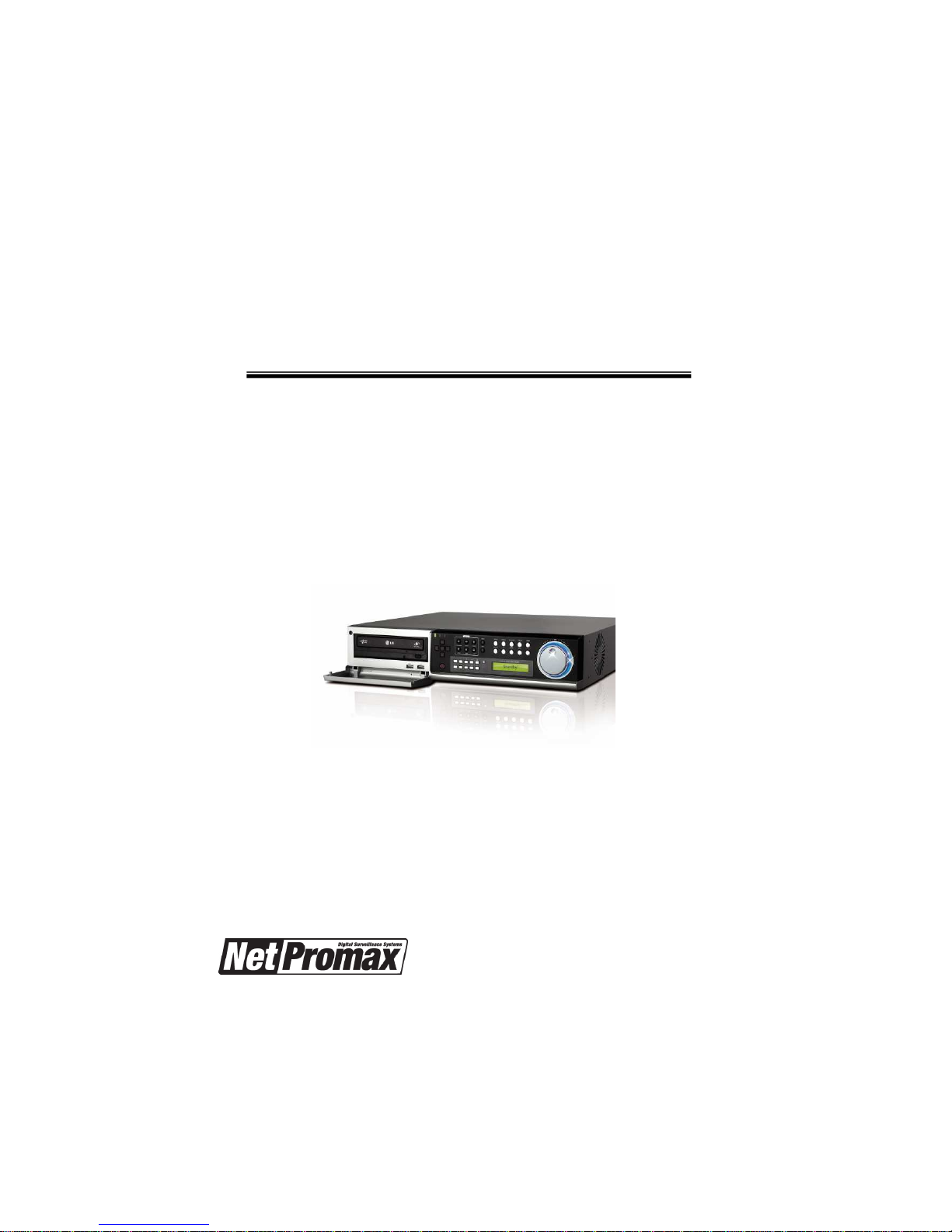
DIGITAL VIDEO RECORDER
OPERATION MANUAL (REV.1.3)
2
Safety precautions
Install this equipment avoiding a direct ray of light, heats and moistures.
-Doing not, can result in lowering efficiency, electric shock or fire.
Do not pull electric wire or do not touch power plug with wet hands.
-Can result in electric shock or fire.
Do not bend the power cable forcedly or do not press it with heavy materials.
-Can result in electric shock or fire.
Do not use damaged power cord or loose outlet plug.
-Can result in electric shock or fire.
Do not use the outlet fully.
-Can result in electronic shock or fire.
Do not disassemble, repair or convert this product without permission.
-Can result in electric shock or fire. When repair is required, contact the service center.
Do not open the cover of the product at your convenience or do not insert
inductive stick
into the ventilation hole.
-Especially, SMPS is open, so only professional technicians are allowed to work on.
Failure to follow these instructions could result in serious personal
injury or death.
Failure to follow these instructions could result in personal injury or
property damage.
Notifies user of references to use conveniently.

3
Safety precautions
Do not place equipment on the inclined or uneven plane.
-Can cause lowering of efficiency or malfunction.
Do not vibrate or shock in operation.
-Can cause out of order with equipment and hard disk (HDD).
be caution that do not cover the ventilation hole of HDD or put liquid into the equipment.
-may cause out of order of equipment and hard disk drive (HDD)
Battery Caution : “Risk of Explosion if Battery is replaced by an Incorrect Type.
Dispose of Used Batteries According to the Instructions.”
Caution : Any changes or modifications in construction of this device which are not expressly
approved by the party responsible for compliance could void the user's authority to operate
the equipment.
Note : This equipment has been tested and found to comply with the limits for a Class A
digital device,
pursuant to part 15 of the FCC Rules. These limits are designed to provide reasonable
Protection against harmful interference when the equipment is operated in a commercial
environment.
This equipment generates, uses, and can radiate radio frequency energy and, if not installed
and used in accordance with the instruction manual, may cause harmful interference to radio
communications.
Operation of this equipment in a residential area is likely to cause harmful interference in which
case the user will be required to correct the interference at his own expense
4
Contents
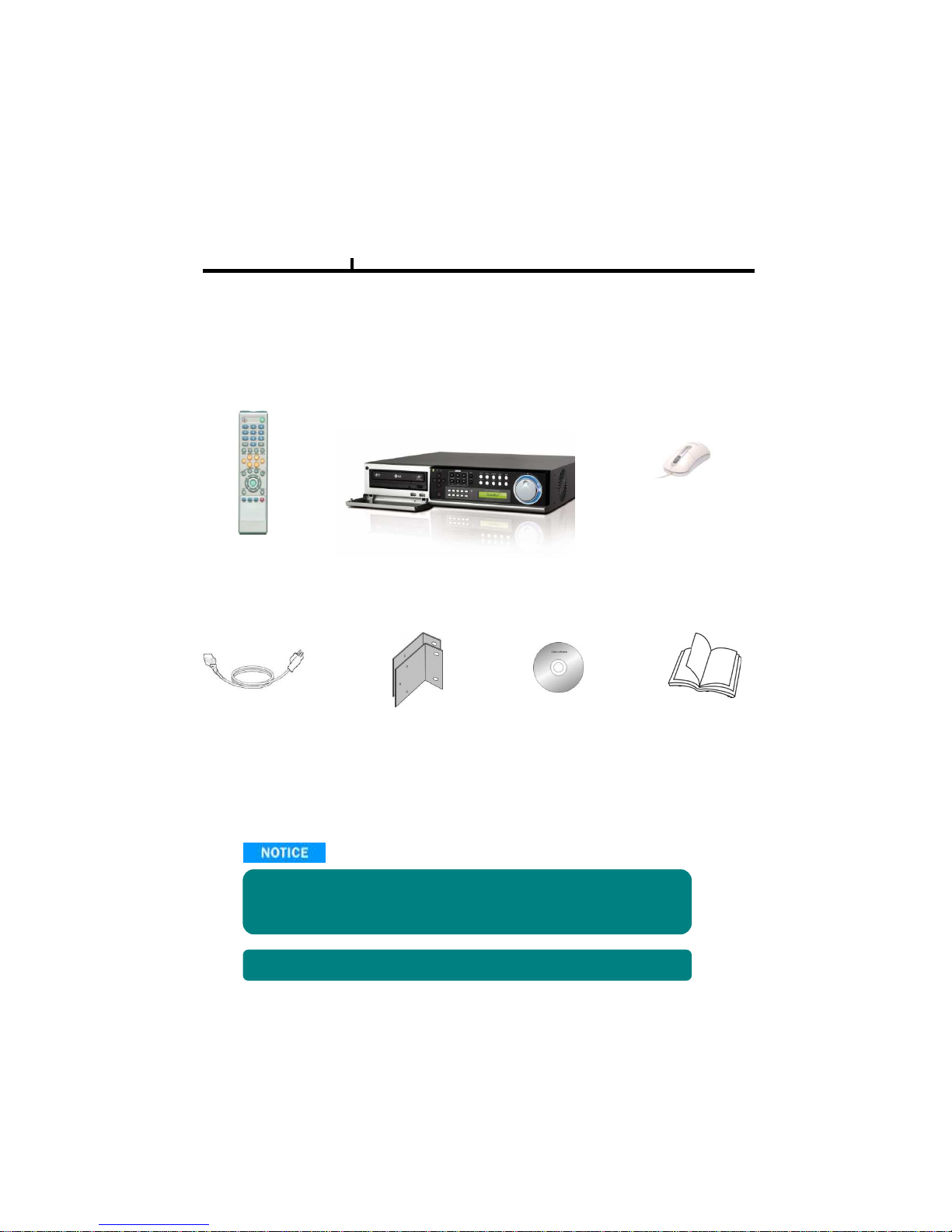
Remote Controller
Power Cord Set
USB Mouse (option)
Software CD Operation Manual
Open the box at the clean and even place. And read operation manual thoroughly before you install.
Check the items supplied with your DVR system. Refer to the picture above
and contact your dealer if you find anything is missing or damaged.
The specification and appearance may be changed without prior notice.
Rack Mount
DVR Mainframe

5
Chapter I. System overview
System Specificaiton--------------------------------------------------------------------------------8
System Characteristics-----------------------------------------------------------------------------9
Chapter II. H/W description
System Appearance-------------------------------------------------------------------------------11
DVR Rear Panel------------------------------------------------------------------------------------12
System Rear Connection detail----------------------------------------------------------------14
System Front Descriptipon----------------------------------------------------------------------17
Remote Control Description---------------------------------------------------------------------18
Installation Guide for HDD & ODD devices --------------------------------------------19,20
System on / shutdown----------------------------------------------------------------------------21
Chapter III. Monitoring Screen
Monitoring Screen---------------------------------------------------------------------------------23
Screen split, login----------------------------------------------------------------------------------24
Menu – Dispay--------------------------------------------------------------------------------------25
Menu – Spot, PTZ, Alarm------------------------------------------------------------------------26
Menu – Status--------------------------------------------------------------------------------------27
Menu – Record, Camera, Color, OSD-------------------------------------------------------28
Menu – Backup-------------------------------------------------------------------------------------29
Menu – Mute, Logout-----------------------------------------------------------------------------30
Chapter IV. Setup
System------------------------------------------------------------------------------------------------32
System – Information----------------------------------------------------------------------------33
System – Date/Time-----------------------------------------------------------------------------34
System – Disk-------------------------------------------------------------------------------------35
System – User------------------------------------------------------------------------------------36
System – Log, Logout, Shutdown-----------------------------------------------------------37
Network-----------------------------------------------------------------------------------------------38
Network – LAN------------------------------------------------------------------------------------39
Network – DDNS---------------------------------------------------------------------------------40
Network – Email----------------------------------------------------------------------------------41
Network – Callback------------------------------------------------------------------------------42
Device-------------------------------------------------------------------------------------------------43
Device – Camera---------------------------------------------------------------------------------44
Device – Alarm / Main Monitor----------------------------------------------------------------45
Device– Display / Spot Monitor---------------------------------------------------------------46
Device – Micellaneous--------------------------------------------------------------------------47
Record------------------------------------------------------------------------------------------------48
Record – Record policy / Record------------------------------------------------------------49
Event--------------------------------------------------------------------------------------------------50
Event – Motion------------------------------------------------------------------------------------51
Event – Sensor------------------------------------------------------------------------------------52
Event – Video loss-------------------------------------------------------------------------------53
Event – System-----------------------------------------------------------------------------------54
Index

6
Chapter V. Search
Search screen--------------------------------------------------------------------------------------56
Menu – Display / Calendar search------------------------------------------------------------57
Menu – Event search / Date / Time search------- ----------------------------------------58
Menu – First, Last, Bookmark------------------------------------------------------------------59
Menu – Local device / Backup device-------------------------------------------------------60
Chapter VI. Client program
REMOTE---------------------------------------------------------------------------------------------62
Connection Info / Button-------------------------------------------------------------------------63
Program Info & Setup-----------------------------------------------------------------------------64
Icon Adjustment------------------------------------------------------------------------------------65
Remote search execute & setup--------------------------------------------------------------66
Menu – Remote setup (Camera)--------------------------------------------------------------67
Menu – Remote setup (Alarm)-----------------------------------------------------------------68
Menu – Remote setup (Record)---------------------------------------------------------------69
Menu – Remote setup (Record table)--------------------------------------------------------70
Menu – Remote setup (Record policy)-------------------------------------------------------71
Menu – Remote setup (Motion)----------------------------------------------------------------72
Menu – Remote setup (Motion link)----------------------------------------------------------73
Menu – Remote setup (Sensor)---------------------------------------------------------------74
Menu – Remote setup (Sensor link)----------------------------------------------------------75
Menu – Remote setup (Video loss)-----------------------------------------------------------76
Menu – Remote setup (Video loss link)------------------------------------------------------77
Menu – Remote setup (Sytem)----------------------------------------------------------------78
Menu – Remote setup (Disk error/S.M.A.R.T)---------------------------------------------79
Menu – Remote setup (Disk error/S.M.A.R.T link)----------------------------------------80
Play & Pause / Audio transmission / Mouse click to right------------------------------81
Channel button/Layout change button-------------------------------------------------------82
PTZoperation----------------------------------------------------------------------------------------83
Remote search (Image playback screen / Section)--------------------------------------84
Remote search (Hotkey & Event search)---------------------------------------------------85
Remote search (Connection info / button / playback button)--------------------------86
Remote search (Split screen change / Audio / Image control button)---------------87
Remote search (Saving related button)-----------------------------------------------------88
Remote search (Preview)------------------------------------------------------------------------89
Remote search (Mouse click to right)--------------------------------------------------------90
Remote search (Time table)--------------------------------------------------------------------91
Backup playback-----------------------------------------------------------------------------------92
PLAYER----------------------------------------------------------------------------------------------93
Chapter VII. APPENDIX
Front Key---------------------------------------------------------------------------------------------97
Hot Key-----------------------------------------------------------------------------------------------98
Product Warranty----------------------------------------------------------------------------------99
Index

7
Chapter-I. System Overview

8
LXP-400 LXP-900 LXP-1600
Video IN / Loop Out 4/4 9/9 16/16
Video Display 1, 4 1, 4, 9 1, 4, 9, 16
Monitor Out 1 h Composition / 1 h S-Video
VGA Out 1 h
Spot Out 2 h
Audio In/Out 4 in / 1 out
Audio Compression G.723
Display Resolution 720x480
Re ording Resolution 720x480, 720x240, 360x240
Video Compression Mpeg4 Level 1,2,3
Display
Frame
NTSC 120fps 270fps 480fps
PAL 100fps 225fps 400fps
Re ord
Frame
NTSC 120fps 240fps 480fps
PAL 100fps 200fps 400fps
Playba k
Frame
NTSC 120fps 240fps 240fps
PAL 100fps 200fps 200fps
OS Embedded Linux
Network 10/100 BaseT(1EA)
USB USB2.0 (Front 2EA, Rear 1EA)
EIDE 2 h (Max 4EA HDD)
Console RS232C
PTZ RS485
Alarm Fun tion (In/Out) 4/4 8/4 16/4
Front Key 34 Key, Jog/Shuttle
Remote ontroller ID Remote ontroller
Wat hdog / Power monitor Yes
LCD 16X1 Line green ba k LCD
Front LED Power, Network, HDD
Dimension 435(W) x 425(D) x 87(H) mm
Operation temp. 0~45℃
Operation humidity 5~85%
Weight 7kg (Without CDRW, HDD)
Power Mi ro ATX 115/230VAC, 60/50Hz, 6/3A
Chapter I
System Specification
9
System Characteristics
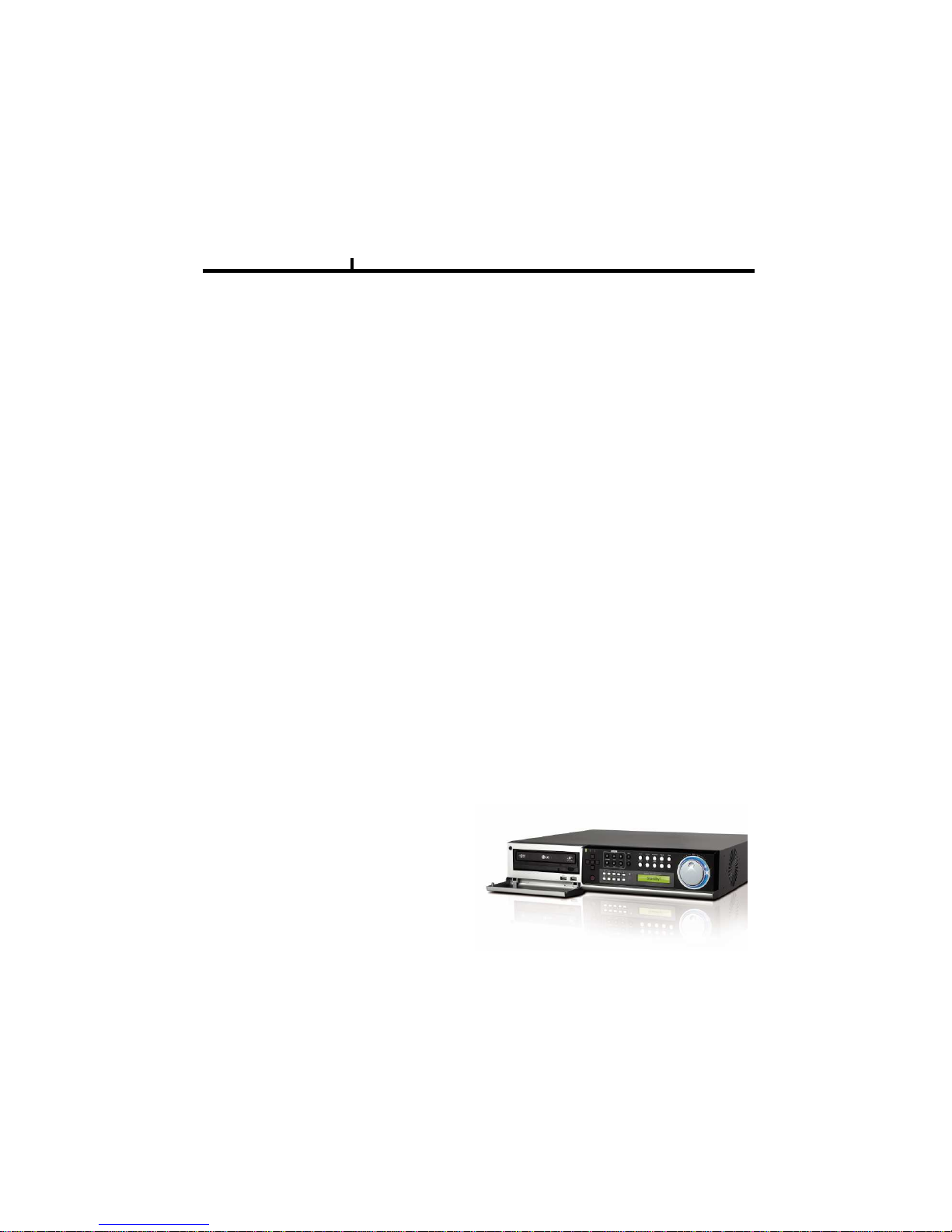
480FPS real-time recording – 16ch / CIF(360*240 at NTSC) standard
High level specification with elegance design and jog/shuttle, easy UI with LCD
Control recording resolution, quality, frame rate by each camera
USB mouse supported
LIVE screen editing, Digital zoom, SPOT monitor supported
Event / Panic / Schedule record, optimized record mode supported
Diversified search by Time, Calendar, Event supported
Diversified backup by USB2.0 and DVD-RW supported
Convenient backup by AVI , Mini viewer etc
10/100 Base-T network
DDNS, NTP, E-MAIL, CALLBACK functions
DISK ID, S.M.A.R.T functions, real-time disk health check
Multi-language supported
Intensive security function by chosen AUTHORITY
Diversified network program by LIVE, SEARCH, CMS, AGENT
Chapter I

10
Chapter-II. H/W Description
Dieses Handbuch passt für folgende Modelle
5
Inhaltsverzeichnis


